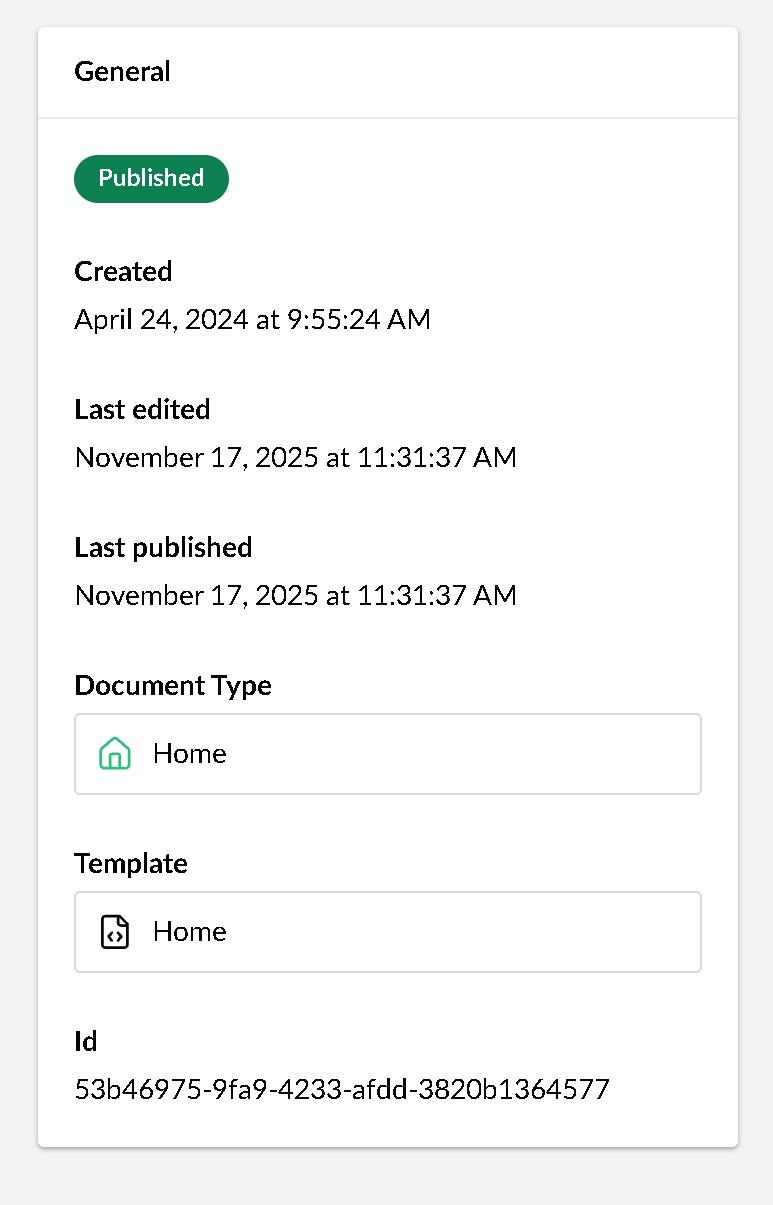
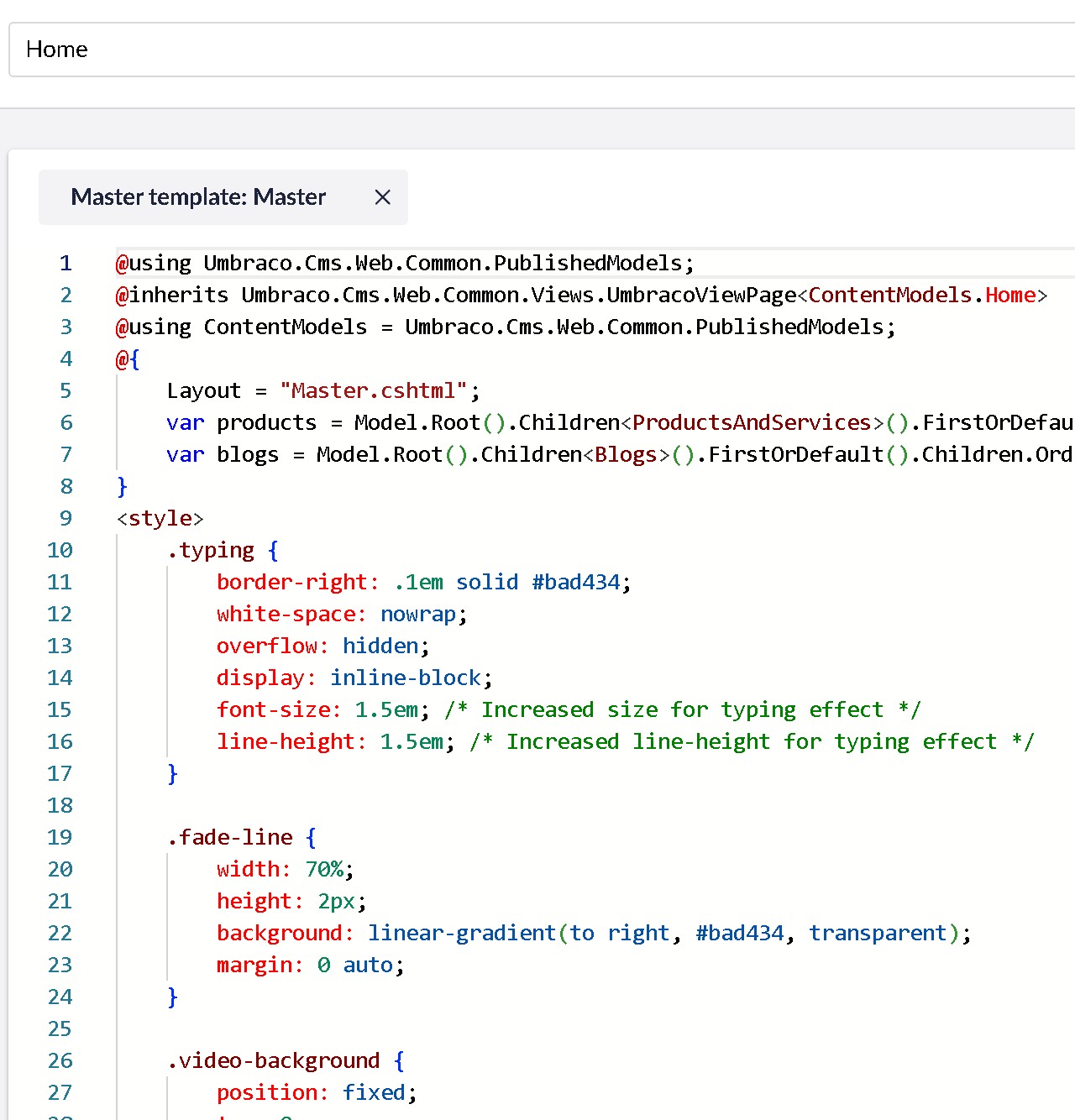
I have just upgrade small personal Umbraco 16.3 site to v17-rc2 on my local machine, but on every front page, I get: **No physical template file was found for template.
**
Umbraco, uSync, I used also Smidge in v16, those are on latest versions, upgraded to NET10, rebuilt models, still nothing. Views seem perfectly fine in their folder. Any docs I should check?
Hi, I also ran in to this issue last night when playing with a site on RC2. Still trying to work out what is going on. Nothing reported on the Umbraco Issues tracker but hopefully someone who knows the cause can help Sorry, just posting as I’m interested to find out what is going on.
If you use InMemoryAuto models builder, or rely on Razor runtime compilation for editing templates via the backoffice, you need to reference the Umbraco.Cms.DevelopmentMode.Backoffice package.
If using models builder with one of the source code modes (that is, not InMemoryAuto), you do not need to reference the Umbraco.Cms.DevelopmentMode.Backoffice package. However, ensure the following settings are removed from your .csproj file:
If you use the RoslynCompiler class in Umbraco, you need to reference the Umbraco.Cms.DevelopmentMode.Backoffice package and update your namespace usings.
Ahhhh, now I read this last night and clearly skim read it as I presumed I HAD to have those settings
Now changed models type and removed that and it seems to work.
I ran into this as well, upgrading a site from v16.
After endless amounts of “why can it not see the files, they’re right there!”, I finally tried to create a blank v17 site and compared the .csproj files… the blank site included a reference the nuget package Umbraco.Cms.DevelopmentMode.Backoffice as well, and as soon as I added that everything worked again. Phew… almost lost it there
 Sorry, just posting as I’m interested to find out what is going on.
