Sorry for the late reply, been so busy.
All the google interface stuff and the documentation is just a hot mess these days. Multiple documents on the same thing with some out of date and different information and I just hate all the UI stuff for all their dashboards.
As I mentioned I have a working custom workflow solution in place using the new stuff.
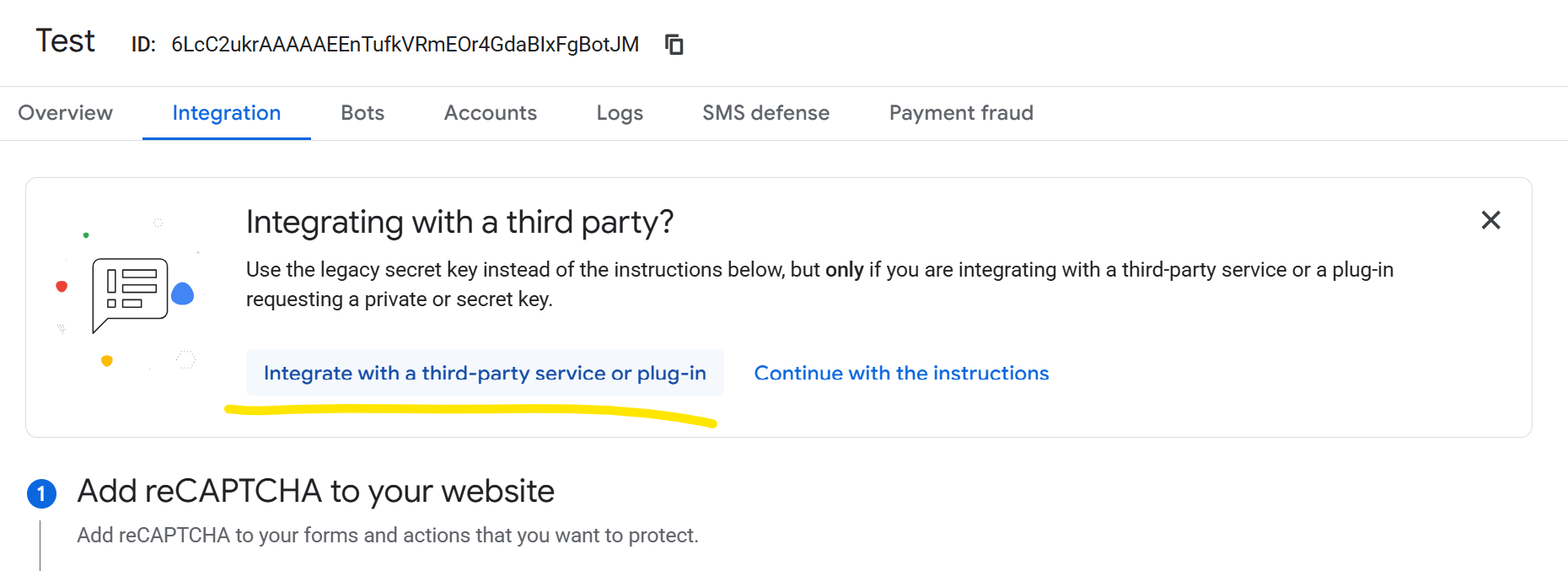
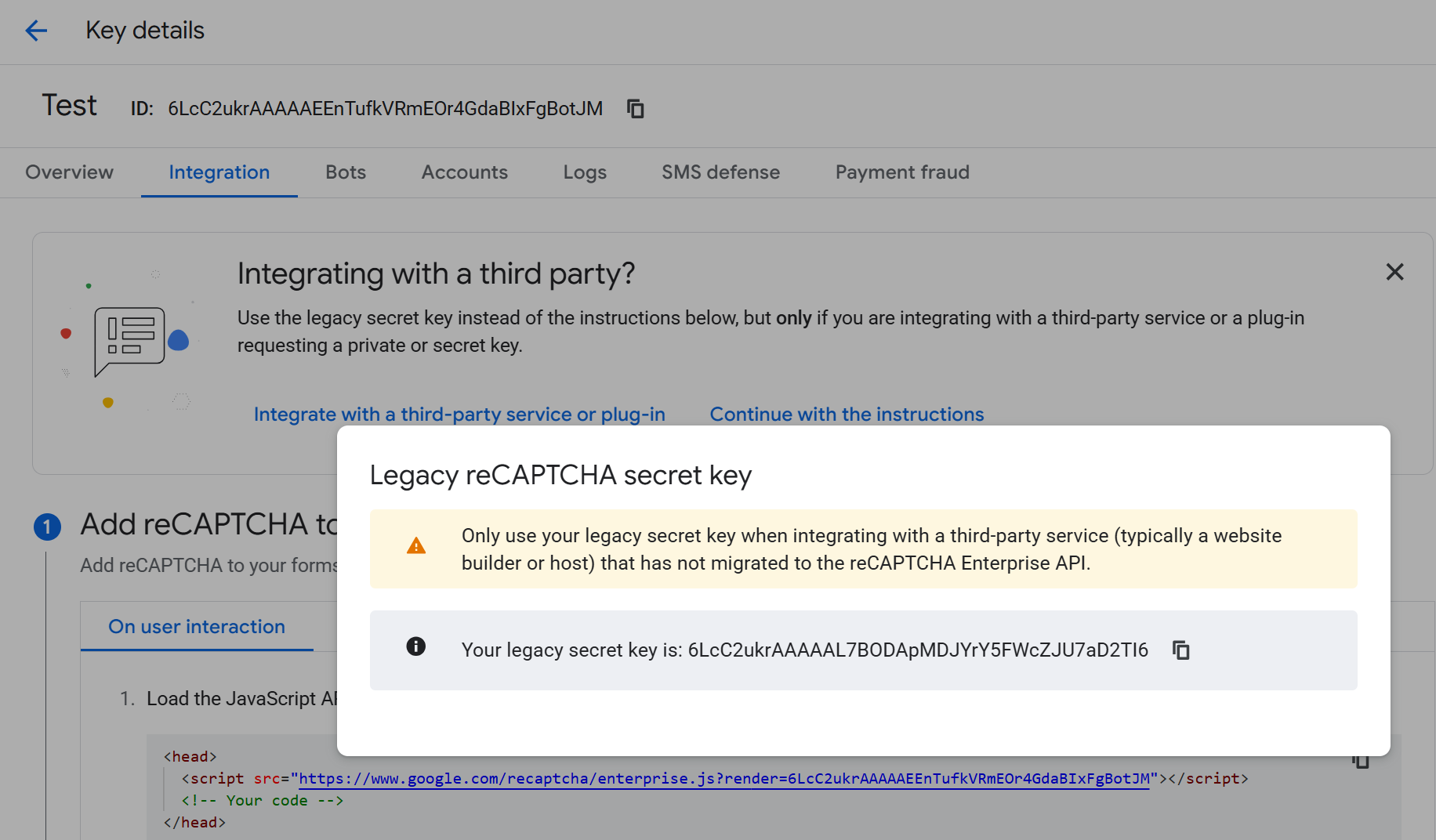
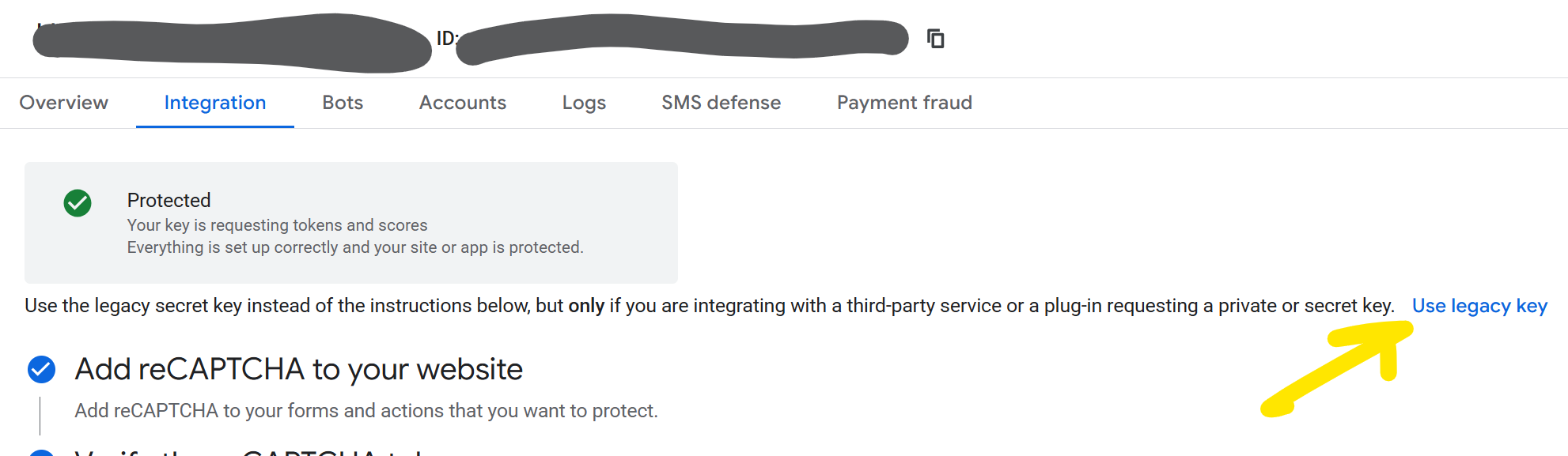
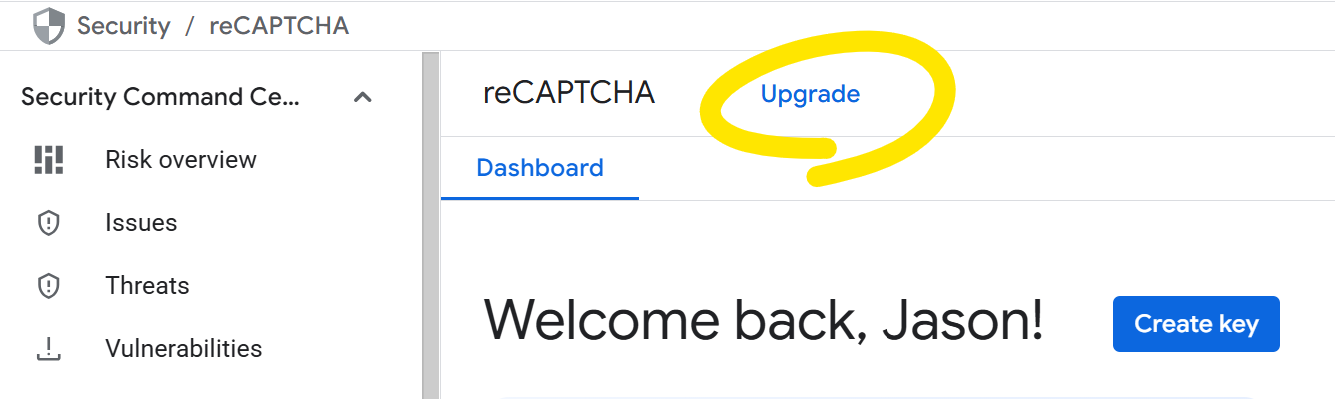
While Jason Elkin has shown he can get a legacy key I tried doing the same and 100% do not get this. There must be some legacy account use case for this but eventually if you are lucky to get that option it will eventually not be there.
When I have new accounts you only get the new key generation.
You still have a site key
You have to do this new pre-check from the source with Google as per the documentation to get a response back.
The Script URL is now this - https://www.google.com/recaptcha/enterprise.js?render=SITEKEY
<input type="hidden" id="@inputId" name="g-recaptcha-response" class="recaptcha-hidden-input" />
<div class="recaptcha-sitekey" data-sitekey="@siteKey"></div>
The Main Javascript component is similar but does differ
 await window.grecaptcha.enterprise.ready(async () => {

 const token = await window.grecaptcha.enterprise.execute(siteKey, { action: 'LOGIN' });
Server side now you just have:
https url of - recaptchaenterprise.googleapis.com/v1/projects/{projectId}/assessments?key={apiKey}
Your JSON package is basically:
token = token,
siteKey = siteKey,
expectedAction = “LOGIN”
And you get a response.
Nothing will work unless you do the pre-authorisation Login at least though. I had to make a bit of an extra Javascript post request on the site to get it going.
So for Umbraco forms….
- New backend method not using the site and secret process
- Some form of initial setup with the pre-authorisation done. What I said in Github was that it is probably a good time to introduce the forms setting dashboard and include this and can grow for global form configuration to be in there going forward.
- The fieldtype is with the score
- Slightly different Javascript and if updating that probably raw script not jQuery.
A seperate form field type like what I done for my custom solution called “reCaptcha V3 Enterprise” can just be added with a different process to keep the other legacy solutions in place as well.