Hi, we have a v17 build where we’re setting up the Workflow package for the first time. We’ll be using the free version initially but have also been testing with the test licence in a local debug version just as a comparison to see how the two compare.
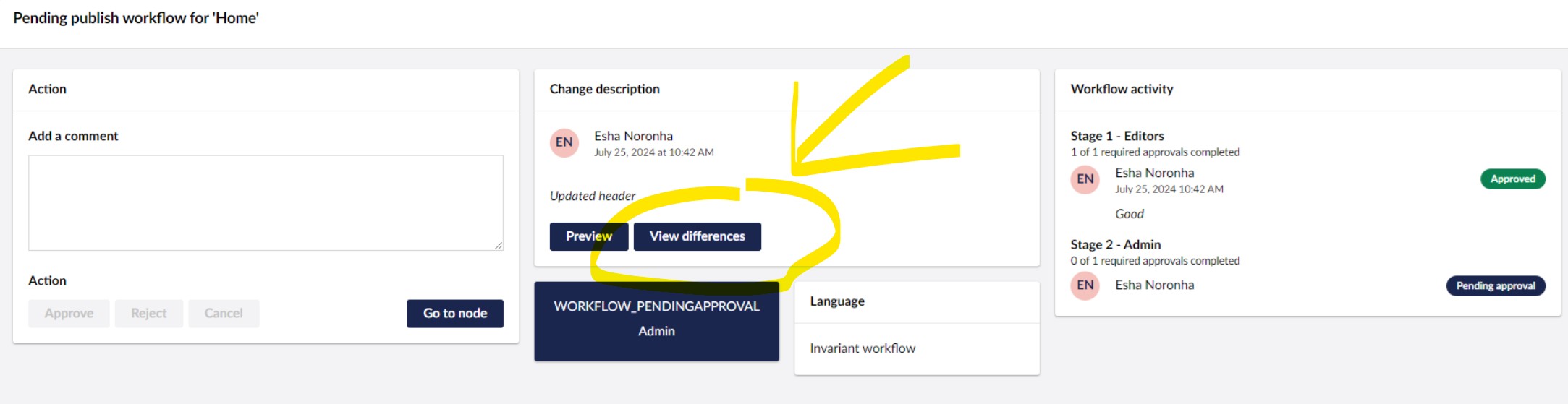
One thing I’ve been struggling to find is the “View differences” button (circled in image below) when reviewing an update for approval. Even with the test licence in place, when reviewing a particular update in Workflow, I only ever see the “Preview” button which doesn’t really highlight what’s been changed.
After an Approval Request has been Accepted, I can then see the “View Differences” button in the Workflow History but it’s less useful there as the change has already been confirmed and technically can be spotted via the Rollback tool as well. Currently the only way I can see to do similar, and it might be the only way on the free version, is to use the Rollback function and tell the client that the latest publish can indicate the changes by inverting what’s shown highlighted green and red.
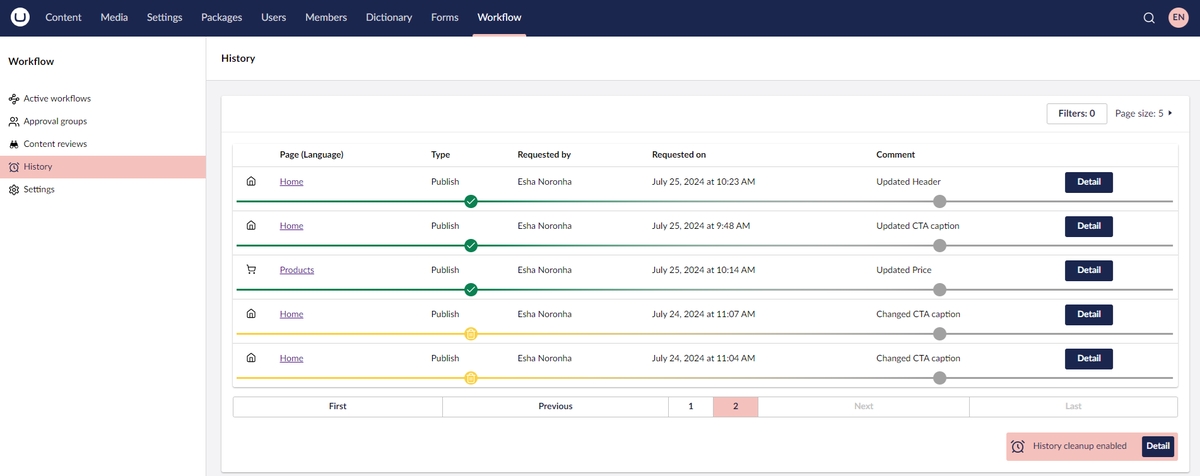
Also, on a separate point, has the UI changed from the full coloured bar indicating current review state as can be seen in the docs image below?