Which UI Library version is for U13 LTS?
Thanks.
Which UI Library version is for U13 LTS?
Thanks.
The Umbraco UI library is built for Umbraco v14 and up. You can use the current version Umbraco UI library in v13 (or anywhere else) if you want, as it is a set of web components.
Although it’s probably an older version, but Umbraco 13 actually ships with the UI library, right? So you can use it without installing anything.
I think it’s used in the Umbraco.Web.UI.Login only yeah.
Edit: Oh it’s also in Umbraco.Web.UI.Client, v 1.13.0 according to packages.json.
Yes, when building some packages in Umbraco 13 I tried to use the UUI library as much as possible to make the upgrade later a bit easier. Although AngularJs doesn’t play very nice with web components, it wasn’t too bad either.
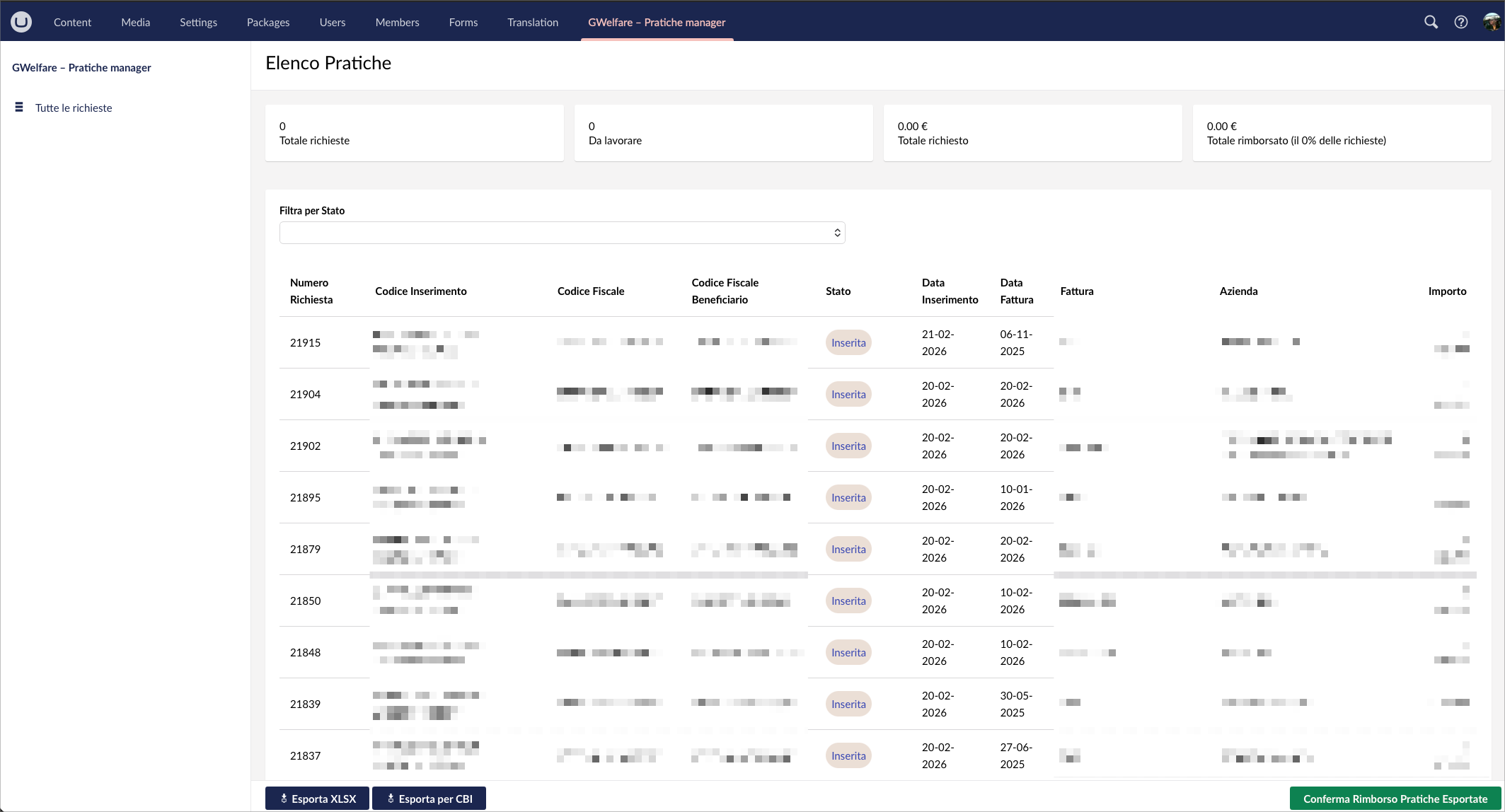
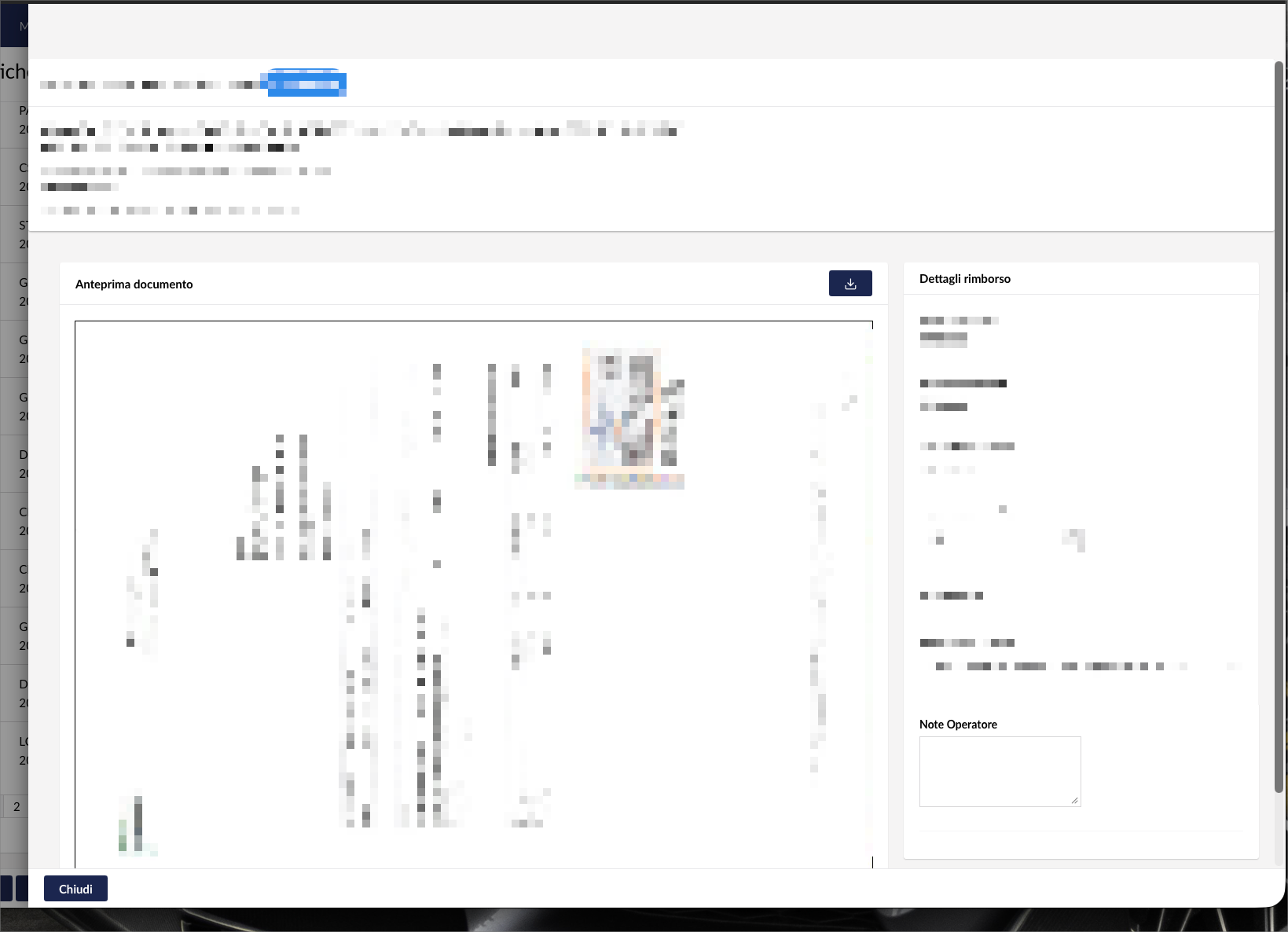
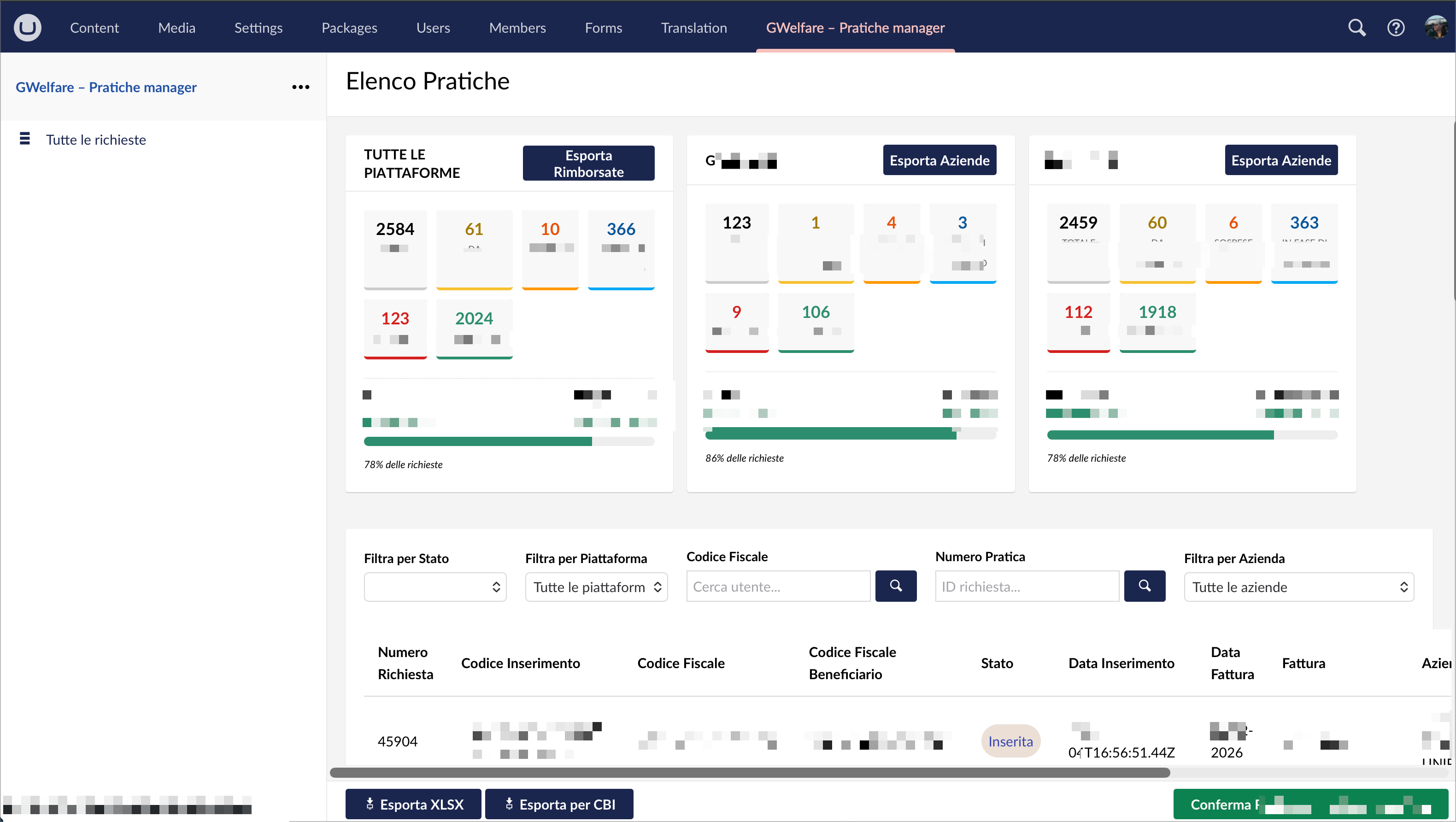
Hi, I’ use Umbraco 13.6. We are building a CRM/DM for a welfare company with NextJS UI as front end and Umbraco as backend with some custom components and a custom plugins to manage the requests, subscriptions, payments, products, local and plus Auth0 logins, data exchange with other big welfare platforms…
Hi,
There is’nt a good documentation about the componente and a out the layout.
I want to organize the central content in 2 rows with 2 columns 80/20.
How to? Is there an example?
Thanks.
The components themselves are all documented here:
Thanks, but I don’t see a description and code for the layout composition ( columns and rows ).
That does not exist in the UI library. Honestly, we didn’t think people needed components for two lines of CSS:
.container {
  display: grid;
  grid-template: auto / 80% 20%; /* auto rows, 2 columns (80/20) */
}
That could be wrapped up into a Lit element, if you want to. In that case, the render method should include a slot-element to render children of the layout, and the CSS could apply to ::slotted content.
Thanks but I think that will be good if put also a layout row / columns components to uniform the interfaces. I’ll try your suggestion. I’m use U13.6 LTS.