After running a content report in uSync, users are normally able to import individual content items which have been updated. We are encountering inconsistencies with this functionality recently which are hard to explain - some environments (my local dev) have this feature, but others (another developer, new test environment) do not.
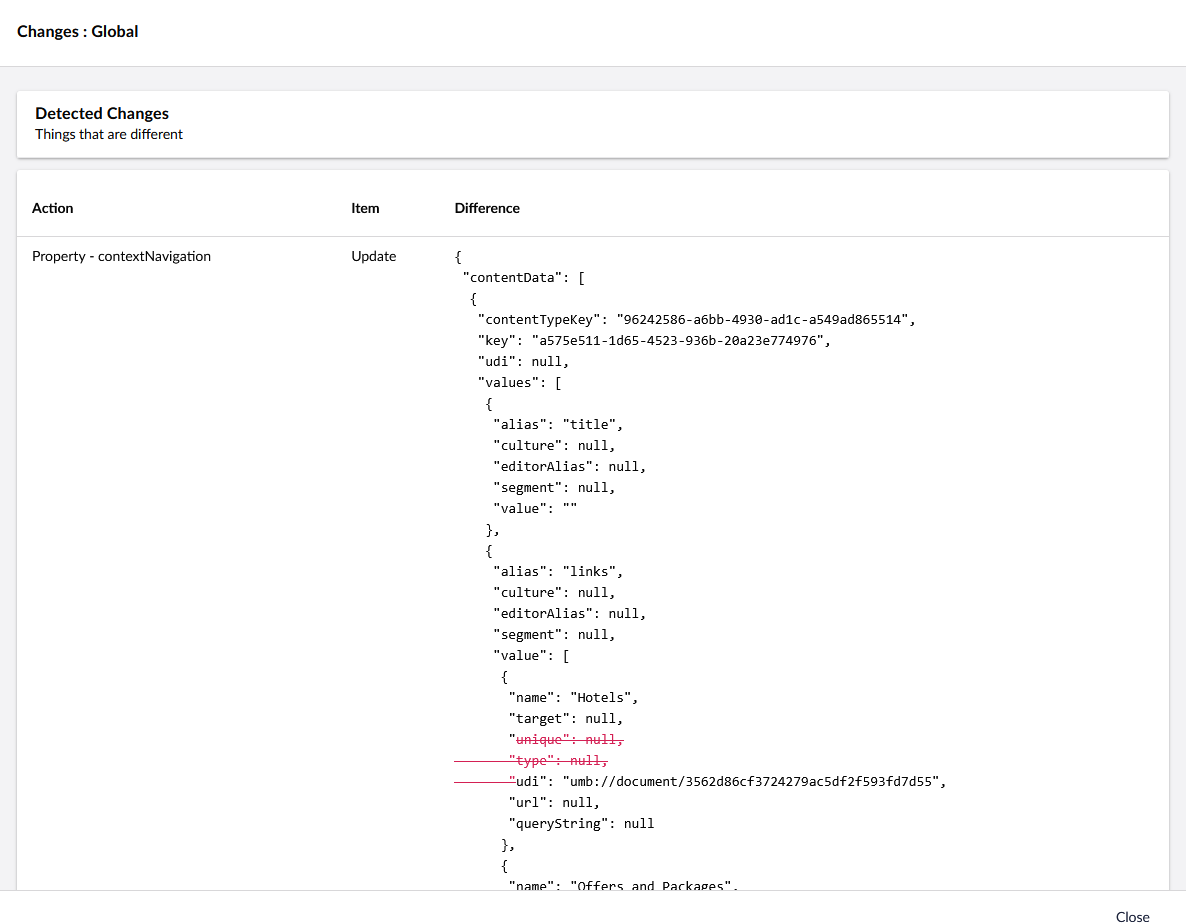
In my local environment, I am able to see the “Import” action when viewing the Change details of an individual content item - however another developer working from the same codebase does not have this same action available to them. In addition to this, the feature is missing on a new test environment we have deployed to within Azure app services, but worked fine in the previous test environment within an Azure VM running IIS.
Does anybody know what determines if the individual Import feature is available after running a report? We recently upgraded from v16 to v17 which I thought could be related, but I am running v17 locally and it works for me.
the Import button on the v14+ version of uSync is relatively new - but i think it’s been there for all of v17 . (so maybe a browser caching issue on upgraded sites, but opening it with devtools open should allow you to check that?)
It doesn’t show on all details views, if you have say uSync.Complete in, i don’t think you see it when you look at the details via uSync.Exporter or uSync.Publisher, but for core uSync it “should” always be there. for anything reported as an “Create”, “Update” or “import”.
the button doesn’t show if no-change has been detected on an item
if it was v13 i would say it might be a JSON case thing, but i haven’t seen anything like that with the new backoffice and v17.
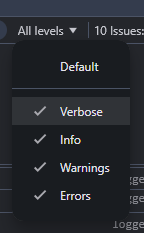
if you go to the browser devtool, and console and change the logging level to verbose
Hi there, apologies for the delayed response but this issue is occurring again - the Report indicates that Updates are available, but the individual “Import” feature isn’t available.
So being looking into this, on an older site (pre v14) I would have said their is probibly a global JSON setting (in newtonsoft) somewhere that is overridding things.
I am not sure if that still applies to v14+ (with System.Text.Json) but just to be sure we’ve gone through and made sure we are explitity settings the Enum string converter for all the enums that go back to the client.
so v17.0.4 contains this code. and i am hopefull it will fix it (but i wan’t able to reproduce the error, so it’s a little bit of a guess).
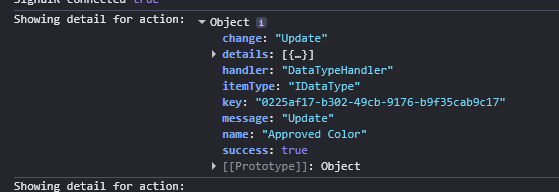
Thanks very much for this @KevinJump - after updating and deploying to the affected environment, the “Import” feature is available again, and I can see the “Change” field coming back as a string instead of a number now.
 . (so maybe a browser caching issue on upgraded sites, but opening it with devtools open should allow you to check that?)