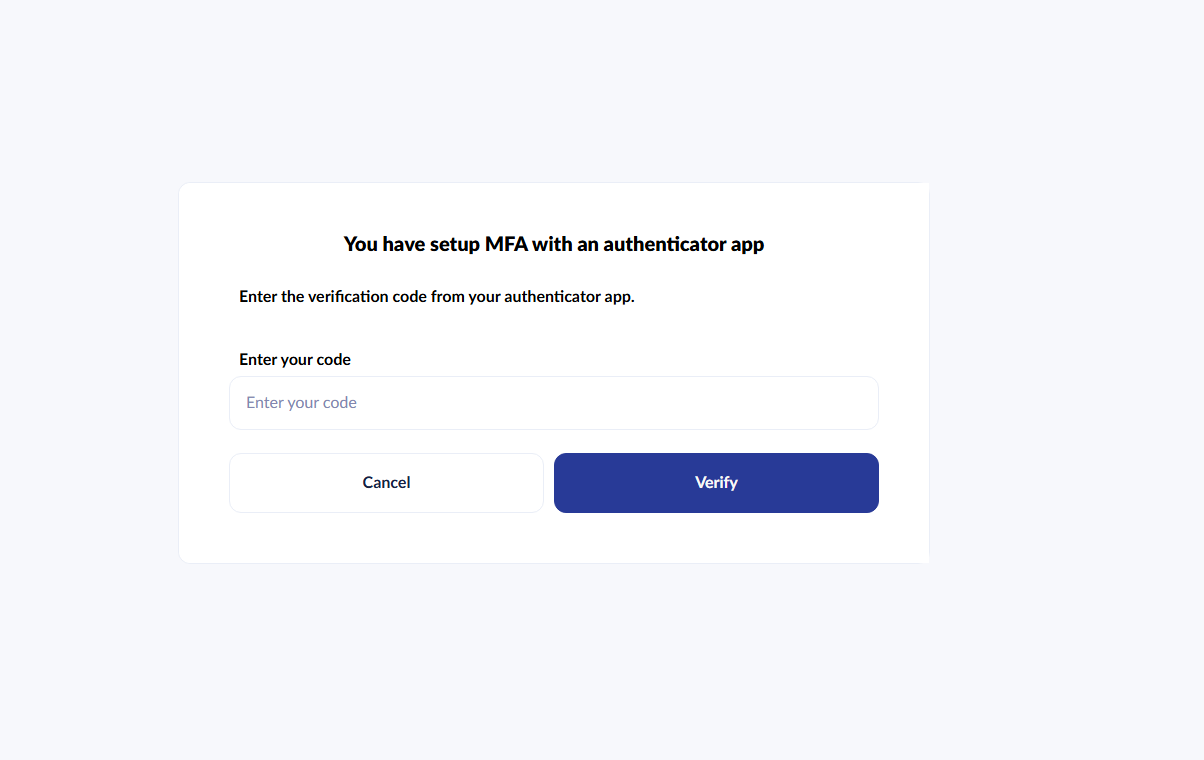
I have an issue with a particular user within the back office, they are trying to login but when they enter their username and password, they are being presented with this screen
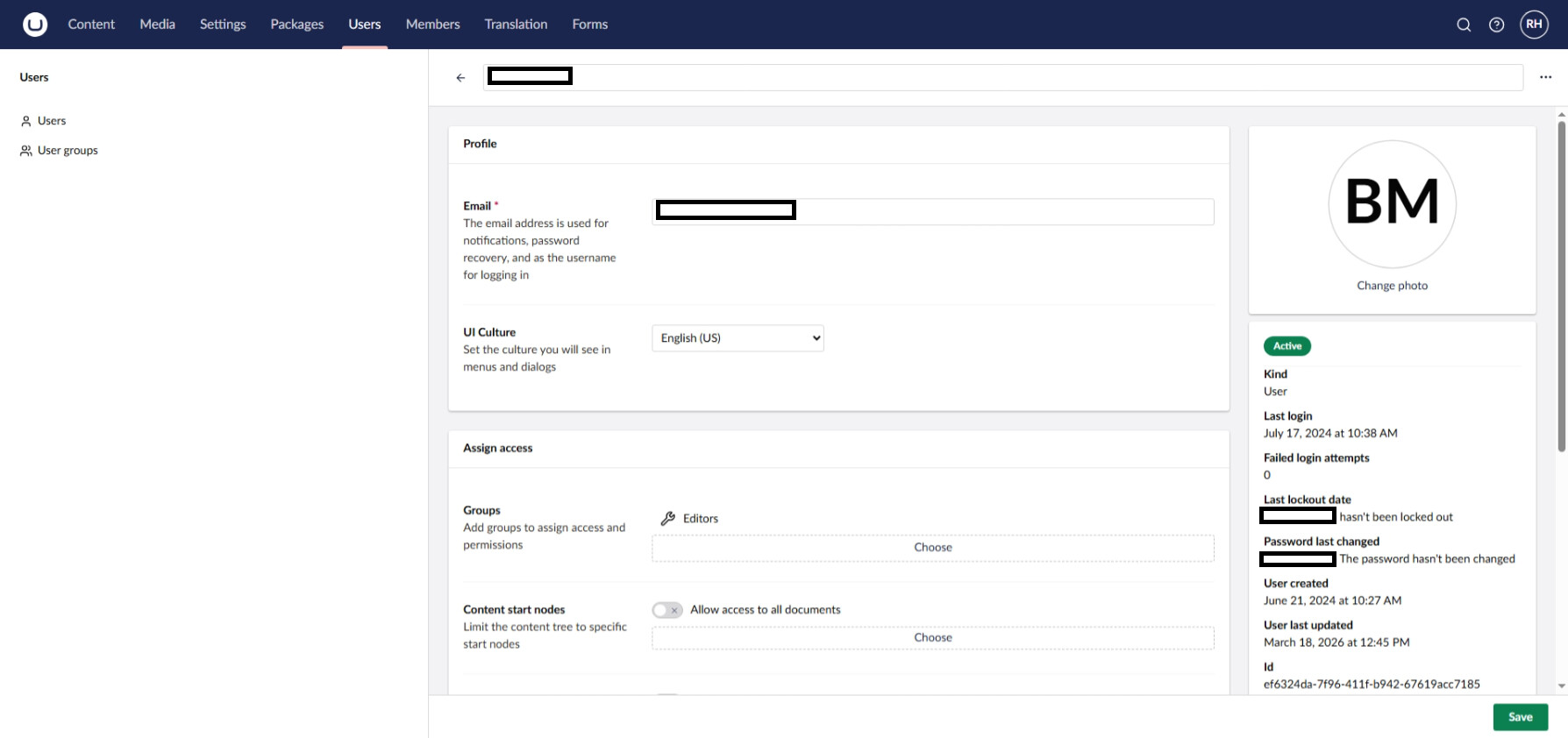
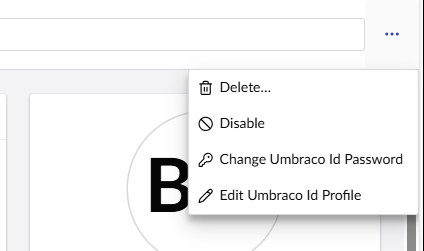
Clicking Change Umbraco ID Password takes me to a password reset screen for my own account, but clicking Disable disables the account for which I expect the ... to be linked.
Exploring the code base, I can’t see any configuration which would suggest that 2FA is even enabled within the site, and my own login for example doesn’t prompt for 2FA.
This is Umbraco 16.5.0 hosted in the Umbraco Cloud platform.
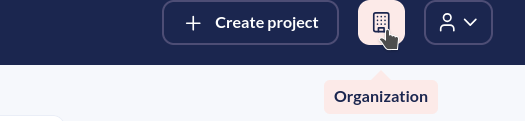
It will be using 2FA via their Umbraco ID, they should be able to manage 2FA from their Umbraco ID profile. For organisations, I believe you can manage 2FA settings but I don’t have access to confirm. If in doubt, I would drop Umbraco a support ticket and they can advise or help remove the 2FA from the user’s account (but they would need approval from the user).
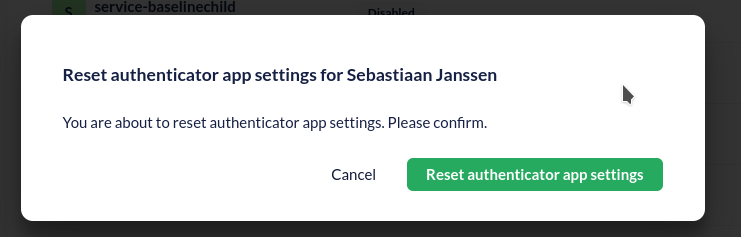
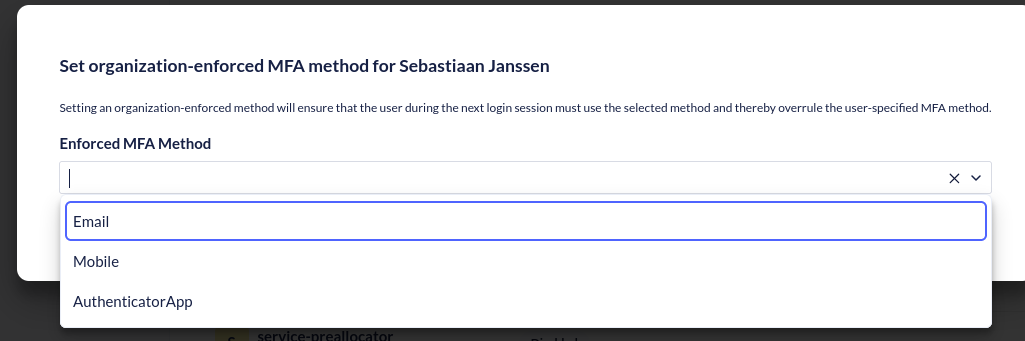
Then you can go to Overview > Members > Choose “Multi-Factor authentication” at the top of the members and then you can either reset it using circular the icon on the right:
Which will do something, I didn’t want to follow through on it, so I don’t know exactly how that works: