I’m trying to upload files via angularJs in the backoffice, and have already tried the UmbracoAuthorizedApiController, UmbracoApiController, and even the SurfaceController (to make sure I’m not going crazy).
The C# Controller has this method:
[HttpPost, DisableRequestSizeLimit]
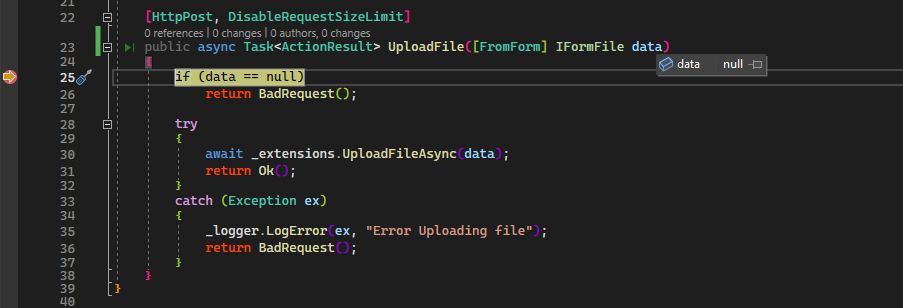
public async Task<ActionResult> UploadFile([FromForm] IFormFile data)
{
    if (data == null)
        return BadRequest();

    try
    {
        await _extensions.UploadFileAsync(data);
        return Ok();
    }
    catch (Exception ex)
    {
        _logger.LogError(ex, "Error Uploading file");
        return BadRequest();
    }
}
and the angular controller is performing this
async function uploadFiles() {
    vm.loading = true;
    let files = document.getElementById('file_upload').files;
    if (files.length == 0) {
        notificationsService.warning('Please first choose or drop any file(s)...');
        vm.loading = false;
        return;
    }
    for (let i = 0; i < files.length; i++) {
        let formData = new FormData();
        formData.append('file', files[i]);
        resources.postFile(formData)
            .then(success => {
            if (success) {
                vm.filesUploaded ??= [];
                notificationsService.success(`file ${files[i].name} uploaded successfully`);
                vm.filesUploaded.push(files[i].name);
            }

        }, failure => {
            notificationsService.error(`Could not upload: ${failure.data.Title}`)
            console.log(failure);
        });
    }
    vm.loading = false;
}
and the angularJs resource file has this post
function postFile(formData) {
    return $http({
        method: 'POST',
        url: `${baseApiUrl}UploadFile`,
        data: formData
    })
}
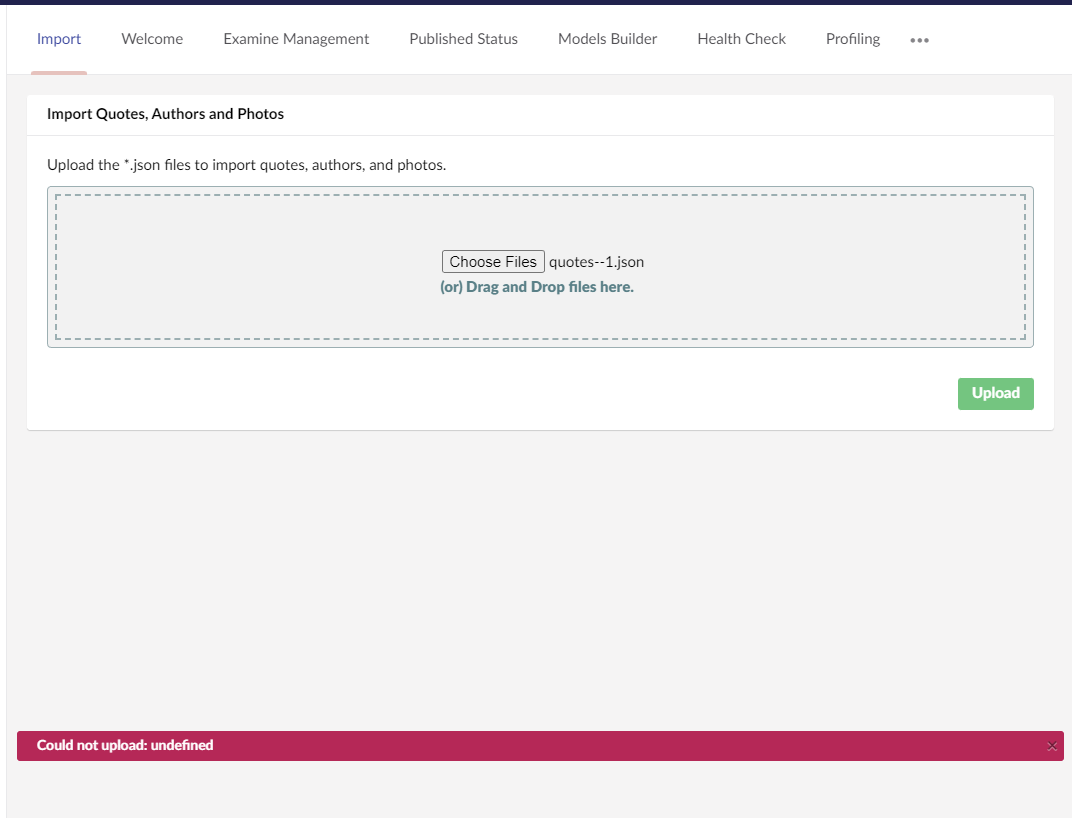
And yet, it keeps submitting null files. I attempted several different tutorials online, but nothing works. I’m sure it’s something trivial, maybe someone can see it and point me in the right direction, please?
This is a companion discussion topic for the original entry at https://our.umbraco.com/forum/110844-uploading-files-via-angularjs-in-backoffice