I am having issues with upgrading uMarketingSuite to Engage. i followed the documentation and managed it successfully on a local db but when we deployed it to a cloud-based dev env, we get this error midway through the Umbraco install page:
Microsoft.Data.SqlClient.SqlException (0x80131904): Invalid column name 'IsImplicitScoringEnabled'.
I started with upgrading from Umbraco 10 to 13, and also making sure we upgraded to the latest version of uMarketingSuite. We then worked on the uMarketing to Engage upgrade. This all seemed fine until we got to step 5 of this process: Migrate from uMarketingSuite | Umbraco Engage
Before starting step 5, I noticed that all of the uMarketingSuite database tables and the Engage tables were in the db - but the Engage tables were empty. So when attempting to run step 5, I got a lot of errors as the Engage tables already existed, and therefore the uMarketing ones couldn’t be renamed. I dropped the new Engage tables, re-ran the sql queries provided - and everything seemed fine, it ran locally, using my local database.
But when we deployed to our dev environment, we got this error. We attempted to run the dev env locally, but it breaks midway through the umbraco upgrade and we see this error. We tried to create these tables in our db but still have no luck.
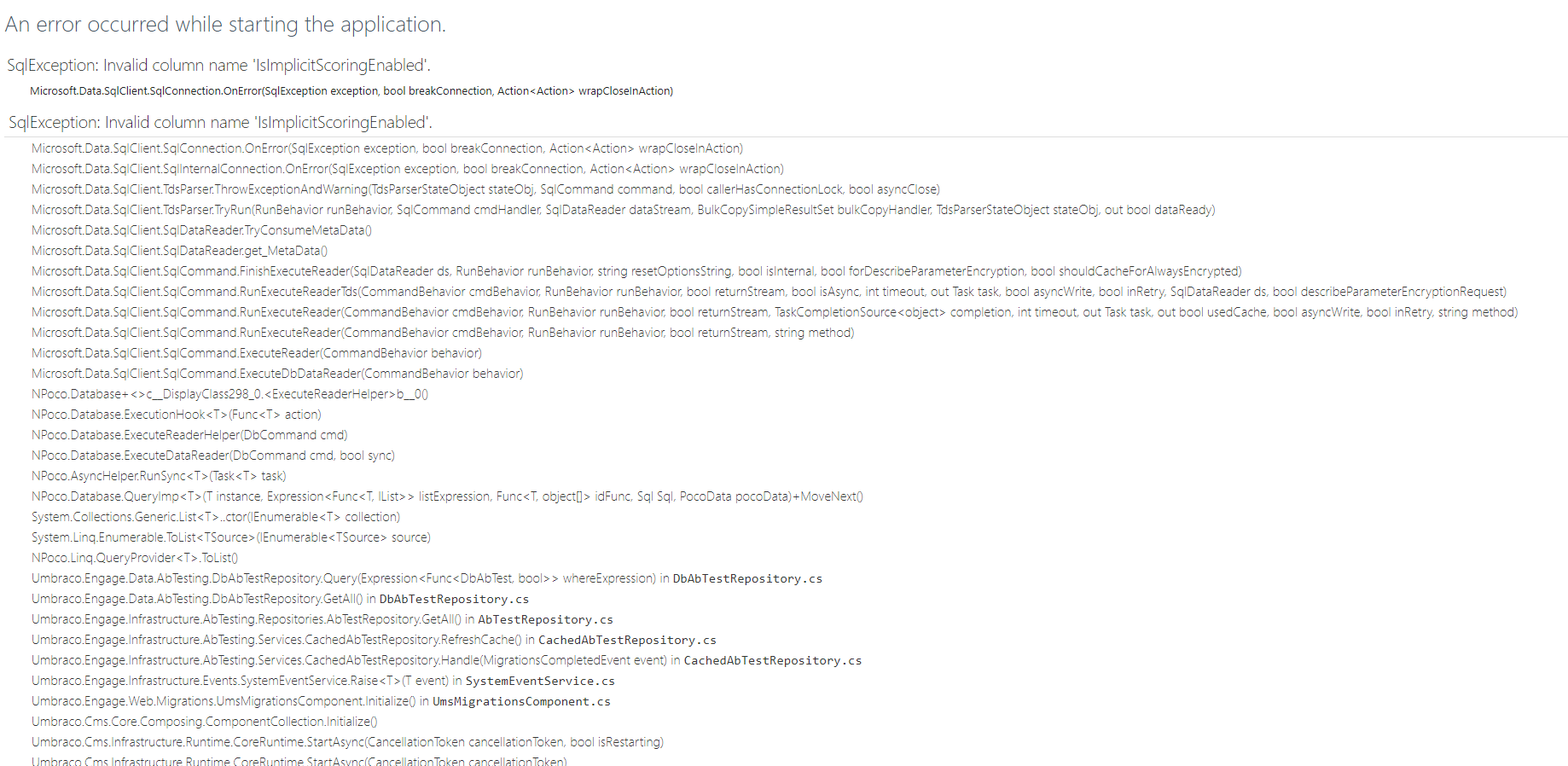
We are hoping there is solution that doesn’t mean starting from scratch  If you have any suggestions, that would be great!
(sorry for the long post!)
