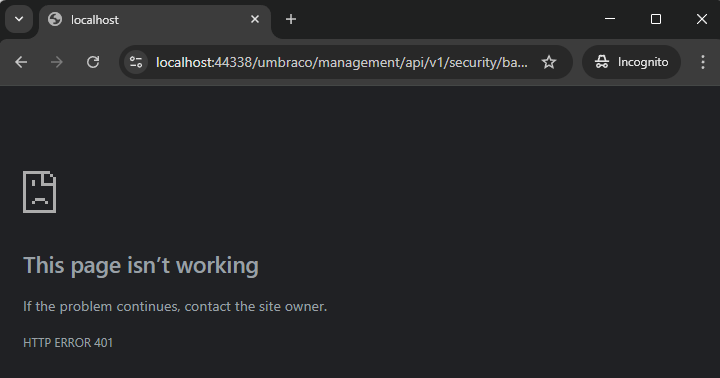
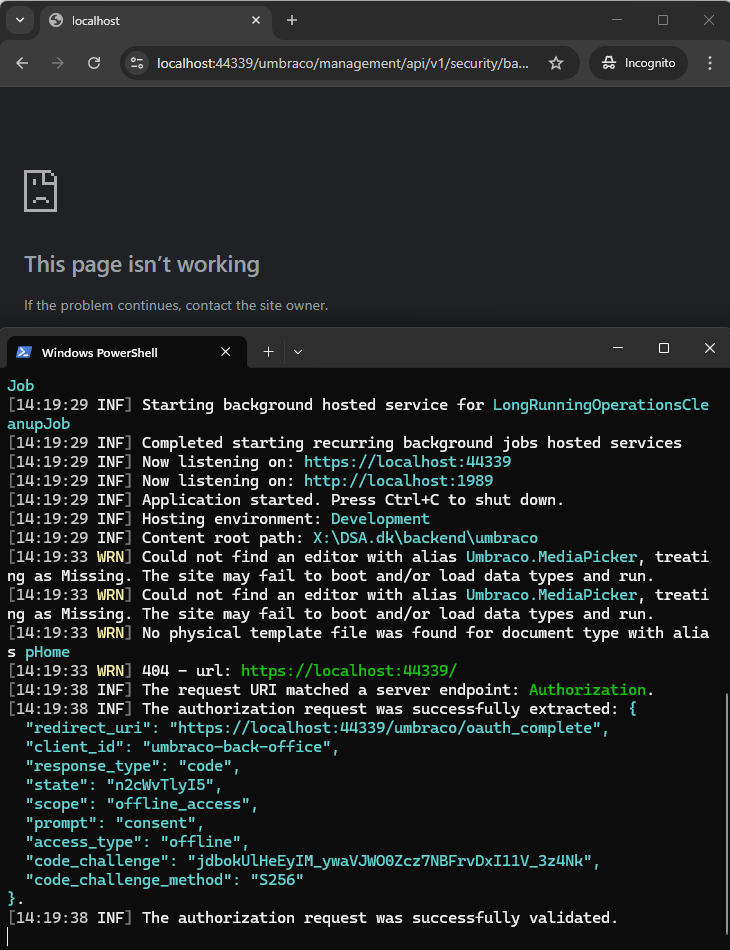
I am running out of ideas. I’ve upgraded a site from v13 to v16.3 and got almost everything working just fine. However, if I am not logged in / have a cookie for the backoffice, and I visit /umbraco I am correctly challenged with a 401, but no redirect happens.
I’ve never seen this error from your screenshot but something very similar looking was fixed in:
So if you’re doing something additional with your auth or something maybe report that as an issue, linking to this PR?
Also note your actual version, I am assuming 16.3.4 - if not make sure you’re up to that version at least.
Put simply: If I boot up umbraco and open /umbraco in incognito, I will end up in the state described above.
401 challenge response correctly hit, but no redirect to /umbraco/login, so you never get prompted to log in. You are just stuck.
Actual version is 16.3.4 so latest non-preview version.
We do have our own authentication for a headless frontend running through OpenID, but having completely removed anything to do with authentication from the solution while testing, I still get the same error.
Program.cs is un-eventfull
using REDACTED.umbraco.extensions.UmbracoBuilder;
using REDACTED.umbraco.Feature.Forms.Models;
using Microsoft.ApplicationInsights.Extensibility;
using Umbraco.Cms.Api.Common.DependencyInjection;
using Umbraco.Cms.Core;
using Umbraco.Cms.Core.DeliveryApi;
using Umbraco.extensions.preview;

WebApplicationBuilder builder = WebApplication.CreateBuilder(args);

builder.Services.AddHttpContextAccessor();
builder.Services.AddControllers().AddJsonOptions(Constants.JsonOptionsNames.DeliveryApi, options => options.JsonSerializerOptions.MaxDepth = 64);
builder.Services.AddHttpClient();
builder.Services.Configure<PreviewSettings>(builder.Configuration.GetSection("PreviewSettings"));
builder.Services.Configure<JobOrderIntegrationSettings>(builder.Configuration.GetSection("JobOrderIntegrationSettings"));
var serverRole = builder.Configuration.GetValue<string>("Umbraco:SERVER_ROLE");

builder.AddApplicationInsights();

builder.CreateUmbracoBuilder()
    .AddBackOffice()
    .AddWebsite()
    .AddDeliveryApi()
    .AddComposers()
    .SetServerRegistrar(serverRole ?? "Single")
    .AddAzureBlobMediaFileSystem()
    .AddAzureBlobImageSharpCache()
    .Build();

WebApplication app = builder.Build();

var telemetryConfiguration = app.Services.GetRequiredService<TelemetryConfiguration>();

await app.BootUmbracoAsync();

app.UseUmbraco()
    .WithMiddleware(u =>
    {
        u.UseBackOffice();
        u.UseWebsite();
    })
    .WithEndpoints(u =>
    {
        u.UseBackOfficeEndpoints();
        u.UseWebsiteEndpoints();
    });

await app.RunAsync();
Other than that we do our own implementation of IRequestMemberAccessService and IApiAccessService, but as these have nothing to do with the login I won’t share the code.
– and a small update
Booting up with the standard program.cs yields the same thing.
Run on Kestrel instead of IIS (just dotnet run in the website project)
Change the port number in your launchSettings.. maybe something is cached that even still applies to private windows, not sure what.. but as I said, it’s a bit out there
I think I’ve had this issue happen, but I didn’t check if it would work if I logged in with /umbraco/login. In my case it got fixed when I added the WebRouting.UmbracoApplicationUrl & Security.BackOfficeHost. Not sure if it is the exact same issue, but might be worth a try?
Good memory! We did have problems before 16.3.0 which then necessitated this kind of workaround but those are fixed since 16.3.0.
Just as a sanity check @kasparboelkjeldsen I tried with a clean 16.3.4 install and the scenario works for me.
I am leaning towards something in some of your custom code, but not sure what. If you’re doing anything with custom controllers, routing, user/member attributes on those controllers.. that could be suspicious too.
And I’ve cleared -everything- from openDict in the DB as well for good measure before starting up
delete from umbracoOpenIddictApplications
delete from umbracoOpenIddictAuthorizations
delete from umbracoOpenIddictScopes
delete from umbracoOpenIddictTokens