Hi Kevin,
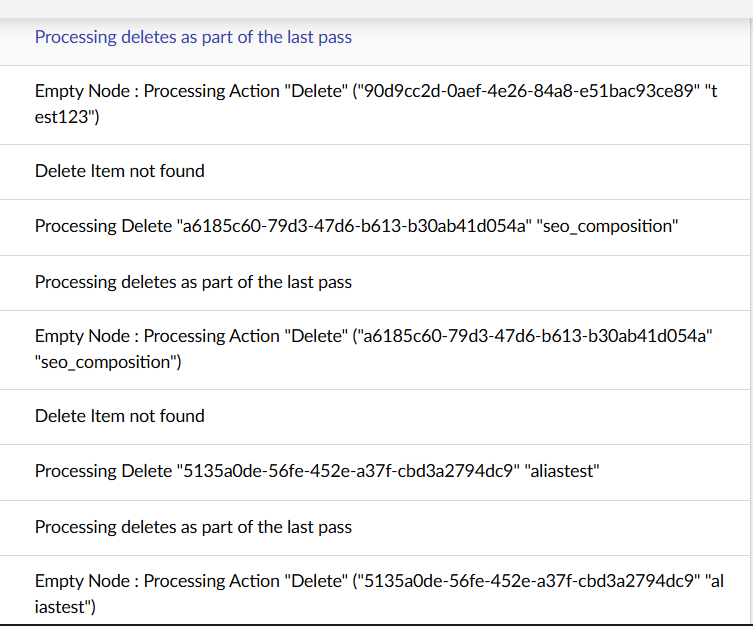
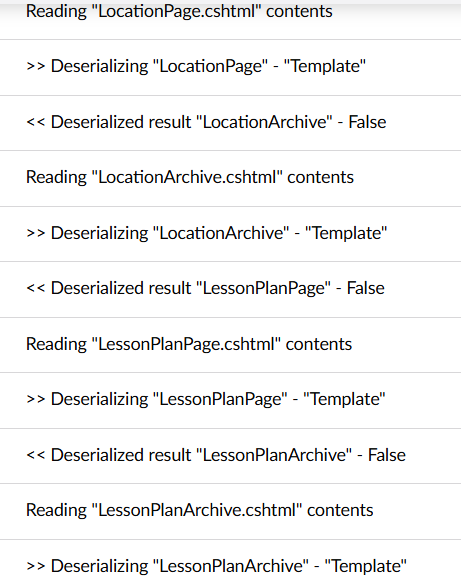
I’ve just done an import and this is what is logged:
{“@t”:“2026-02-23T09:33:36.7688443Z”,“@mt”:“[uSync {version}] {user} Starting {action} process”,“@tr”:“a1c1d7f42dbe295382a939cff97b10a9”,“@sp”:“0d5f9fabdf9e9e2b”,“version”:“17.0.2”,“user”:“admin”,“action”:“Import”,“SourceContext”:“uSync.BackOffice.Services.SyncActionService”,“ActionId”:“240155d7-b5c3-47f4-9136-2e2aaa973ed0”,“ActionName”:“uSync.Backoffice.Management.Api.Controllers.Actions.uSyncPerformActionController.PerformAction (uSync.Backoffice.Management.Api)”,“RequestId”:“8000011d-0000-cb00-b63f-84710c7967bb”,“RequestPath”:“/umbraco/usync/api/v1/Perform”,“ProcessId”:11808,“ProcessName”:“iisexpress”,“ThreadId”:14,“ApplicationId”:“ed60961800c8605051c938811d07a74c1f533a35”,“MachineName”:“DESKTOP-CO1L9UK”,“Log4NetLevel”:“INFO “,“HttpRequestId”:“6cb23b94-88e5-4070-8141-a84b93b5a1cd”,“HttpRequestNumber”:6,“HttpSessionId”:“d6d77977-cef5-e791-45c8-8d2e5c089bea”}
{”@t”:“2026-02-23T09:33:42.3064320Z”,“@mt”:“[uSync {version}] {user} finished {action} process ({changes}/{count} changes) in ({time:#,#}ms)”,“@r”:[“5,537”],“@tr”:“649ebe2df66f587a00065b11d69fc055”,“@sp”:“7e481fbebb1ed10f”,“version”:“17.0.2”,“user”:“admin”,“action”:“Import”,“changes”:17,“count”:156,“time”:5537,“SourceContext”:“uSync.BackOffice.Services.SyncActionService”,“ActionId”:“240155d7-b5c3-47f4-9136-2e2aaa973ed0”,“ActionName”:“uSync.Backoffice.Management.Api.Controllers.Actions.uSyncPerformActionController.PerformAction (uSync.Backoffice.Management.Api)”,“RequestId”:“8000011f-0000-cb00-b63f-84710c7967bb”,“RequestPath”:“/umbraco/usync/api/v1/Perform”,“ProcessId”:11808,“ProcessName”:“iisexpress”,“ThreadId”:61,“ApplicationId”:“ed60961800c8605051c938811d07a74c1f533a35”,“MachineName”:“DESKTOP-CO1L9UK”,“Log4NetLevel”:"INFO ",“HttpRequestId”:“7cc094db-d64d-474d-a5af-c07b820da222”,“HttpRequestNumber”:7,“HttpSessionId”:“a9df4a07-9376-bfac-b2c3-ab98896e8550”}
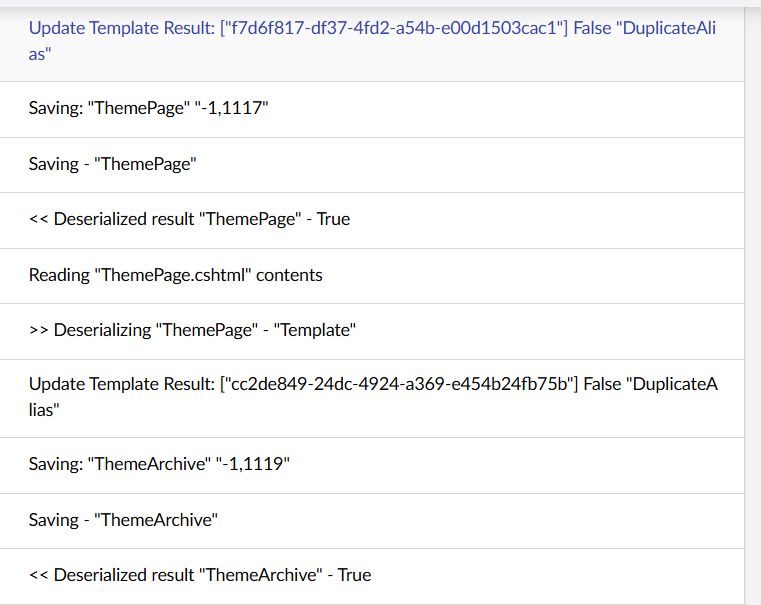
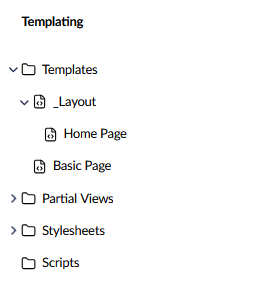
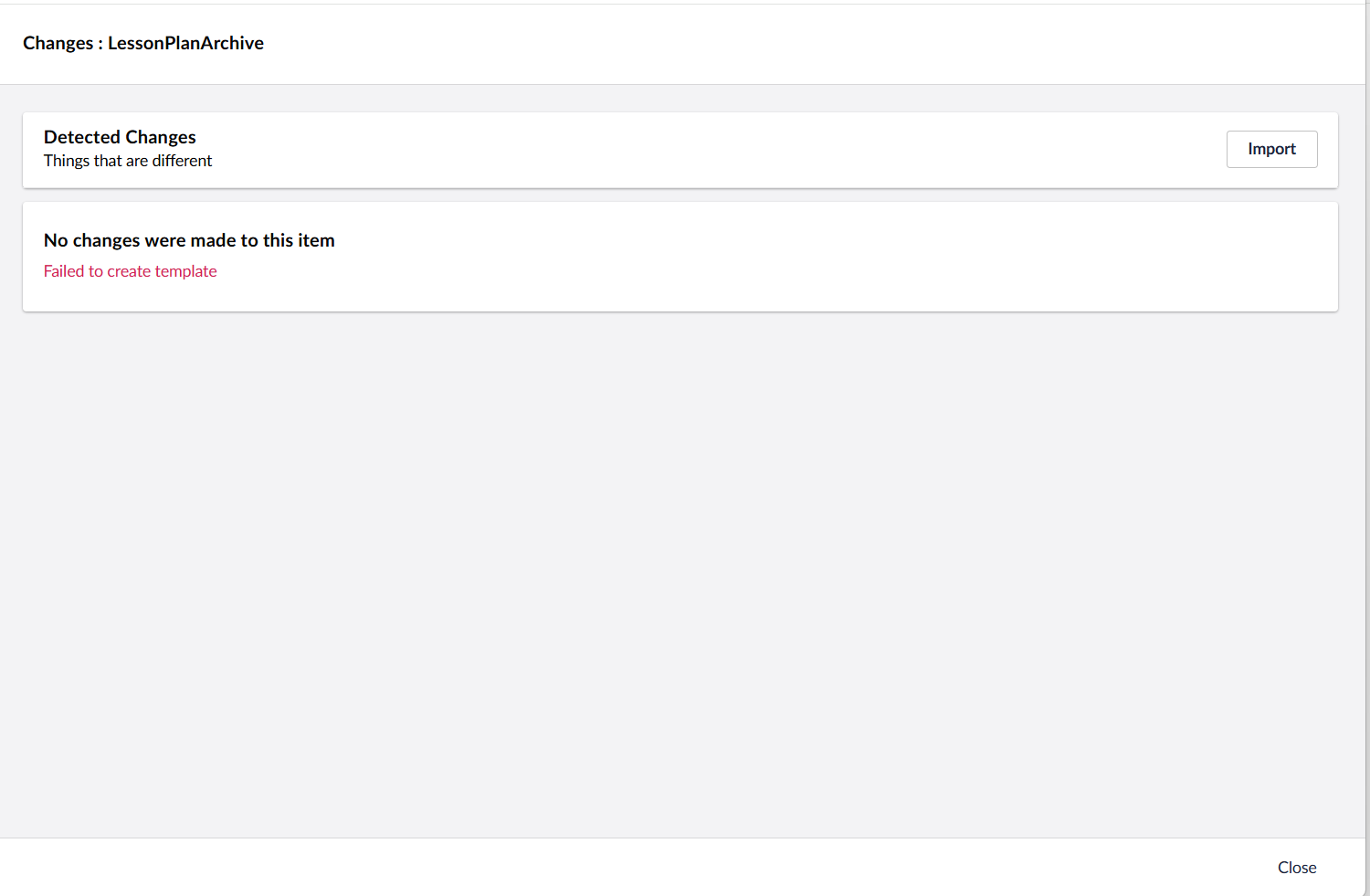
The import doesn’t get stuck or anything, it does finish the import, but the templates give the error. This is happening locally and the site is not in Production mode, nor running compiled razor views.
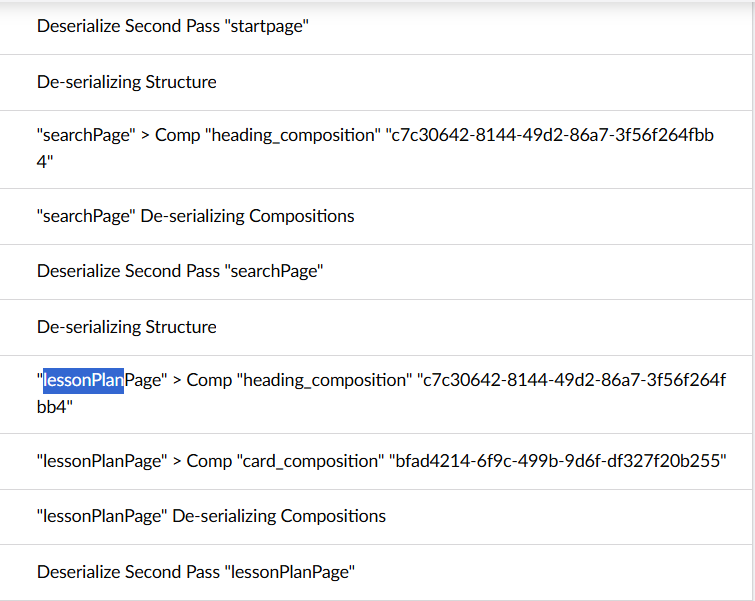

 I can see a few of those “Update Template Result. False “DuplicateAlias”, might be relevant?