Dane
October 21, 2025, 1:33pm
1
Hi,
We have an older Umbraco website that is behind the CloudFlare firewall.
We have IP restricted the Umbraco administration area via rewrite rules below. IP Addresses removed for security reasons.
Whilst this works great when CloudFlare is turned off - we need it to remain turned on all the time.
Does anyone have any workarounds to ensure /umbraco is sealed off when CloudFlare is turned on to prevent unauthorised visits to the backend?
`<rule name="Ignore" stopProcessing="true">
  <match url="^(?:umbraco/api|umbraco/surface|umbraco/backoffice)/" />
  <action type="None" />
</rule>
<rule name="Allowed IPs" stopProcessing="true">
  <match url="^(?:app_plugins|config|umbraco)(?:/|$)" />
  <conditions>
	<add input="{REMOTE_ADDR}" negate="true" pattern="12.34.56.78|99.99.99.99" />
  </conditions>
  <action type="AbortRequest" />
</rule>`
CloudFlare IP range is as follows.
Thank you in advance.
Have a different approach.
Because api / surface controllers route via /umbraco it’s hard to do a blanket ban on the url and I don’t like these IP blocks.
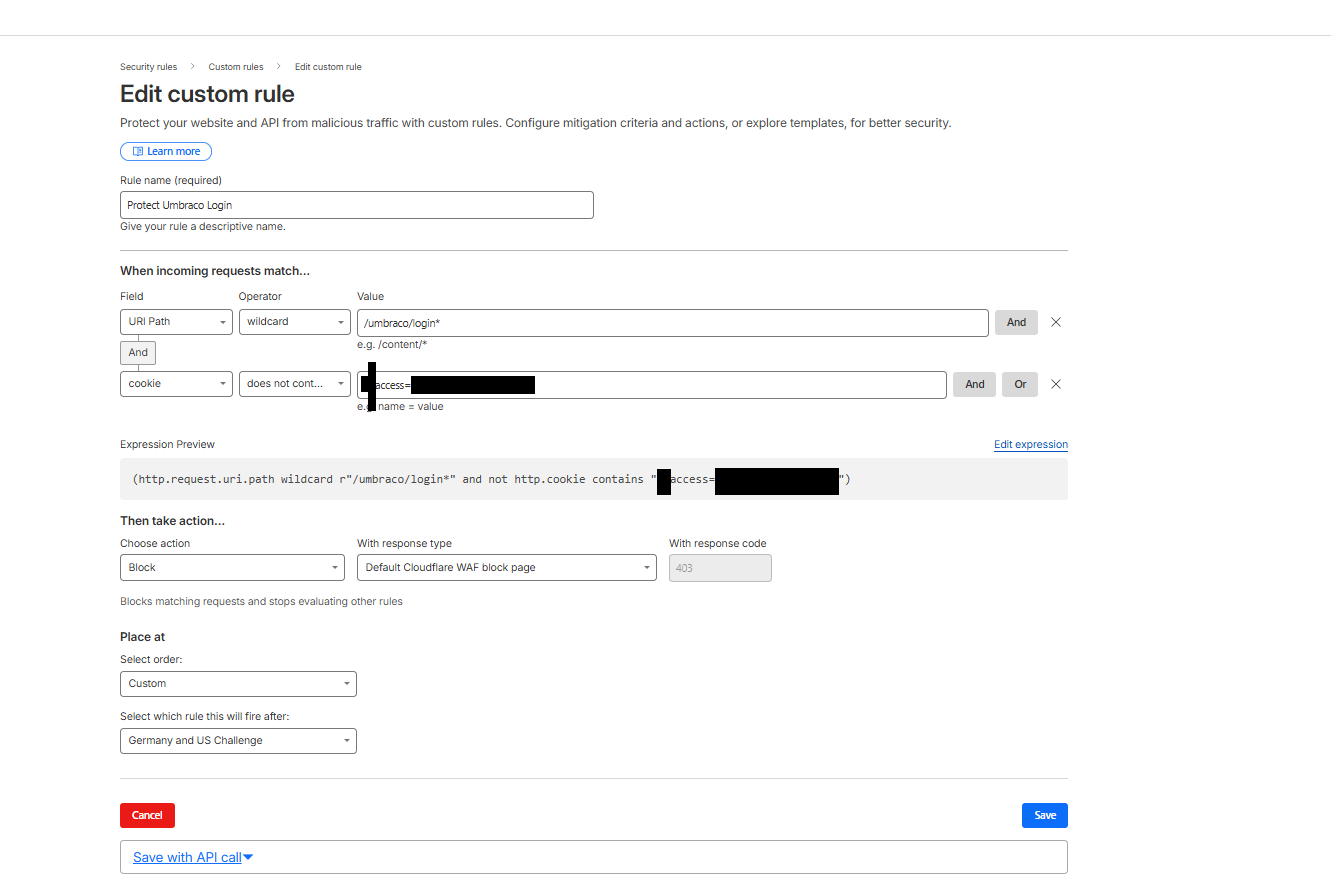
Instead I use Cloudflare’s block on the login route. Editors need a special cookie to access the login.
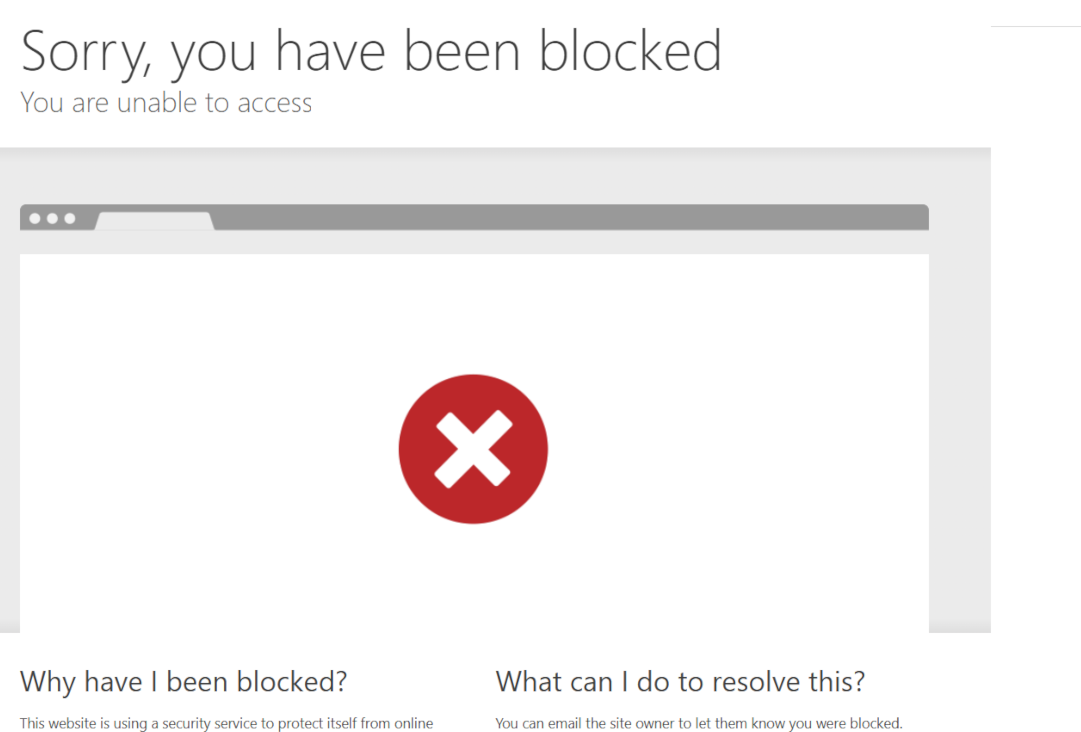
Visitors without the cookie get:
Dane
October 21, 2025, 8:14pm
3
Thank you Steve. How are you granting the users the special cookie?
This is a bit of security through obscurity… a secret page url with a key passed on the url… not perfect but at least enough to stop bots testing the Umbraco login and keeps the pen testers happier.
I use a simple controller and have a special route /mysecretumbracoroute configured.
So user bookmarks “/mysecretumbracoroute?key=someinsecuresecret”
The controller checks for the key, sets the special cookie and redirects back to login or 404s.
A bit long winded but works for my purposes.
Steve