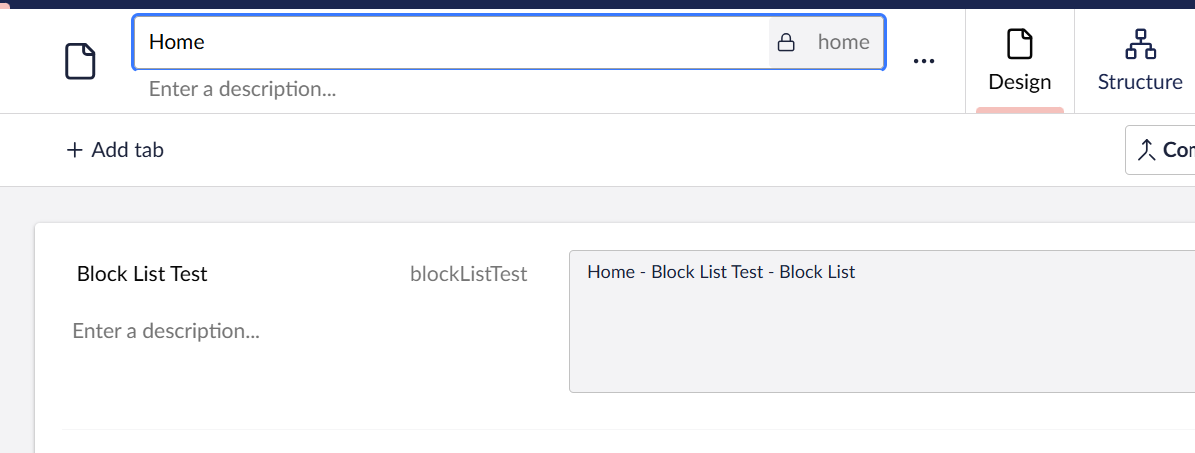
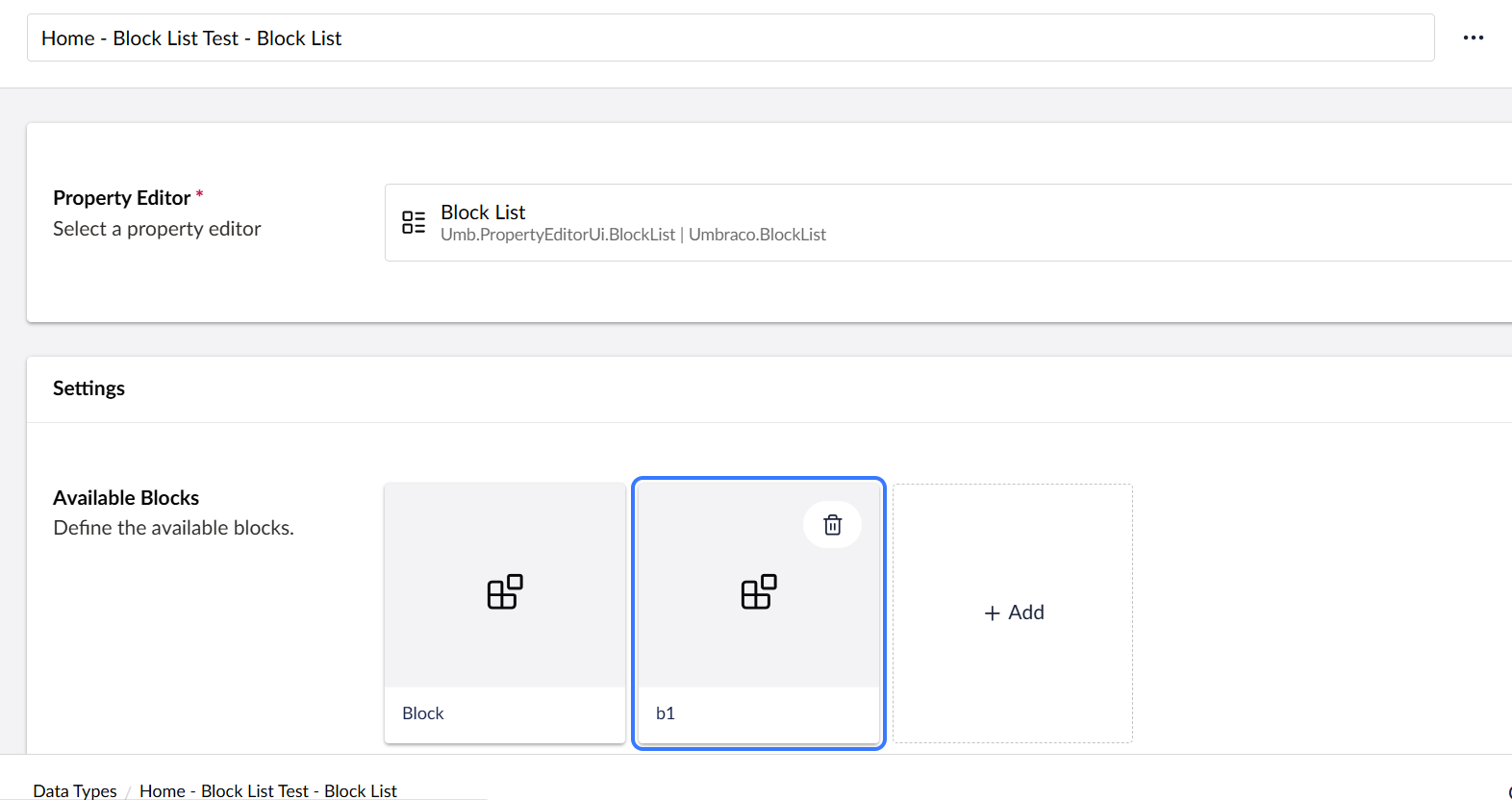
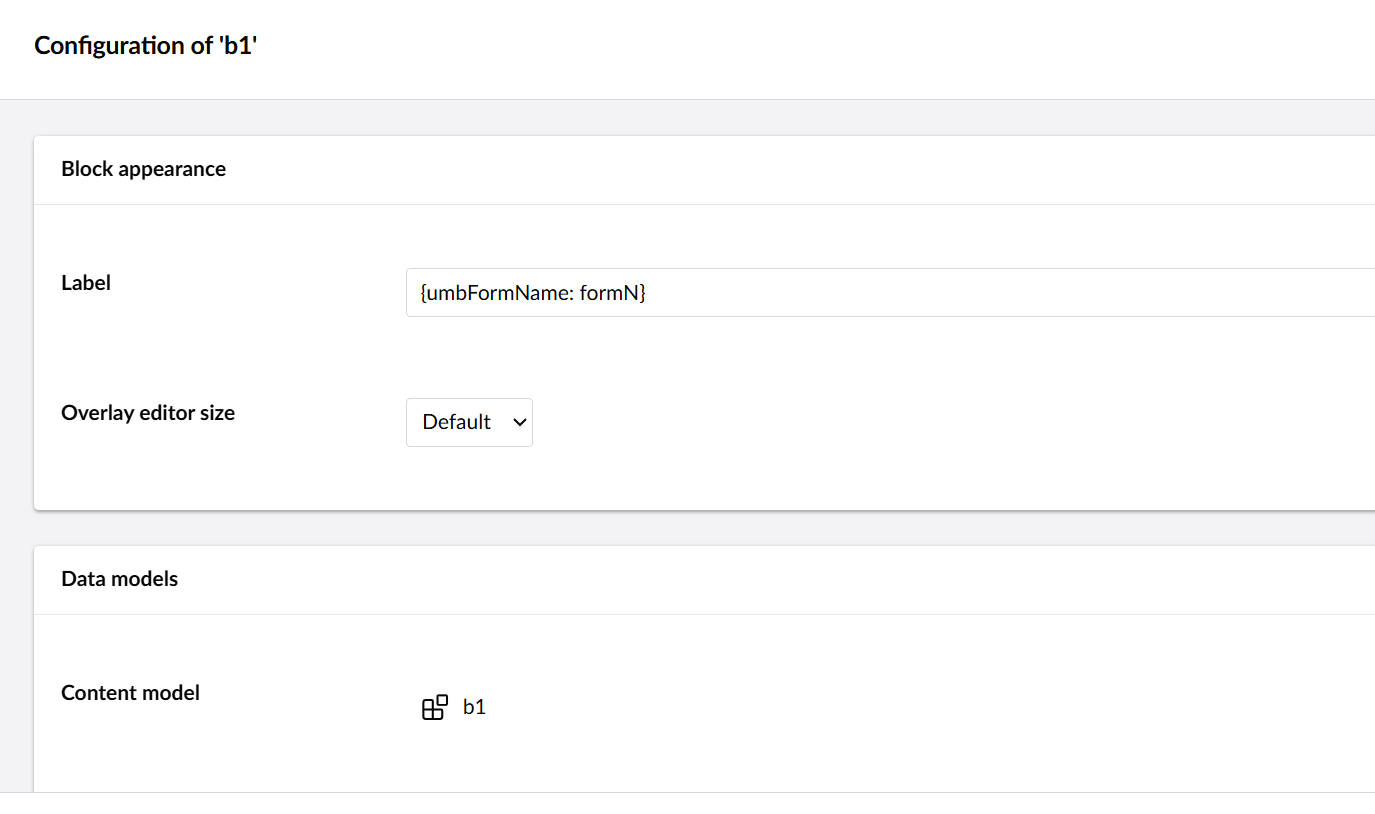
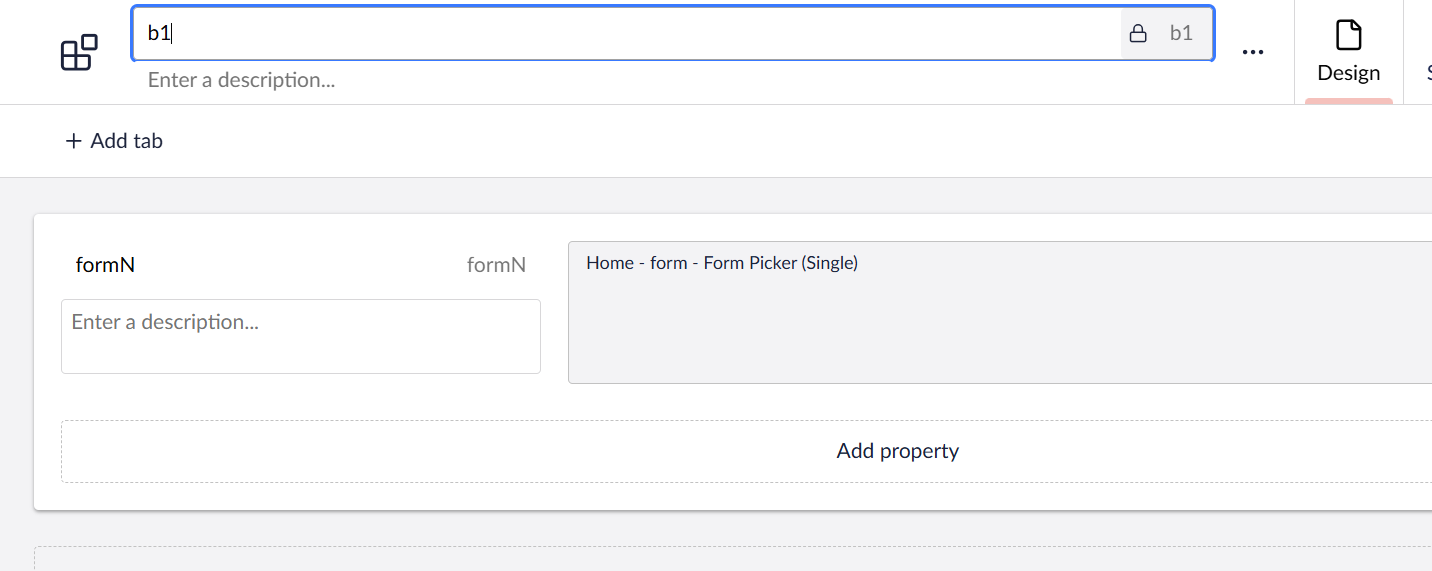
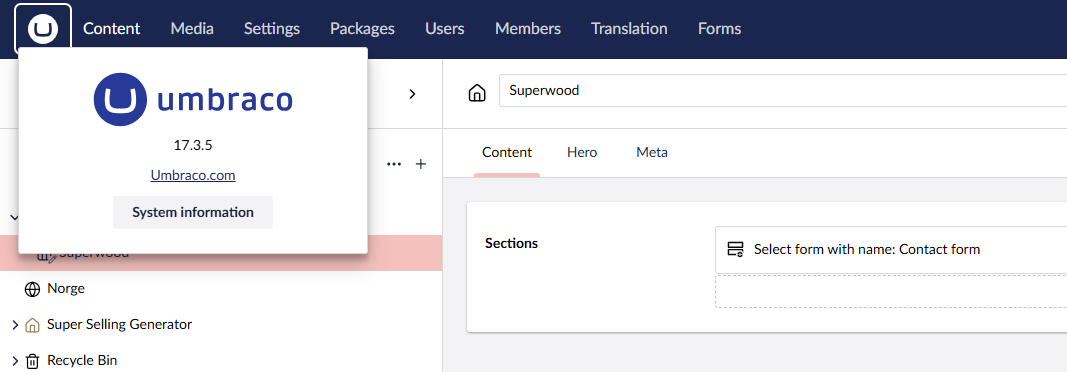
I’m currently running Umbraco 17.3.5 with Forms 17.3.2 and I’m trying to render the selected form on a block by using {umbFormName: form} as described here Block List Labels | Forms | Umbraco Documentation (Yes my alias is form, not contactForm like in the example).
But it does not seem to be working - When I look at the block there I would like to see the form name I just see the expression rendered instead - So it just reads {umbFormName: contactForm}
If I use the shortand syntax like {=form} I get the GUID of the form instead.
Seems like a bug to me, unless I’m missing something?
It also works for me now - The culprit was, that before I discovered the documentation for this, I was trying to build my own UFM component. which by coincidence had the same name as the one that already existed.
While trying to use the builtin syntax I guess it was failing because I had forgot unregister my custom component properly. After removing it and rebuilding it worked fine.