Hey all!
I have a very basic umbraco 13 cloud site, no views only used with content delivery api with some extensions added for filtering and sort.
I’ve upgraded the necessary nuget packages and did the code changes. Followed here to be exact;
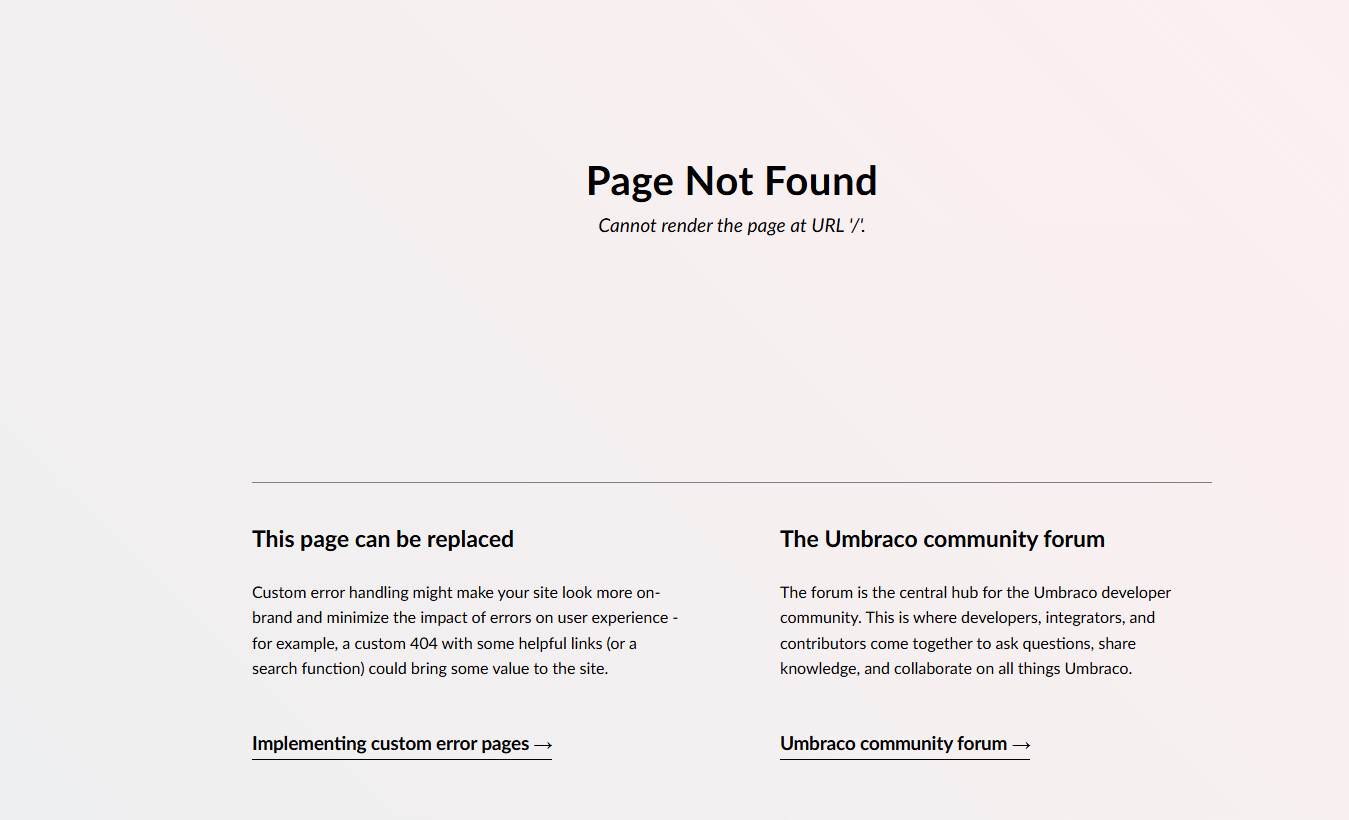
After all these I can run the project with no error, get this page, which is expected as I removed my modals
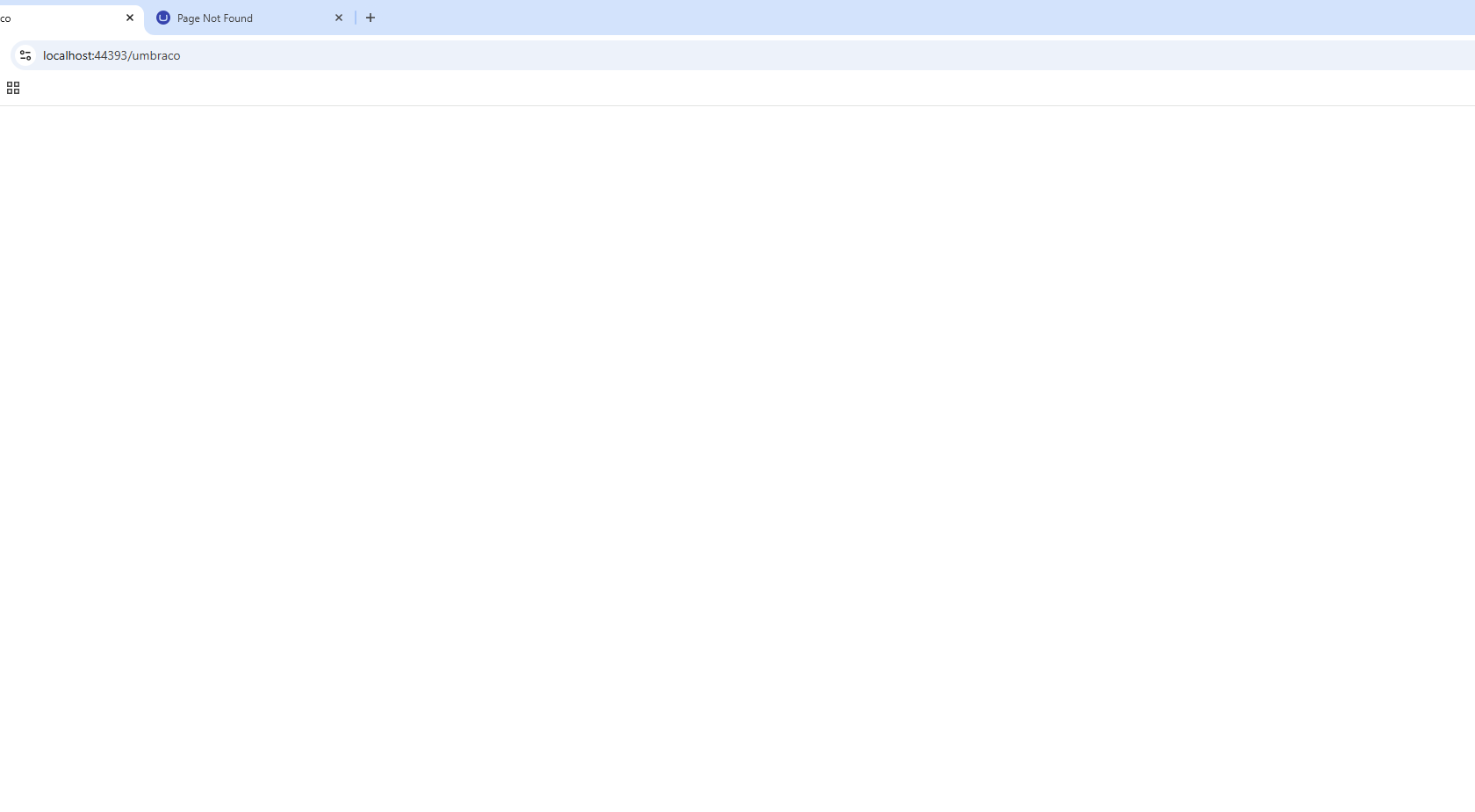
when I go to /umbraco, there’s no login screen.
I am not sure what am I missing.
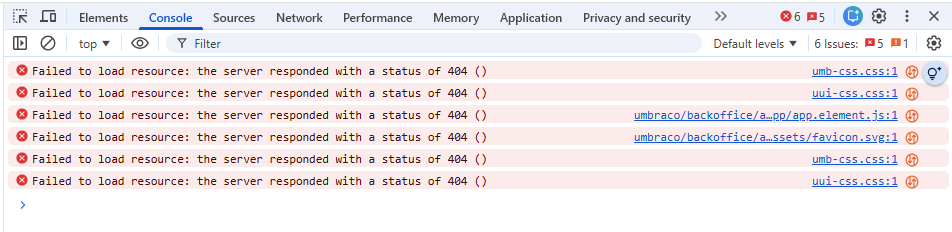
My console errors are like following;
and logs doesn’t say anything.
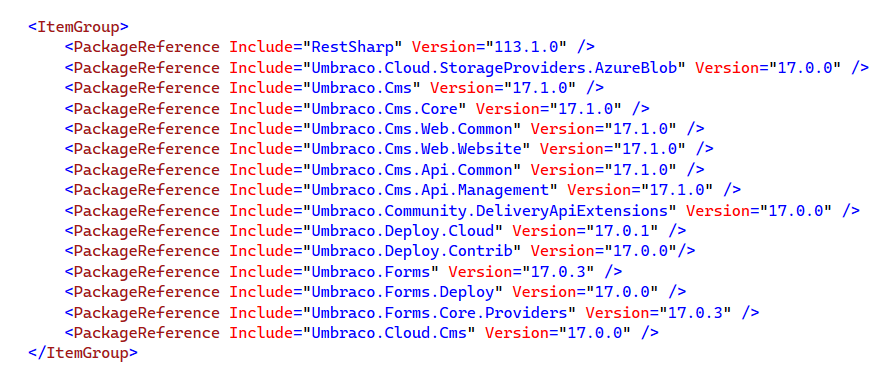
Here’s the packages I have;
Anyone experienced the same issue?
sebastiaan
(Sebastiaan Janssen ⚓)
2
Yep, likely this one:
Edit: ah okay, you have more problems than just the frontend not showing up (but likely the above is the problem).
sebastiaan
(Sebastiaan Janssen ⚓)
3
I would start with checking your Program.cs to make sure it looks like the default:
WebApplicationBuilder builder = WebApplication.CreateBuilder(args);

builder.CreateUmbracoBuilder()
    .AddBackOffice()
    .AddWebsite()
    .AddComposers()
    .Build();

WebApplication app = builder.Build();

await app.BootUmbracoAsync();


app.UseUmbraco()
    .WithMiddleware(u =>
    {
        u.UseBackOffice();
        u.UseWebsite();
    })
    .WithEndpoints(u =>
    {
        u.UseBackOfficeEndpoints();
        u.UseWebsiteEndpoints();
    });

await app.RunAsync();
Remove any custom stuff for now and try the default first.
Removing custom stuff worked. I’ll re add them to see what was the issue! Thank you @sebastiaan 
2 Likes
system
(system)
Closed
5
This topic was automatically closed 30 days after the last reply. New replies are no longer allowed.