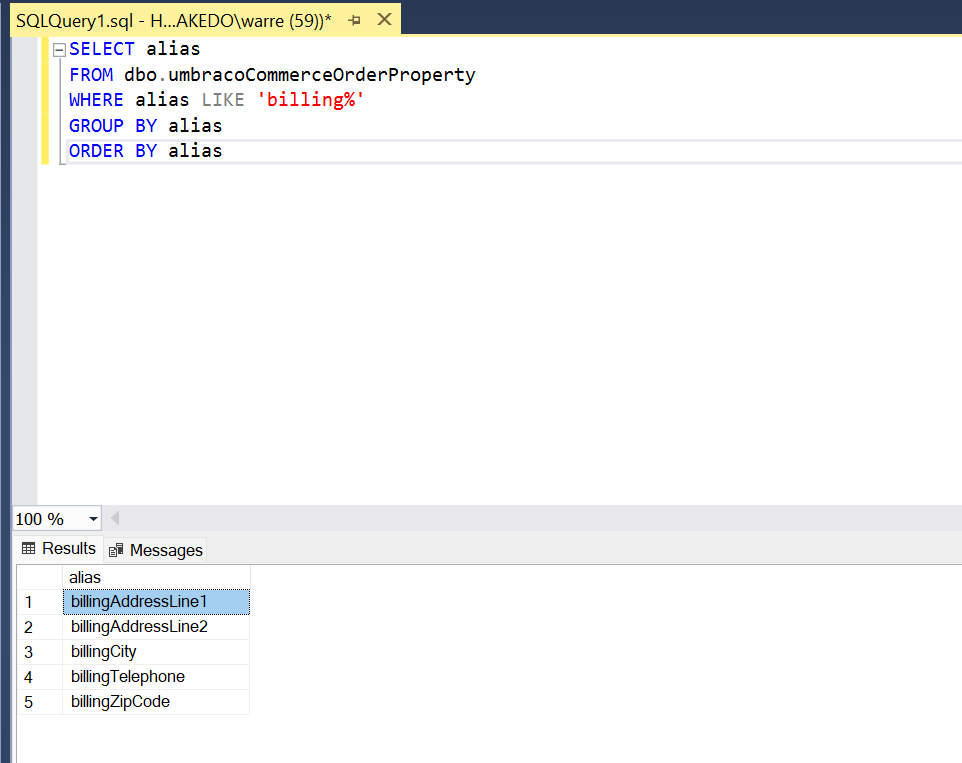
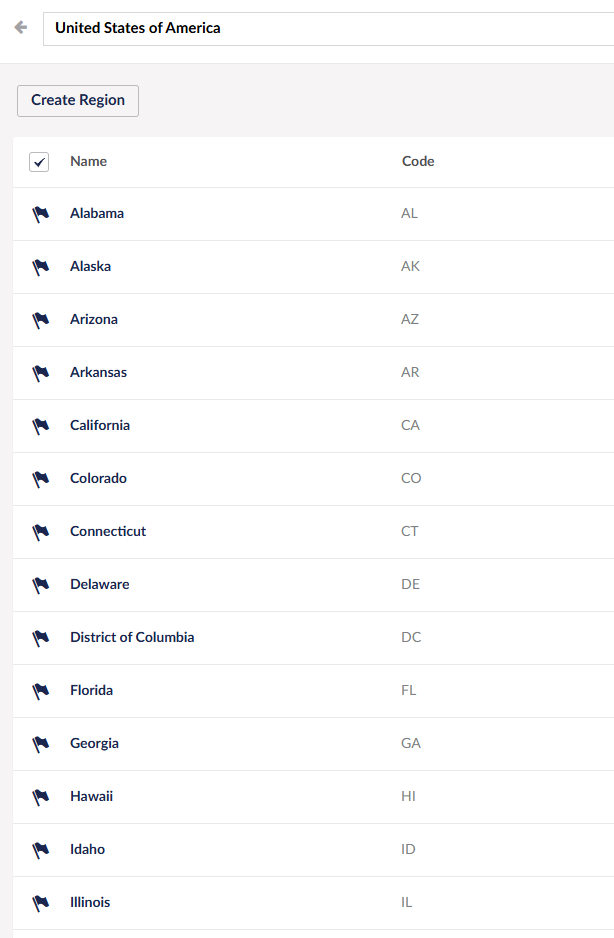
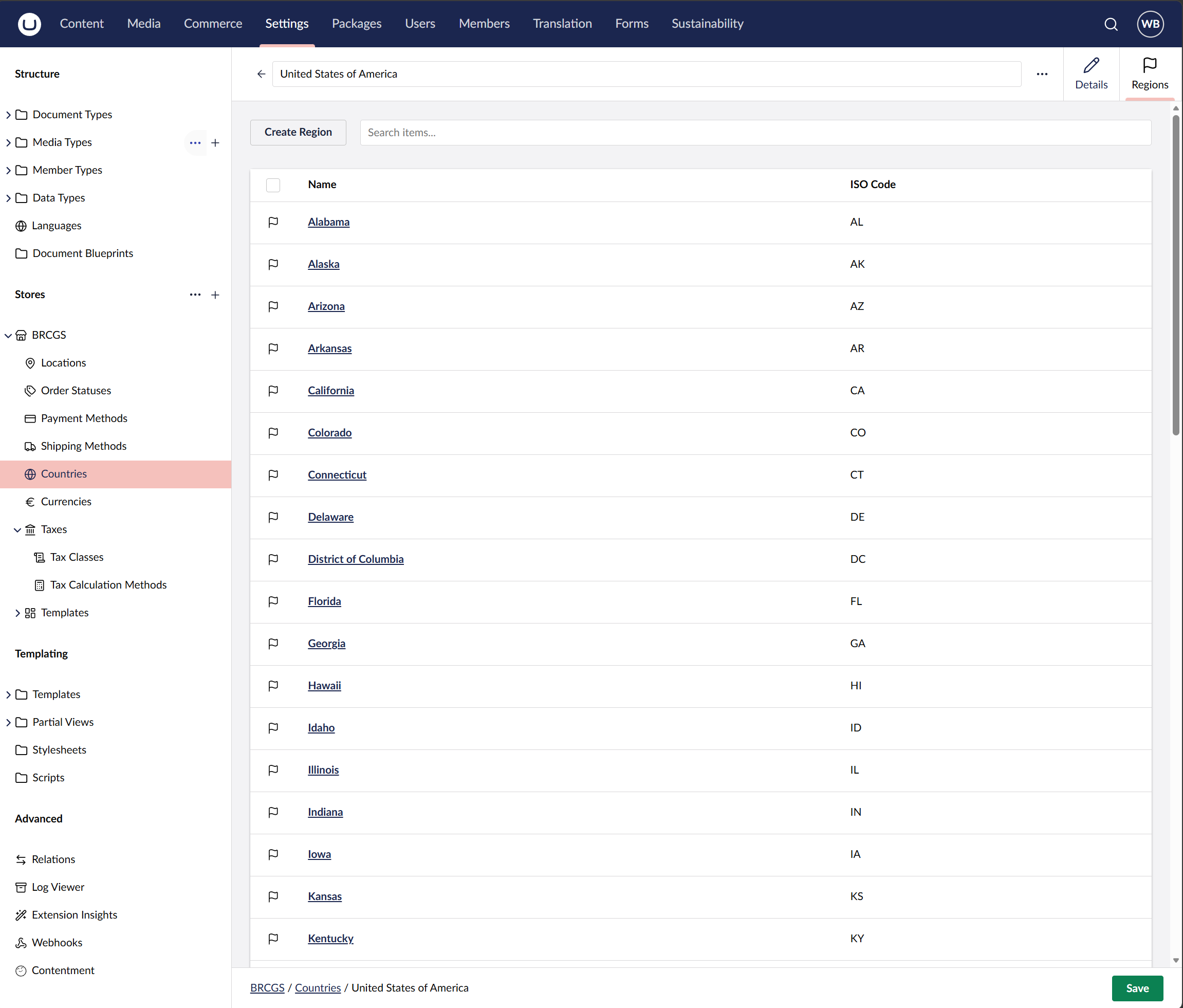
Looking at the HTML it seems the HTML Select/Options are using GUIDs as the value, I would have thought the chosen value for country and state would have been stored as order properties.
Need to carry on digging around. Not sure if its a bug/incompatibility between Checkout Package and the Opayo Payment provider or me just being a noob with Umbraco Commerce still.
OK looking at the Surface Controller, it calls SetPaymentCountryRegionAsync(model.BillingAddress.Country, model.BillingAddress.Region)
And those seem to be GUIDs from the Checkout view and not a string. Just need to see if DotPeek or similar can give me some insight into the method SetPaymentCountryRegionAsync to see what it does with the data and where the property is.
I’m wondering if it’s associating with the country and region/state by their GUID but these are not being stored against the order as billingCountry or billingRegion so you never get the actual text for the payment provider?
That does seem to be my current thought that only the GUIDs are stored and not a property that is updated/stayed in sync with the text value for Country and State/Region.
I agree, you could raise it as an issue - alternatively, maybe you can hook into the order pipeline somewhere to pull the GUIDs from the order pre-payment and populate the order properties manually. Something like this:
using Umbraco.Commerce.Core.Api;
using Umbraco.Commerce.Core.Events.Notification;
using Umbraco.Commerce.Extensions;

public class SetBillingRegionCodeHandler
    : NotificationAsyncEventHandlerBase<OrderPaymentCountryRegionChangedNotification>
{
    private readonly IUmbracoCommerceApi _commerceApi;

    public SetBillingRegionCodeHandler(IUmbracoCommerceApi commerceApi)
    {
        _commerceApi = commerceApi;
    }

    public override async Task HandleAsync(
        OrderPaymentCountryRegionChangedNotification evt,
        CancellationToken cancellationToken)
    {
        await _commerceApi.Uow.ExecuteAsync(async uow =>
        {
            var order = await _commerceApi.GetOrderAsync(evt.Order.Id);
            var writable = await order.AsWritableAsync(uow);

            string regionCode = string.Empty;

            if (writable.PaymentInfo.CountryId.HasValue
                && writable.PaymentInfo.RegionId.HasValue)
            {
                var region = await _commerceApi.GetRegionAsync(
                    writable.StoreId,
                    writable.PaymentInfo.CountryId.Value,
                    writable.PaymentInfo.RegionId.Value);

                regionCode = region?.Code ?? string.Empty;
            }

            await writable.SetPropertyAsync("billingRegion", regionCode);

            await _commerceApi.SaveOrderAsync(writable);
            uow.Complete();
        });
    }
}
Hi @justin-nevitech thanks that really helped me !
I had to do two of these, one for the Shipping and one for the Billing and made it a little bit simpler, as the notification itself had the GUID value already to lookup. But this approach with the notifications was the best way for me, so thanks !
I captured not just the Region/State Code but the friendlier full name along with the same for the country in case I needed it at a later date for some reason with the payment provider.
SetShippingRegionOrderHander.cs
using Umbraco.Commerce.Common.Events;
using Umbraco.Commerce.Core.Api;
using Umbraco.Commerce.Core.Events.Notification;
using Umbraco.Commerce.Core.Models;
namespace MySite.Core.Notifications
{
    public class SetShippingRegionOrderHander : NotificationEventHandlerBase<OrderShippingCountryRegionChangedNotification>
    {
        private readonly IUmbracoCommerceApi _commerceApi;

        public SetShippingRegionOrderHander(IUmbracoCommerceApi commerceApi)
        {
            _commerceApi = commerceApi;
        }

        public override async Task HandleAsync(OrderShippingCountryRegionChangedNotification evt)
        {
            await _commerceApi.Uow.ExecuteAsync(async uow =>
            {
                Order writable = await evt.Order.AsWritableAsync(uow);

                // 'To' can be a GUID or null if cleared; fetch only when present
                RegionReadOnly? region = evt.RegionId.To.HasValue
                    ? await _commerceApi.GetRegionAsync(evt.RegionId.To.Value)
                    : null;

                CountryReadOnly? country = evt.CountryId.To.HasValue
                    ? await _commerceApi.GetCountryAsync(evt.CountryId.To.Value)
                    : null;

                // Opayo requires shippingRegion (e.g. US state code "FL"); storing country fields for future use
                await writable.SetPropertiesAsync(new Dictionary<string, string?>
                {
                    { "shippingRegion", region?.Code ?? string.Empty },
                    { "shippingRegionName", region?.Name ?? string.Empty },
                    { "shippingCountry", country?.Code ?? string.Empty },
                    { "shippingCountryName", country?.Name ?? string.Empty }
                });

                await _commerceApi.SaveOrderAsync(writable);
                uow.Complete();
            });
        }
    }
}
SetBillingRegionOrderHandler.cs
using Umbraco.Commerce.Common.Events;
using Umbraco.Commerce.Core.Api;
using Umbraco.Commerce.Core.Events.Notification;
using Umbraco.Commerce.Core.Models;
namespace MySite.Core.Notifications
{
    public class SetBillingRegionOrderHandler : NotificationEventHandlerBase<OrderPaymentCountryRegionChangedNotification>
    {
        private readonly IUmbracoCommerceApi _commerceApi;

        public SetBillingRegionOrderHandler(IUmbracoCommerceApi commerceApi)
        {
            _commerceApi = commerceApi;
        }

        public override async Task HandleAsync(OrderPaymentCountryRegionChangedNotification evt)
        {
            await _commerceApi.Uow.ExecuteAsync(async uow =>
            {
                Order writable = await evt.Order.AsWritableAsync(uow);

                // 'To' can be a GUID or null if cleared; fetch only when present
                RegionReadOnly? region = evt.RegionId.To.HasValue
                    ? await _commerceApi.GetRegionAsync(evt.RegionId.To.Value)
                    : null;

                CountryReadOnly? country = evt.CountryId.To.HasValue
                    ? await _commerceApi.GetCountryAsync(evt.CountryId.To.Value)
                    : null;

                // Opayo requires billingRegion (e.g. US state code "FL"); storing country fields for future use
                await writable.SetPropertiesAsync(new Dictionary<string, string?>
                {
                    { "billingRegion", region?.Code ?? string.Empty },
                    { "billingRegionName", region?.Name ?? string.Empty },
                    { "billingCountry", country?.Code ?? string.Empty },
                    { "billingCountryName", country?.Name ?? string.Empty }
                });

                await _commerceApi.SaveOrderAsync(writable);
                uow.Complete();
            });
        }
    }
}
Program.cs
builder.CreateUmbracoBuilder()
    .AddBackOffice()
    .AddWebsite()
    .AddDeliveryApi()
    .AddUmbracoCommerce(umbracoCommerceBuilder =>
    {
        // NOTE: Must register before AddComposers otherwise default Umbraco one registers it

        umbracoCommerceBuilder
            .WithNotificationEvent<OrderPaymentCountryRegionChangedNotification>()
            .RegisterHandler<SetBillingRegionOrderHandler>();

        umbracoCommerceBuilder
            .WithNotificationEvent<OrderShippingCountryRegionChangedNotification>()
            .RegisterHandler<SetShippingRegionOrderHander>();

        // Update the default mapping
        // Umbraco commerce checkout plugin seems to store the  customer notes property as 'comments' rather than default 'customerNotes'
        umbracoCommerceBuilder.WithOrderPropertyConfigs().UpdateDefault(map => map
            .For(x => x.Notes.CustomerNotes).MapFrom("comments")
        );

    })
    .AddComposers()
    .Build();