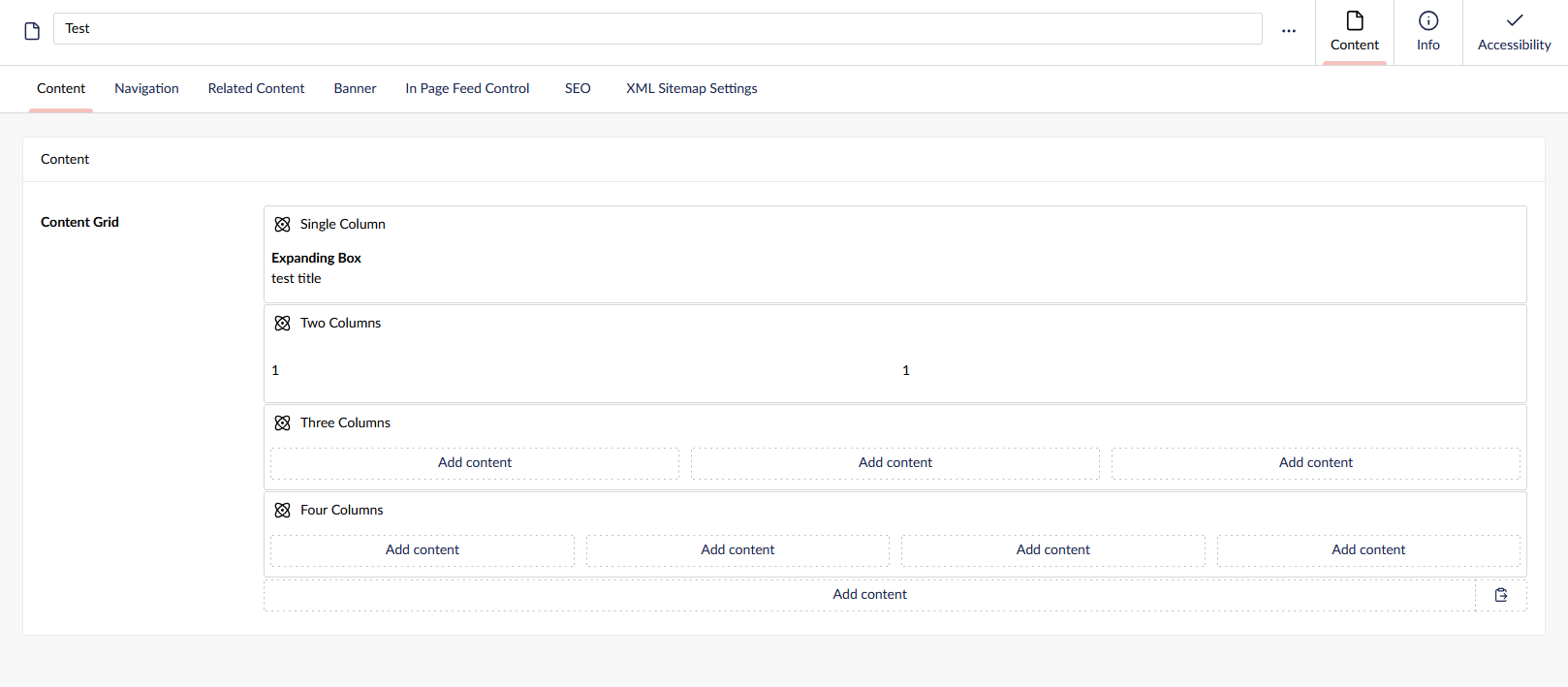
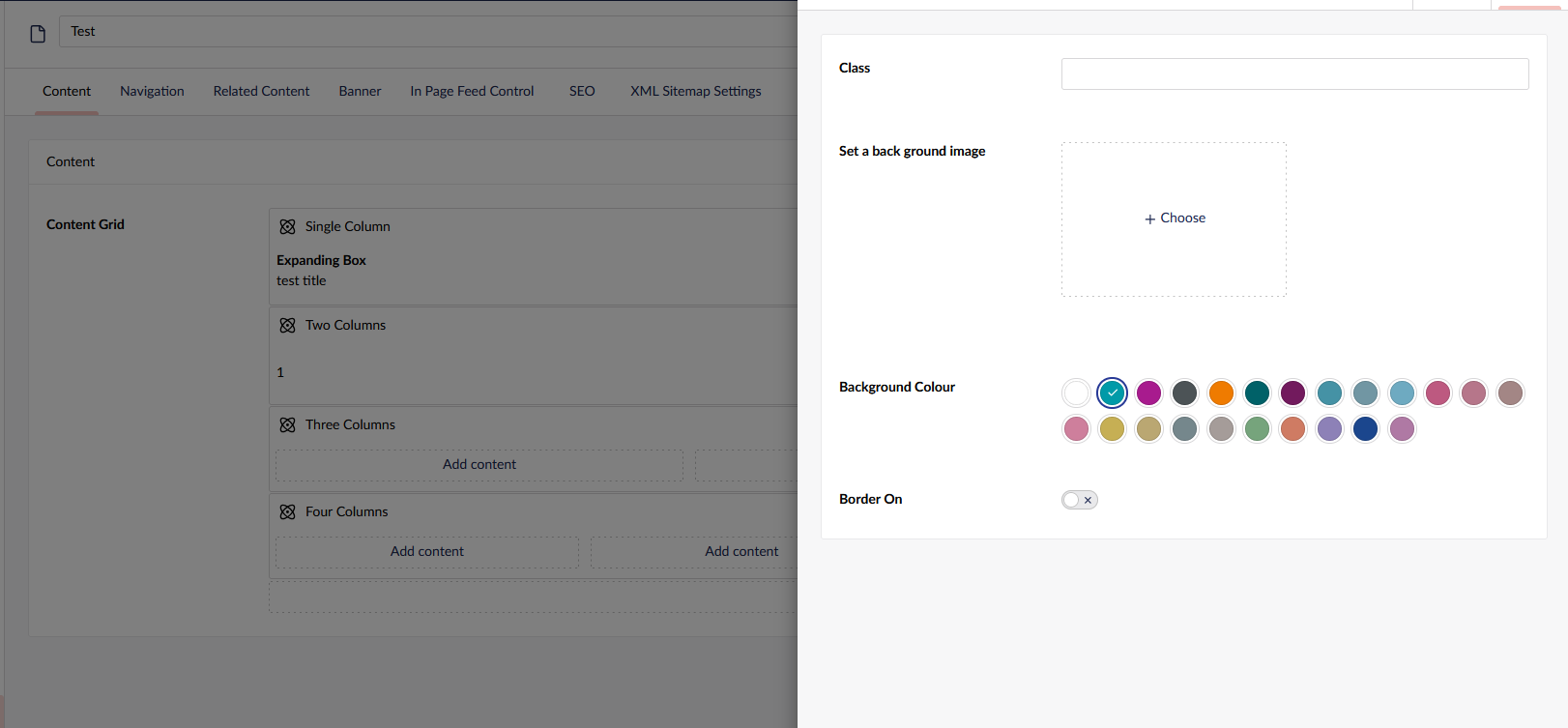
We have a site that allows a customer to change the block color in V13, we are trying to get this to work in V17 and it not displaying the color in the back office.
Do I need to write a custom plugin to do this for the back office.
Sorry, I missed that you mentioned Block Preview - although it does not change my original answer.
I asked AI and got this response:
You don’t need a custom column renderer. The columns and areas are Umbraco’s own components now, you can’t get at them from a Razor view. The colour has to come from inside your block and fill the space.
Worth ruling out first: default.cshtml, areas.cshtml and items.cshtml are frontend only, BlockPreview doesn’t use them. It renders one partial per element alias from /Views/Partials/blockgrid/Components/. If your colour logic is in the wrapper views, the preview won’t see it.
If it is in the block partial and the frontend is fine, it’s probably just CSS. The preview renders in isolation, so your stylesheet needs adding:
Test it by setting the background inline in the partial. If that works it’s the stylesheet, if not the settings aren’t getting through. Check you’re on v5.x too, that’s the v17 one.
Native alternative is a Block Custom View. You get settings straight on the component, then :host { display: block; height: 100%; } to fill the column.