hey @cmt-peter-laurie
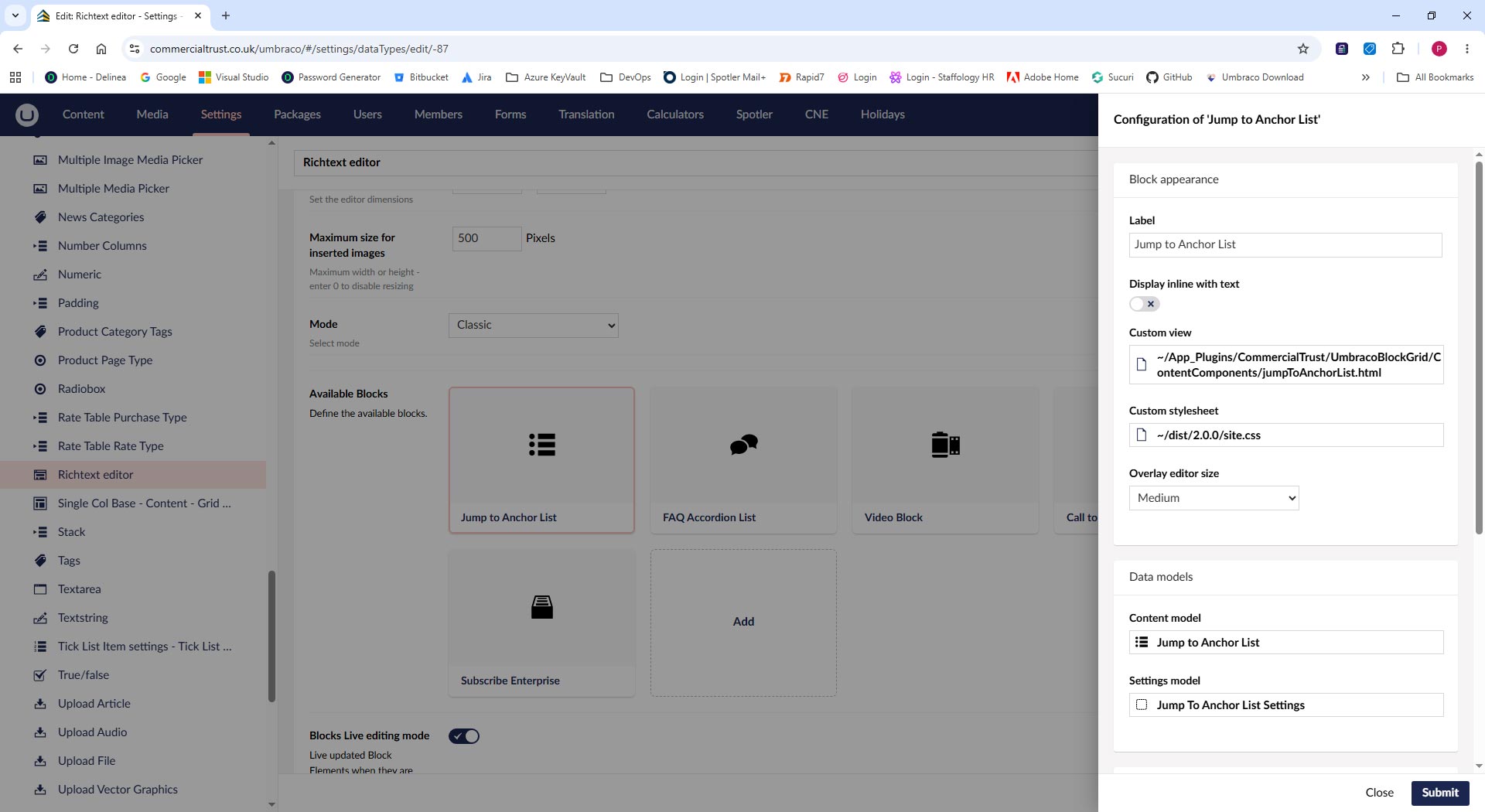
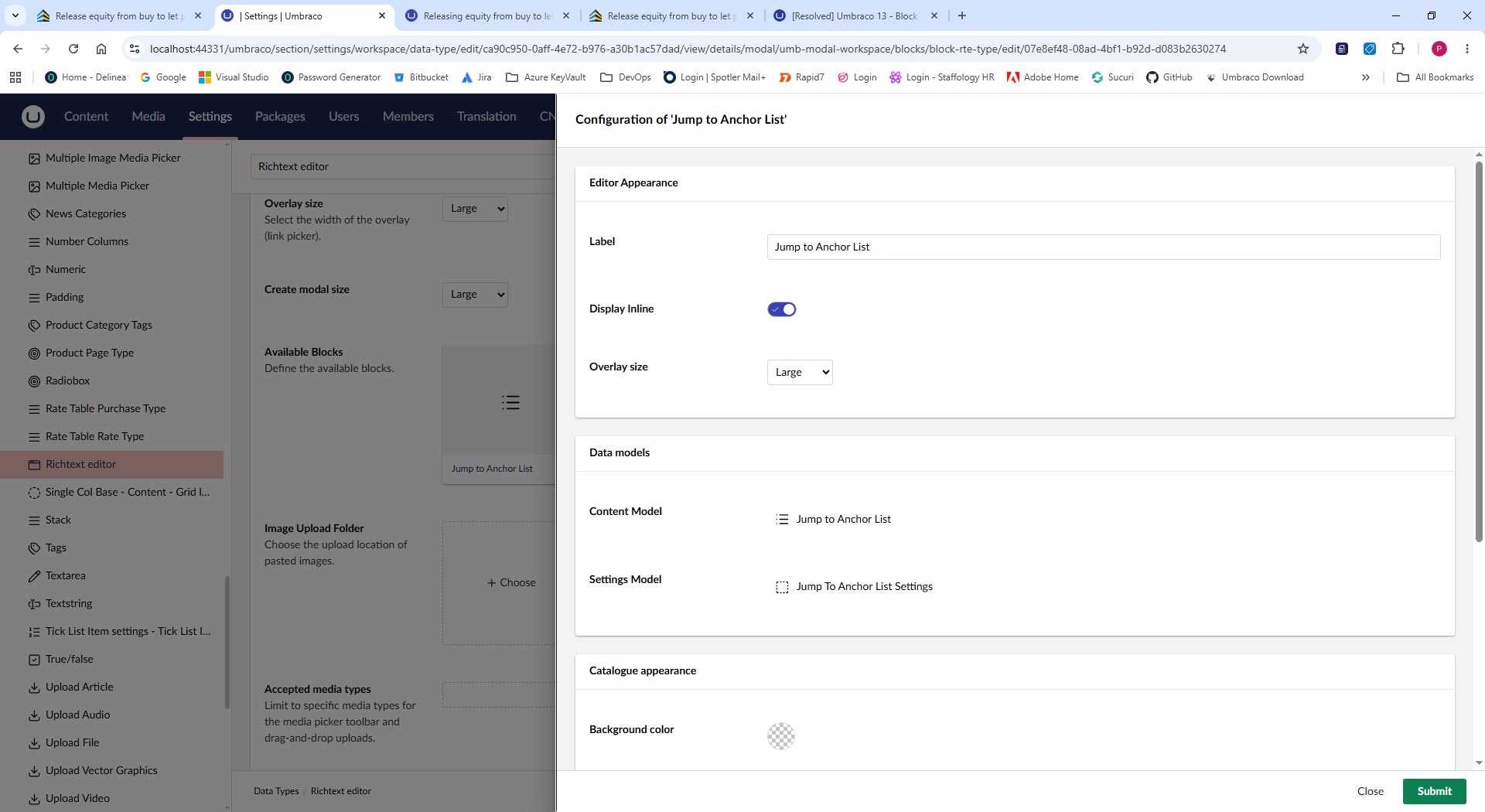
The option hasn’t gone away, it’s just moved. The file-path picker in the UI was an AngularJS thing from the old backoffice, and that’s all gone in v14+. Custom block views are now registered as a backoffice extension using a Web Component instead.
You need two things: a Web Component file and an entry in your umbraco-package.json.
The component itself looks something like this:
import { html, customElement, LitElement, property, css } from '@umbraco-cms/backoffice/external/lit';
import { UmbElementMixin } from '@umbraco-cms/backoffice/element-api';
import type { UmbBlockEditorCustomViewElement } from '@umbraco-cms/backoffice/block-custom-view';
import type { UmbBlockDataType } from '@umbraco-cms/backoffice/block';

@customElement('my-block-custom-view')
export class MyBlockCustomView extends UmbElementMixin(LitElement) implements UmbBlockEditorCustomViewElement {

    @property({ attribute: false })
    content?: UmbBlockDataType;

    override render() {
        return html`<p>${this.content?.heading}</p>`;
    }
}

export default MyBlockCustomView;
The content property maps directly to the properties on your Element Type, so just swap out heading for whatever aliases you have.
Then register it in umbraco-package.json:
{
  "name": "My.BlockViews",
  "extensions": [
    {
      "type": "blockEditorCustomView",
      "alias": "my.blockEditorCustomView.MyBlock",
      "name": "My Block Custom View",
      "element": "/App_Plugins/my-block-view/dist/my-block-custom-view.js",
      "forContentTypeAlias": "myElementTypeAlias",
      "forBlockEditor": "block-rte"
    }
  ]
}
The important bit for RTE blocks specifically is "forBlockEditor": "block-rte" — it’s easy to miss because most of the docs examples show "block-list". Both forContentTypeAlias and forBlockEditor are optional and also accept arrays, so if you want the same view to work across multiple editors you can do ["block-list", "block-grid", "block-rte"].
The docs have a full walkthrough at Custom Views for Block List | CMS | Umbraco Documentation — the tutorial uses Block List as the example but the approach is identical for RTE blocks, just use block-rte as above.