Umbraco 17.3.5 Forms 17.3.2 Entry details template

When using Umbraco Forms, if you click on an entry in the back end, you are able to view the entry details.

How do you change this template - or more to the point, how do I add a Field Type to it?

In the list of field types, you are able to select RichText editor, but if you submit something through, that field, the value doesn’t show up in the back end (but it shows up on the email sent in the workflow)

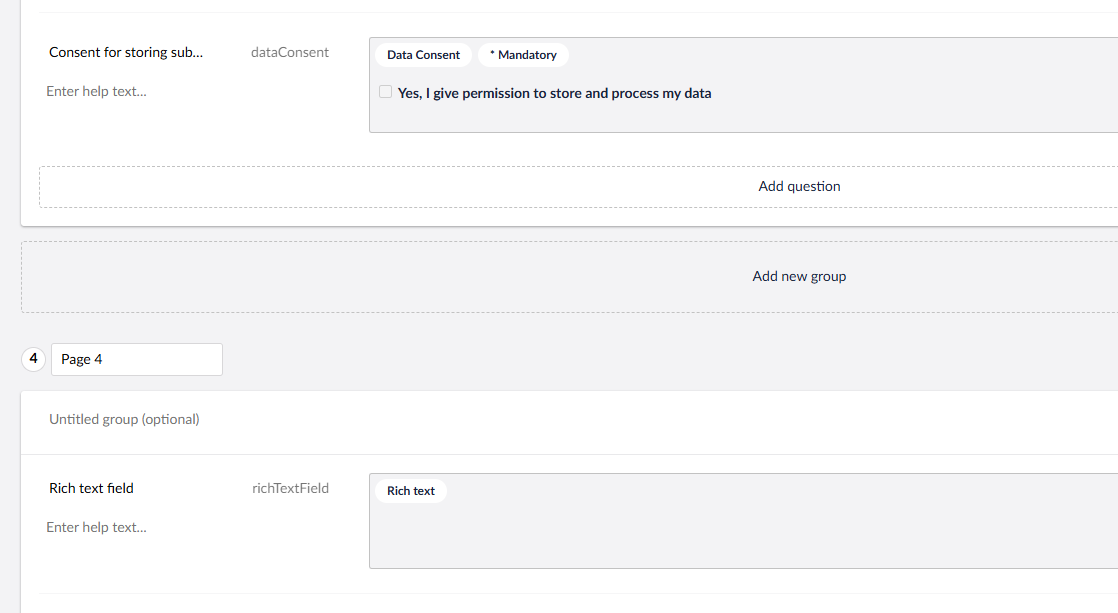
This is the rich text field:
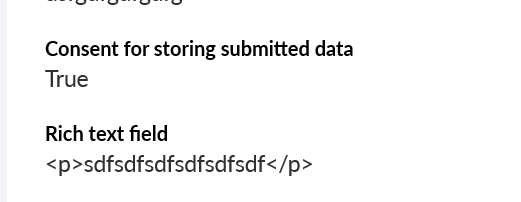
This is the email:
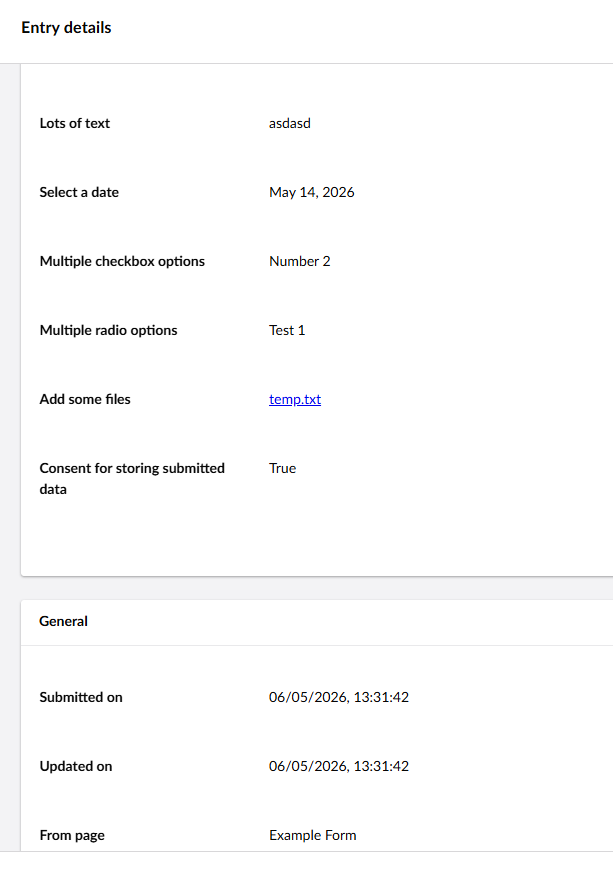
This is the back end entry details:
Hi @Pete0000

The rich text field is a read-only field. It can be used to show some formatted information to the users. It goes to email to give some information. As it’s not taking any inputs, it’s not appearing under the entries.

Please try using other fields like short or long answers for taking input, this will come as an entry. For more details check this: Overview Of The Field Types | Forms | Umbraco Documentation

Hope it helps!