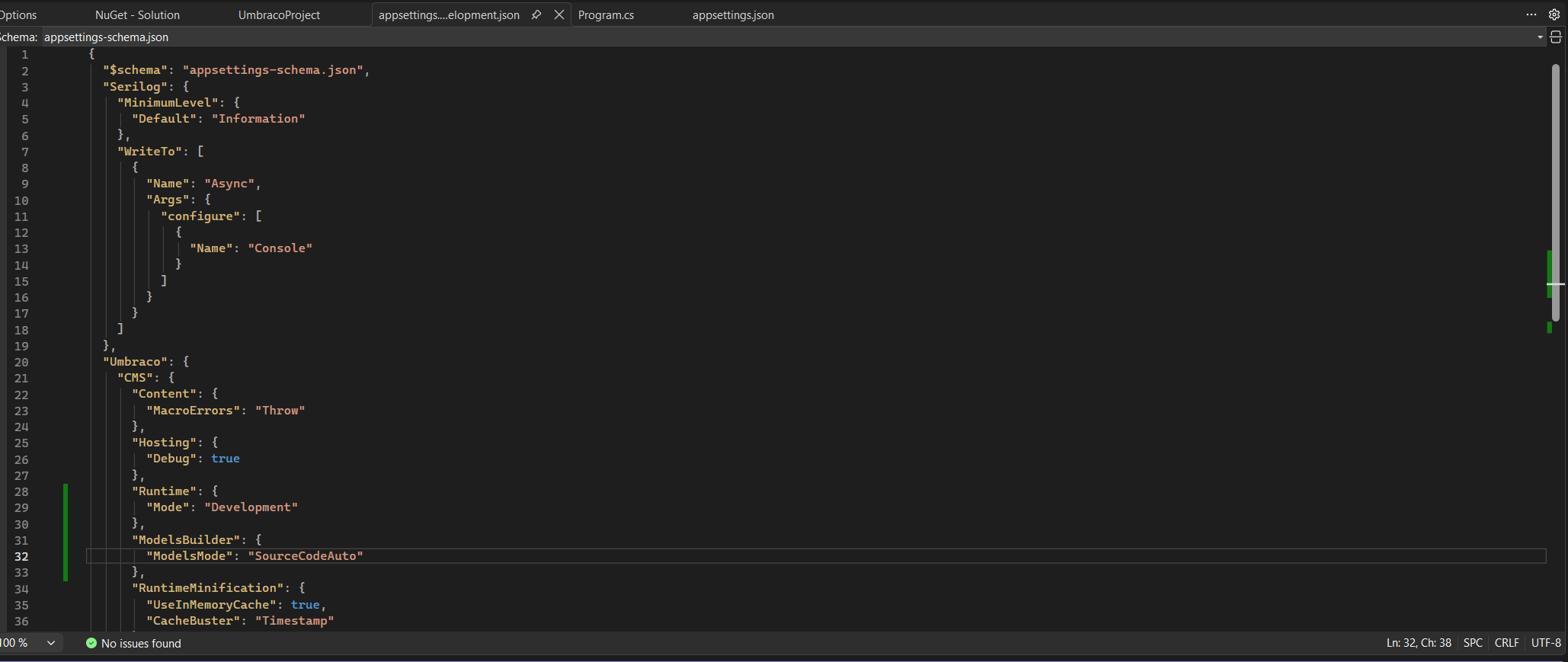
But it seems that each different ModelsMode I try the error “No Physical Template was found” is generated.
The code for the project is old v7 code (written by a former colleague) upgraded to v13 (by a third party) and now I am trying to get this to run on v17. Does anyone have any suggestions?
Thanks for the reply. I have it set to SourceCodeAuto and have removed the two RazorCompile settings from the .csproj file, but I still get the same error, it may be another setting is causing a problem somewhere.
Make sure to go to Settings → Models Builder → and click “Generate models” after changing the models mode. After that, make sure you restart the server, and it should now work.
If it still does not work, please try to re-select the template for a document and hit “Save and publish”.
Thanks, I have tried generating the models a few times from settings, and restarting the PC and Visual Studio but I am still getting the same error. I have also saved and published the website and re-saved the template files but no change in error message.
Could it be a case-sensitive issue with the file names? Do they exist in the correct folder (/Views)? They must match the template alias in the file name as well.
If you create a brand new template (Settings → Templates –> New) and assign that to a document type and a document, does that work?
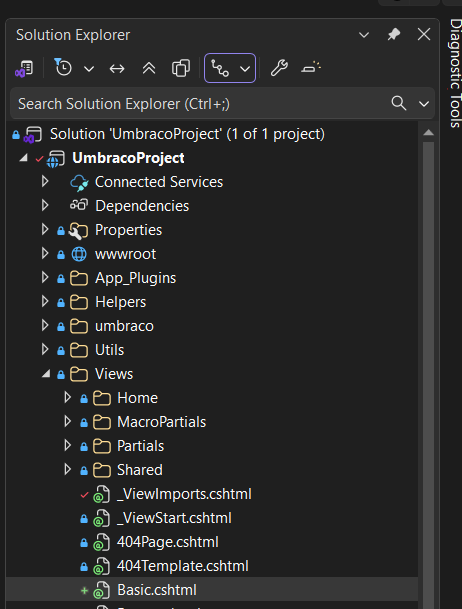
Check that the physical .cshtml template files actually exist in the /Views folder.
Umbraco needs a file on disk for the template — it won’t render just because the template is in the back office.
Ensure the file name exactly matches the template alias (including letter case).
On case-sensitive systems (e.g., Linux / Docker), Home.cshtml and home.cshtml are not the same.
Try creating a brand-new template in the back office, assign it to a doc type and a content node, and see if that renders correctly.
If a new template works, that usually confirms the issue is with the original template files (path/name mismatch).
Thanks. I have created a new Doc Type and template called Basic, have created a new node and tried saving and publishing (and previewing) but still get the error, I am on Windows 11 so I don’t believe the issue is due to case sensitivity.
You could try and install the Umbraco.Cms.DevelopmentMode.Backoffice package, which ordinarily should not be necessary, but I’m not sure in which state your Razor compilation is in at the moment.