Hello, first-time poster here hoping I can pick some of your big brains.
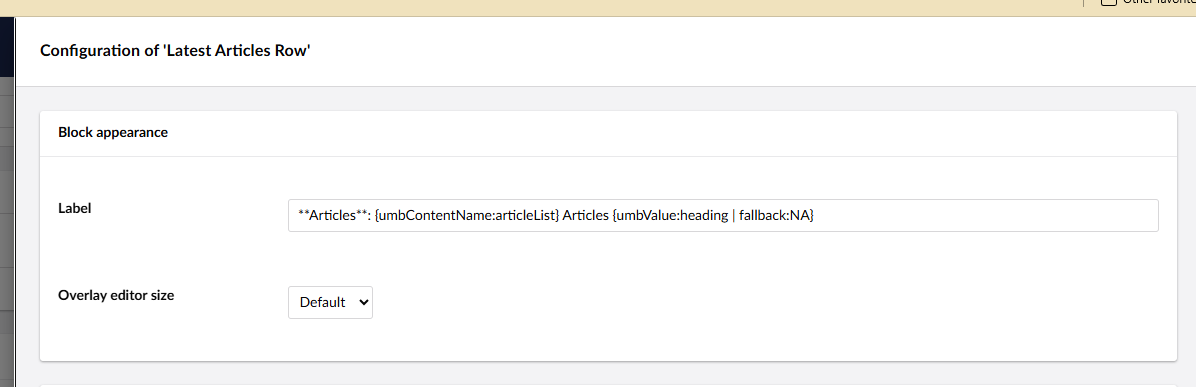
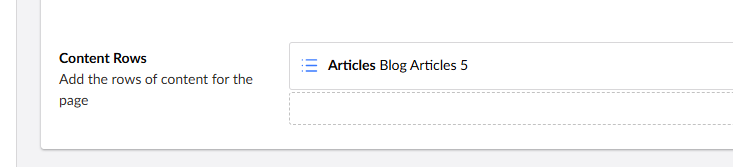
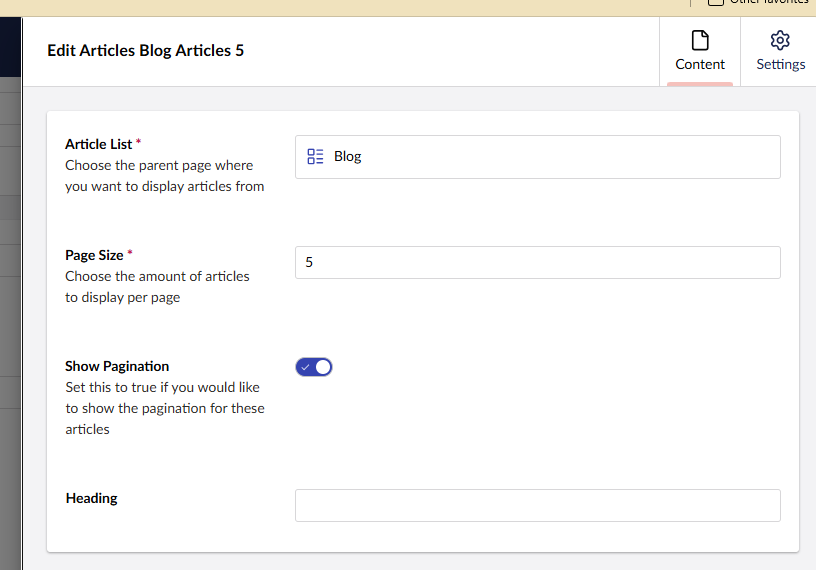
I have just updated my project from v13 to v17, and need to update the labels for my block list items from angular to UFM. I am wanting to render the heading property in the label, however where this is a non-mandatory field I need a fallback to another property, which in my current case has the alias bodyCopy.
The docs show that a fallback filter exists, which is great, however I CAN’T FOR THE LIFE OF ME work out what kind of data it will accept? I’ve referred to the docs, the forums and Joe Glombek’s super useful blog (this particular issue aside…) , and have tried a variety of values as follows:
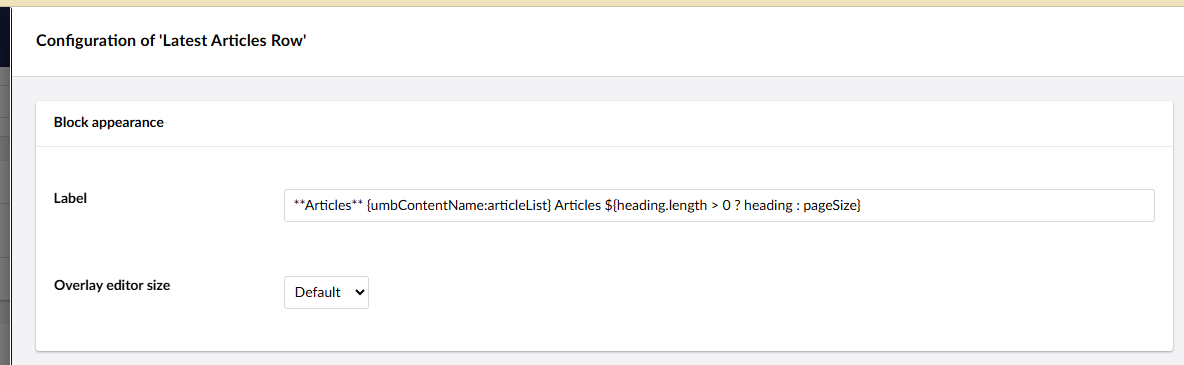
I then gave up with the fallback filter and tried a js expression (again going off Søren’s responses, I’m guessing is a relatively new feature) : #ImageAndContentComponent_${ $index } - ${ heading.length > 0 ? heading : bodyCopy }
All to no avail. I’m hoping someone is going to tell me I’m doing something really stoopid, and I can get this working in no time, but any thoughts / suggestions would be much appreciated!
p.s. I will be extra happy if you tell me I don’t have to create my own filter.
Thanks so much for looking into this for me @mistyn8! Interesting that you were able to return a property using the expression, I’ll have another play and see if I was doing something silly.
Would defo be useful for the fallback filter to accept doctype properties, but from talking to my colleague @OwainWilliams it sounds like it might not be a priority at the mo.
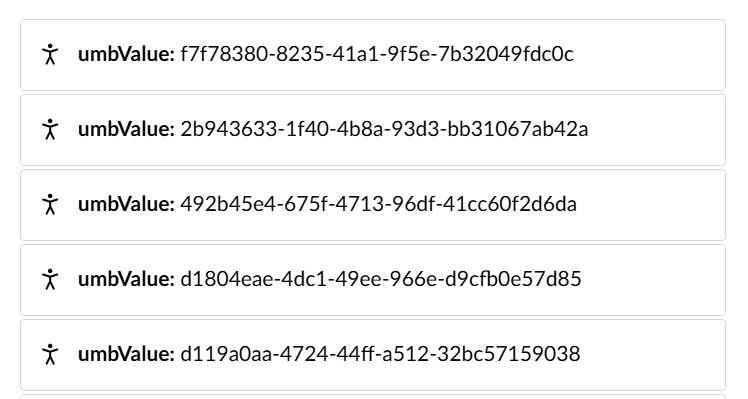
I thought maybe {umbValue.person.firstName} or {umbValue.person.name} might work but it doesnt.
According to the docs {umbContentName:person} should work with Memberpickers
"Content Name
The Content Name component will render the name of a content item, (either Document, Media or Member), from the value of a given property alias. Multiple values will render the names as a comma-separated list.
The alias prefix is umbContentName. An example of the syntax is {umbContentName: pickerAlias}, which would render the component as <ufm-content-name alias="pickerAlias"></ufm-content-name>.
The Content Name component supports content-based pickers, such as the Document Picker, Content Picker (formerly known as Multinode Treepicker), and Member Picker. Support for the advanced Media Picker will be available in an upcoming Umbraco release."
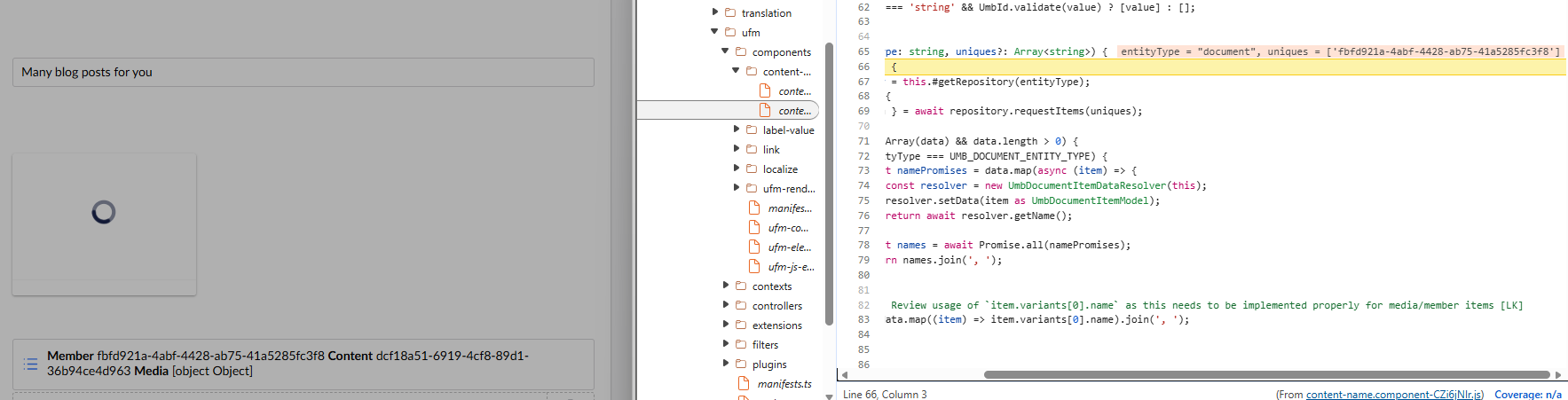
But I don’t even get a value back when I do use {umbContentName:person}
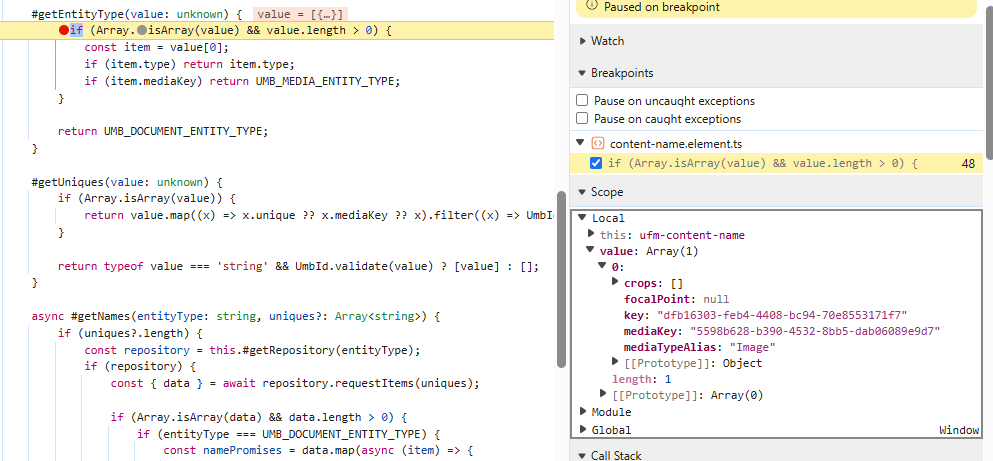
sounds like it’s failing to find the correct entity type.. and falling back to the default which is document..
	#getRepository(entityType?: string | null) {
		switch (entityType) {
			case UMB_MEDIA_ENTITY_TYPE:
				if (!this.#mediaRepository) this.#mediaRepository = new UmbMediaItemRepository(this);
				return this.#mediaRepository;

			case UMB_MEMBER_ENTITY_TYPE:
				if (!this.#memberRepository) this.#memberRepository = new UmbMemberItemRepository(this);
				return this.#memberRepository;

			case UMB_DOCUMENT_ENTITY_TYPE:
			default:
				if (!this.#documentRepository) this.#documentRepository = new UmbDocumentItemRepository(this);
				return this.#documentRepository;
		}
	}
}
Loving seeing your working and thought process on this Mike. Thanks for the details - never thought about firing up DevTools and digging around that to hit breakpoints etc.
I’m currently looking at a custom extension to try and get member details that way. If I get it working I’ll share a link to the code.
This looks like a bug at the moment, so worth raising an issue and/or getting a PR in. Generally HQ have been quick at fixing these oversights!
What I suspect won’t be a part of core (yet) is rendering properties from a picked member other than name. So if you need to do that, a custom UFM Component would be the way to go!