Hello,
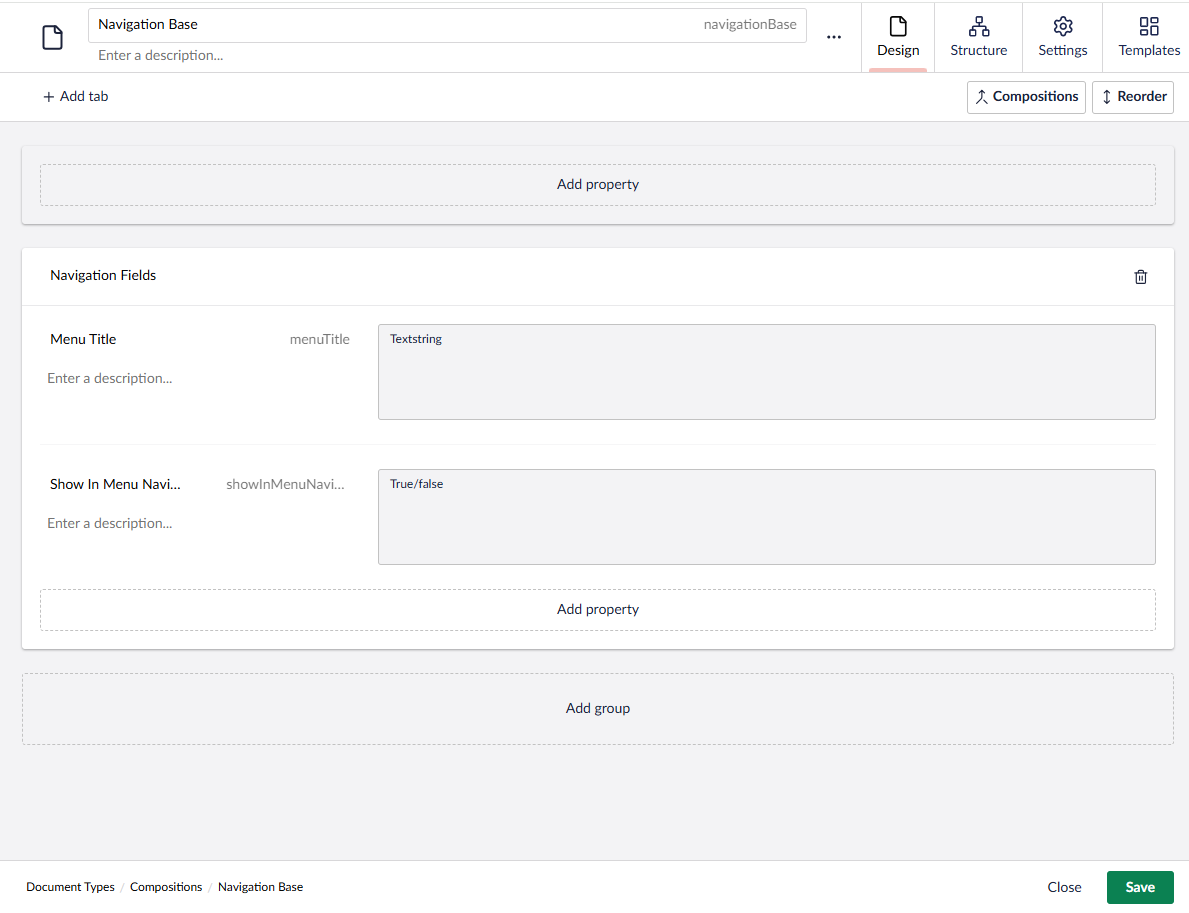
After migrating our project from Umbraco 13.1.1 to Umbraco 16+, all Toggle (True/False) properties across the site are returning false in the frontend, even when they are visually set to ON in the backoffice.
I tried several solutions, including recreating the data type and checking the property values in different ways, but the issue still exists.
for example :
Has anyone experienced the same issue before? It seems to me that this might be a bug in Umbraco versions higher than v13.
in addition here is the code I’m currently using:
@foreach (var child in homePage.Children.Where(x => x.HasProperty(“showInMenuNavigation”) && x.Value(“showInMenuNavigation”) == true && x.HasValue(“menuTitle”) && !string.IsNullOrEmpty(x.Value(“menuTitle”))))
{
bool isContactPage = (contactPage != null && child.IsDocumentType(contactPage.GetTemplateAlias())) ? true : false;
<li class=“@(Model.Url().Contains(child.Url()) ? “active”: null) @(isContactPage ? “contact” : null)”>@(child.Value(“menuTitle”))
}
Thanks in advance.
Hi @OmarAbdelaziz152000
I’ve not seen this and have several sites migrated from 13 to 17 without any problems.
Are you able to recreate this on a clean install of Umbraco 17?
I would imagine this would be quite a major bug if that’s what it is and I can’t see mention of it on the issue tracker.
Does the same happen if you are using models builder rather than calling HasProperty/Value?
It may be worth rebuilding the database and memory cache as the front-end reads from the cache whilst the back-office reads directly from the database.
Justin
hi @OmarAbdelaziz152000
The issue is this comparison:
x.Value("showInMenuNavigation") == true
Switch to the typed overload and it’ll work?
x.Value<bool>("showInMenuNavigation")
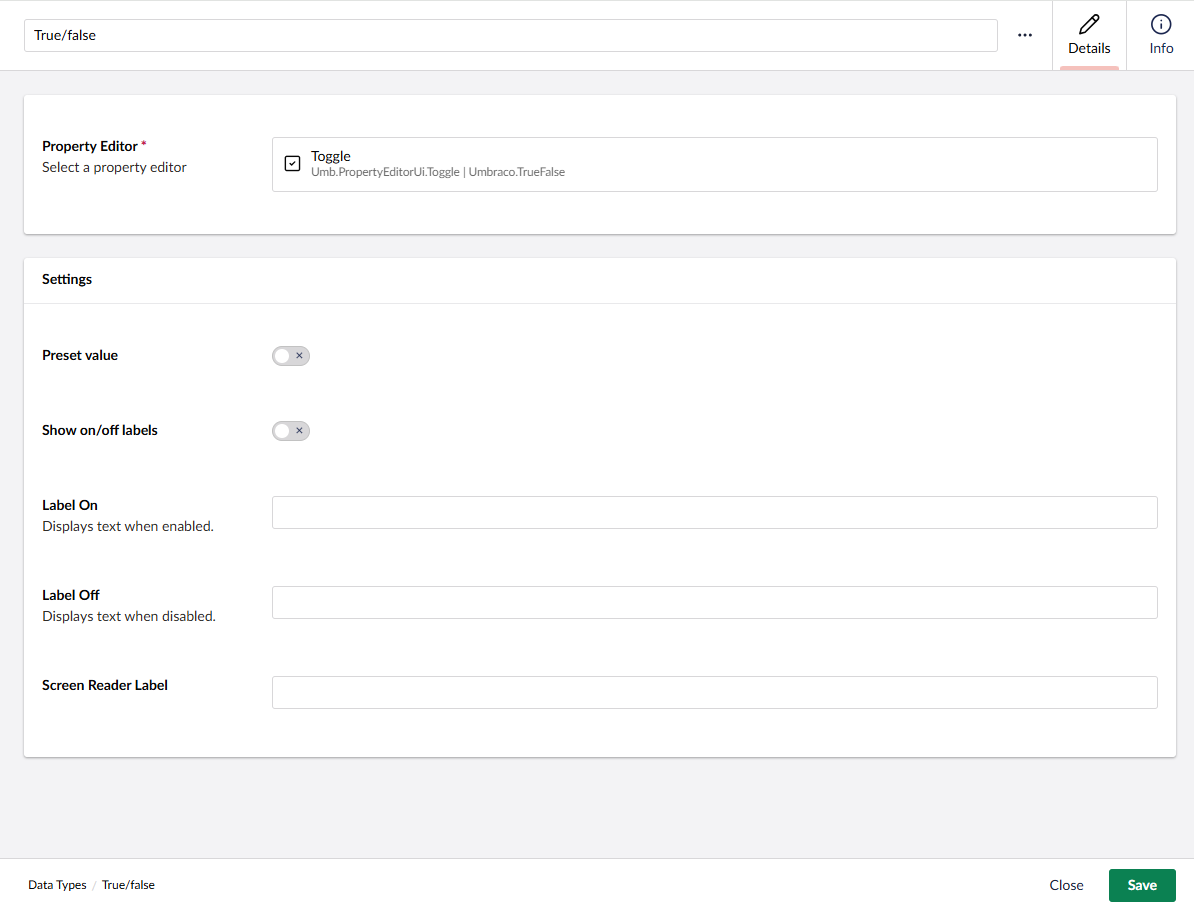
As for why it breaks - the most likely cause is that in v14+ the property editor was split into a schema alias (Umbraco.TrueFalse) and a UI alias (Umb.PropertyEditorUi.Toggle). If the YesNoValueConverter no longer matches your migrated data type because the alias mapping shifted, it simply never fires. Value() then returns the raw database string "1" instead of a proper bool, and "1" == true is always false in C#.
Quick way to confirm: check the database for one of the affected nodes.
SELECT pd.intValue, pd.textValue, pt.Alias
FROM umbracoPropertyData pd
JOIN umbracoPropertyType pt ON pd.propertytypeid = pt.id
WHERE pt.Alias = 'showInMenuNavigation'
If intValue is 1 but the frontend shows false, the converter isn’t running , Value<bool>() fixes it. If it’s 0 or NULL, the values weren’t carried over during migration and you’ll need to re-publish those nodes.
@BishalTimalsina12
But if he’s re-published from the back-office it should update the values in the database to be 1/0 so that should get picked up in the front-end correctly?
I agree to definitely try the Value<bool>(““) version to see if that makes any difference.
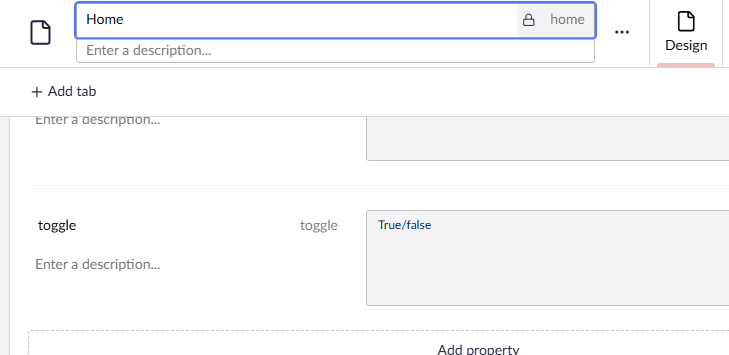
I can confirm this. I just did a quick Umbraco 17 setup and added a True/False to see how it behaves with the code:
Here’s the code I tried:
@using Umbraco.Extensions
@inherits Umbraco.Cms.Web.Common.Views.UmbracoViewPage

@{
    Layout = null;

    // 1. Safely retrieve the boolean value
    // Using .Value<bool>("toggle") forces the Property Value Converter to execute,
    // ensuring Umbraco 16+ reads the underlying 1/0 or True/False correctly.
    bool isToggleActive = Model.Value<bool>("toggle");
}

<div class="home-container">
    <h1>Home Page</h1>

    @* 2. Use the boolean in your logic *@
    @if (isToggleActive)
    {
        <div class="alert alert-success">
            <p>The toggle property is visually set to ON in the backoffice and returning TRUE.</p>
        </div>
    }
    else
    {
        <div class="alert alert-warning">
            <p>The toggle property is OFF (or returning FALSE).</p>
        </div>
    }
</div>
Setting:
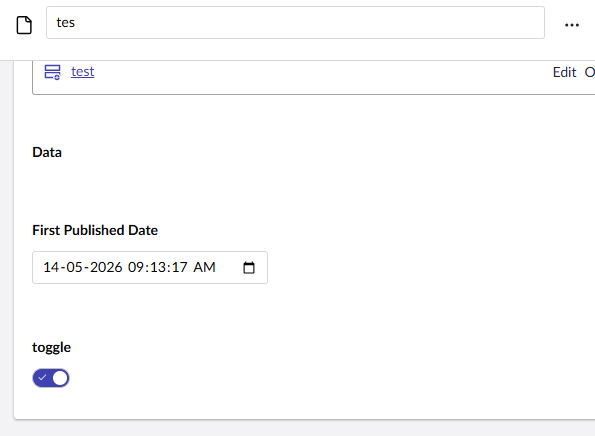
Content:
And got this in the frontend:
Hope it helps!