I’ve tried pretty much all the suggested solutions on the web and I still get this error.
I can get rid of this error by starting a fresh install of Umbraco15 on the server (SmarterASP.net).
As soon as I start publishing my website to SmarterASP.net either by FTP or WebDeploy. I get this error when accessing the backend. I get the error on both Google browser on Windows and android.
I just quickly wanna chime in here about disabling HTTPS.
It should not really be necessary if you configure your application with the correct handling of forwarded headers.
Umbraco can work just fine behind a loadbalancer and still have all the best practice security settings enabled.
Here’s an example:
// Umbraco 17+ / .NET 10+
// Program.cs

var builder = WebApplication.CreateBuilder(args);

// Forward headers needed to pass information from the reverse proxy to the application
builder.Services.Configure<ForwardedHeadersOptions>(options =>
{
    options.ForwardedHeaders =
        ForwardedHeaders.XForwardedFor |
        ForwardedHeaders.XForwardedProto |
        ForwardedHeaders.XForwardedHost;

    var address = System.Net.IPAddress.Parse(127.0.0.1);
    var ipNetwork = new System.Net.IPNetwork(address, 32);
    options.KnownIPNetworks.Add(ipNetwork);
});

builder.CreateUmbracoBuilder()
    .AddBackOffice()
    .AddWebsite()
    .AddComposers()
    .Build();


var app = builder.Build();

await app.BootUmbracoAsync();

// This is needed to forward the headers from the reverse proxy to the application
app.UseForwardedHeaders();

app.UseUmbraco()
    .WithMiddleware(u =>
    {
        u.UseBackOffice();
        u.UseWebsite();
    })
    .WithEndpoints(u =>
    {
        u.UseBackOfficeEndpoints();
        u.UseWebsiteEndpoints();
    });
For Umbraco version lower then 17 and .NET 9 and down you have to alter then implementation just a bit:
// 17 up
    var address = System.Net.IPAddress.Parse(127.0.0.1);
    var ipNetwork = new System.Net.IPNetwork(address, 32);
    options.KnownIPNetworks.Add(ipNetwork);

// Below 17
    var address = System.Net.IPAddress.Parse(127.0.0.1);
    var ipNetwork = new IPNetwork(address, 32);
    options.KnownNetworks.Add(ipNetwork);
I am struggling with a Umbraco 17 site deployed to IIS. The frontend works, but the backoffice login fails due to protocol issues.
The Problem:
When logging into the backoffice, I get the error: error_description: This server only accepts HTTPS requests. error_uri: https://documentation.openiddict.com
The site only works if I set "UseHttps": false in appsettings.json, which is not an option for production.
My Setup & Deployment:
Umbraco Version: 17
Infrastructure: Hosted behind an IIS ARR (Application Request Routing) Proxy. SSL termination happens at the proxy, and requests are forwarded to the web server via HTTP.
Deployment Process: I publish using dotnet publish -c Release -r win-x64 --self-contained false.
Database: I manually copy the SQLite database. I have already manually updated PostLogoutRedirectUris and RedirectUris in the database to match the correct public domain, but the error persists.
IIS: AppPool is set to “No Managed Code” / Integrated.
The Challenge:
Even though the URIs in the database are correct, OpenIddict seems to reject the login because it perceives the incoming forwarded request as insecure HTTP instead of HTTPS.
My Questions:
How do I correctly configure the Forwarded Headers Middleware in Umbraco 17 to ensure OpenIddict respects the X-Forwarded-Proto header from the ARR proxy?
Are there any additional settings in appsettings.json (like Umbraco:CMS:WebRouting:UmbracoApplicationUrl) that are mandatory when the internal connection is HTTP?
Is there a specific way to tell OpenIddict in Umbraco 17 to allow the offloaded HTTPS connection or meaby correct it instead of doing it manual?
Any help or code snippets for Program.cs to handle this proxy scenario would be greatly appreciated!
That doesn’t have to be a problem, since you can mitigate any risk in IIS.
Assuming that you have SSL offloading switched on, you trust the load balancer and site(s) to talk to each other over plain HTTP (because trusted network?). In that case, you will need this setting disabled for Umbraco to accept requests from the ARR/proxy site.
So long as you configure IIS such that no other traffic can access the Umbraco site without using SSL (i.e. via routes that circumvent the load balancer) then that’s fine - your’e just delegating that security to IIS instead of Umbraco.
Alternatively make sure that you don’t have SSL offloading enabled, or at least use an HTTPS connection between the load balancer and site(s).
There is a performance consideration, which I’m not sure about when using ARR with IIS, and that’s how HTTP2 factors in. In other scenarios where I’ve used HTTPS, which enables HTTP2 communication between the load balancer and load balanced sites, it has meant improved performance. It would be worth testing and seeing what the performance difference is.
I tried your solution but it doesn’t change anything. Maybe I have a wrong order? This is my code: var umbracoBuilder = builder.CreateUmbracoBuilder() .AddBackOffice() .AddWebsite() .AddComposers() .Add...; umbracoBuilder.RuntimeModeValidators().Remove<UseHttpsValidator>(); ... umbracoBuilder.Build();
Can you see any problem here?
@Saeve : Did you ever try this with an Umbraco 17 Site? This code doesn’t change anything. My Nginx settings forward the protocol, scheme, and host: proxy_set_header Host $host; proxy_set_header X-Forwarded-For $proxy_add_x_forwarded_for; proxy_set_header X-Forwarded-Proto $scheme;
Yes, I run my personal website on V17 behind a Traefik proxy and also a Varnish cache(for fun).
I have no real issues with the forwarded headers on my setup.
There’s nothing else really special about the setup and traffic to my backoffice domain is just passing trough Traefik.
HTTPS and all other prod mode validators are enabled without any real issues.
Did you ensure that you added the allowed IP or Networks as I described in my initial guide?
Aspnet does not accept forwarded headers from IPs that are not explicitly trusted.
Hi @Saeve , thanks a lot for your reply. I managed getting a step further with following the instructions at the greenstack site (1.1…1.3). The first instruction is similar to your solution. After that I had the problem, that I got a 502 after successful login. I could manage it with bigger buffer settings in Nginx. The backoffice is now usable.
Pretty sure that what they describe in the post is not best practice.
I can only see this as a valid case if you would never be able to know the CIDR or IP for your LB/Proxy.
This case I would personally find a bit of an edge case, but could be valid.
Aspnet can run in HTTP mode for Kestrel but still understand that it’s using HTTPS on the LB/Proxy.
Is your setup just NGINX → Umbraco and are you using Docker or hosting with IIS or something else?
I would like to try and make a simple Umbraco setup with NGINX to test, since I suspect something is not configured correctly.
I’ve done basically nothing out of the ordinary to either Traefik or Umbraco to get this working.

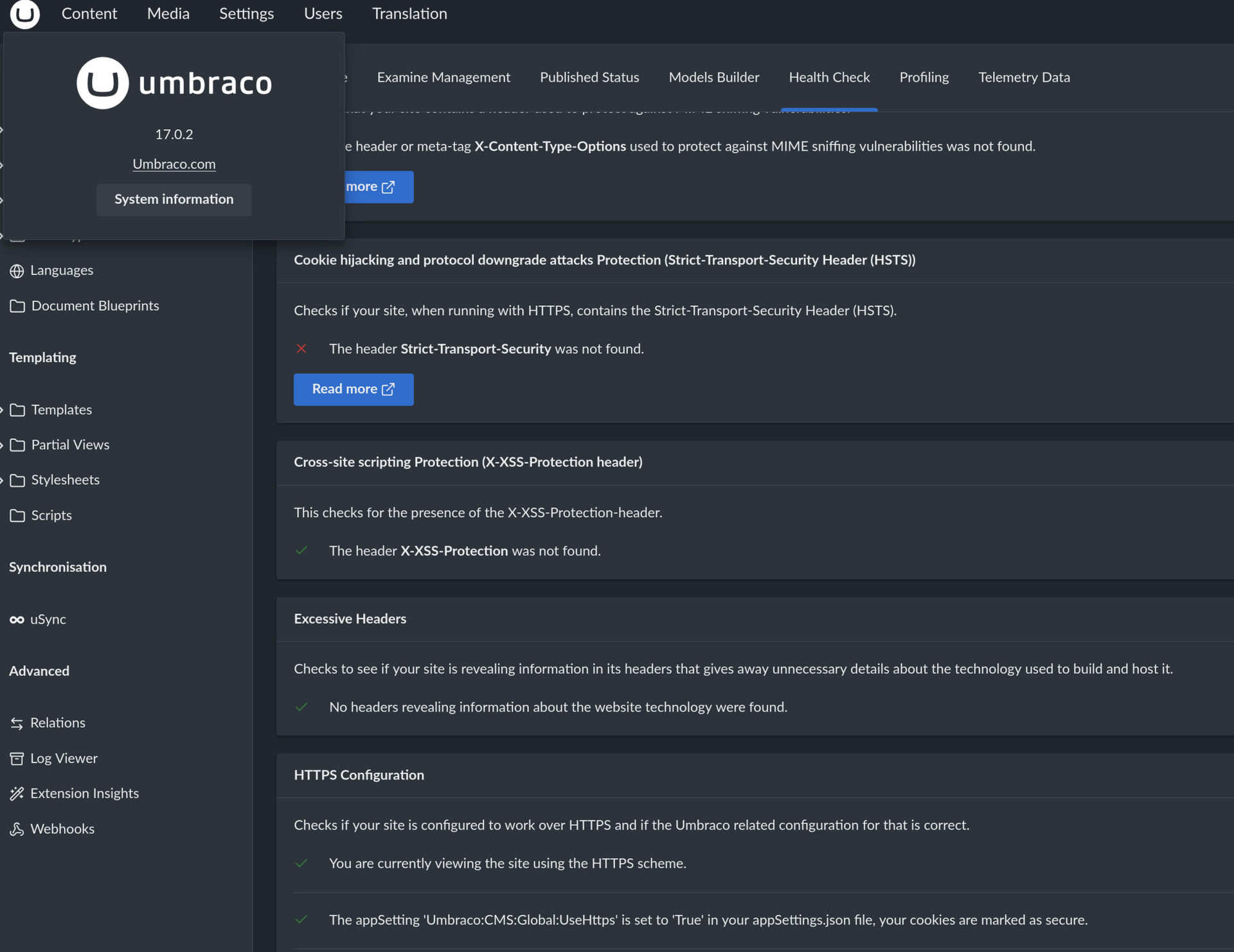
 )
)