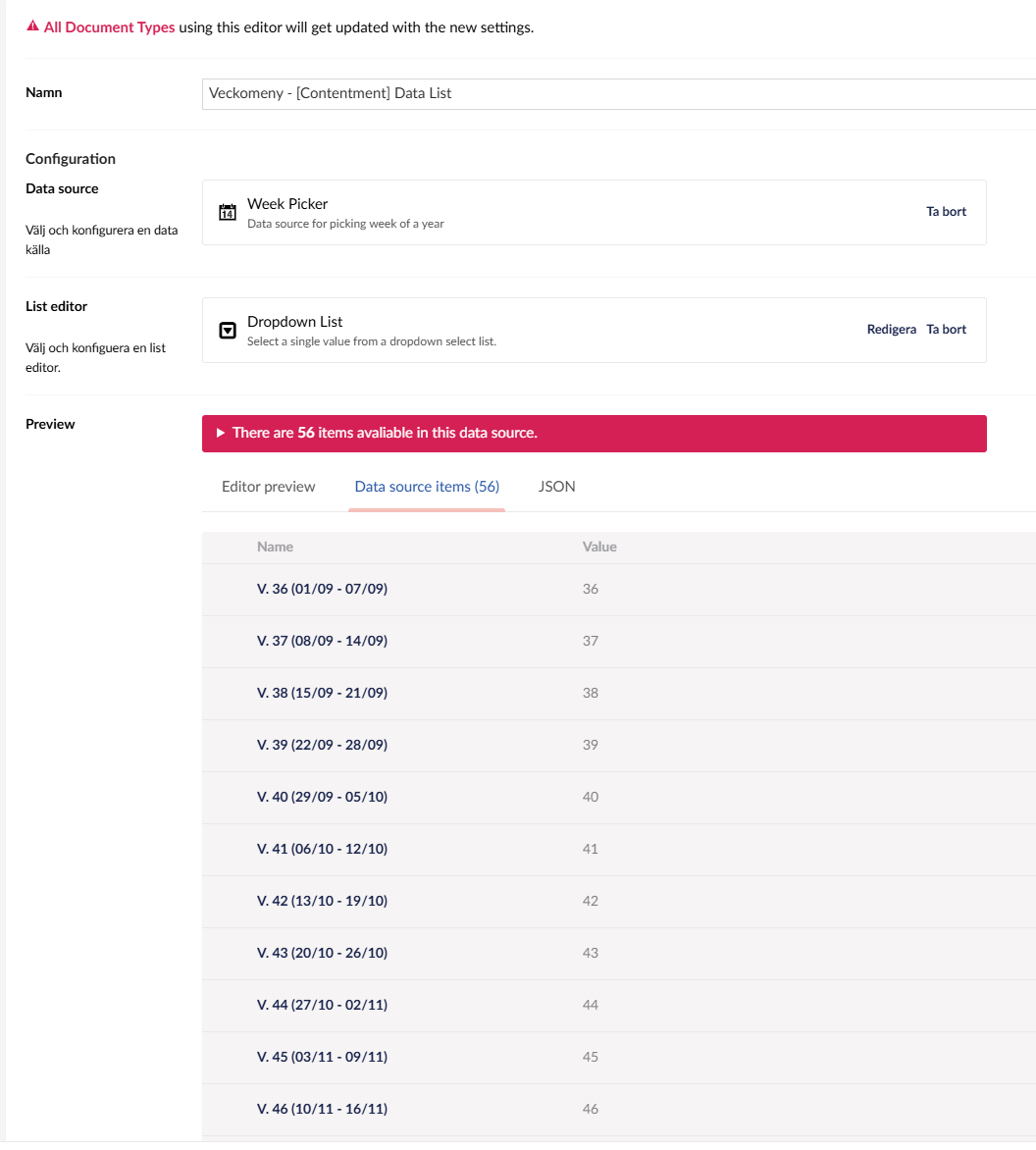
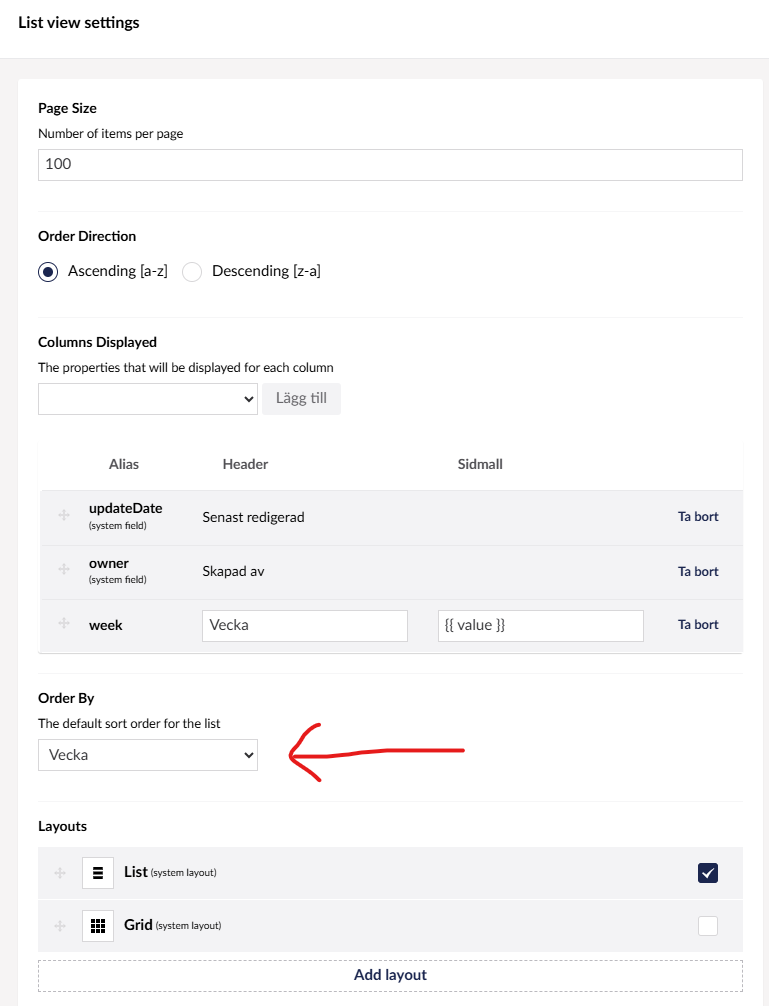
I want to be able to sort the list by the value in that column, but i can’t get it to work, they always stay in the same order when i sort.
What am i missing here?
Do i have to do something extra to make List views sortable by certain values?
I even tried creating an extra numeric property on the doc type and use a notification handler to set that value.
Then used that in the list view instead, in case the value beeing stored as a string was the issue.
But still can’t sort by it…
Found an old issue on github issue mentioning that list views can only sort by values that are stored as a Nvarchar in the database.
Saw that a normal TextBox stores it’s value as a Nvarchar in the database.
So i changed the extra property that i set with a NotificationHandler when saving to a TextBox instead of a Numeric field, and bada bing bada boom the sorting just works.
Feels like sorting integers should work as well but appearently not..
I’ll mark this as the solution unless someone has a better solution.