Remove items from Add Media Menu and other mnus

Hi,

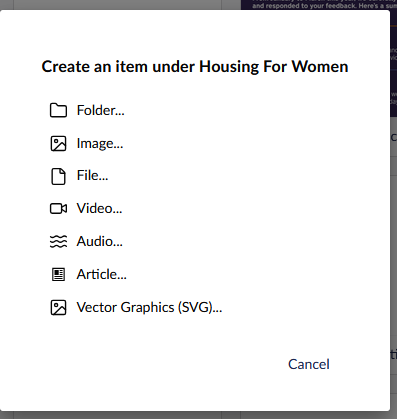
Is there a way to remove Items from the Media Add menu, Like Audio files ect.

We just like to show only items that the customer use and not stuff they done.

Also is there a way on when you create a new item under a node to say remove create page blue print.

Thanks

HI Darren,

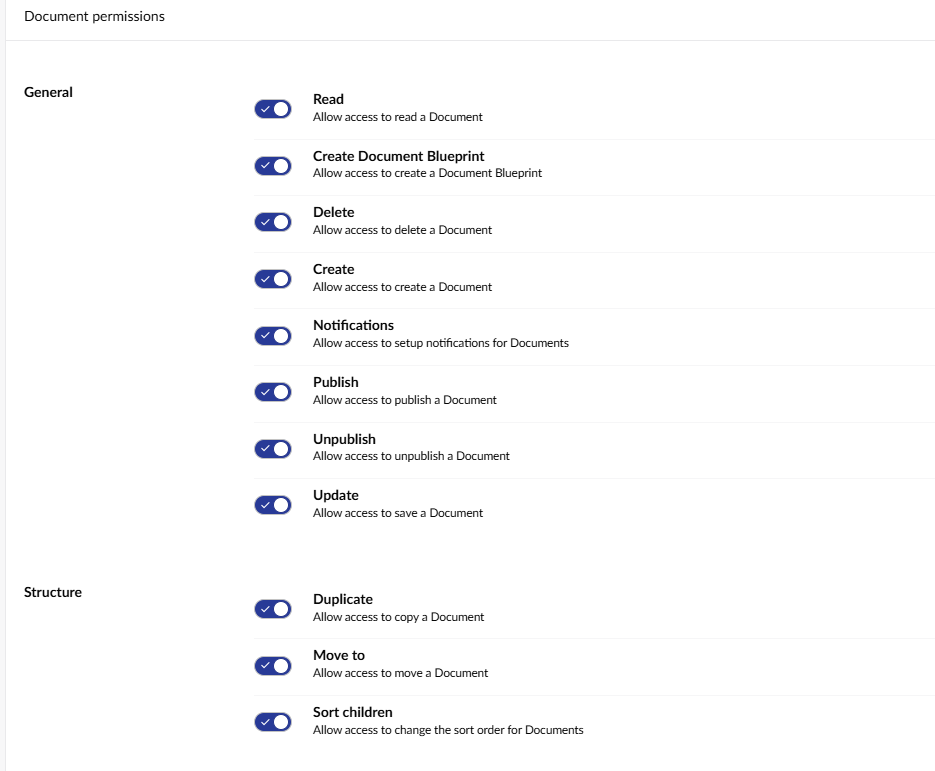
most of these can be controlled via user group permissions .

(users section → groups).

you can for example remove the “Create Document Blueprint” permission from the editors group and then your editors won’t see that option.

Thank you for you help.

It this menu I like to remove some of the options.

Hi Darren

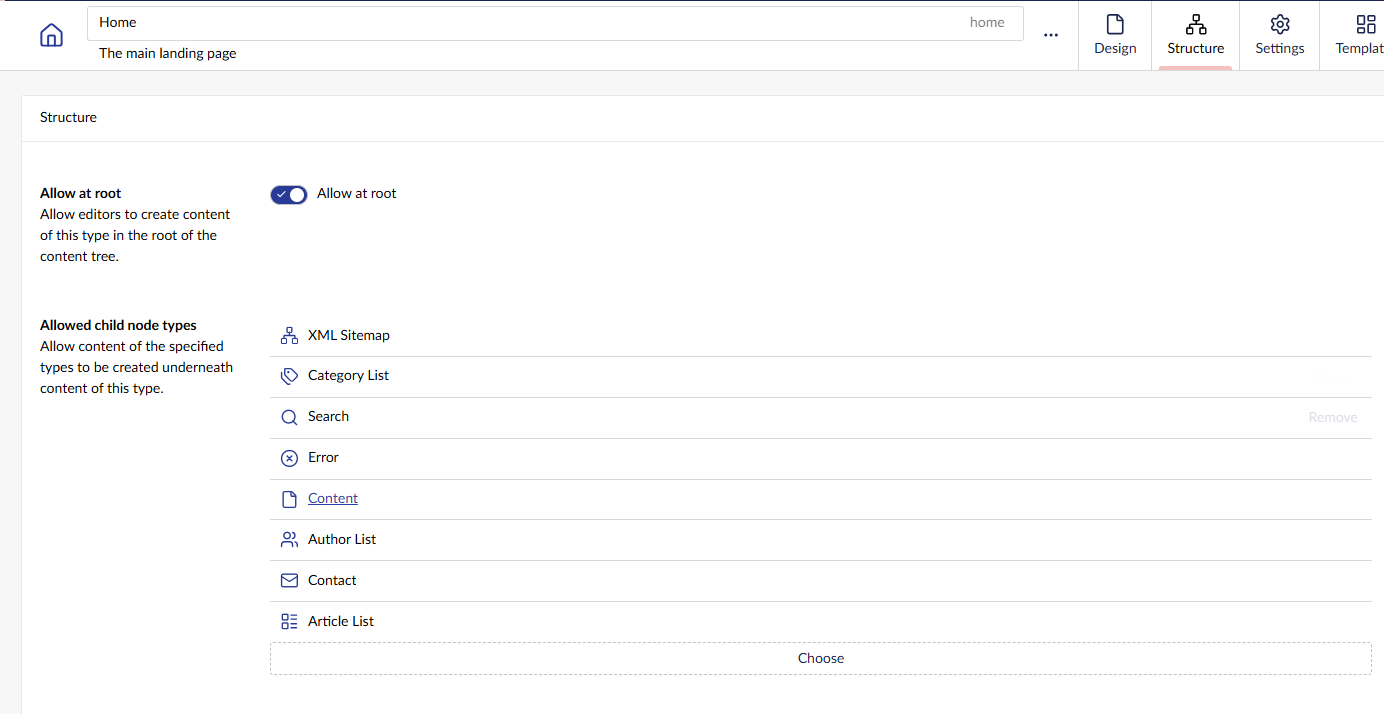
that menu is controlled by what items can be created under a document type.

if you navigate to the settings → document types, and select the document type for a page, there is a structure tab

this says what items can be created underneath any given page, if you remove them from here, they are removed from that list (but no one can create that type of page under that document type)

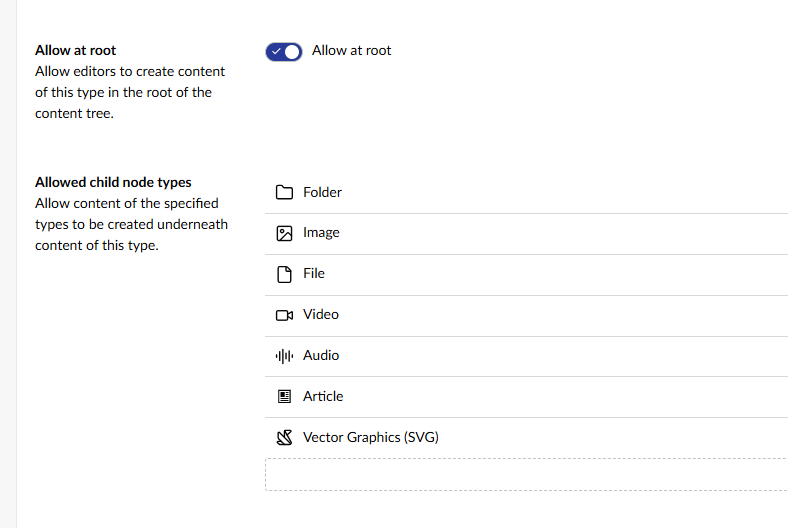
No the menu I am talking about is the one in the Media Folder not at a Site Node. I been playing with the options on the Media Types, there an option to remove show at root, but if this is set it still shows under the child folders.

in media types - Folder has the same structure

But. i would guess you want some folders where that is true, and others where it is not.

the answer is actually to create other folder types in the media types, and then use them for folders where say you only want images, you could create an ‘image’ folder, and then restrict what can be created underneath it.