Feeling a little bit like a dinosoar here , it’s been a while since I built a multilingual backoffice.
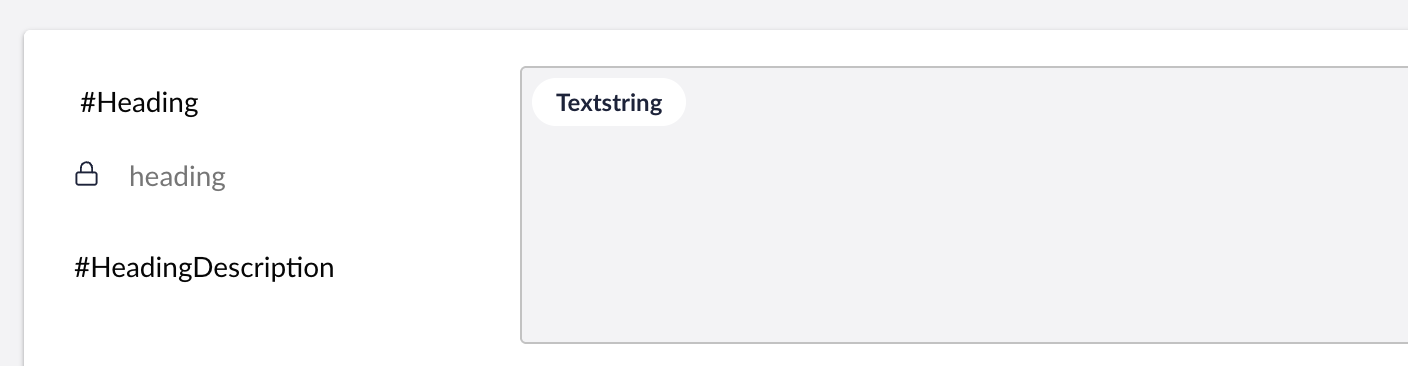
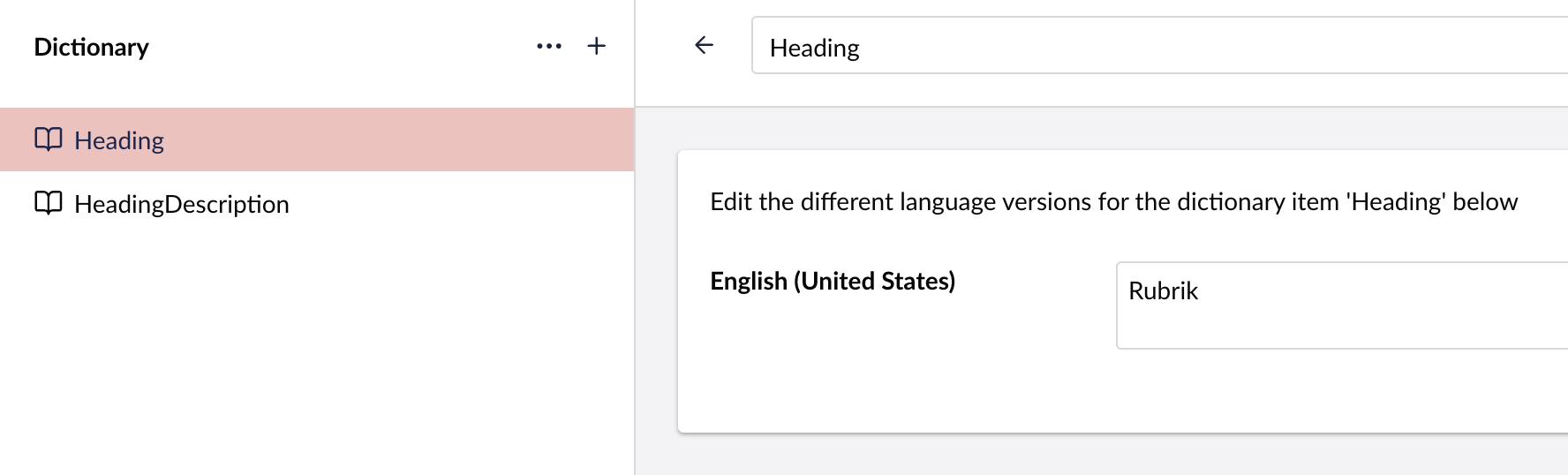
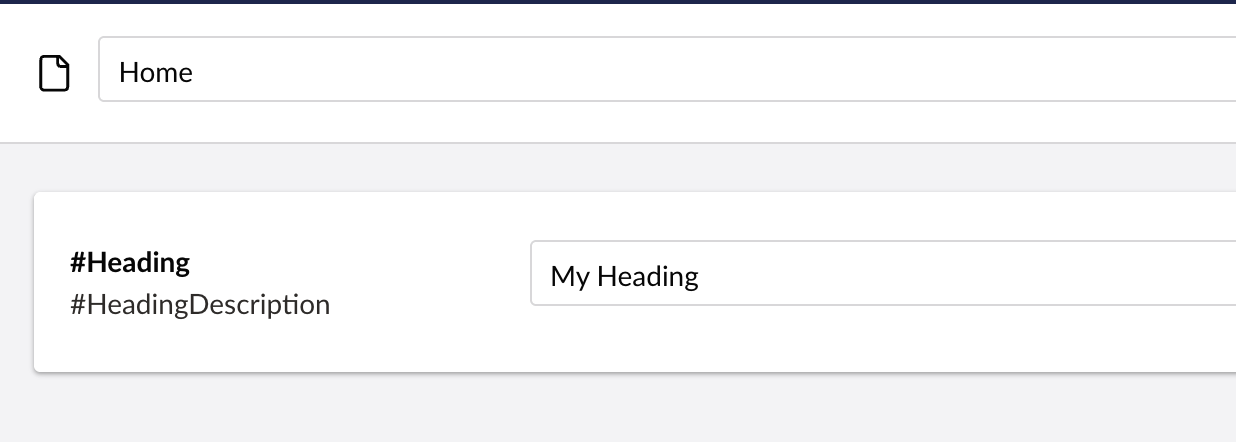
But in the old days what I did was I would prefix my properties #Heading and #HeadingDescriptionand then create corresponding Dictionary items in the Translation section, and then the label + description would be populated with the dictionary value.
I believe I understood that the main reason for changing it was to make deploying these things easier. A lot of people also use dictionary items for the frontend, which means they needed to deploy only a subset of items for translating backoffice property names/descriptions, which was a bit of a pain.
Thanks @sebastiaan! I can see how this makes deployments easier.
It doesn’t really seem as simple and low-code as everything else in Umbraco though.
Creating a document type and add a few properties litteraly takes a few seconds, but
then to make the backoffice multi-lingual (which I assume all sites are) we now need to create a package folder + package.manifest file + doctype-lang.js file for every language + and then “Umbraco must be restarted to register the localization manifest”.
Seems like it could have been solved by having “Backoffice Translations” and “Frontend Translations” folders in the Translations folder.
Out of curiosity, how is this solved in Umbraco Heartcore, where we cannot clone the code locally?
Even though the backend has changed so it no longer can apply dictionary items to texts, there is really no reason why the frontend cannot be aware of dictionary items converted TO localization keys instead.
It triggered a bit in me, and I’ve tried to build a package around it, which is available on Nuget here:
It is not 100% compatible with the old Backoffice - you need to add curly brackets to trigger the new localization system, and you cannot use “root” keys anymore (you must have an area and a key).
 , it’s been a while since I built a multilingual backoffice.