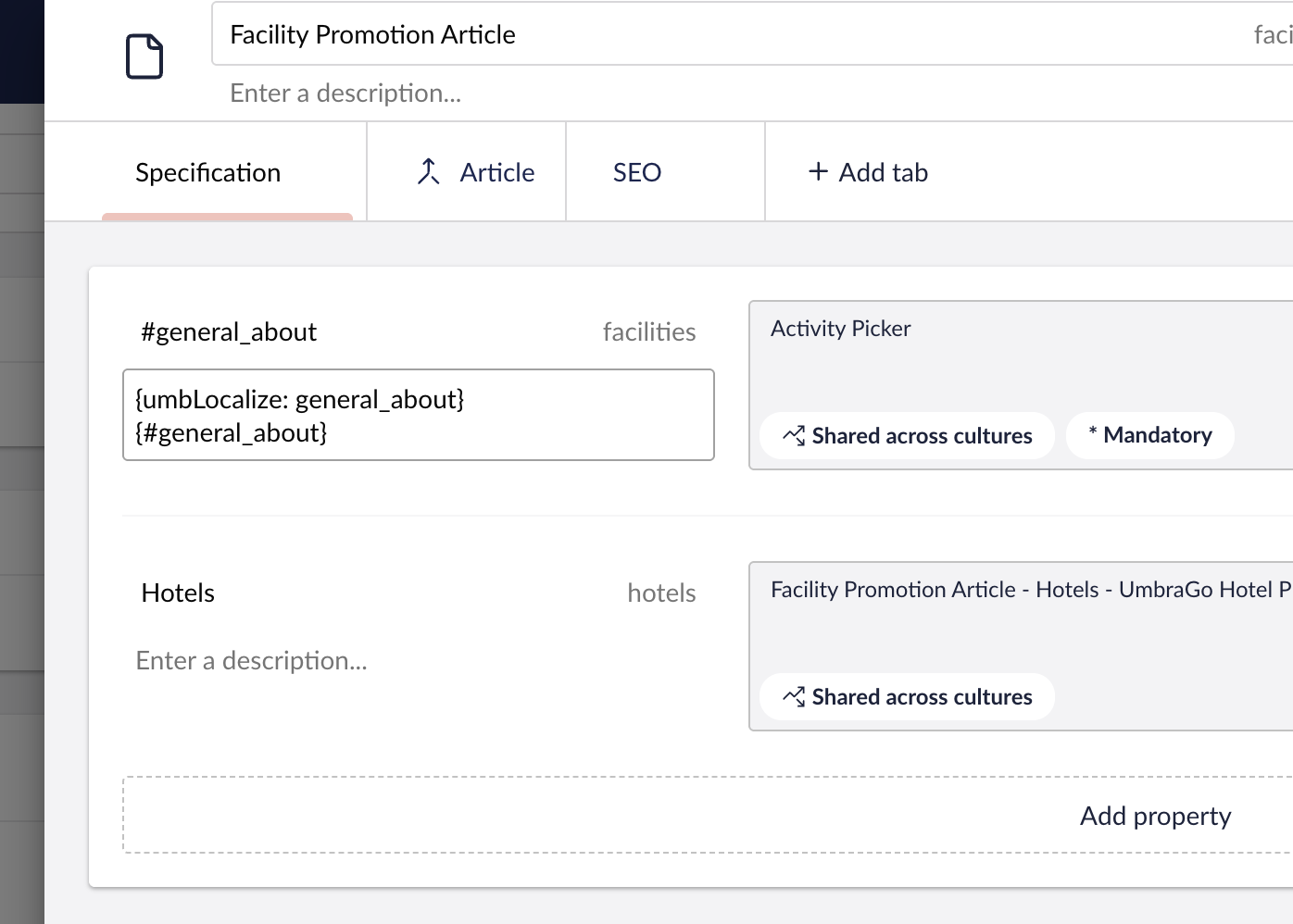
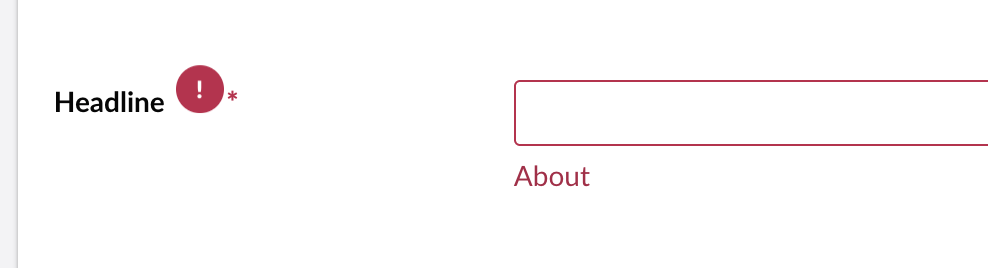
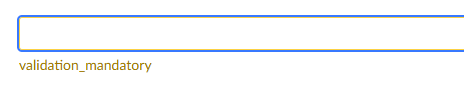
Hello everyone, I have been following the Document Type Localization tutorial in the Umbraco CMS documentation Document Type Localization | CMS | Umbraco Documentation . Everything works fine except for the mandatory field validation message .
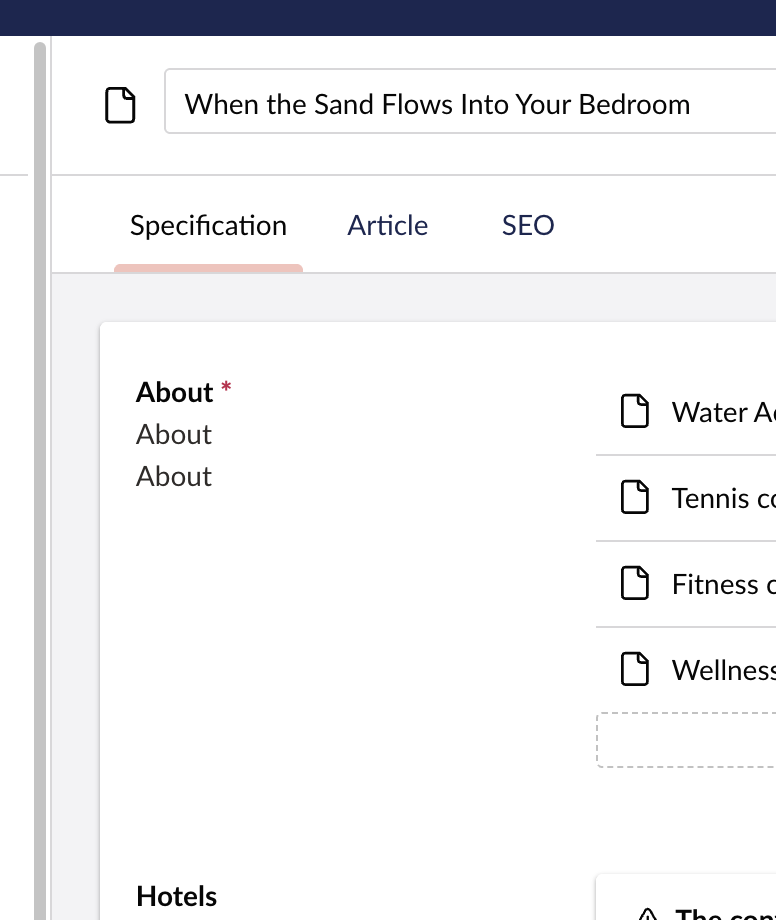
I cannot get it to work—it keeps appearing as shown in the screenshot. I wanted to know if anyone else has had a similar problem.
i also tried to put it in curly brackets like description and it appeared wrong matched with the first part and the curly brackets also appeared in the message
new clean umbraco project same umbraco-package.json and doctype-en.js as the documentation Document Type Localization | CMS | Umbraco Documentation cleaned the cash and made sure form the network that the right js file is there . all other localization keys are working fine (doctype name groupname backoofice sections etc) excpet the validation messages
Could you verify if this is only a problem for your custom localizations? as in does it work as expected for the Core once? (You can try the one I used in the above example)
If so, you may navigate to Settings > Extension Insights to verify that your Localizations has been registered.
Hello @nielslyngsoe , thank you for the response. I wasn’t talking about the doctype property name or description; I was referring to the validation messages.
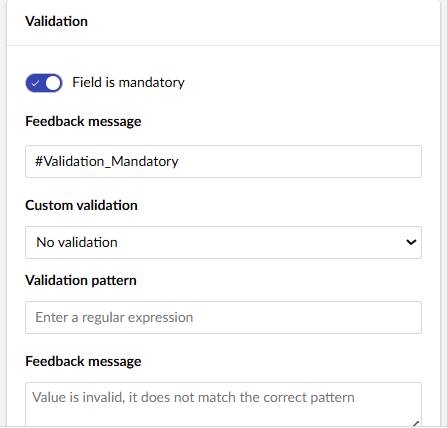
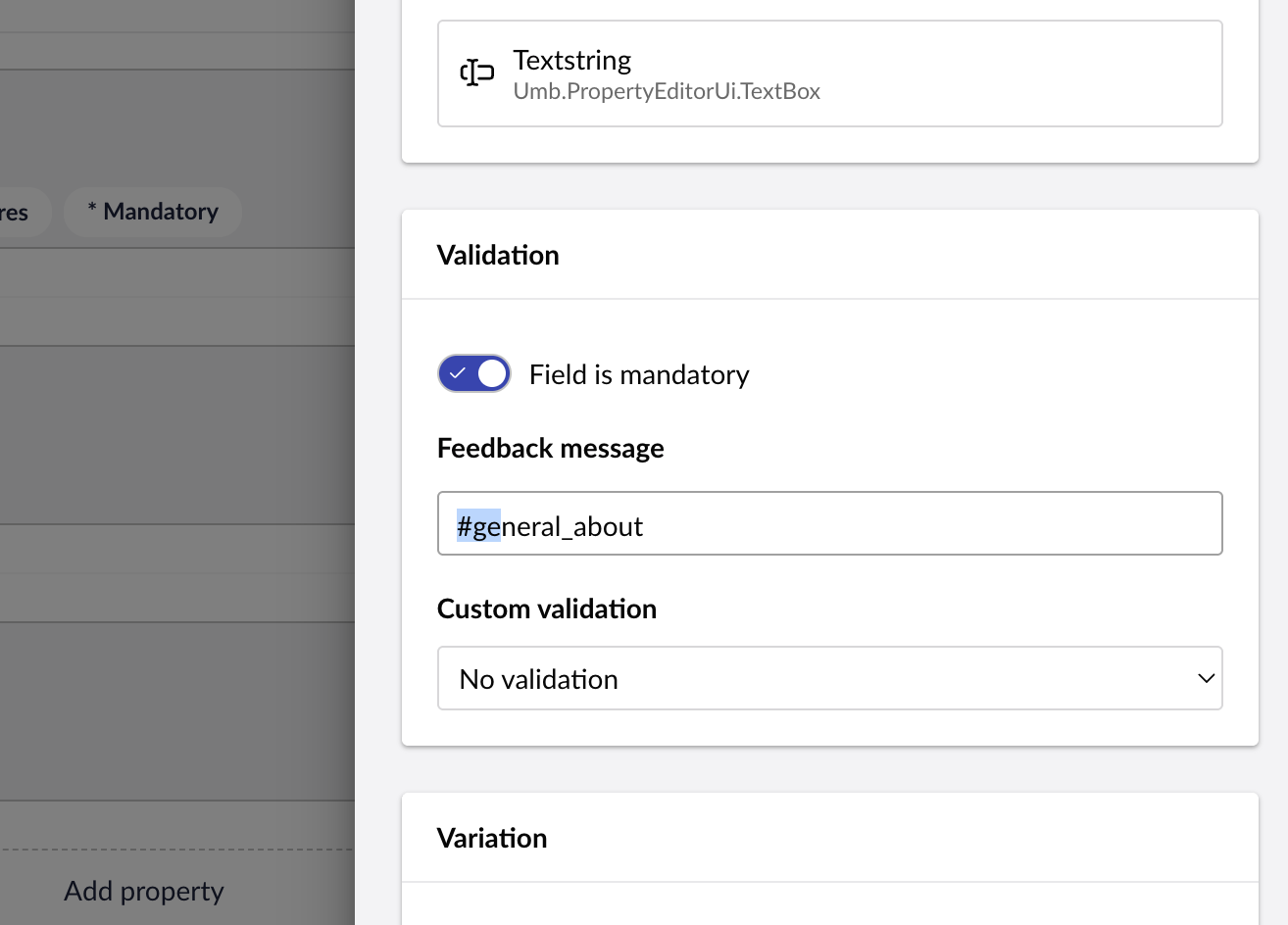
Interestingly, I went back and tried the other formats you suggested, and I noticed something: it only works if you add a space before the key. For example, #validation_mandatory will show “validation_mandatory", but (space)#validation_mandatory will show “the value”.
@moaz152 sorry for the mistake, your right that is a different topic. I guess i got distracted by the Documentation link.
Also noteworthy is that the Description uses markdown, but the Validation messages are just a string that runs through localization logic. So forget everything I wrote, it’s not relevant.
Interesting discovery regarding the space, but also somehow weird, as the Core code uses ‘#validation_invalidEmpty’, which does not have a space in front.
Is it a server validation message or a front-end one?
@nielslyngsoe backoffice property validation message like in the screen shot the #validation_mandatory will only resolve if i has whitespace before it without white space it will resolve to “validation_mandatory“