Hi Darrenhunter,
please try these:
1. Check your CSS file path
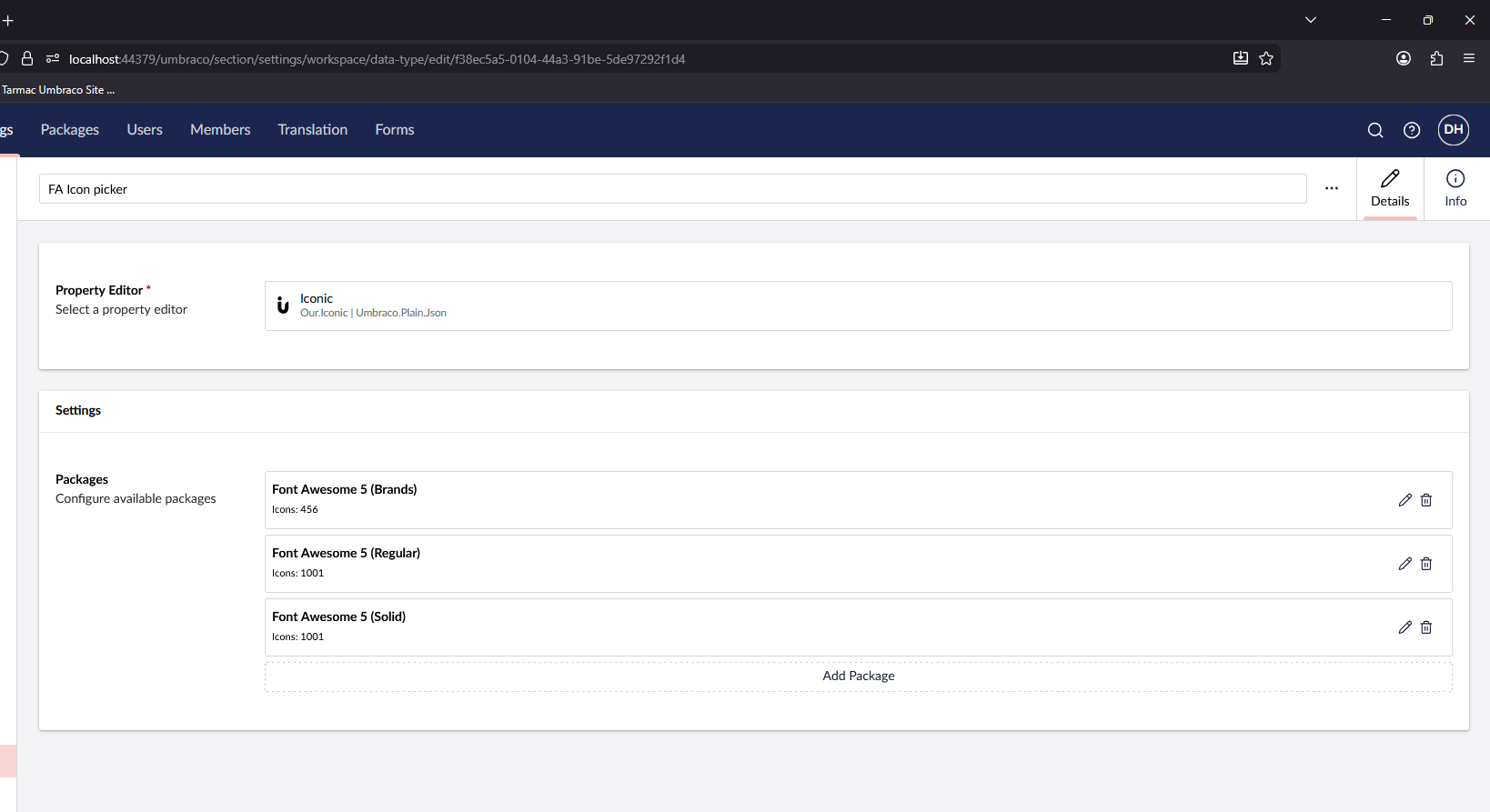
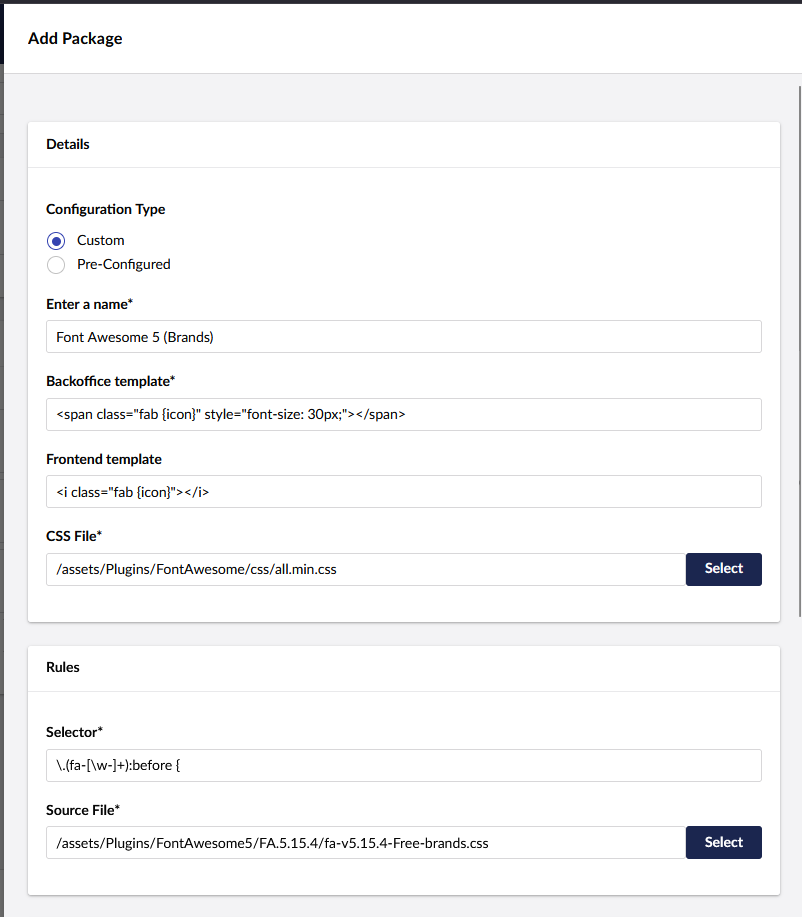
The CSS path in the Iconic datatype config needs to point to a publicly accessible file under wwwroot. In Umbraco 13+ (and through to v17), static files are served from wwwroot, so your path should look something like:
/css/fontawesome/all.min.css
Make sure the file physically exists at wwwroot/css/fontawesome/all.min.css (or wherever you’ve placed it). The path is relative to the webroot, not the project root.
2. Verify the Regex
If you’re on Font Awesome 5 or 6, the regex matters a lot. For FA6 with the all.css file, try this regex in the “Rules source file” field:
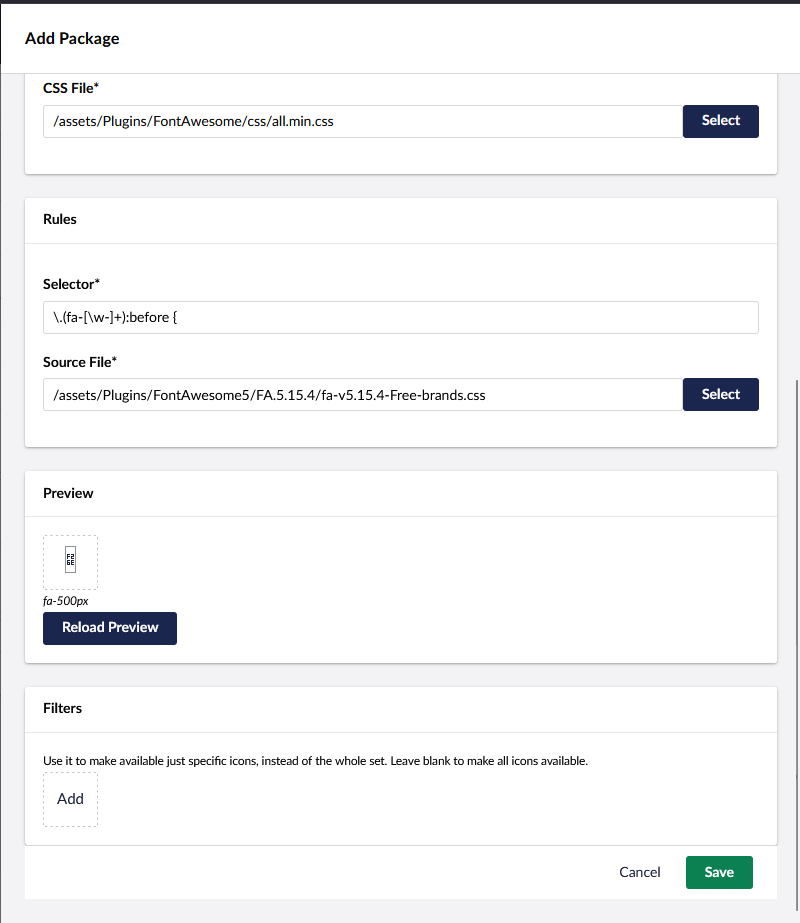
\.(fa-[\w-]+):{2}before {
Note the double colon — FA5+ uses ::before (two colons) rather than :before (one colon). Using the wrong one means Iconic can’t extract any icon classes from the CSS file.
3. Use the non-minified CSS for the Rules Source
Sometimes it helps to use the non-minified all.css as the Rules Source file (the file Iconic parses for icon names), even if you use the minified version as the CSS file loaded in the backoffice. The minified version can cause regex issues.
4. Reload the Preview
After saving the datatype configuration, click “Reload Preview” in the Iconic datatype editor. If you see a preview icon appear, the config is working. If it stays blank, the regex or path is wrong.
5. Browser DevTools check
Open the backoffice in your browser, go to the Network tab, and check whether the Font Awesome CSS file is actually being loaded. If it’s returning a 404, the path in your Iconic config is incorrect.
6. Font files
If the CSS loads but icons still show as empty boxes (rather than “?” characters), the issue is likely that the font files themselves (.woff2, .woff, .ttf) aren’t being served. Make sure your font files are also under wwwroot and that the paths referenced inside your CSS file match where they live.
Hope one of those helps