I first wanted to state that I understand the core mechanical changes for the login process to handle various stuff and better 3rd party integrations and .NET processes etc. No issues here
What I do have issue is how you time out.
Currently if you do have a log out there appears to be no old school check and graceful logout.
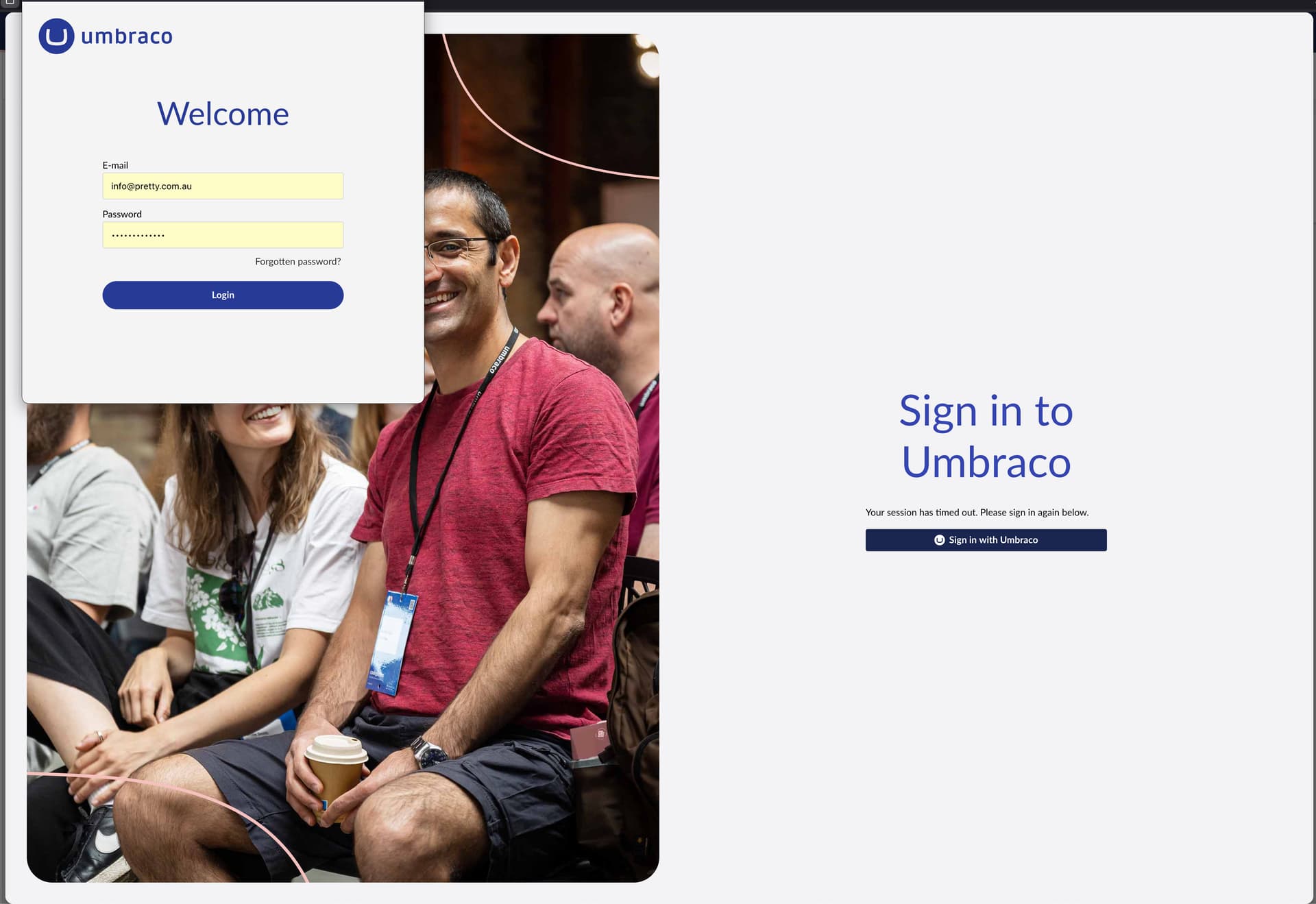
You have no indication you are until you perform SOME actions, with how it is coded you could be going into tabs and still doing some tasks that do not trigger anything like data saving but when you do you are then met with:
A custom modal/overlay on the page telling you you are logged out
A stack of errors popping up on the right hand side
A popup to log back in
When you do login again it SOMETIMES remembers and recovers what you were doing/trying to do but a lot of the time does not.
This really is messy and I was just hoping if there was an indications this was noted and being worked on? It can not stay like this, it is not really good experience.
This background worker keeps checking the token for expiration even when you are not performing actions, however, it cannot know if the server thinks the token is invalid, fx if you cleared the tokens on the server or deleted the user. In that case, they will likely not know until they perform an action against the server.
If that should prove too bad of an experience, we might consider re-implementing a server-side check if the token is still expected to be valid. The old Backoffice had a call with something akin to “GetRemainingSecondsUntilLogout” that it would call constantly creating unavoidable network traffic. However, it might give the user a better experience.
In 16.3.0, which is out next week, in addition to the above, you now also have the option to stay logged in by setting an appsetting to do so (keepUserLoggedIn).
Keep in mind, we still need to refresh the token underneath, so it requires a connection to the server to stay logged in meaning, that you could technically still be logged out if your computer is left on standby and the refresh token expires. That is, for better or worse, how OAuth2 works.
It needs to execute all failed network requests once again. Sometimes the underlying caller has disappeared, so the new data ends up in nothing. Also, we cannot do it for POST, PUT, and DELETE requests, as that would potentially update stale content.
From 16.2, we try and gather all requests that did not succeed, or were otherwise discarded, and inform the user that not all actions could be completed. This scenario is likely to happen if the action, you executed and were logged out from, happened to be a Save or Publish action.
So all of this being said, yes, we constantly work on it to improve the experience. It’s a large system with many moving parts, and it is not easy to let a user time out and log back in again gracefully.
You then have this modal popup that used to have the re-login fields here but not any more.
So then when you click login again you then get an actual popup:
In other cases you could click a tab in the backoffice and have nothing loaded with background console log errors and not till you click something else you go and get the above.
There clearly is a better approach to this. It is the worst of any Umbraco experience for me to date and the logged out process needs to be a lot more graceful.
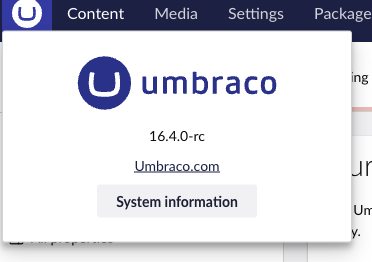
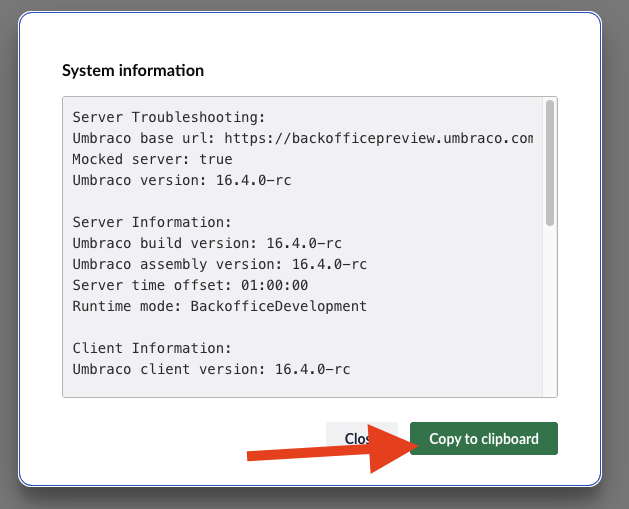
I understand what you mean, but just to be sure about specific browser versions and/or other configurations, could I ask you to post the System Information message here, which you can find by following these directions, please?