Hi there, I am trying to upgrade v13 to v16, and swamp Nested Content to Block list, but I need to keep the data. There is like hundreds of data already filled in Nested Content, and I can not afford to copy and pasted them inside Block list.
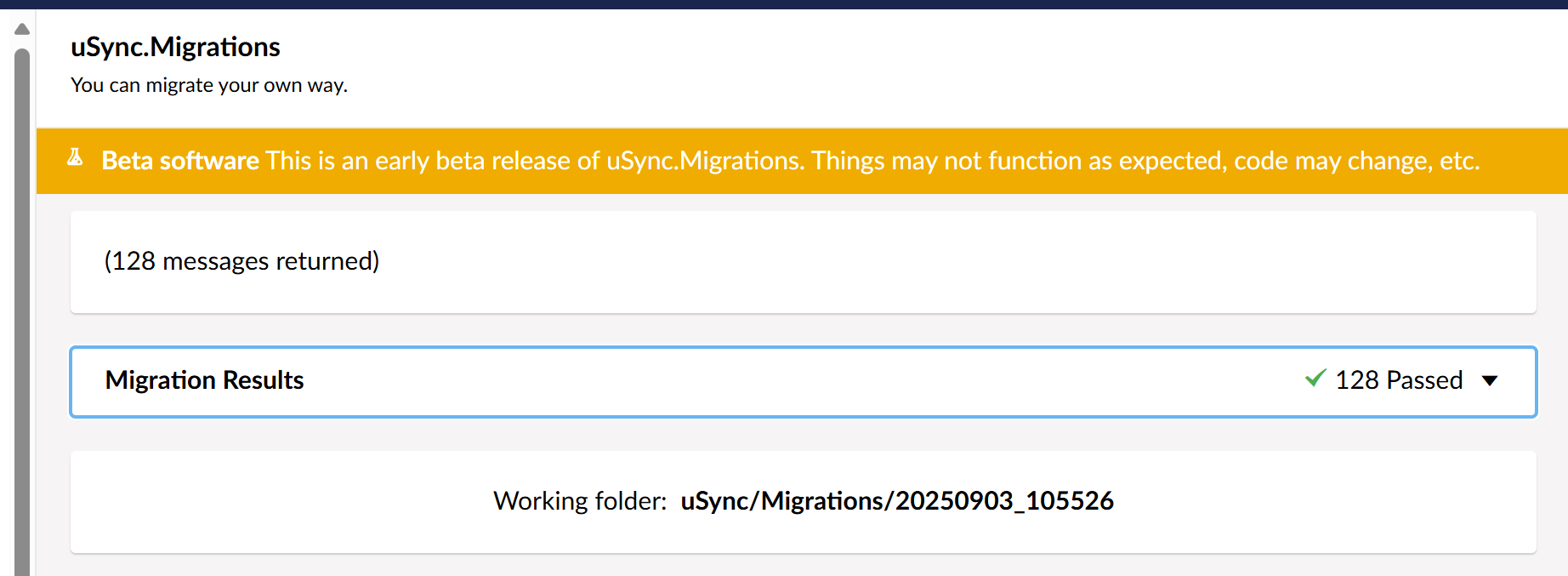
Hi @mistyn8 , I did tried that, I made clean export of everything and run migration, then I imported everything, but all nested content was still there, not block lists.
Lots of errors like:[09:47:45 ERR] Error while processing /home/repos/prj/Zoofy/uSync/v9/Content/content-name.config
System.NullReferenceException: Object reference not set to an instance of an object.
at uSync.Migrations.Migrators.Optional.NestedToBlockListMigrator.GetContentValue(SyncMigrationContentProperty contentProperty, SyncMigrationContext context)
at uSync.Migrations.Core.Handlers.Shared.SharedContentBaseHandler`1.MigrateContentValue(SyncMigrationContentProperty migrationProperty, SyncMigrationContext context)
at uSync.Migrations.Core.Handlers.Eight.ContentBaseMigrationHandler`1.ConvertPropertyValue(String itemType, String contentType, XElement property, SyncMigrationContext context)
at uSync.Migrations.Core.Handlers.Shared.SharedContentBaseHandler`1.MigrateFile(XElement source, Int32 level, SyncMigrationContext context)
at uSync.Migrations.Core.Handlers.MigrationHandlerBase`1.MigrateFolder(String folder, Int32 level, SyncMigrationContext context)
Idk why usync migration would fail to carry over the block lists, that doesn’t make sense to me. If there was an error, I’d expect nested content to fail and block lists to carry over, not the other way around.
Perhaps there is some incompatible data, reserved property names used or something. You could also try isolating the usync migration to skip the failing file (move it out of the usync migration folder manually)
This is the error on import of these 15 Nested content types.
Cannot deserialize the current JSON array (e.g. [1,2,3]) into type ‘Umbraco.Cms.Core.Models.Blocks.BlockValue’ because the type requires a JSON object (e.g. {“name”:“value”}) to deserialize correctly.
To fix this error either change the JSON to a JSON object (e.g. {“name”:“value”}) or change the deserialized type to an array or a type that implements a collection interface (e.g. ICollection, IList) like List that can be deserialized from a JSON array. JsonArrayAttribute can also be added to the type to force it to deserialize from a JSON array.
Path ‘’, line 1, position 1.
I am doing first in place v13 DocType conversion. When I import them, I get this error above. @mistyn8@asawyer
Cannot deserialize the current JSON array (e.g. [1,2,3]) into type ‘Umbraco.Cms.Core.Models.Blocks.BlockValue’ because the type requires a JSON object (e.g. {“name”:“value”}) to deserialize correctly.
To fix this error either change the JSON to a JSON object (e.g. {“name”:“value”}) or change the deserialized type to an array or a type that implements a collection interface (e.g. ICollection, IList) like List that can be deserialized from a JSON array. JsonArrayAttribute can also be added to the type to force it to deserialize from a JSON array.
Path ‘’, line 1, position 1.
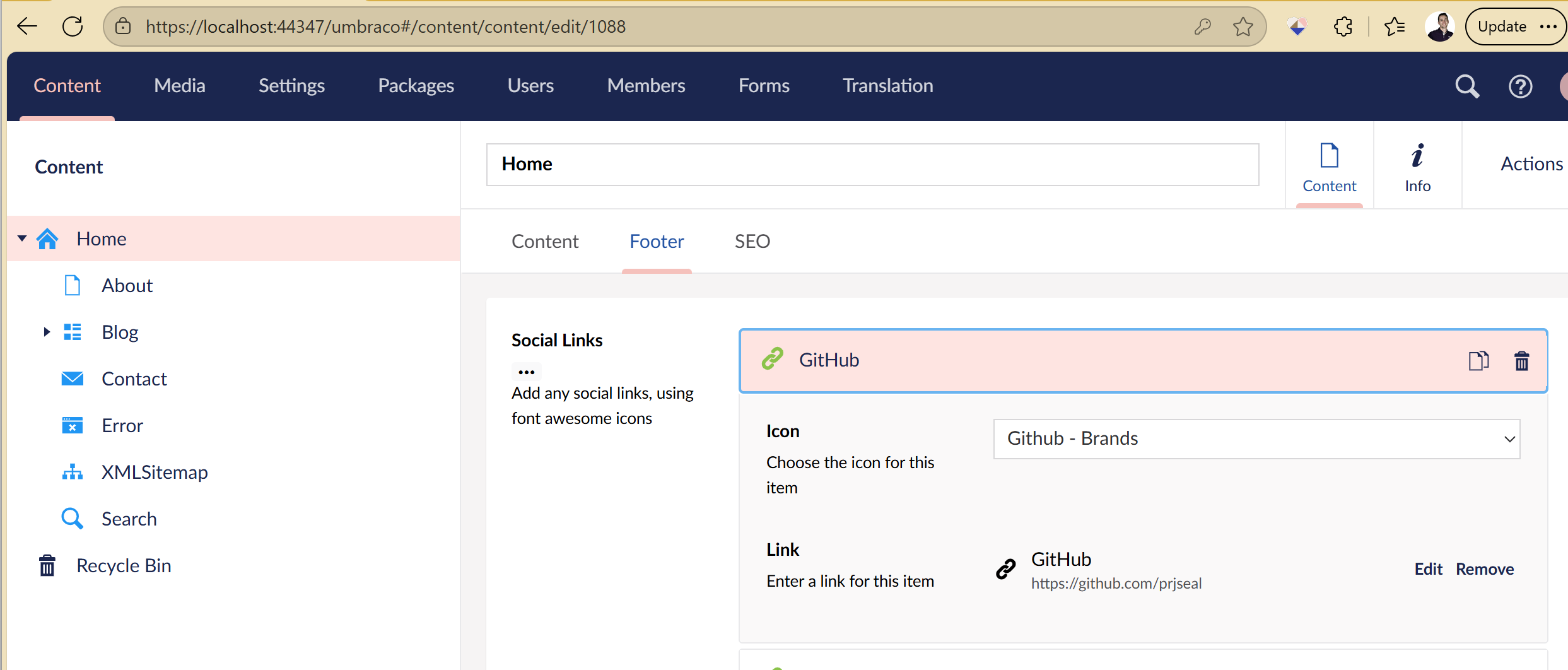
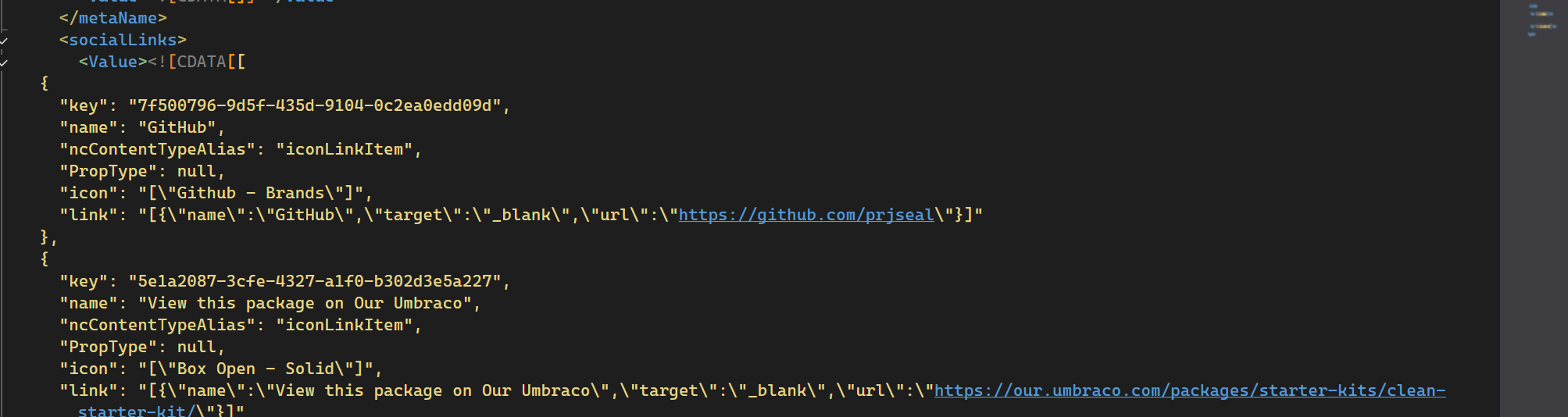
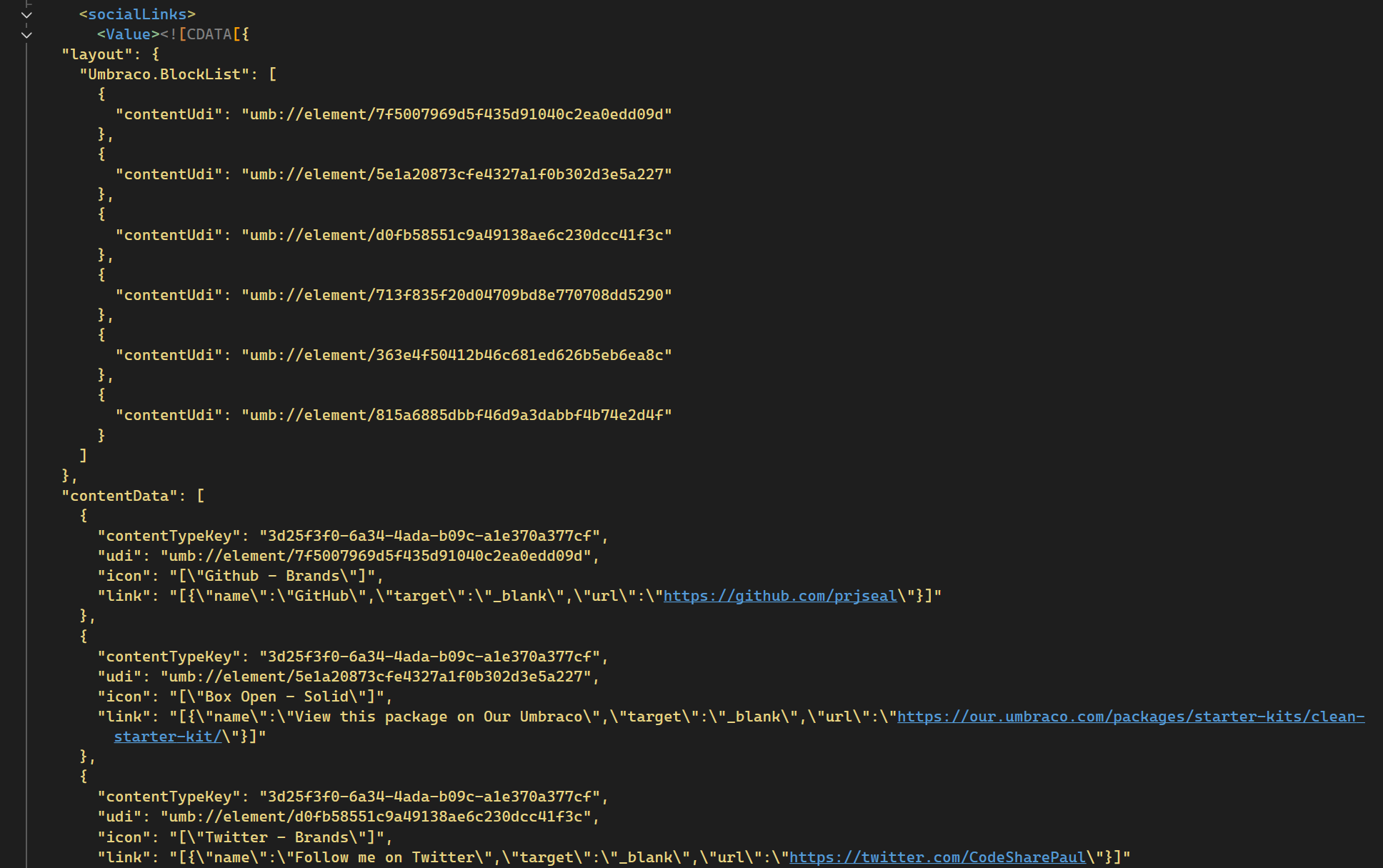
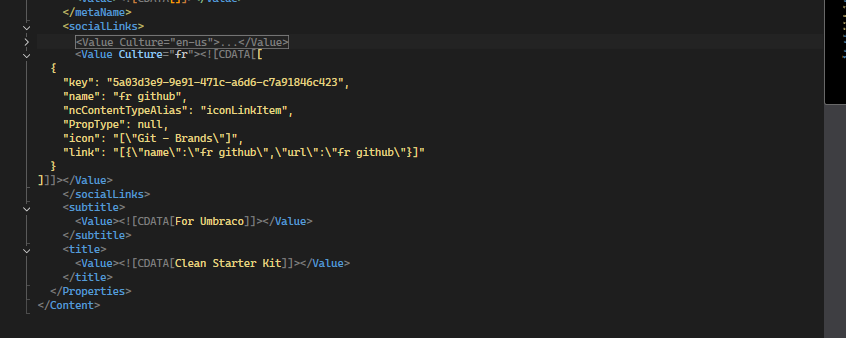
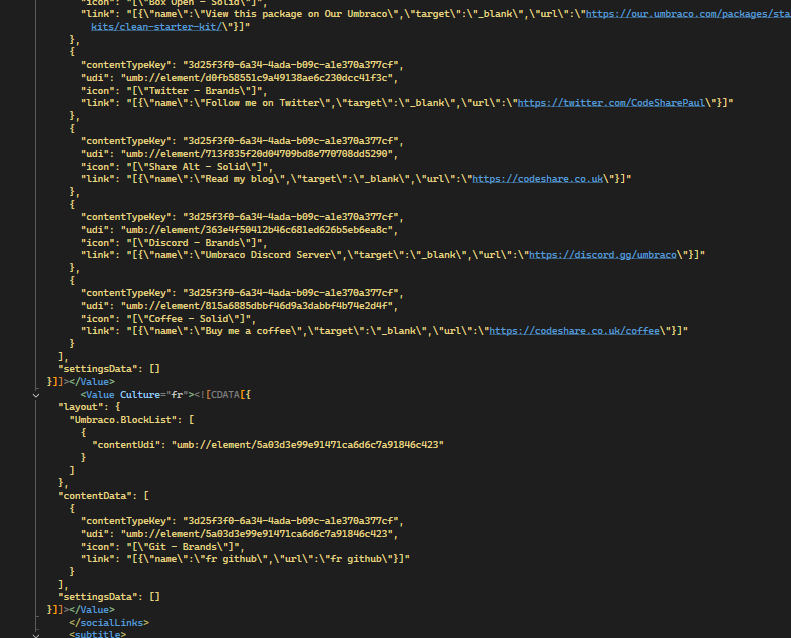
Just had a go with something vanilla… With an early version of Clean Starter Kit that uses NestedContent in the footer section of Home DocType (socialLinks)
Does have a similar issue.. so I hazzard a guess it’s a specific data related issue.. a custom prop, or non core property in your nested content? That requires some extra legwork.. a custom migrator/extending the NC migrator? Or maybe a simpler route depending on complexity and effort.. remove the property causing the issue and manually recreate in v16?
As @asawyer mentioned I’d be inclined to remove all but the content-name.config file from the usync\v9\content folder and manipulate the xml until you find the erroring bit and a successful migration import…
@mistyn8 you’re a life saviour! It seems that uSync 13 is not working with latest uSyncMigrations, but it does work with that 10.7.3 version. How would knew! Thanks man!