I’m running into a bit of a wall with localization for a Custom Shipping Provider in Umbraco Commerce, and I’m hoping someone can point out what I’m missing!
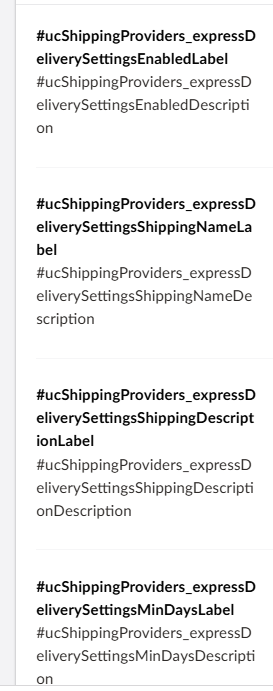
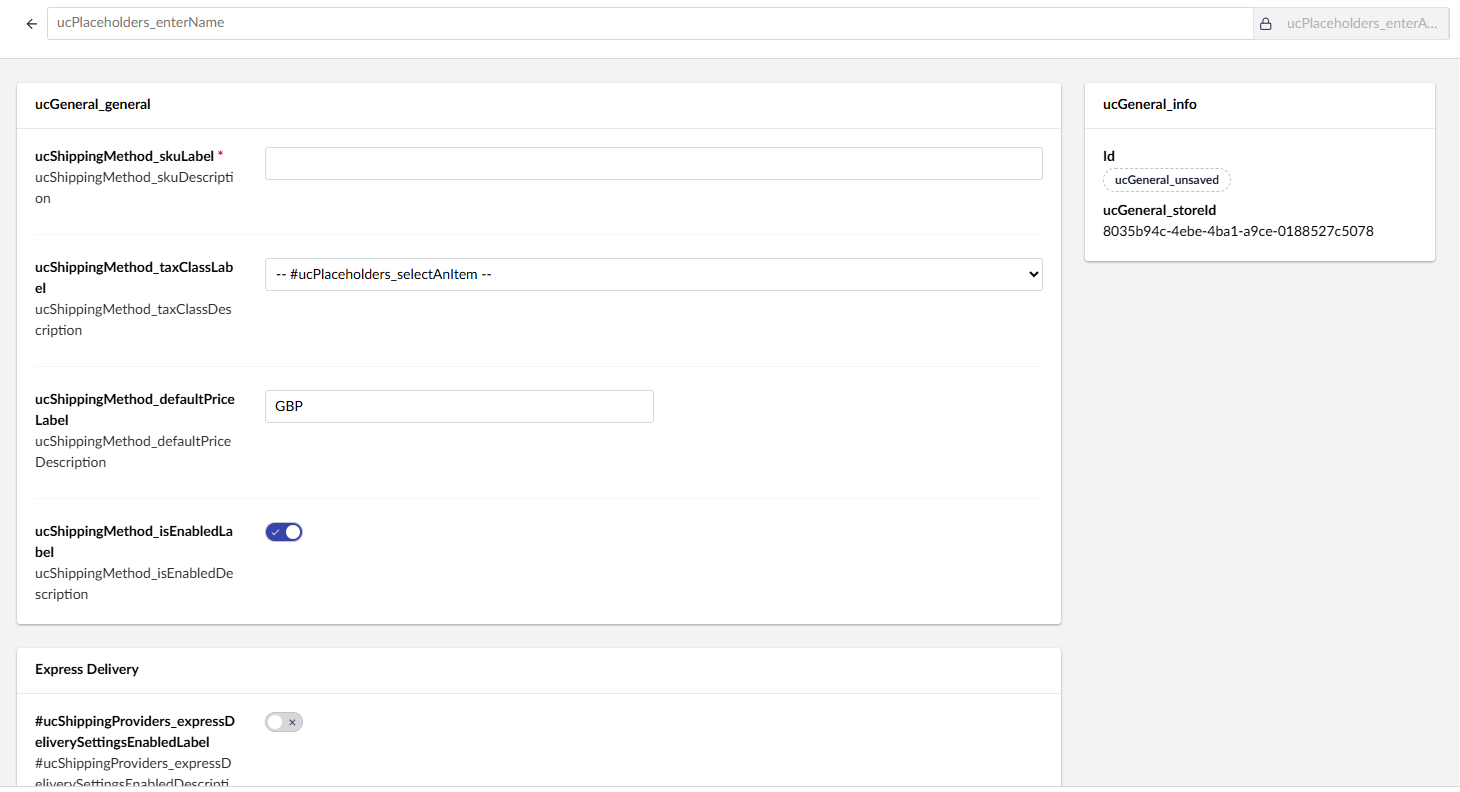
I’ve successfully added my provider, but the settings field labels and descriptions are appearing as the raw translation keys:
#ucCustomShippingProvider{field}Label
#ucCustomShippingProvider{field}Description
I found the Payment Provider documentation states I need to add Localizations and tried to add them, but I ended up breaking the entire Commerce section in the backoffice.
What I’ve tried so far:
Adding a localization entry to the root umbraco-package.json in App_Plugins.
Defining an en.js file, but I also tried referencing client/src/lang/en.ts which seemed to cause the crash.
Whenever I try to register the language files, the Commerce section fails to load. I suspect I might be getting the file structure or the registration path wrong.
Does anyone have a snippet or a quick guide on the correct way to register these labels so they show up properly without breaking the UI?
I don’t know if this helps, but this is the suggestion from AI:
Shipping providers use a slightly different convention to what you’ve got. Umbraco Commerce looks for these exact keys (from the Shipping Providers docs):
ucShippingProviders_{providerAlias}Label — main label for the provider, ucShippingProviders_{providerAlias}Description — description for the provider, ucShippingProviders_{providerAlias}Settings{settingAlias}Label — label for a provider setting, ucShippingProviders_{providerAlias}Settings{settingAlias}Description — description for a provider setting Umbraco
So you’re missing three things versus what the UI is asking for:
The prefix is ucShippingProviders_ (plural, with underscore), not ucCustomShippingProvider
Settings fields need the Settings segment in the middle
The # prefix you’re seeing in the UI is only used to reference a key from a manifest — you don’t include it in the key definition itself