tomasz
August 14, 2025, 12:30pm
1
Hi there!
I have updated an Umbraco 13.9.2 project to Umbraco 16.1.1.
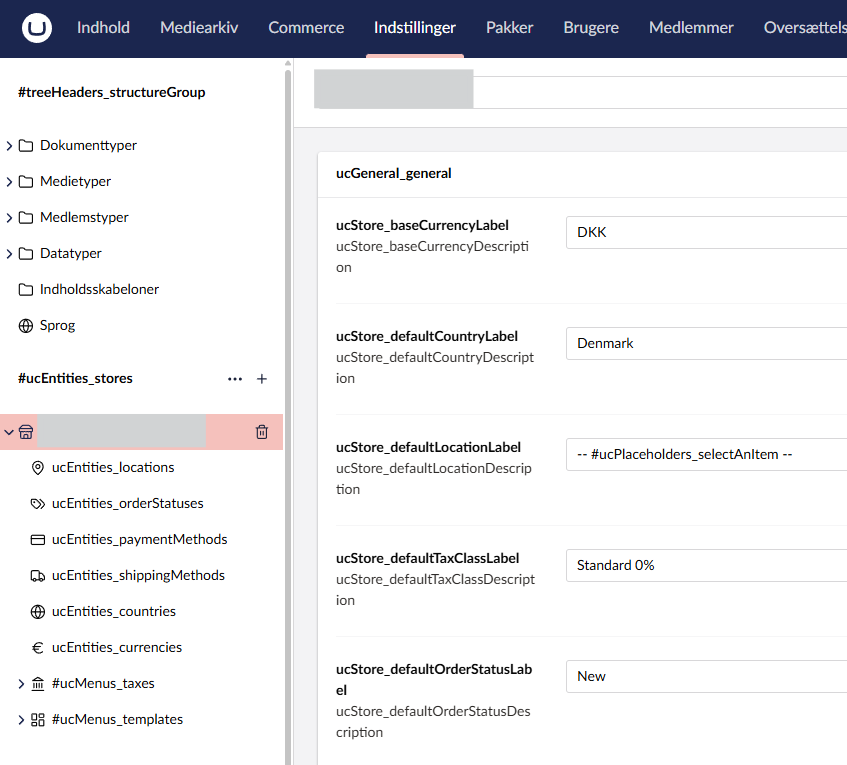
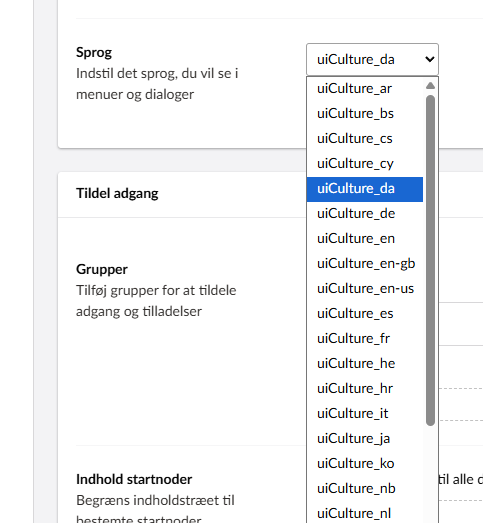
When user’s language in backoffice is set to English, all looks good, but when I change it to Danish, all texts in Commerce section are simply gone (just placeholders).
The same is with the language list.
I have some other sites, both clean U16 install and updates from U13, but the problem is only on this one site.
Any suggestions?
Best regards
Tomasz
1 Like
tomasz
August 26, 2025, 11:59am
3
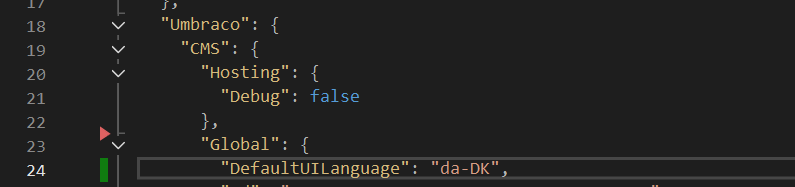
The solution is simple (but obscure): wrong language format in appsettings:
4 Likes
Hi @tomasz
Thanks for bringing the solution, fantastic to be able to follow along.
Can you help me clarify whether this ‘wrong language’ was working in previous versions?
Thanks in advance
tomasz
August 27, 2025, 7:19am
5
Hi @nielslyngsoe
This project was originally created with Umbraco 9 and Vendr.
It was update to Umbraco 16 that “broke” it.
But the thing is, that we don’t usually set “DefaultUILanguage” in appsetting, and this were done in this project after update to Umbraco 10.
So I will say, that was fine to use “da-DK” in versions up to 13. I don’t know, what about 15, but in 16 it has to be changed to “dk”.
1 Like
tomasz
August 27, 2025, 1:59pm
6
A new update to this case.
I couldn’t get the login screen to be in Danish.
It turned out, that “DefaultUILanguage” setting lays in the wrong place - outside of “Global”.
When I moved it to the Global, and changed it back to “da-DK” everything works now!
But one thing is sure: when DefaultUILanguage lives outside Global, some thing are broken in the UI.
EDIT: so this is the real solution: place the DefaultUILanguage the right place in appsettings.json.
1 Like
system
September 26, 2025, 1:59pm
7
This topic was automatically closed 30 days after the last reply. New replies are no longer allowed.