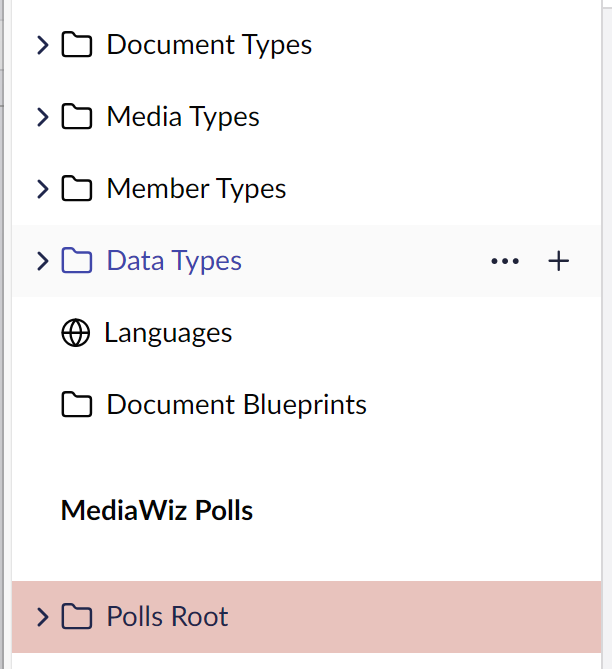
How do you add the … or more specificall the + to a menu item?
I would like to add that functionality to my polls root folder in order to add a poll.
How do you add the … or more specificall the + to a menu item?
I would like to add that functionality to my polls root folder in order to add a poll.
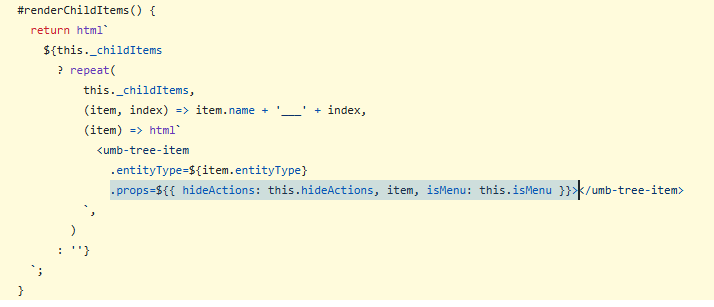
Maybe something to do with hideActions RenderActions and Children?
Maybe the tree example has something?
Umbraco-CMS/src/Umbraco.Web.UI.Client/examples/tree at main · umbraco/Umbraco-CMS
As far as I can tell, this value is false by default, so how does it know if/what actions to display?
Can I add a custom action?
Oooo…
Menu Item Example
This example demonstrates how to register a Menu Item.
The example includes:
- Action Menu Item Registration
- Link Menu Item Registration
- Entity Menu Item Registration
Umbraco-CMS/src/Umbraco.Web.UI.Client/examples/menu-item at main · umbraco/Umbraco-CMS
I’m obviously missing something simple, looked at that just can’t see what I need to do to get them on my poll menu root folder
I think I should probably start again with my menu perhaps and try to get the icons in a new menu see where I’m going wrong 
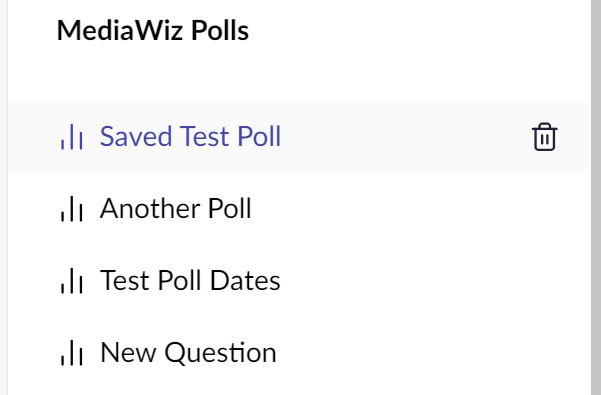
My menu setup for the sidebar menu is a bit weird (I’m probably doing something wrong), the children point at a workspaceview rather than an entity so don’t get any of the automatic action items (I think)
Two steps forward, one step back as they say 
I have worked out how to add actions to my menu items, but now I’ve lost my root folder somewhere
Bezinga! Managed to get it all working