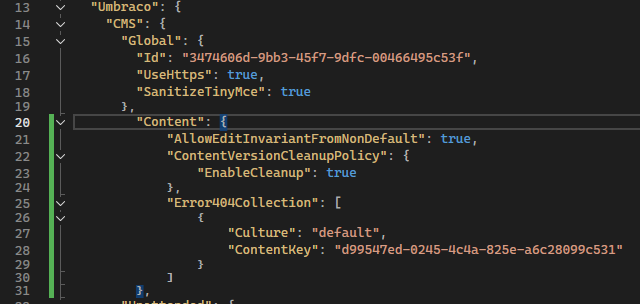
I’m trying to create a custom 404 error page, but when I followed the instructions on umbraco documentation

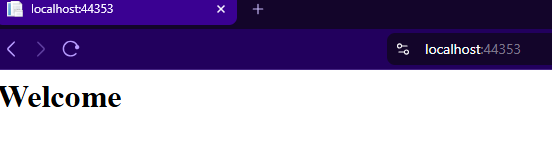
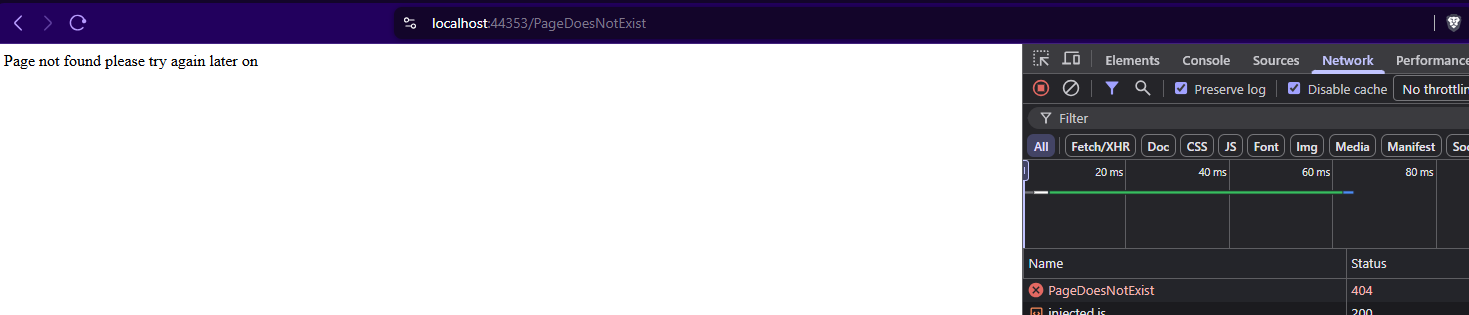
my page still appear like this
I’m trying to create a custom 404 error page, but when I followed the instructions on umbraco documentation
my page still appear like this
this is an issue and is expected to be fixed on next version Custom 404 Error Page not working in umbraco 16 · Issue #19567 · umbraco/Umbraco-CMS · GitHub
Are you sure that is an issue from Umbraco side?
And if yes do you know when the next release that will fix this issue will be ready?
Thank you
Yes, this does seem to be a regression on the Umbraco side it was confirmed and fixed by the team. , the fix will be included in version 16.1, Further fix to configuration classes using ISet, resolving regression with custom 404 pages by AndyButland · Pull Request #19573 · umbraco/Umbraco-CMS · GitHub so it should be available in that release 16.1😊
Thanks a lot for your support 
I do not think this fixes it.
I did everything here:
I have gone through everything in startp.cs I have made doc types, normal pages I have tried contentKey and xpath in appsettings and everything in between and can not get it to work in 16.1.1
It works for me unless I’ve missed something. Umbraco 16.1.1
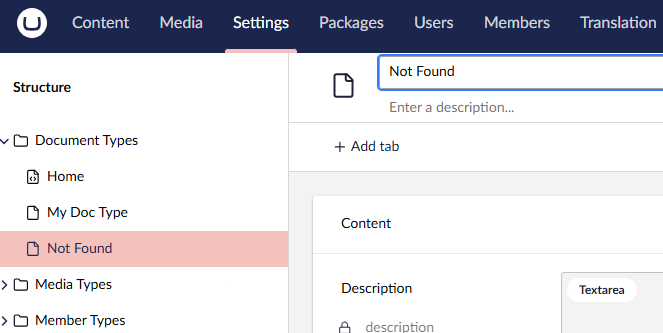
My Document types section is below
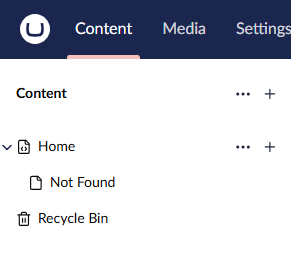
Content
Ensure you have a template set for Not Found.
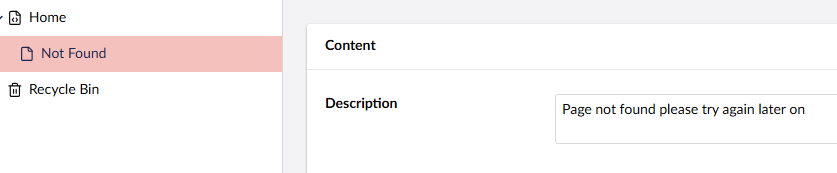
Content of the not found page to display
Visit homepage
Enter a non-existent page
My config file
Content key is found under the Not found page > Info