Debasish
February 9, 2026, 10:40am
1
Hi,
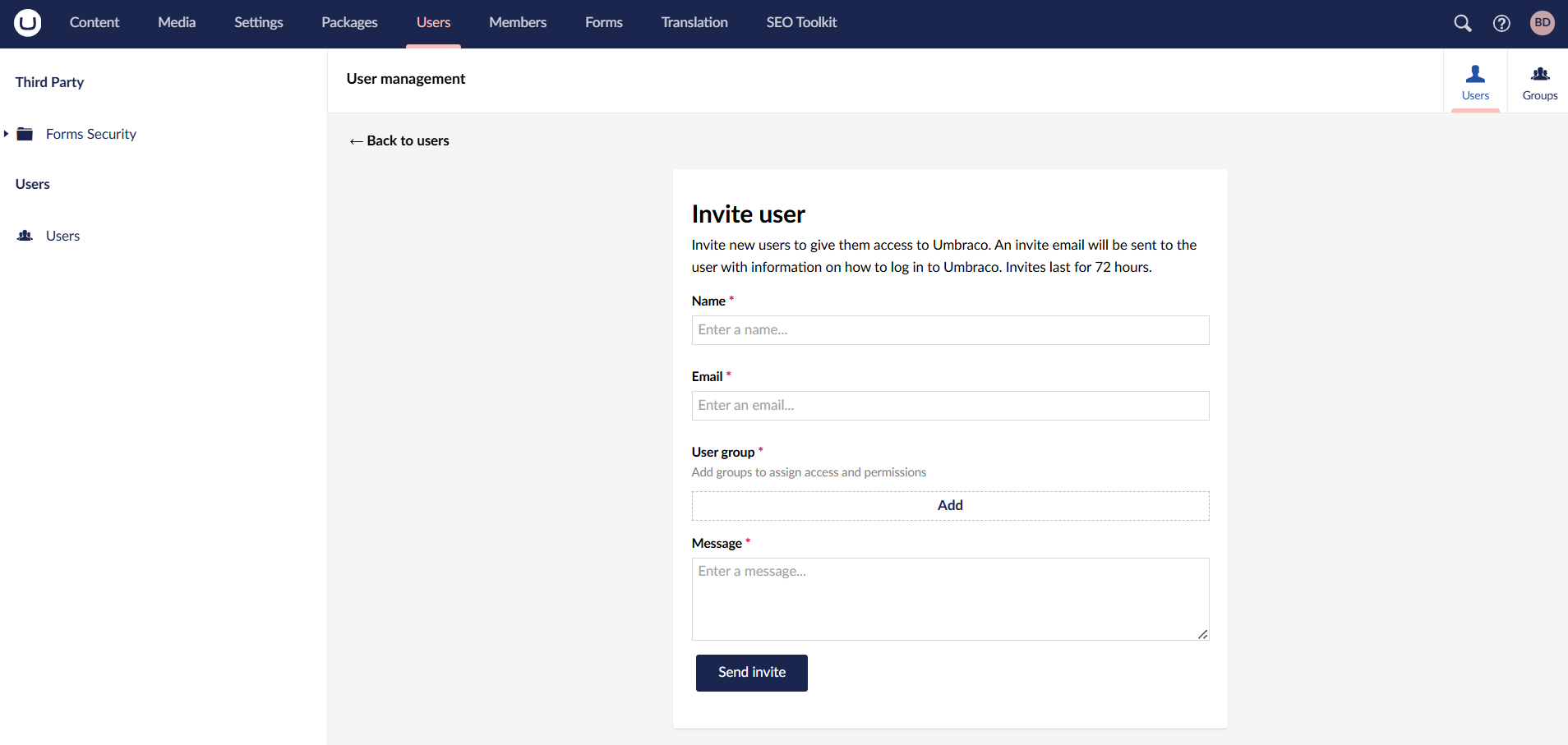
Im using umbraco v13.8.1 and trying to invite an user via the backoffice.
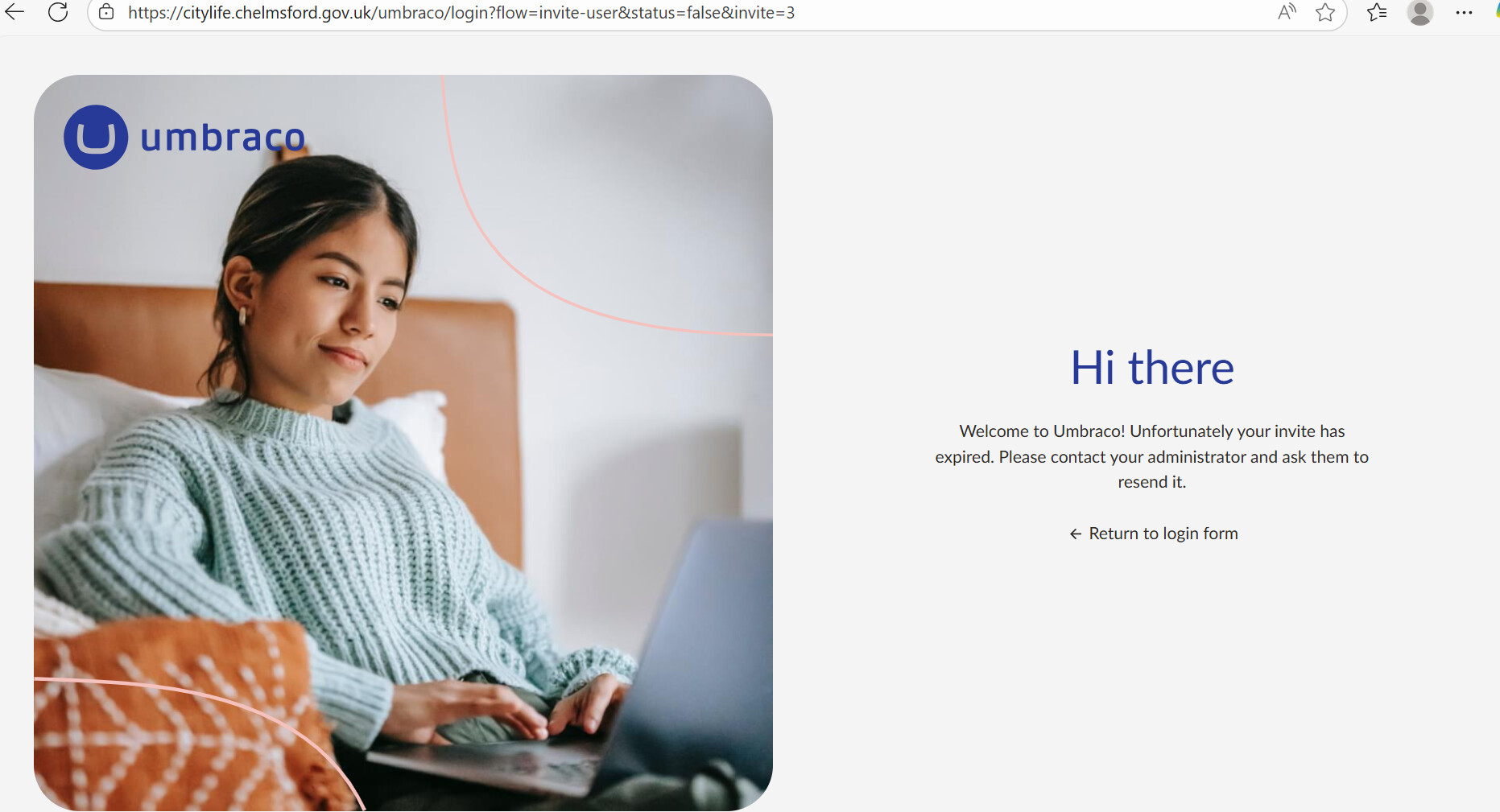
When I enter the details and click ‘send invite’, an email is sent. When I click on te ‘Click this link to accept the invite‘ button in the email, im taken to https://example.com/umbraco/login?flow=invite-user&status=false&invite=3 and it says
‘Hi there, Welcome to Umbraco! Unfortunately your invite has expired. Please contact your administrator and ask them to resend it.‘
The link seems to be expiring immediately and hence im unable to to invite users. Any ideas what might be going wrong? I tried copying the URL and pasting it in the browser - same issue.
Luuk
February 9, 2026, 10:53am
2
If I remember correctly, the invite mails are one-time use only to prevent tampering. However, many mail scanners actually try the link to make sure that it’s nothing bad. By doing this, they ‘used’ the invite link. I’m not sure that the solution is, but it might make it easier for you to search more specific.
Also I really think you should upgrade to the latest Umbraco 13, there is really no reason not to and it might have a fix for the issue you are describing.
Edit: I don’t see a solution for this, but there is an issue:
opened 11:53AM - 29 Nov 24 UTC
type/bug
affected/v13
### Which Umbraco version are you using? (Please write the *exact* version, exam… ple: 10.1.0)
13.5.2
### Bug summary
If you invite a user and the link is visited more than once the link doesn't work and a token is invalid message is displayed.
### Specifics
This only happens for links that are visited multiple times - whether this is by a user by accident/on purpose or by a mail scanner or corporate link checker.
From what I can see is happening is that when the invite is sent out a user is created in the db with a generated `securityStampToken` that is used in the token sent to the new user.
When the link is visited, the email is confirmed and the db table is updated with an `emailConfirmedDate` - which in turn generates a new `securityStampToken`.
The next time the link is visited the token is validated again which no longer matches this token and fails.
It looks very similar to this reported issue in aspnet core https://github.com/dotnet/aspnetcore/issues/32681 but hopefully something that can be resolved within Umbraco.
### Steps to reproduce
1. Invite a user
2. Visit the link in a browser (works)
3. Visit the link again (invalid token)
### Expected result / actual result
A user should be able to visit this link until they have logged in successfully.
Possibly excluding the `emailConfirmedDate` field from the Identity generated securityStamp is the way forward here?
greystate
February 9, 2026, 11:33am
3
What I’ve successfully used as a workaround for this, is to get them to use the “Forgot password” link on the login screen.
/Chriztian
Debasish
February 9, 2026, 12:09pm
4
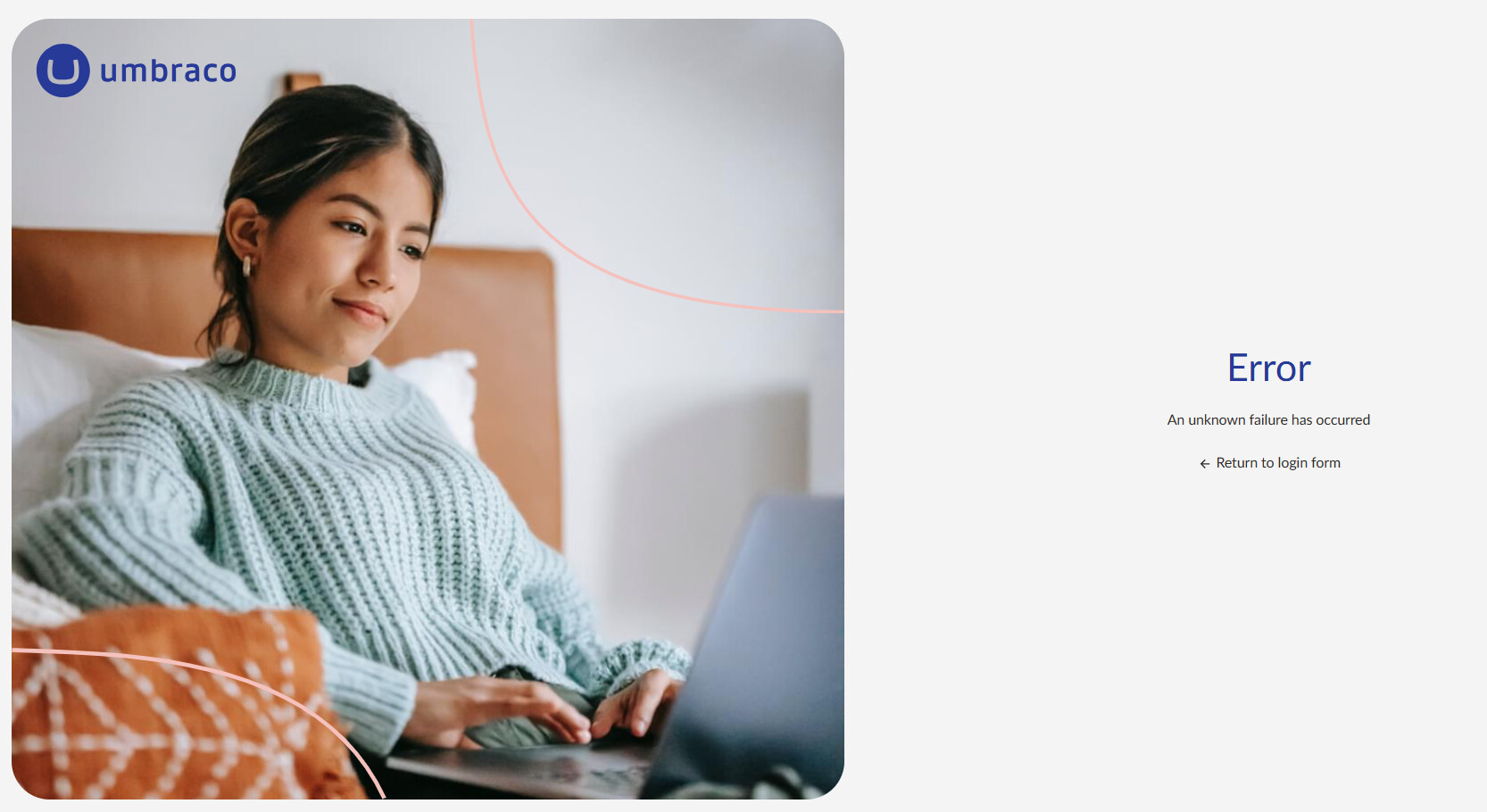
Thanks for your inputs @Luuk and @greystate . I tried the “Forgot password” workaround and I think its the same issue - on click of the ‘Click this link to reset your password ‘ button in the email, it goes to https://example.com/umbraco/login?flow=reset-password&status=resetcodeexpired which is also expired.
1 Like
dchallener
February 9, 2026, 12:27pm
5
You’re correct @Luuk there was a fix for this and in release 13.9 User invite email fails if visited more than once without completing by dchallener · Pull Request #17901 · umbraco/Umbraco-CMS · GitHub
I’d suggest upgrading is the quickest way to get all the latest improvements and security patches @Debasish
1 Like