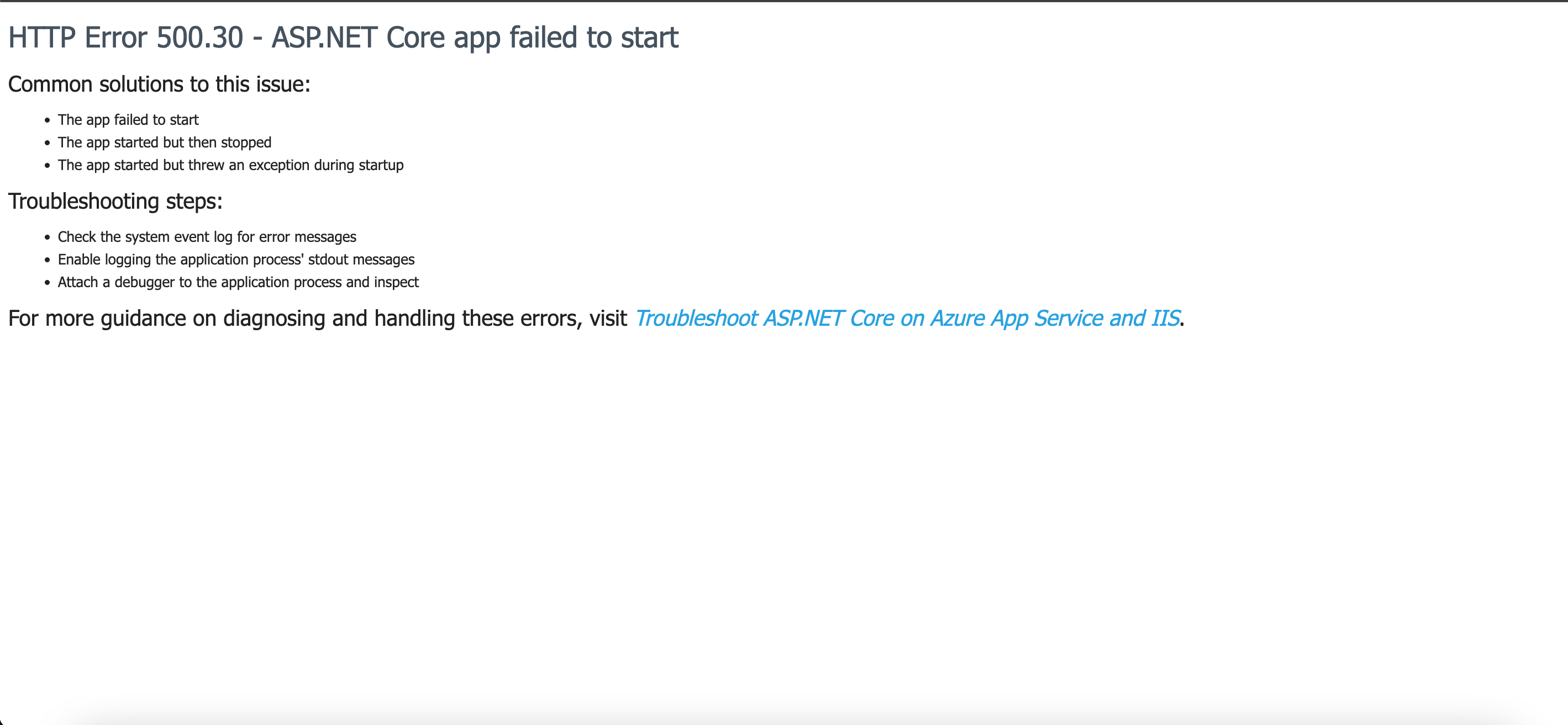
The website was woking well but suddenly its showing like this and even admin pannel isnt opening
Where are you hosting? Is it local? In the cloud? That was changed? What does the Umbraco log files say?
To be honest, without a log it’s really hard to determine the issue. Something is preventing the app from starting. Some things that come to mind:
- If you updated to a new major, the .NET version could be set wrong
- If you set the runtime mode of Umbraco to ‘production’, there could be prerequisits that are not fullfilled and Umbraco won’t boot.
- Changes in Program.cs?
See if the physical log files on the disk tell you something. Especially errors in runtime checks are hard to find.
Have you tried tapping the link in that screenshot and following the guide?
More reading is available here:
As Luuk mentions, this one is a bit difficult to give any advise on without knowing more about what you tried.
Do note that this error (all 500 errors) happen before Umbraco can even start, so there is nothing in the Umbraco logs, this is a server error and requires server logs.
Doesn’t Umbraco also produce a 500 ‘could not boot’ error when it’s running the runtime checks and one of those fails? Those are actually in the logs, but still cause a 500 (I think).
Probably solved already, but let me just add for the future reference - 500.30 is the server error that means that .NET application cannot be initialized at all.
The most common reason for this is broken appsettings.json, web.config or other configuration file.
It happens to me very often when I edit appsettings.json with Notepad.
Missing some dll might be another reason.
i want to add this as well here
the real reason is almost always in the application startup logs, A quick way to surface it is to enable stdout logging in your web.config:
<aspNetCore processPath="dotnet"
            arguments="YourApp.dll"
            stdoutLogEnabled="true"
            stdoutLogFile=".\logs\stdout" />
Then:
Reproduce the issue
Check the /logs/stdout file
You’ll usually see the actual exception causing the startup failure (missing config, DI issue, bad connection string, migration error, etc.)
If you are hosting in Azure, there is an IIS eventlog that can provide valuable information. You can find it through Kudu, but it is buried deep in different folders, and is just a huge XML file.
I wrote a userscript you can install in your browser, to make it easier to access.
My tip here is if you’re on Azure run your dll in the cmd and it will show the problem.
Development tools → Command
` dotnet mywebsite.dll
Usually it’s where there is an old dll lurking. Especially if this is an upgrade and you have a publish to only update existing files.
I would recommend checking logs on Event Viewer. It does add important details which helps in finding the issue.