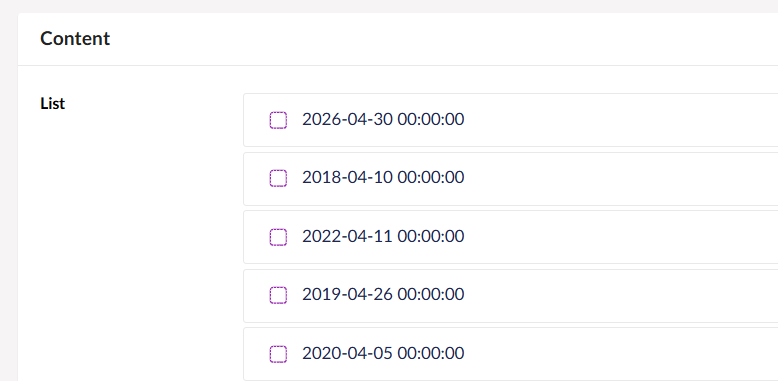
How to format date in Label property editor (Umbraco 13.7.2)?

Hi,

I’m using Umbraco 13.7.2 and I have a Label property that displays a date value in the format “2018-04-10 00:00:00”. I’m rendering it in a template using {{ displayDate }} syntax, but I want to remove the time part and only show the date (2018-04-10).

Is there a way to format the date output from a Label property in Umbraco, either through a Value Converter, a composer, or some other approach?
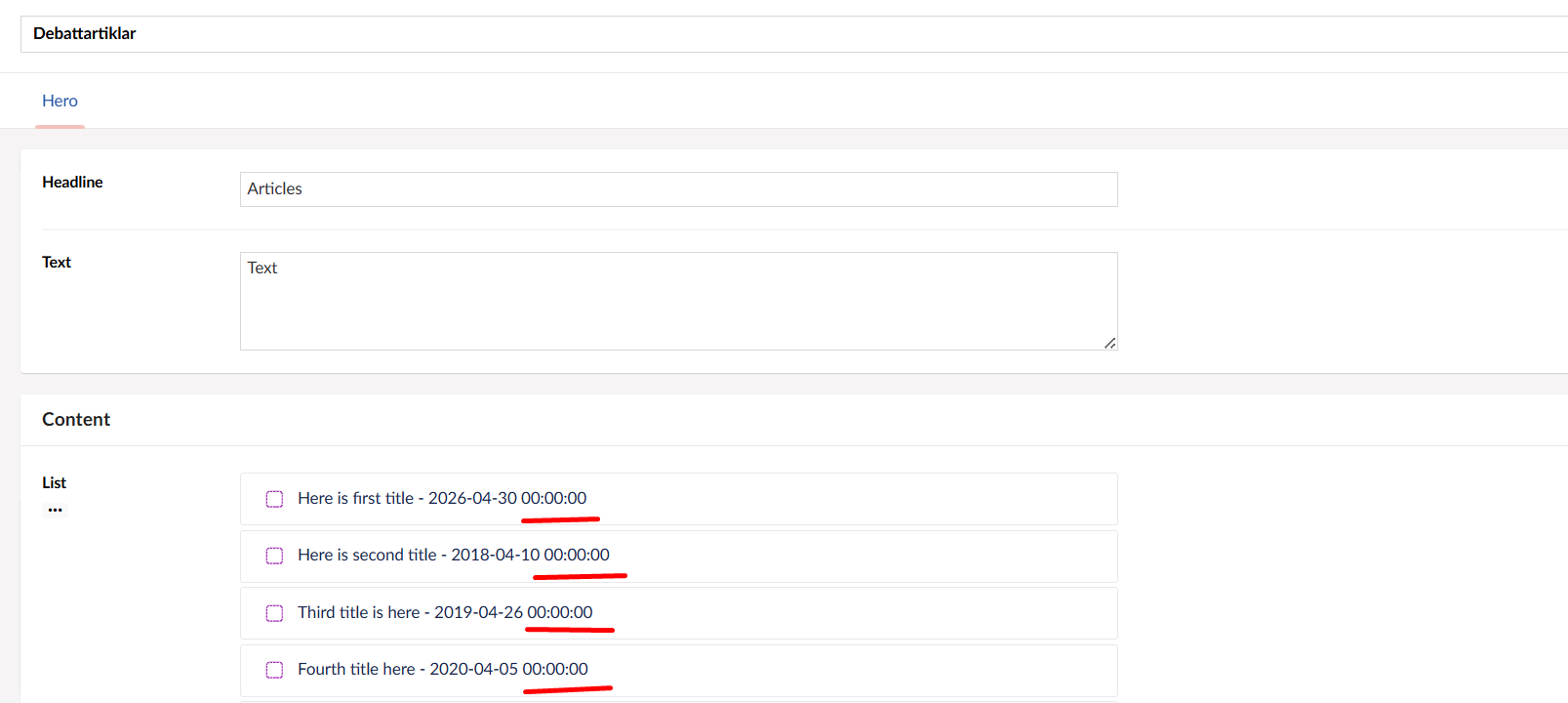
I currently use this as a label:

{{ title }} - {{displayDate}}

Regards

Emma

{{ title }} - {{displayDate | limitTo:10}}

This code worked, when I added a limitTo:10.

If anyone has a better idea, please leave a comment :slight_smile:

Thanks

Emma

I think you can do something like {{ displayDate | date : ‘yyyy-MM-dd‘ }}

You should be able to use the default Angular filters:

Thank you Jonathon, but the time stamp still occurs when adding your snippet of code: