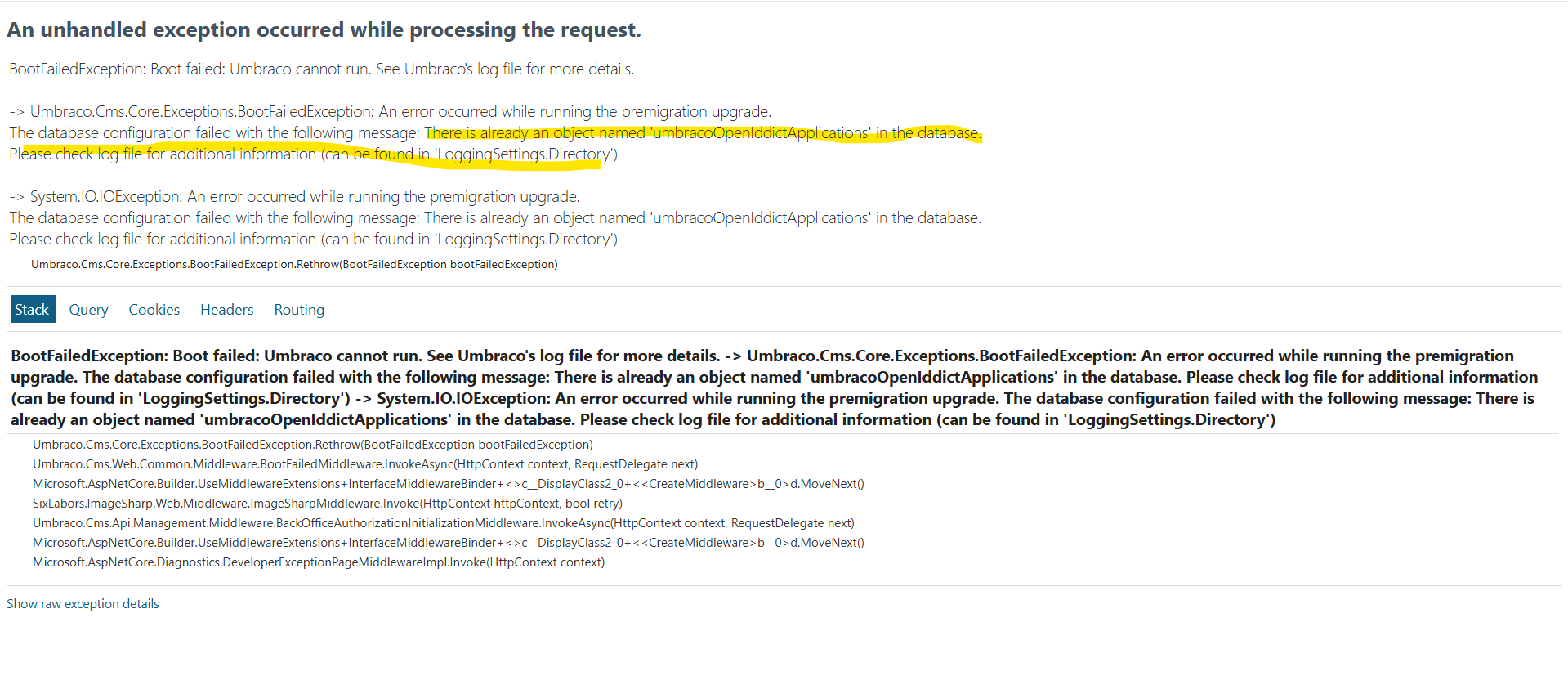
Getting error "already an object named 'umbracoOpenIddictApplications' in the database"

Hi Team,

Can someone please help on below error.

Current status of Umbraco upgrade.
–>.NET 8 to .NET 10 done.
–>Update all the Umbraco 13 version package to Umbraco 17 version package.
–>Resolved all compilation errors and build the successfully.
–>Now try to run the application from local host getting “already an object named ‘umbracoOpenIddictApplications’ in the database” error.

Should I drop “umbracoOpenIddictApplications” table ?

Hi @Masood-h11p

Does anything in here help?

This is not a resolved issue, so there may be an odd issue that was never resolved. I know your on v13 to v17, but it may be related?

Justin

I let Claude do some more research on this in the source code:

The error is a mismatch between your schema and EF Core’s bookkeeping, not a broken migration.

The umbracoOpenIddict* tables are created by EF Core, and EF decides what to run purely from the __EFMigrationsHistory table. Your tables exist, but the AddOpenIddict row in that history table is missing — so on boot Umbraco’s pre-migration (UpdateToOpenIddictV5, then UpdateToOpenIddictV7) re-runs everything up to its target and tries to CREATE TABLE again. Same root cause as #16117, which has more detail.

Check what you’ve actually got:

SELECT MigrationId FROM __EFMigrationsHistory ORDER BY MigrationId;
SELECT name FROM sys.tables WHERE name LIKE 'umbracoOpenIddict%';

Don’t just drop umbracoOpenIddictApplications — the error will move to umbracoOpenIddictScopes next. Schema and history have to agree, so pick one:

Option A (recommended)

Backfill the two rows for work that’s already done, and let the v5/v7 migrations run normally:

INSERT INTO __EFMigrationsHistory (MigrationId, ProductVersion) VALUES
  ('20230622184303_InitialCreate', '10.0.10'),
  ('20230807654321_AddOpenIddict', '10.0.10');

SQLite uses different IDs: 20230622183638_InitialCreate and 20230807123456_AddOpenIddict. ProductVersion is informational only.

Option B

Drop all four umbracoOpenIddict* tables and delete their history rows. No data loss worth worrying about — those tables hold the backoffice client registration, which is re-created on boot, plus active tokens, so everyone just logs in again.


Either way, afterwards confirm umbracoOpenIddictApplications has ClientType, ApplicationType, JsonWebKeySet and Settings (added by the v5 migration) and that umbracoOpenIddictTokens.Type is nvarchar(150) (v7). If those are missing you’ll hit Invalid column name errors instead.

Worth noting this seems to hit databases whose lineage goes back through v11/v12 — HQ has never been able to reproduce it, which is why #14992 is still open. If you can share what your database’s upgrade history looks like, that’d be genuinely useful on that issue.
Hi @Luuk ,

Thank you for sharing the information. Option B worked successfully for me. I dropped all four umbracoOpenIddict* tables and reran the application.

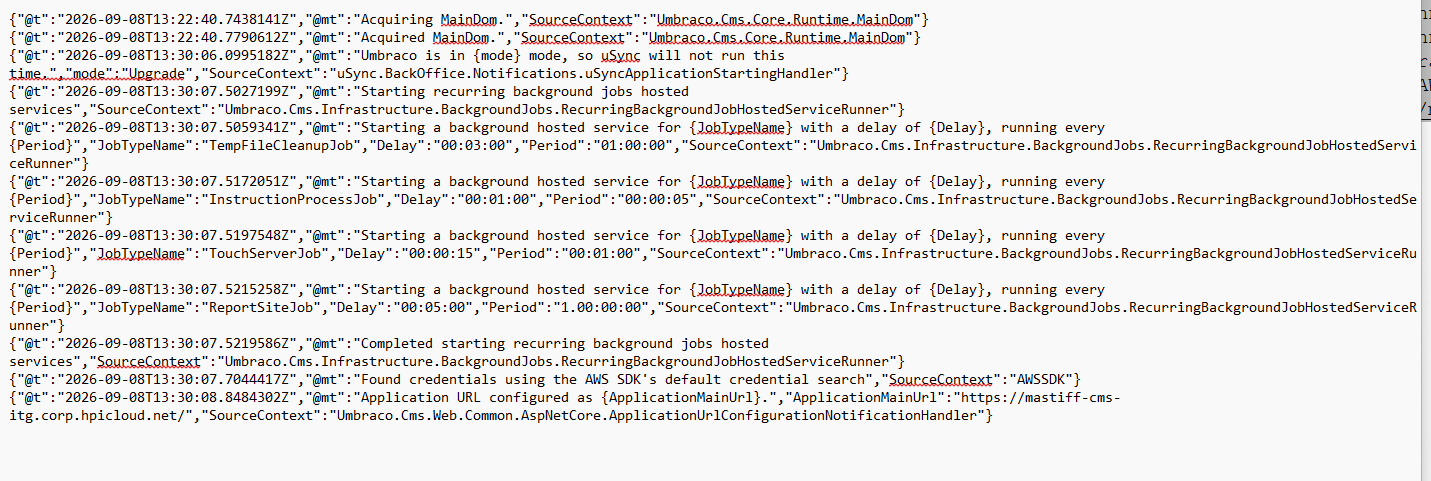
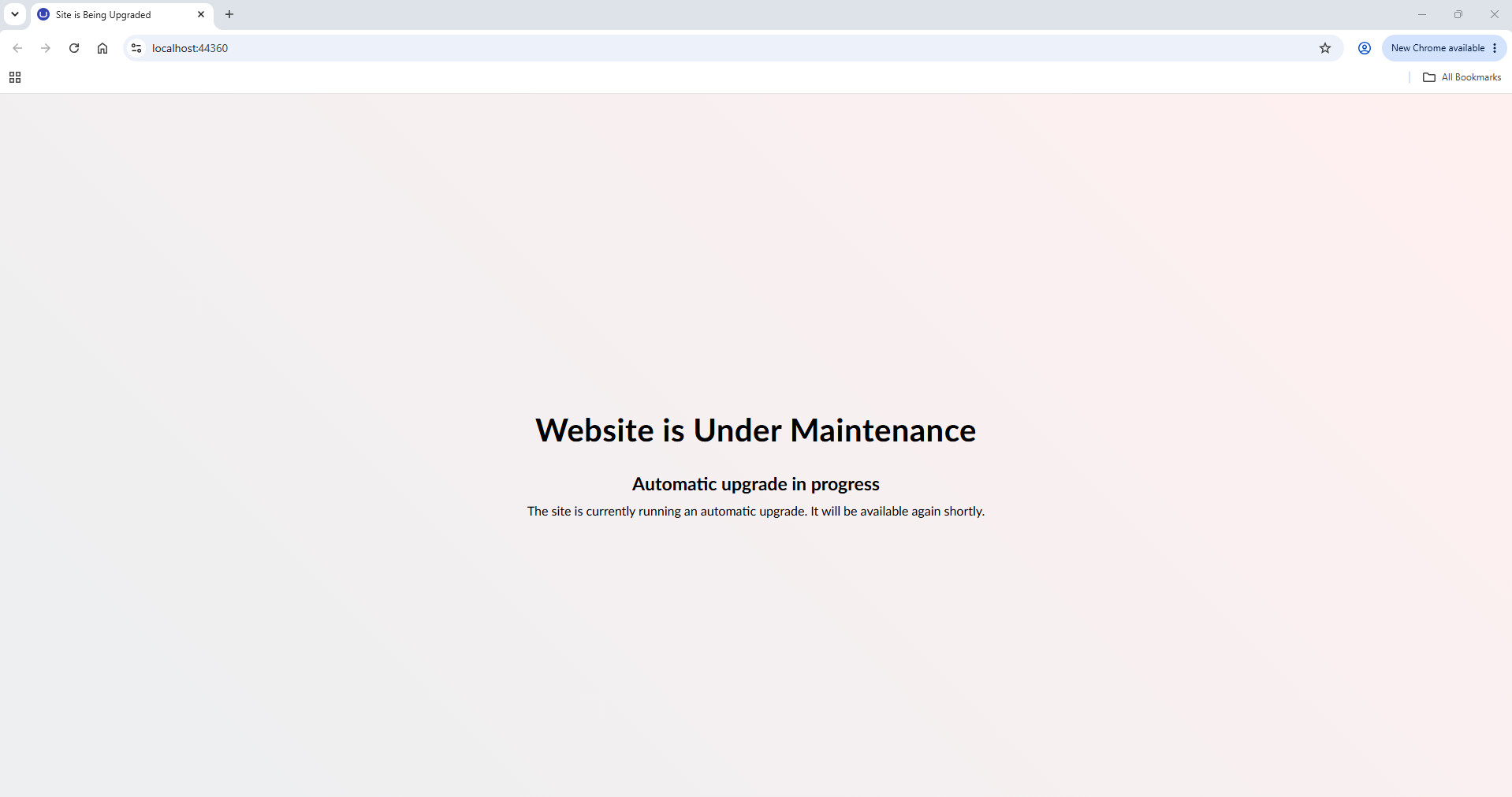
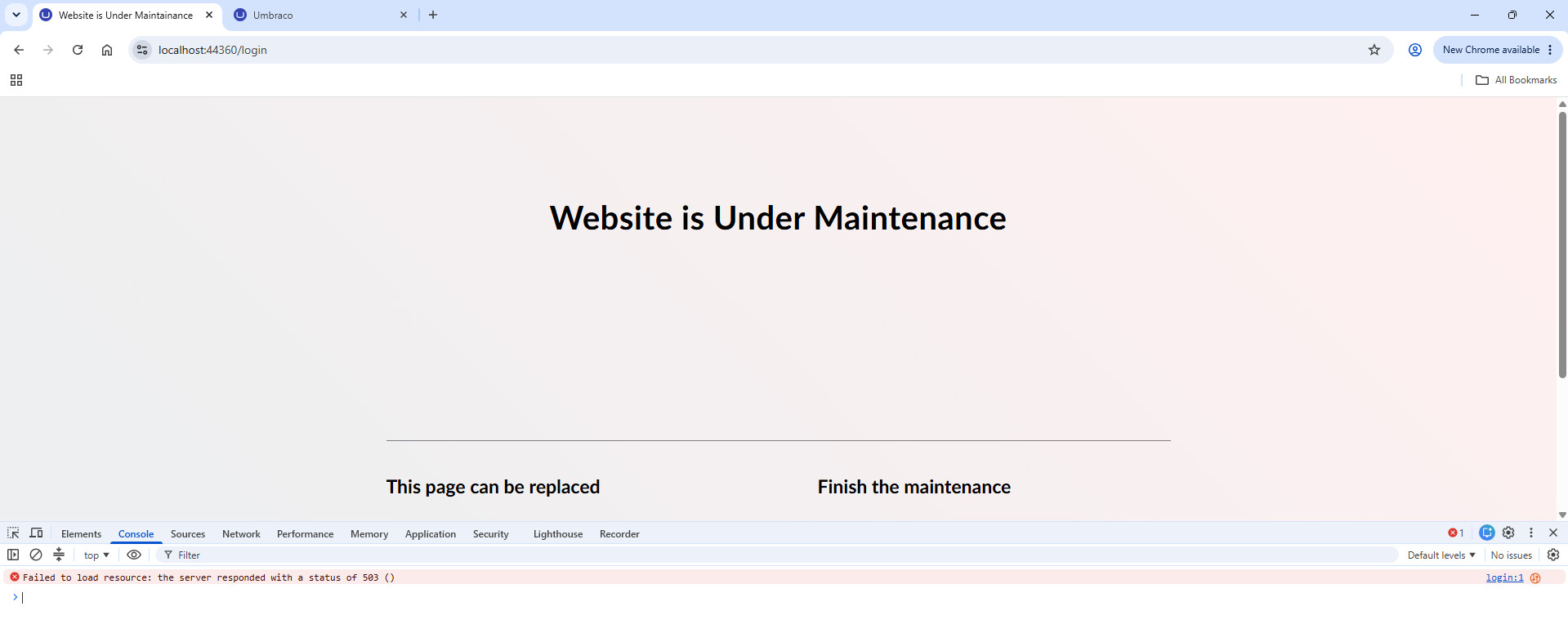
The database upgrade has now completed successfully, and I can see the corresponding upgrade entries in the Umbraco logs. However, the application is still displaying the “Website is Under Maintenance” page, and the logs continue to show: “Umbraco is in Upgrade mode”.

even though the database migration appears to have finished successfully.

Could you please advise if there are any additional steps required to exit Upgrade Mode and bring the application back to normal operation?

Thank you for your support.

Hi @Masood-h11p

What do the Umbraco logs show and are you able to access the backoffice?

Justin

Hi @justin-nevitech ,

Umbraco log is showing “mode”:“Upgrade” and attaching the Umbraco log please check once .
I’m not able to access back office.

Hi @Masood-h11p

Here are some AI suggestions that may help:

Looks like the pre-migration has run but the main Umbraco upgrade hasn’t, which is why it keeps booting in Upgrade mode. You’d normally finish that from the backoffice, but you can’t get in, so try setting Umbraco:CMS:Unattended:UpgradeUnattended to true and restart. That should run the migration plan and bring the site up.

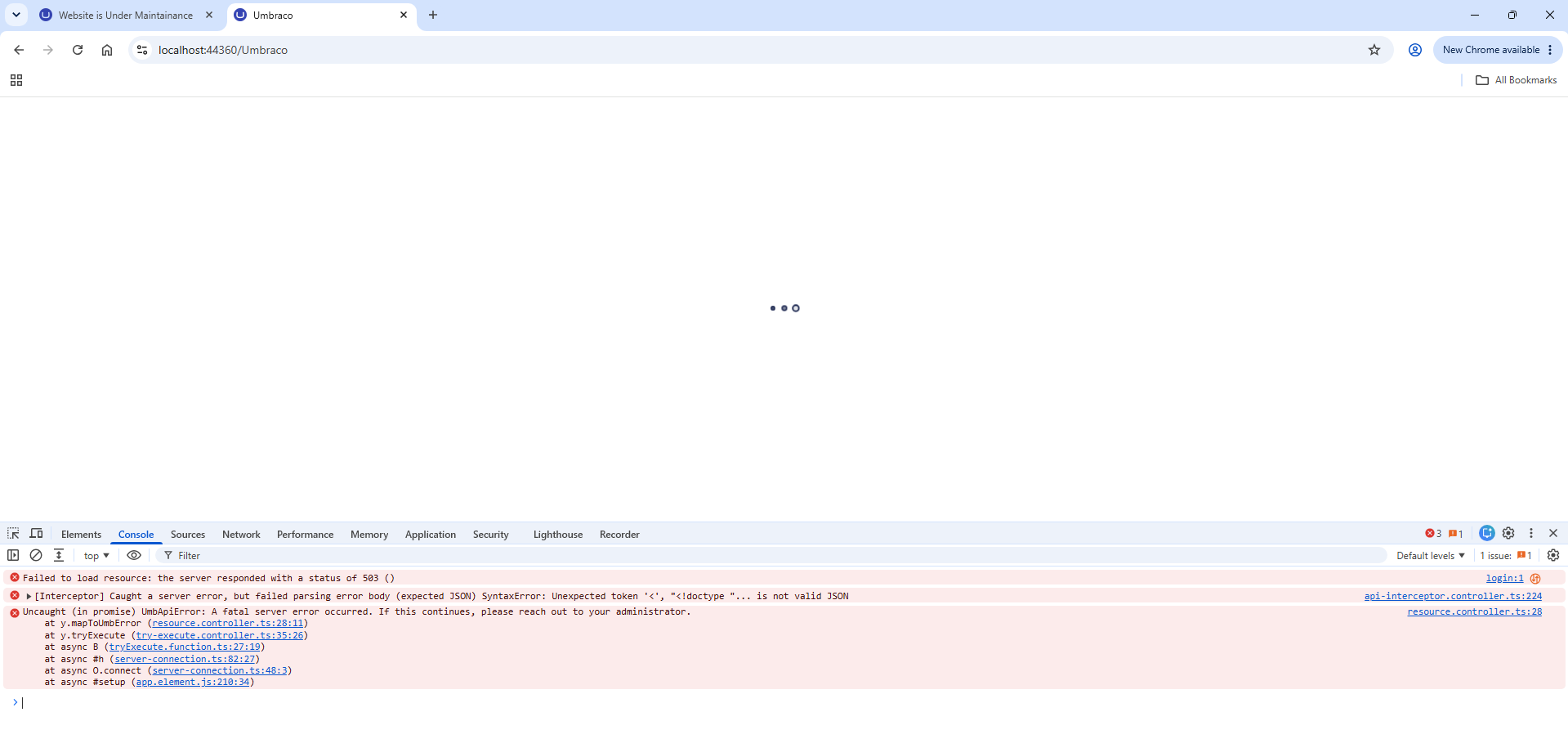
On the backoffice, your API calls are being redirected to /login rather than /umbraco/login, so you get the maintenance page back instead of JSON. That path isn’t Umbraco’s. Have a look in Program.cs for any AddAuthentication or ConfigureApplicationCookie with LoginPath = "/login" left over from v13. The new backoffice uses tokens, so that will intercept it. Scope it to the front end.

Also worth overriding UmbracoApplicationUrl in appsettings.Development.json while you’re on localhost, or login will bounce to the hpicloud host.

Justin

Hi @justin-nevitech ,

Thanks for sharing information, After adding Umbraco:CMS:Unattended:UpgradeUnattended to true and restart visual studio. now am getting another page at “await app.RunAsync();” in program.cs file.

Hi @Masood-h11p

How long have you left that running for and what do the Umbraco logs show? It may still be running migrations?

Justin

Do you have by any chance Workflow 17.4.0 installed? If so, update to 17.4.1 or later.

Hi @justin-nevitech , Yes, on that time still it was in migration state. Now i am not getting that window. Thanks.
Hi @Luuk , I have installed 17.5.3 version.

Hi @Masood-h11p

Is it all working now?

Justin

@justin-nevitech application not loaded getting some other error. i am checking on that.
Thank you.

Hi @Masood-h11p

I think maybe you have got your database in some sort of state that is causing issues with migrations.

Maybe try getting a clean install of Umbraco that matches exactly the same version, along with the same packages and compare the schema?

Justin