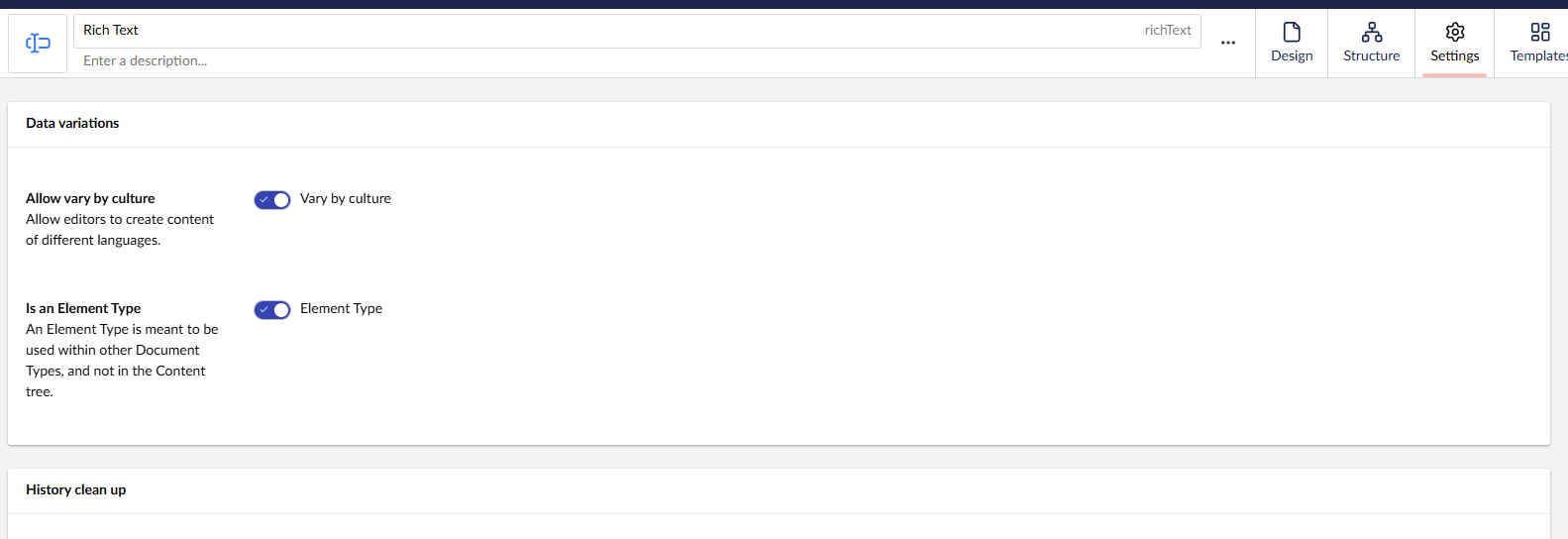
I’ve been trying to explore the ‘block level variance’ feature described at Block Level Variance | CMS | Umbraco Documentation. On 17.0.2 I’ve set up:
- two languages, English (UK) and Welsh
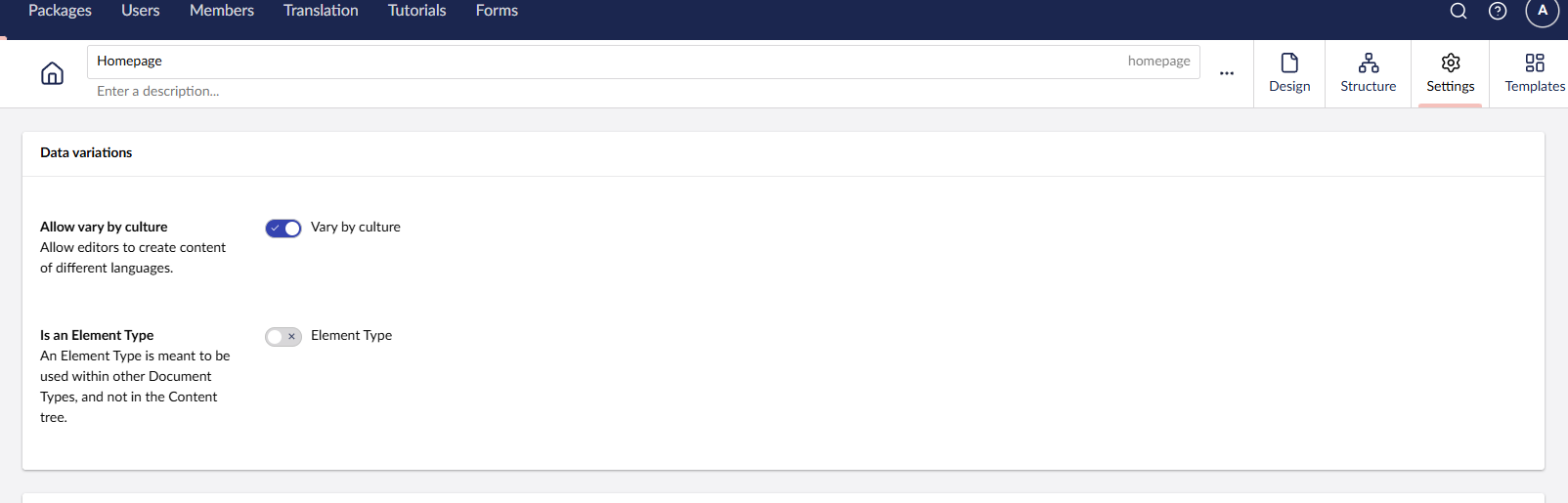
- a document type that allows vary by culture
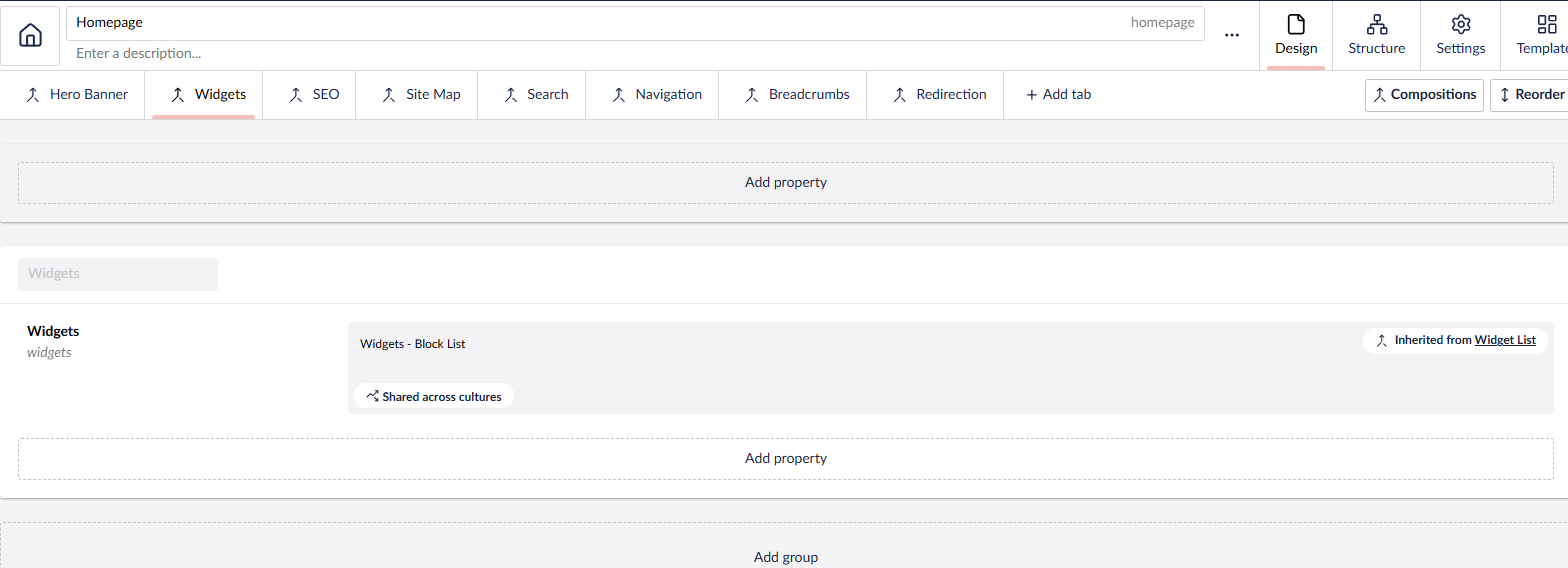
- a block grid property that is shared across cultures
- the block grid data type allows element types that allow vary by culture
- properties on the element types are not shared across cultures
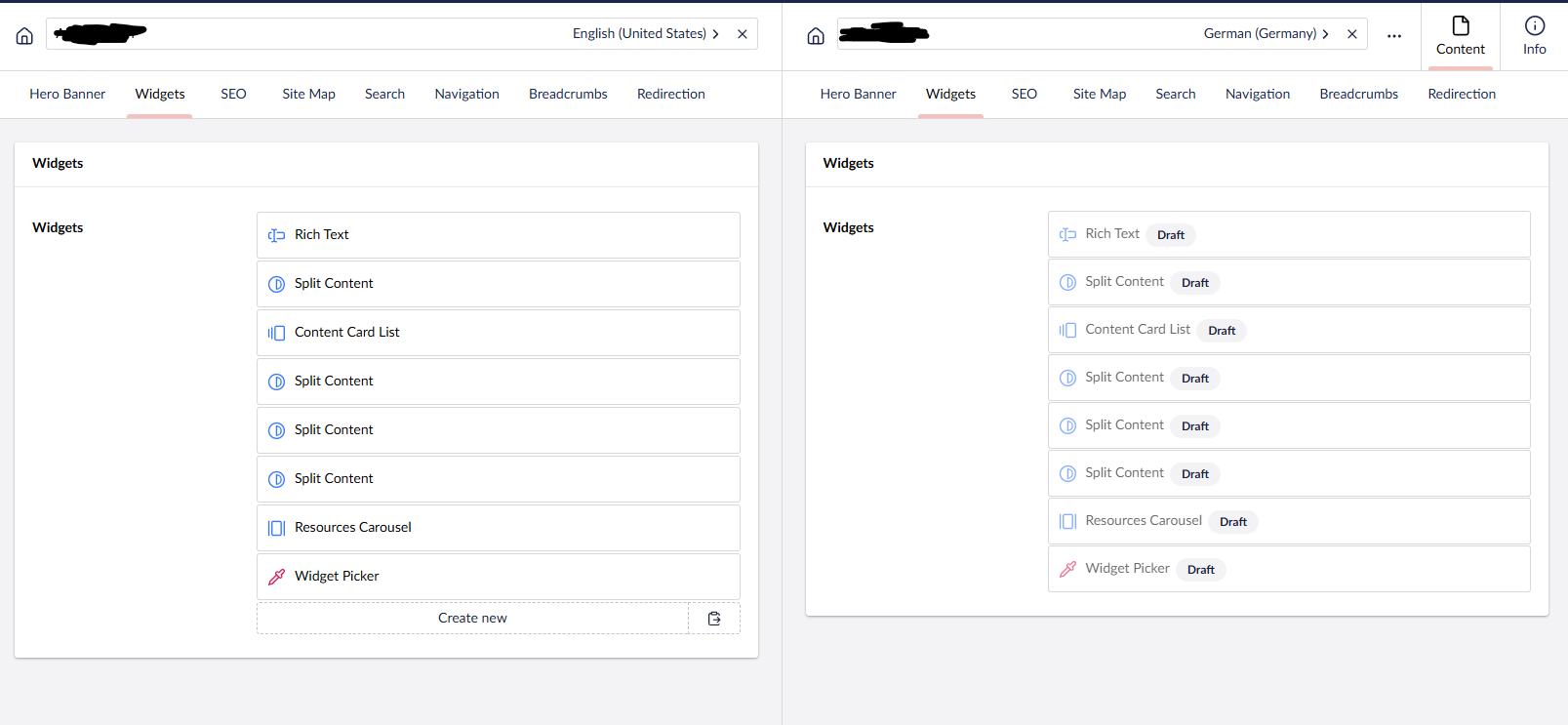
As expected if I create an English (UK) page with a Welsh variant based on the new document type, if I add a block to the English variant I get a prompt to create an equivalent on the Welsh variant. I believe this represents the “unexposed” status described in the article.
I can only add or remove blocks on the English variant, as if it is somehow in a lead role.

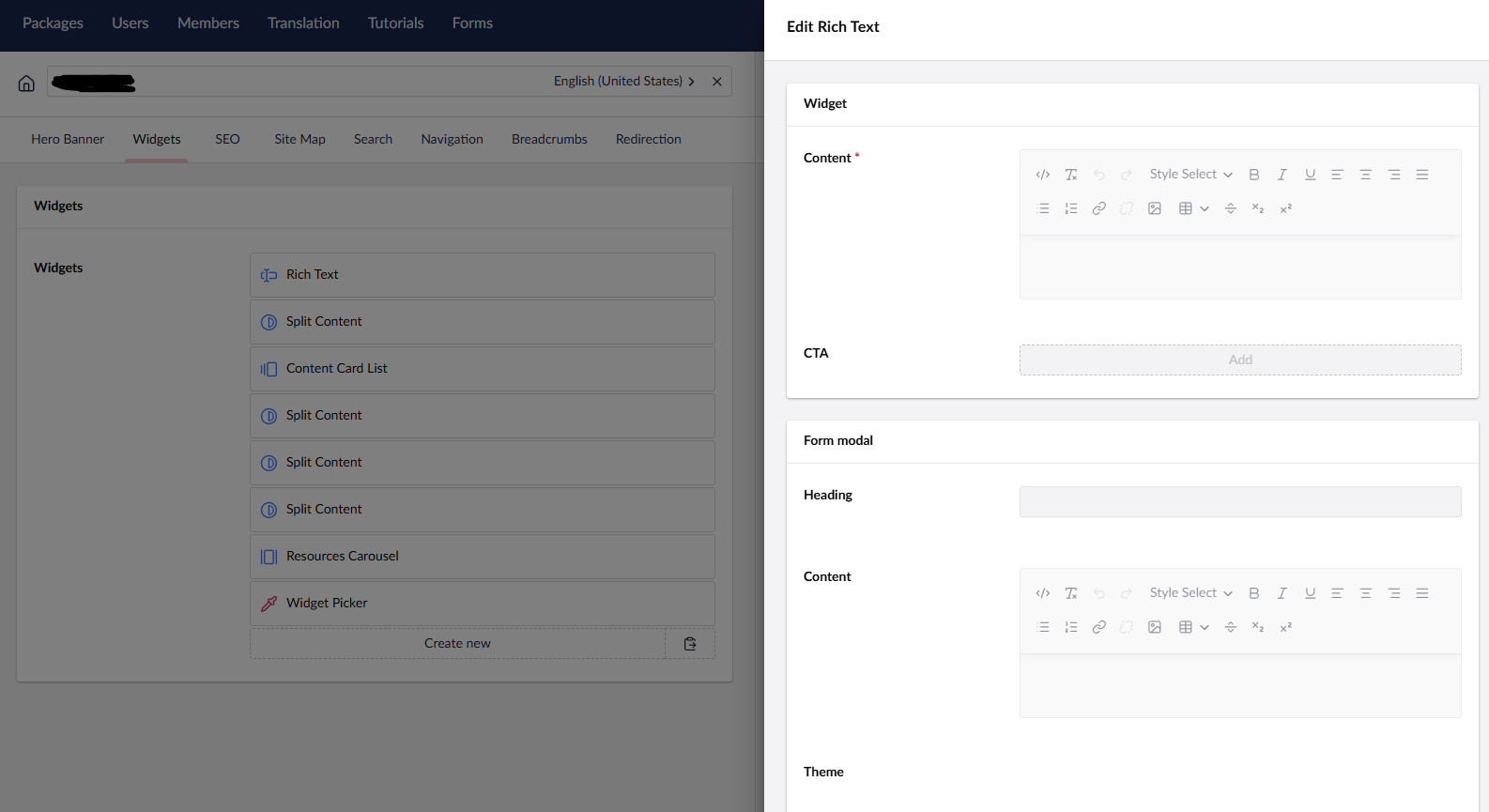
However, if I click “Create Caption” I would expect it to open the properties pane for a ‘Caption’ block. Instead the “Create Caption” prompt just goes away. This is likely related to my custom view for the block type.

If I click the edit icon for the block on the Welsh variant all of the properties are read-only, so I can’t actually enter any Welsh content.
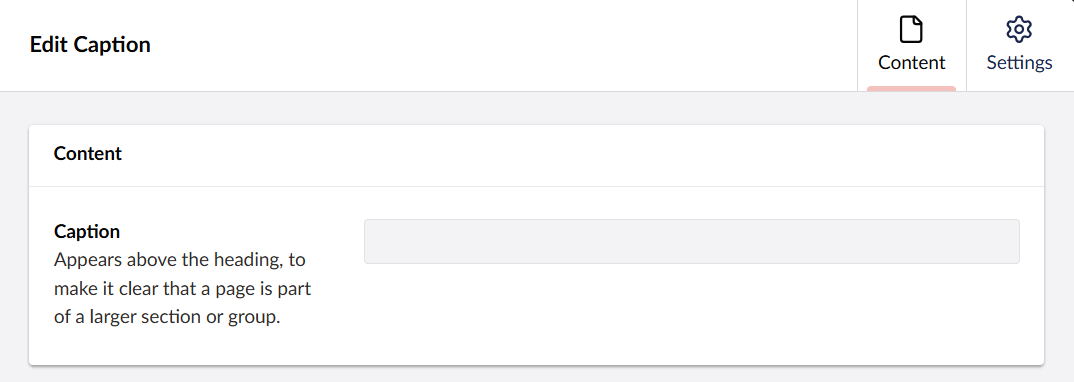
This only happens on my existing project, not if I set up a new proof-of-concept one. In a proof-of-concept installation I can add a block in either variant and have it reflected in the other, even with a custom view in play, and I can edit the properties.
The relevant settings on the document type, block grid data type, and element type all seem the same in both installations so some other setting must be in play to trigger this behaviour. Does anyone have any idea what it could be?