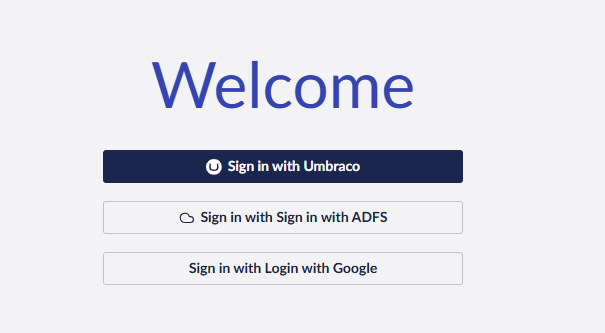
Hi all,
I’m wondering if anyone has been experiencing a similar issue.
I’ve got 2 external providers implemented according to the docs in External Login Providers | CMS 17.latest (LTS) | Umbraco Documentation, which partially works… I’ll explain.
Both providers are registered correctly on startup (code and manifest are set correctly according to the docs), but when I try to login in the backoffice, I still get the default login page
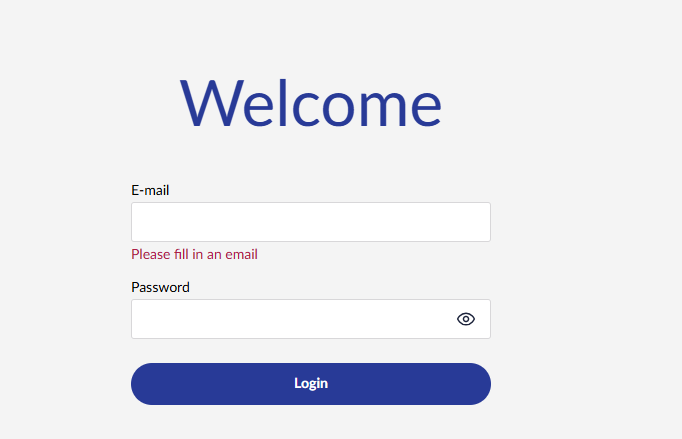
However, if I go to / (so basically as if I would browse the root of the site), I get presented with this screen
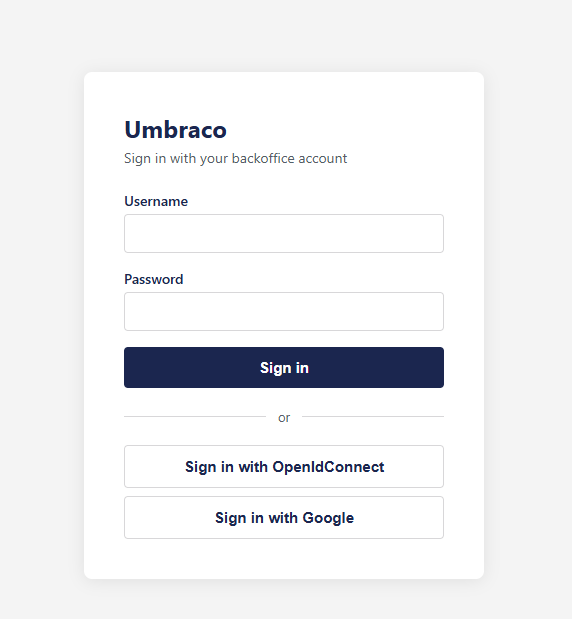
And yes, it does show the 2 extra external auth providers, but I was expecting to see those login options on the /umbraco backoffice login page. I do understand that when you’re having these settings
"BasicAuth": {
  "Enabled": true,
  "RedirectToLoginPage": true
},
it would indeed require a login when you want to visit the frontend (And it’s also what the docs say). However, I would have expected to see these login buttons (and the manifest has some options to set icon/label) on the /umbraco backoffice login screen.
It does work, I can use both login providers to get access to the backoffice, but i would have expected to see the login options on the /umbraco backoffice login screen.
Anyone else has seen this behaviour? Or have suggestions on working it work “right” (for whatever that might mean - according to the docs I should get the buttons on the umbraco backoffice login screen)
Cheers,
Dirk