I have a really weird issue with a search index where the acceptance environment behaves differently to the production environment. The acceptance database is a copy of the production database, only slightly out of date, so the data is practically the same.
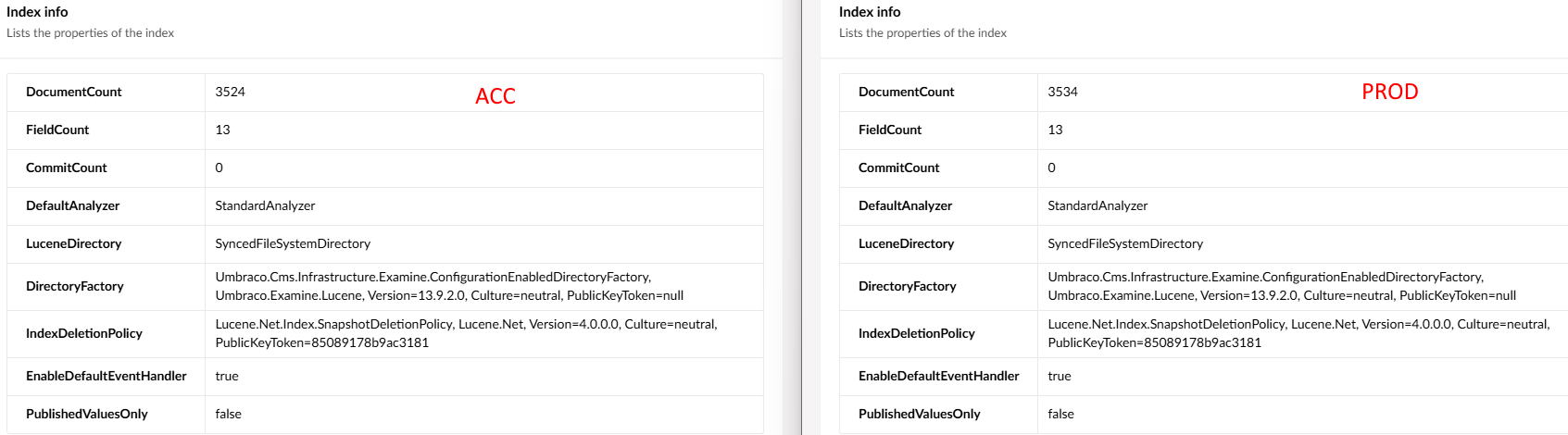
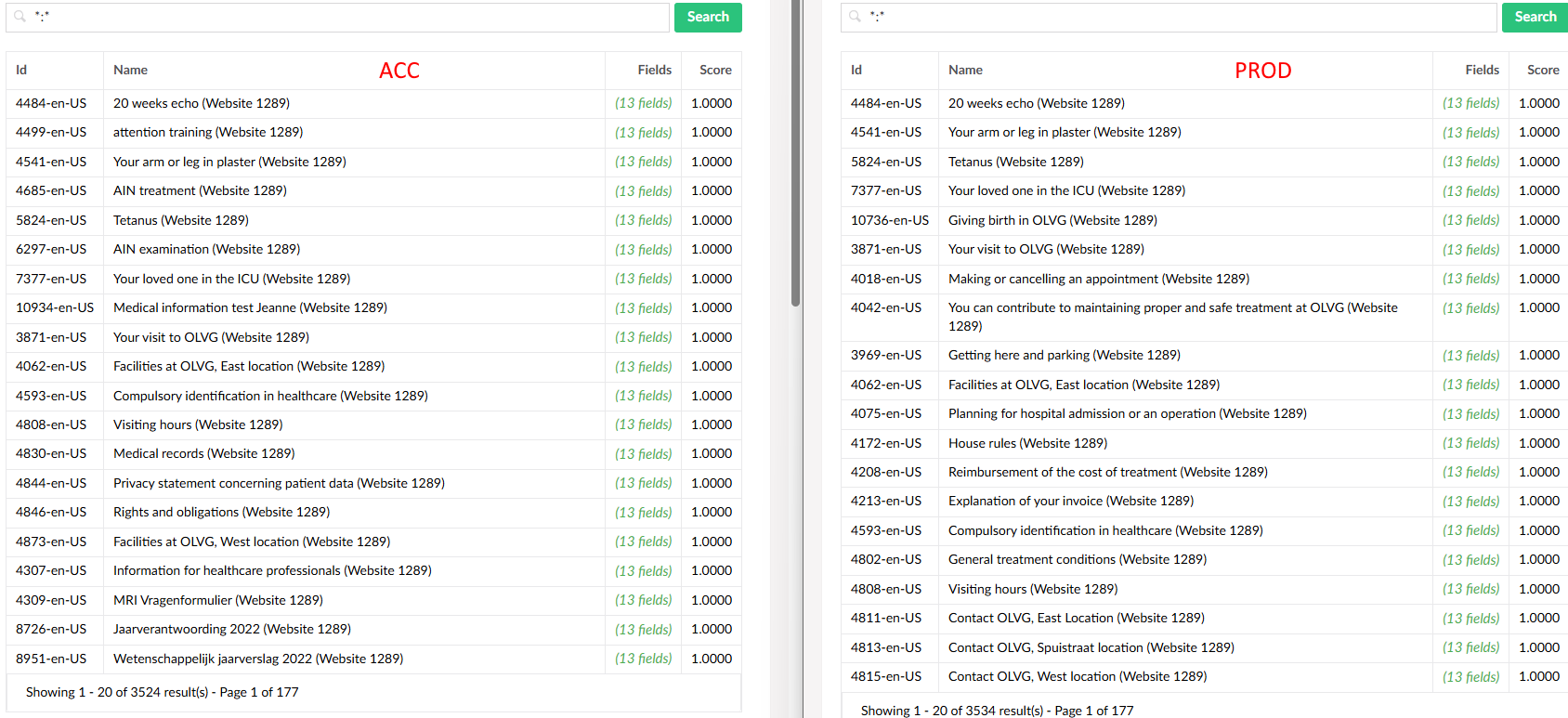
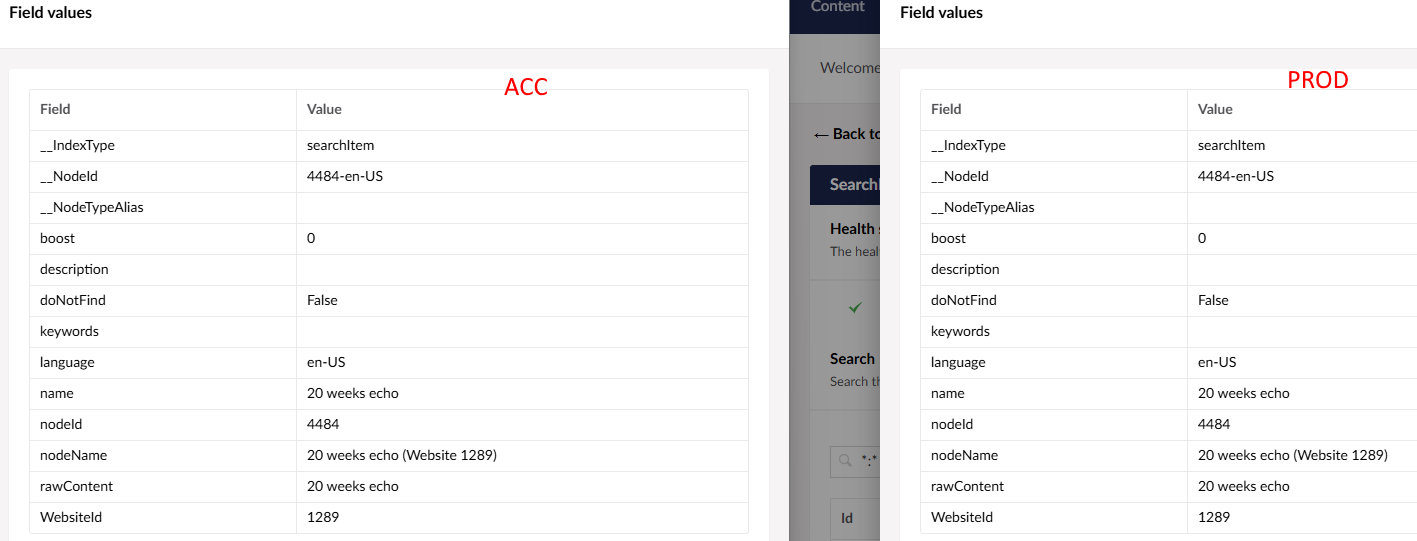
When I look at the index on the acceptance and production environment, they are practically the same, have the same analyzer, same LuceneDirectory etc:
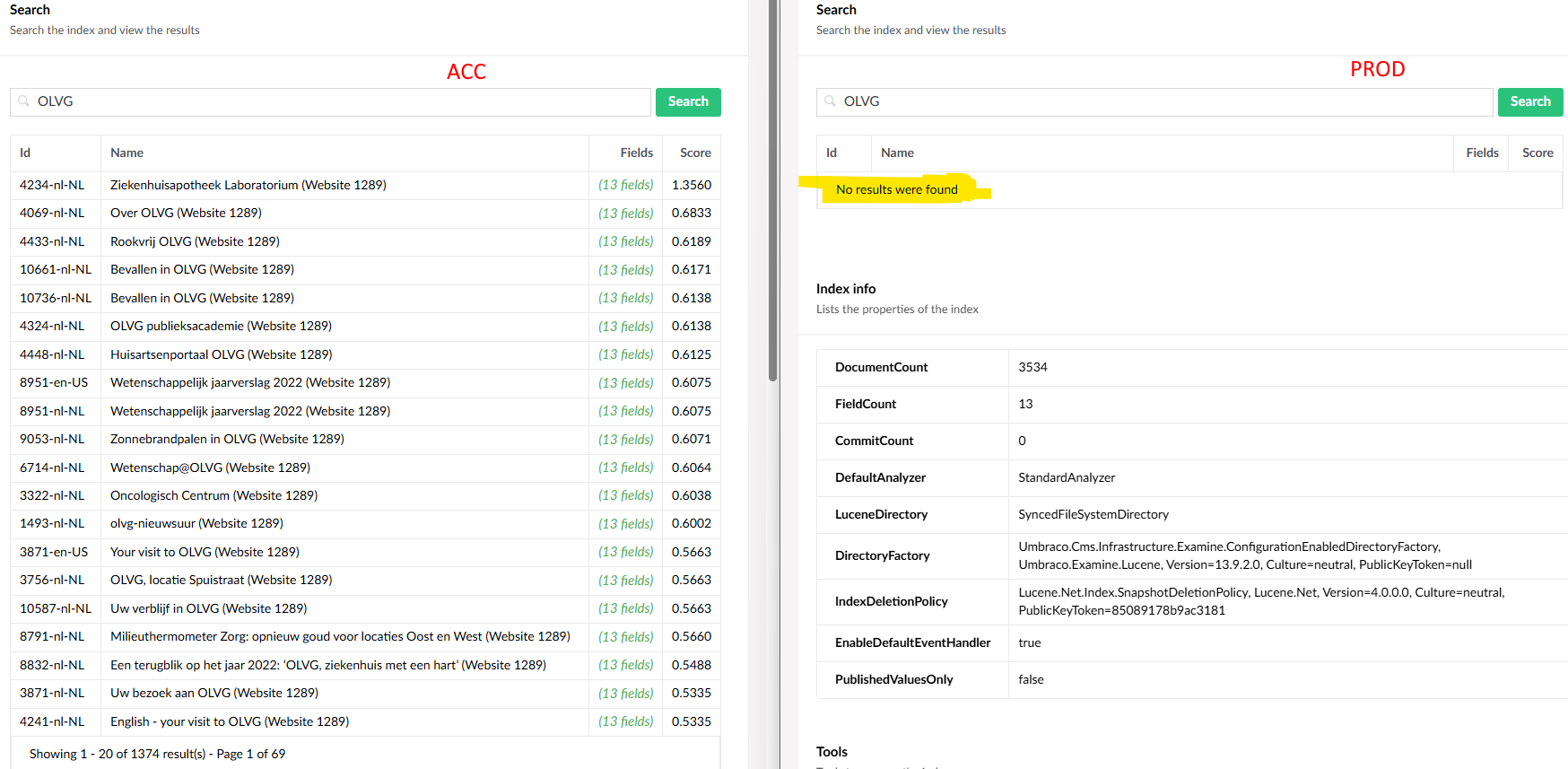
I just don’t understand where this comes from and how to fix it. The search function on the website itself works on acc but doesn’t produce any result on prod!
What I ofcourse already did:
Rebuild the index a quadrillion times
Rebuild the database cache
Rebuild the memory cache
Reboot
Delete the TEMP folder with the examine index files and reboot
I’m really out of options, except that something is really corrupt or something…. The code between the environments is the same. Help!
I have a couple of questions about the production index
Does the index actual show its building
Ie when you have scrubbed it and rebuild it are you able to see if the index is a 9kb file or does examine indexer show it’s got a non zero number in the document library
can you get any search for any document to return regrdless(which is what is sounds like )
If it’s the second and we know thee are do s it’s sounds as but more that there is a corrupted something which I blowing the index up
Ie can you build the index with single page and ensure it’s that before crawling the file
We had a similar issue with optimizely but that’s a case of size where the content and index was building was running out out space to the index he document but wasn’t built so we couldn’t actually search
It’s either one of three things a content piece is blowing it up with some weird storage . The index is corrupted or malformed
Those are the places I would look next unless others have better options
It’s only one index that showing this behaviour. All other indexes are fine and work as expected. I can rebuild the index just file. I also checked the file sizes to make sure that there are no empty files. The acc index is 8.1MB and the prod index is 7.8MB, I would think that’s fine.
I think there are at thos moment two options:
A corrupt index
Corrupt data
A corrupt index is an issue. This is running on Azure with the SyncedTempFileSystemDirectoryFactory configuration. So I can delete the index from umbraco/temp/examineindexes, but that’s only the sync folder. As far as I can tell, I cannot just access the actual folder where the indexes are build.
The corrupt data is testable. I’m going to copy the prod database and use it on acc and see what that does to the index.
I copied the production database and attached it to the acceptance environment and it worked like a charm. So it’s not the data. I seriously think it’s a plaform issue, I don’t have any other theory at this point.