Hello,
I hope you are doing well.
For some reason my media links are rendering in duplicate:

Could anyone help me, please?
I appreciate your time!
Best regards,
Abdul Abbas
Hello,
I hope you are doing well.
For some reason my media links are rendering in duplicate:
Could anyone help me, please?
I appreciate your time!
Best regards,
Abdul Abbas
Could you provide more details for this issue i.e. have you written custom code surrounding this functionality, any plug-ins etc?
If you have written code could you post it here. I would start with any template code (Razor) and if related any C# code that might be producing this,
Hi ,
Thanks for your help!
No, we don’t have any custom plugin or any custom functionality. In fact, I already tried with Copilot to find out if anything in my project could be the reason for this error.I’ve commented all custom converter properties, composer, and middlewares. And nothing fixed it.
I searched on all files to find anything in templates and whatever, but I found nothing.
And this error is happening in the backoffice, when I try to open the image on Info tab.
To make sure were targeting the same area, the duplicate is showing when you hover over an item under the media section?
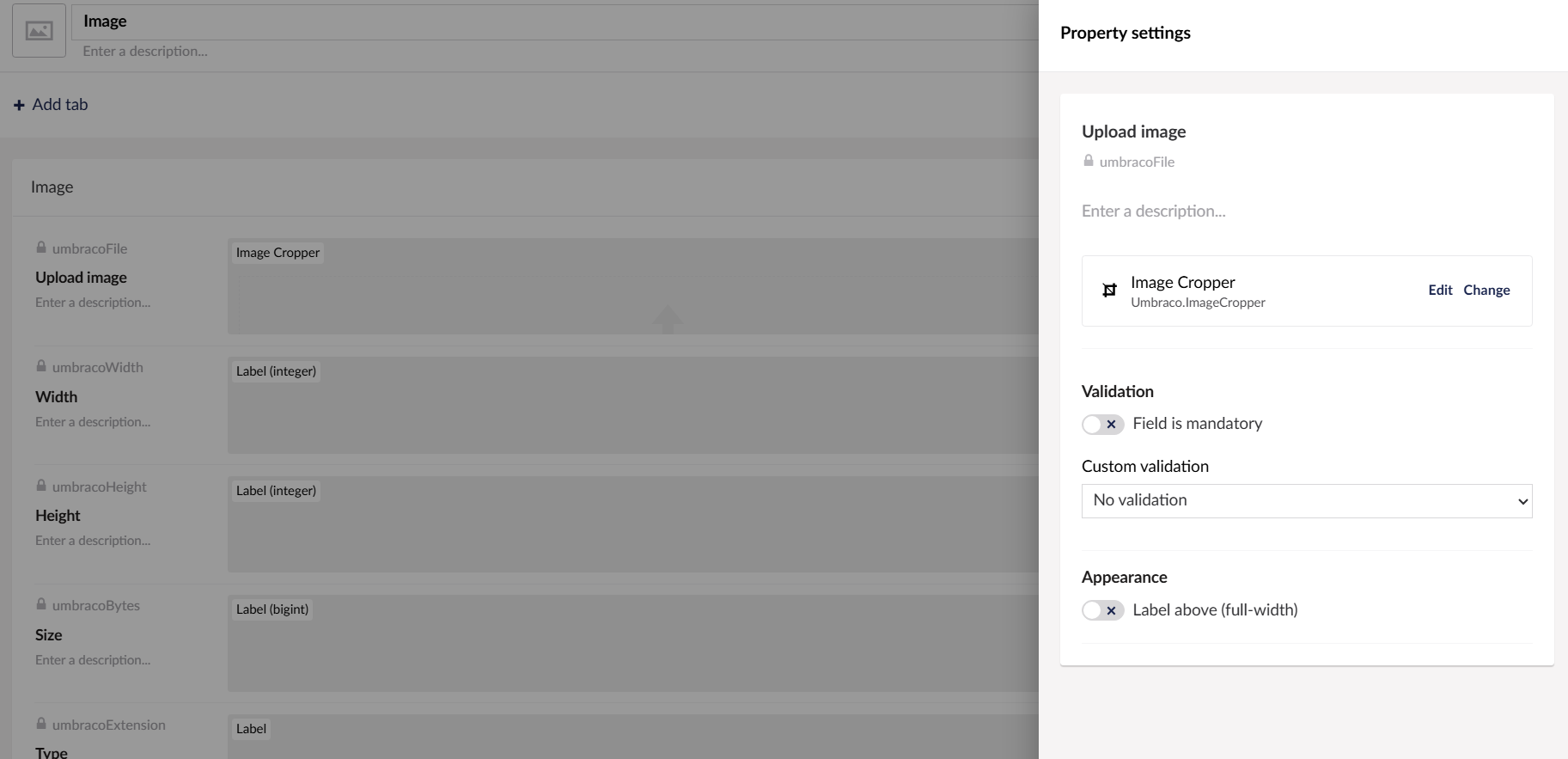
IF yes, could you compare the Image properties (found under Settings > Media Type > Image) and ensure there are no duplicates/obsolete properties?
What version of Umbraco 13 are you using?
Hi @Luuk ,
Thanks for your help!
It’s a good question! We have a lot of websites. But only 5 websites were migrated to v13.
4 of them are on version 13.5.2.
1 is on version 13.4.1.
I have this problem only on version 13.5.2, but I also have websites on this version working correctly.
I’ve just checked if it is a version issue, but unfortunately it is not.
Hi @EssCee ,
Yes it is! And I checked the service that returns the data from Umbraco and it is returning wrong:

I think I don’t have any duplicate/obsolete propreties
I’m checking the database information now.
I upgraded to version 13.13.0 and it’s still getting this issue.
hello Everyone,
I found the problem. After removing the configuration below, the problem was resolved:
`"AutoFillImageProperties": [`
{
"Alias": "umbracoFile",
"ExtensionFieldAlias": "umbracoExtension",
"HeightFieldAlias": "umbracoHeight",
"LengthFieldAlias": "umbracoBytes",
"WidthFieldAlias": "umbracoWidth"
}
]
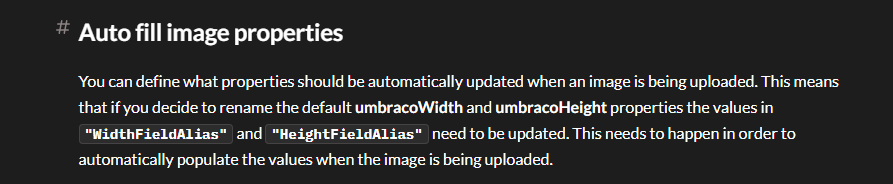
Despite reading the documentation, I was still unable to understand its use:
Could you help me to understand, please?
Best regards,
Abdul Abbas
You don’t need that configuration because that is already the standard configuration.
An Umbraco image in the backofice has a number of properties: the actual file, the file extension, the height of the image, width of the image and the file size.
This setting tells Umbraco what fields to update automatically when an image is uploaded in the backoffice of a media node. So it will look for the file in the property with alias umbracoFile and use that to update the information field for that image.
Normally you don’t need to touch it. But if you create a custom media type with different properties, or you - for some reason - were to rename the property aliases on the exiting image media type, you can set these settings.
Thank you very much @Luuk !
And thank you all for your help and support!
This topic was automatically closed 30 days after the last reply. New replies are no longer allowed.