I have created a dialog in order to select a Poll for my Polls package, how do I return the selected item when the modal is submitted?
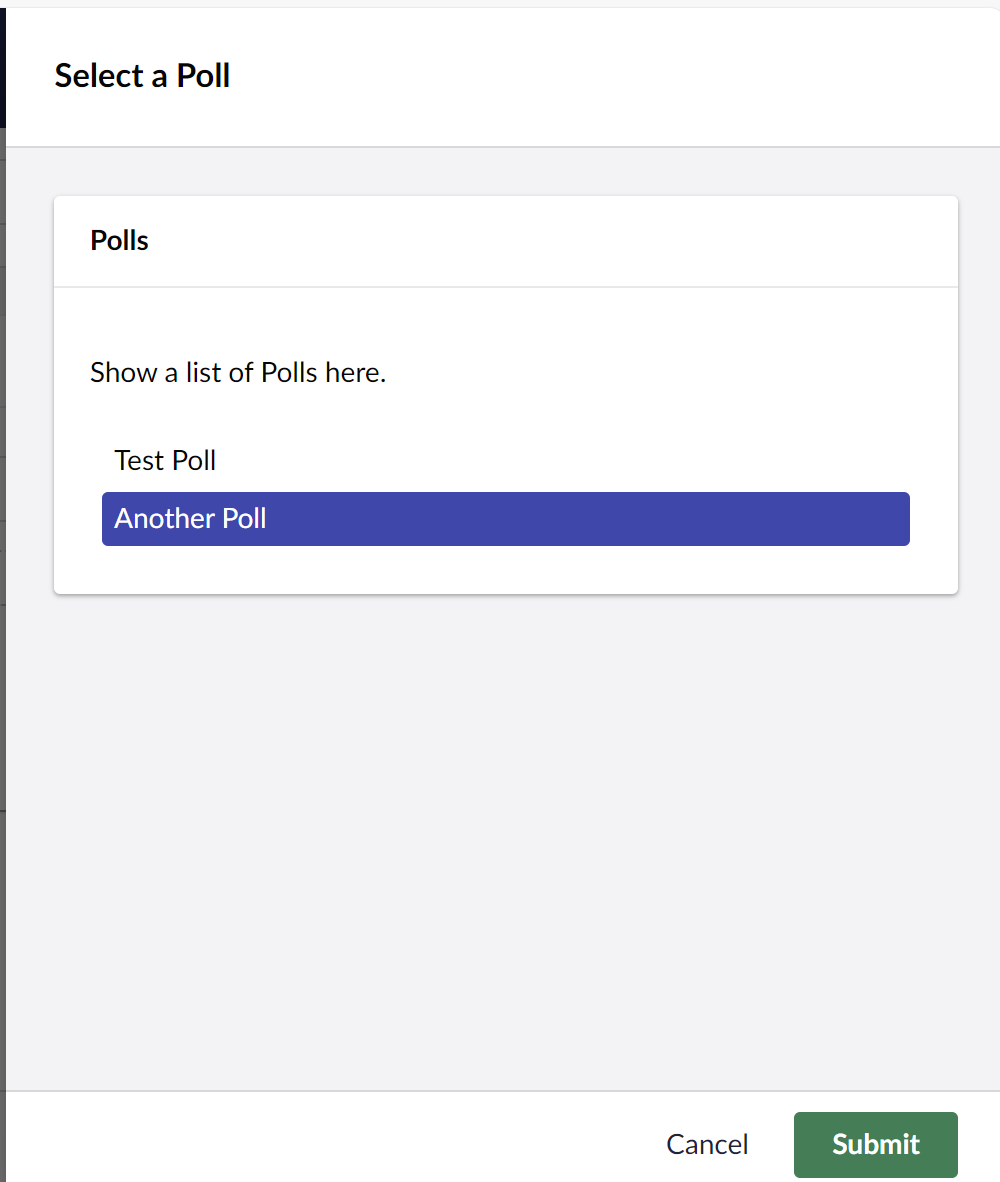
You can define models for the modal for input and output. You need to set the values of that modal and when submitting, that model is returned. In your case, you just have to update the model when your poll value changes.
See Custom Modals | CMS | Umbraco Documentation on how to implement the modal.
In that case, you’ll get the model as the return value when the modal closes, something like this:
    private async _openModal() {
        const returnedValue = await umbOpenModal(this, MY_MODAL_TOKEN, {
            data: {
                headline: "My modal headline",
            },
        }).catch(() => undefined);
    }
That’s where I was getting stuck, but think I have it now 
needed to cast my target to get the value
    private _onChange(e: CustomEvent) {
        const controlValue = e.target as HTMLSelectElement;
        console.log(controlValue.value);
    }
1 Like
Is there anyway to prevent the first item being set as active?
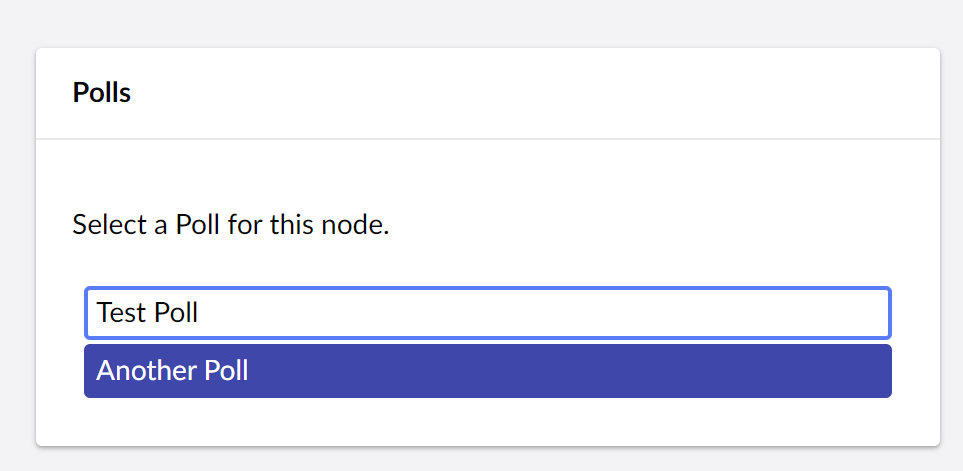
                    <uui-combobox-list value=${this.preselected} >
                        ${this._options.map(
                            option =>
                                html`<uui-combobox-list-option value="${option.id}" @click="${this._onChange}"
                            >${option.name}</uui-combobox-list-option>`
                        )}
                    </uui-combobox-list>
Looking in the UUI book here, the outline is the ‘focus’ style, the selected element has the blue background:
The first item in the uui-combobox-list gets the active attribute due to the component’s built-in keyboard navigation logic. This is a standard accessibility feature that sets the first list item as active by default when the list opens, enabling immediate arrow key navigation.
Wonder if that’s something to do with when it’s used in a comboBox?
Inputs / Combobox - Default ⋅ Storybook
As there keyboard events do move the active box…
Looks like from the ActiveMixin
Umbraco.UI/packages/uui-combobox-list/lib/uui-combobox-list-option.element.ts at main · umbraco/Umbraco.UI
 if (activeElement) {
      activeElement.active = true;
    } else {
      this._goToIndex(0);
    }
Umbraco.UI/packages/uui-combobox-list/lib/uui-combobox-list.element.ts at main · umbraco/Umbraco.UI
ok, will dig, I wanted it removed because I am preselecting an item so it doesn’t look great as the active element and the selected element are different