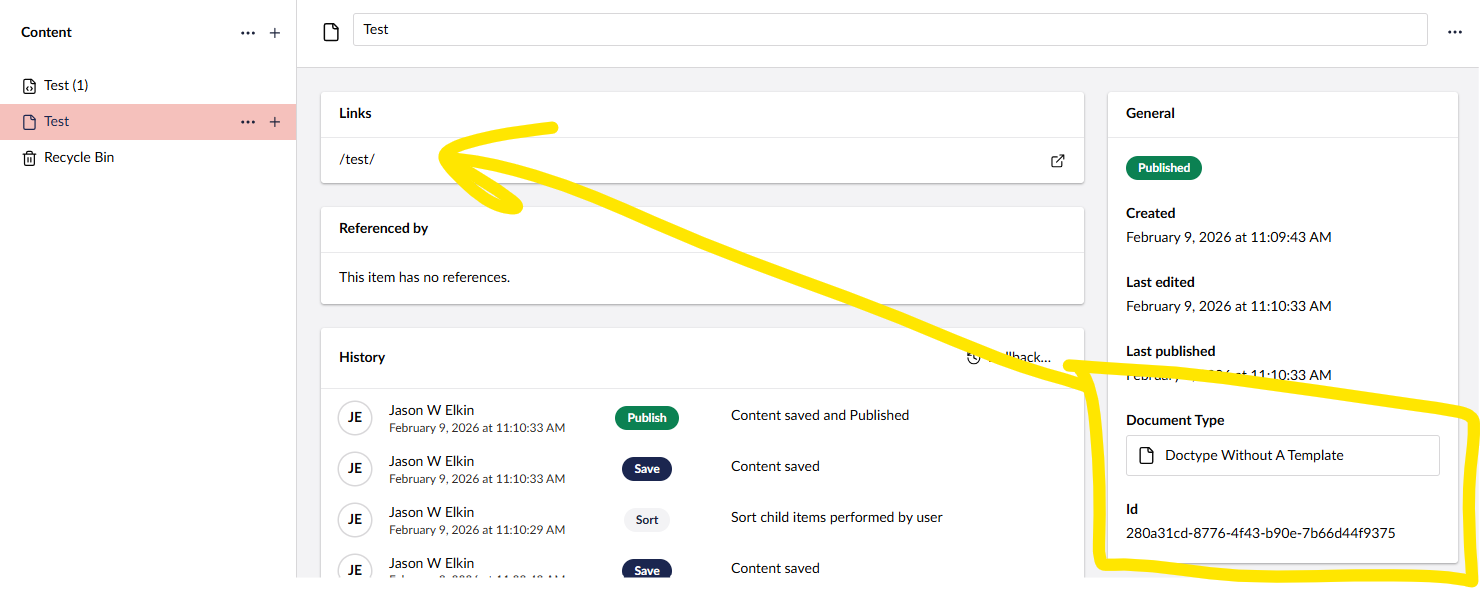
Document type creation without template even in 17 specifically says no URL generated and while this is the case when you create and save the items in the node tree you get this warning:
”The document does not have a URL, possibly due to a naming collision with another document. More details can be found under Info.”
There is no clash
You intended it not to have a URL
Only one culture installed
This is really annoying and I can not find any form of way to suppress this. It has no bearing on functionality but it is a warning that you should not really be seeing because what you have made is intended.
I really do not like that showing up. If you have a document type with no template where the CMS tells you that it wont generate a URL and thus your intention then it should not show you warnings about URL’s lol.
There’s no real fix beyond disabling the warning globally via Content Settings, as Luuk suggested
Technically umbraco is correct, but UX-wise it’s noisyyy for data-only / non-routable document types.
a document-type–level opt-out, or smarter suppression when no template is assigned, would make much more sense…
Maybe the upcoming library section for reusable content will remove this requirement for url less nodes (always seemed a hack to me, for something that should be architected differently, like settings nodes)
Harks back to the days when the content section was supposed to be a simple 1-1 mapping to site pages.
And, if you head to that URL, the PublishedRouter will find the content for that URL and assign it to the request, even if the lack of a template ultimately results in a 404.
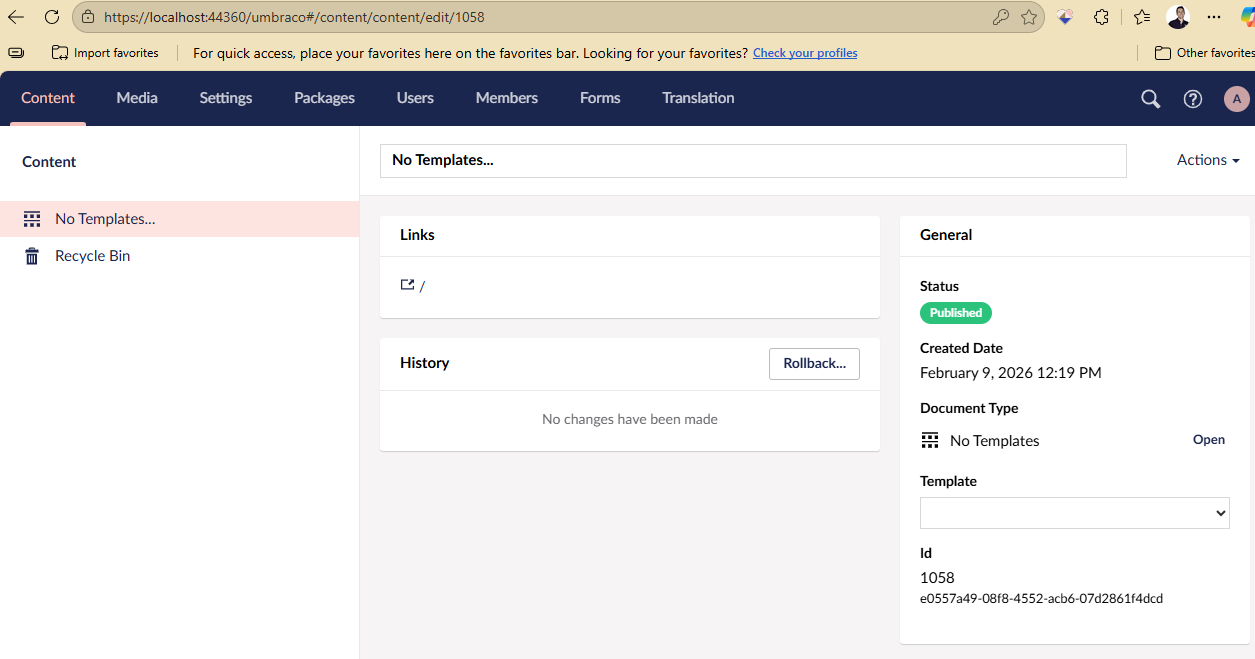
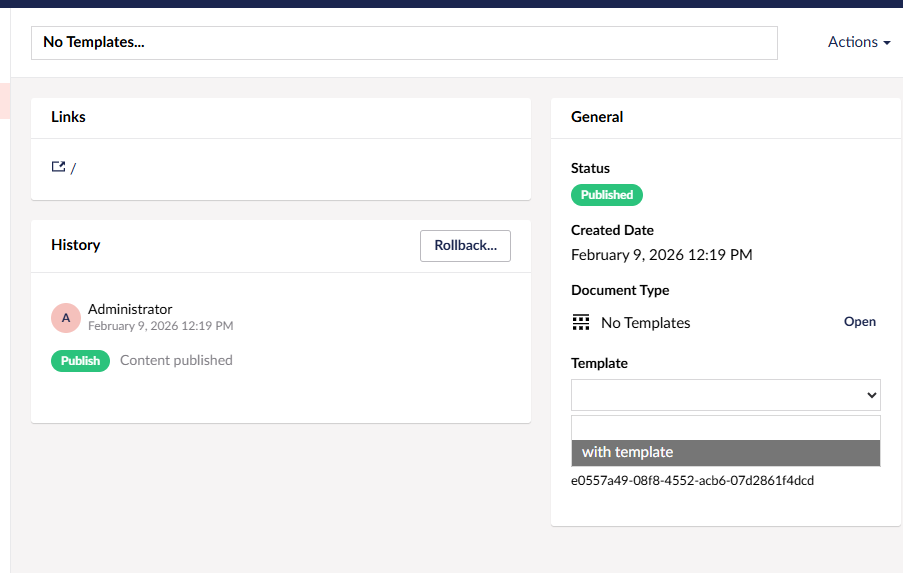
You used to be able to create a doctype with no templates and then if you added a template the node remained without a template selected.
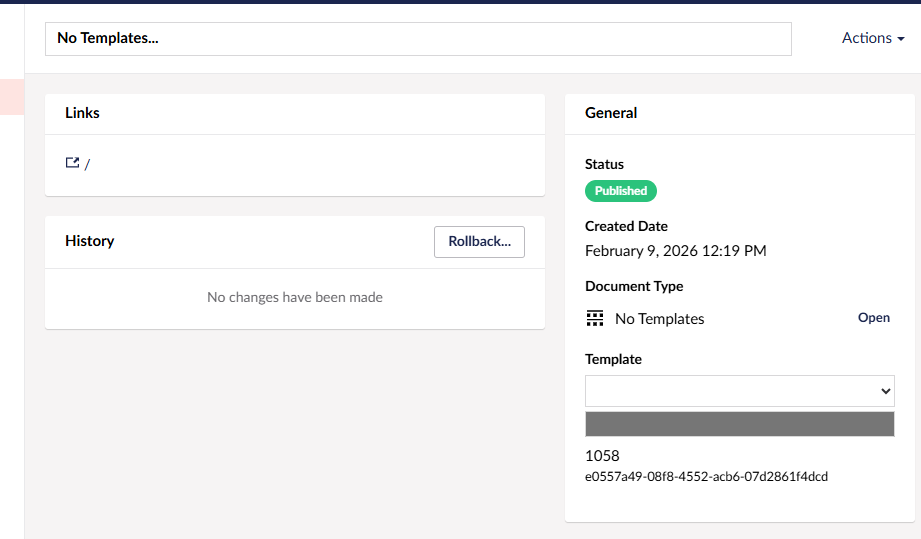
In 17 the UI does now show the default template as the template for these nodes, and presumable next save commits.. though haven’t checked if a node with unassigned template also defaults to the default template..
So might be a specific way in 17 to get a node with available templates but without a template set.. by creation order.. or legacy migrated content?
I think I worked out a few things with the latest versions of Umbraco.
Hostnames / Root items:
In the past if you just had a single site domain you never needed to add a hostname to your main site root. Your master, your main landing page with template and you were away.
You could then also have other root items like an area for navigation stuff or settings stuff and because they did not have a template they never generated URL’s.
Now, while you still can have this setup and you do not have template and thus no URL’s you get the warning every time you save.
Inside root:
Similar, even move your “Site Settings” document type for example into an item below the website root with no template you get the warning.
The fix here is to ensure on the hostname you have your localhost added. This makes it go away.
With the .NET and Umbraco progress if there are rooting changes for this I am fine with but I think it is more to do with the backoffice migrations and how they are built and how things are displayed and handled.

 agree with that, although the message is misleading…