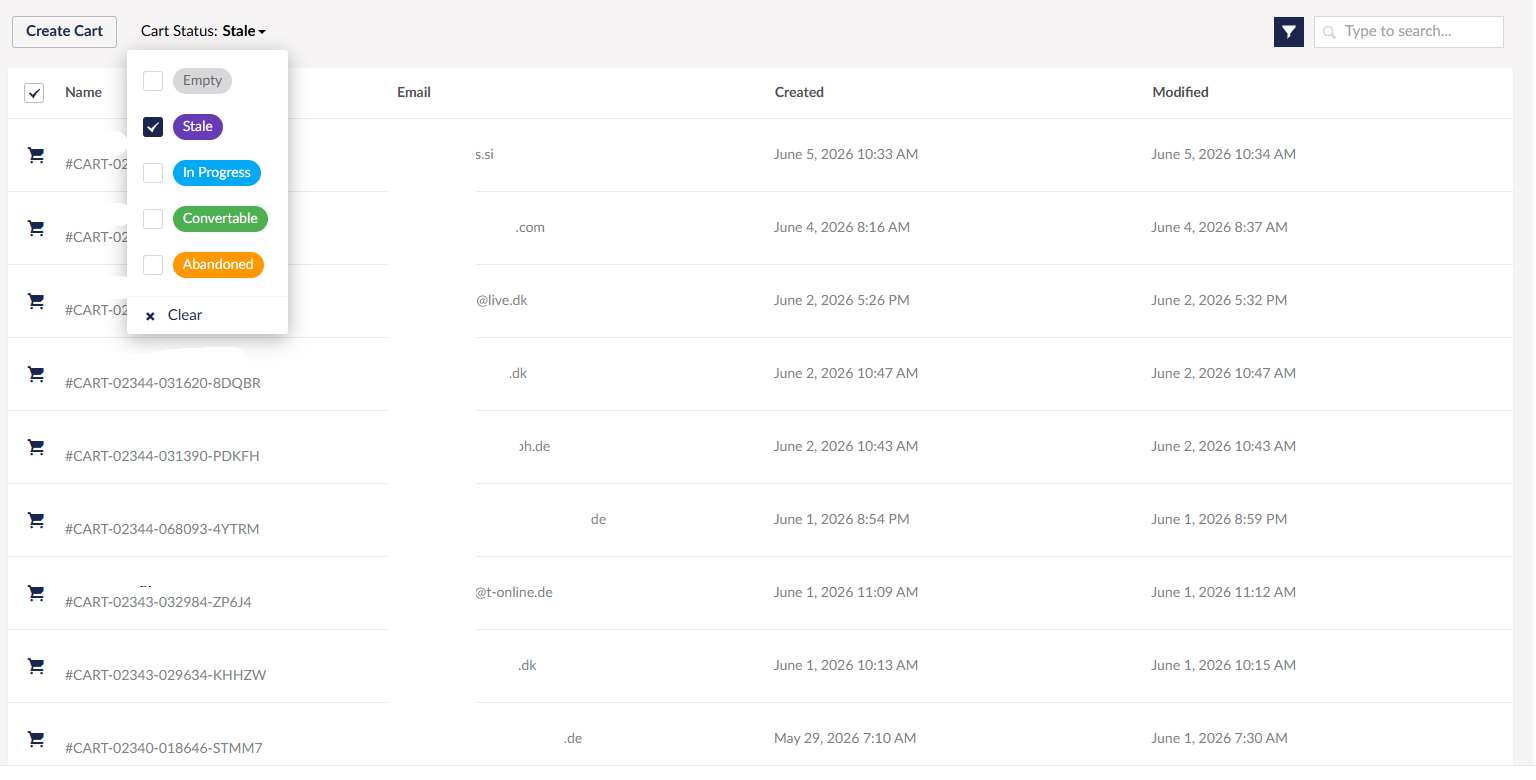
In Stores → [Store] → Carts, the status filter contains values
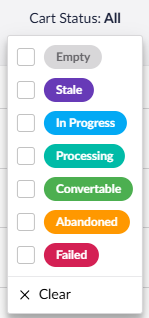
I can’t seem to find any documentation on what each of these cart statuses actually mean, or what conditions or triggers would cause a cart to be classified under these?
Welcome to the forum!
I can’t find it documented, but I had a dig through the source. They all come down to three things: does the cart have order lines, was it updated in the last day, and does it have an email address.
So the email address is what splits Abandoned from Stale, and the 1-day window splits old from active.
Justin
Thanks for that, that was mostly what I expected.
It is primarily the difference between Stale and Abandoned I was wondering about, and what you say would make sense, but that is not what I am seeing.
Here is an example, all these carts are Stale, but they all have orderlines and emails
So perhaps time alone also is a factor. A cart might only be Abandoned up to e.g. 3 days, and then it’s moved to Stale, maybe 
It would be nice to have it confirmed.
Time is a factor for all but Empty, I looked at the Umbraco Commerce source code for v17, so you may be using a different version?
Justin
Yes, this project is v13.
Abandoned Carts Notification came in v16.1, so perhaps the “Abandoned” status was just added before, but not really used in v13 yet.
Well then
As you can see in my screenshot in my earlier message, those are carts marked as “Stale”, and they have an email, so yeah, something isn’t right.
That’s why it would be great if this was documented.
I see what you mean, they are over 1 day old with email addresses so should not be stale, instead they should be abandoned.
If that’s not working then you may want to raise that on the Umbraco Commerce issue tracker, although I don’t know if they will fix it for v13 as v13 is in security phase only for EOL…
Justin
It was mainly to understand the statuses, and yeah it seems something isn’t quite right here, but it might be a bug or something specific to the specific project, but I don’t think it’s worth raising an issue over, since, as you’ve pointed out, v13 will soon be at EOL.
Thanks for your time and effort 


Hi all,
I have been asked by our client what some of these statuses mean, but two of them are not referenced above. Is anyone able to clarify what “processing” and “failed” mean or how a cart would be in these states?
Hi @ben637
Those two were added later than the others, in the 15.x and 16.3 releases. The release notes describe them as a way to identify carts having payment processing difficulties ( Add a cart order status indicating that a payment is being processed · umbraco/Umbraco.Commerce.Issues · Discussion #664 · GitHub ).
So they’re useful for spotting orders that are mid payment or stuck, for example where the customer paid but the gateway callback never came back, or there was a mismatch between the amount charged and the order total.
If you’re on v13 or an earlier version you won’t see these used.
Justin (with the help of AI)
Thanks, this helps a lot, and makes a lot of sense.