We have several clients using the Umbraco Grid to manage quite long and content-heavy pages.
A question that comes up more and more often is whether there is a way to collapse or hide Grid content using a toggle in the backoffice.
The main goal would be to improve the overview and make it easier for editors to navigate large pages without having to scroll through all Grid content all the time.
Has anyone implemented something like this, or is there an existing solution or recommended approach for this use case?
I assume you are referring to Block Grid? Regardless, there is no way to collapse or expand the grid content as far as I am aware? I’ve certainly not come across anything that toggles grid content.
There is sort mode on block(grids/lists).. that if you are using block previews collapses the rendered content back to labels.. So that could be a quick win, but a bit hackey as you have to live with in sortmode and still not all that compact..
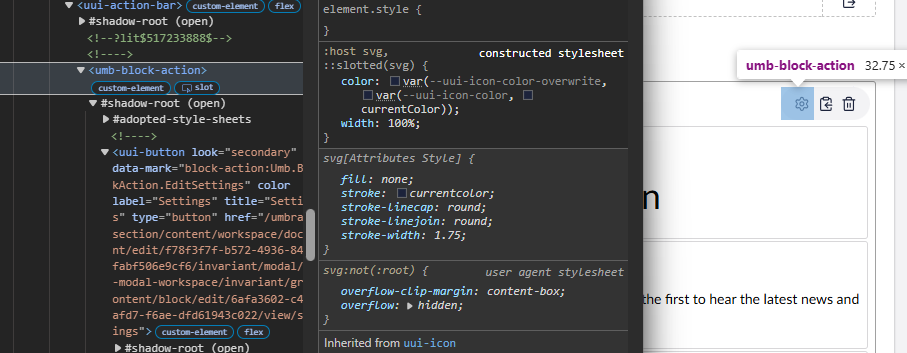
You should be able to inject a similar sort of thing into the grid so that rows/areas/full grid can be collapsed?? (either as a property action, or a block action?)
import { UmbBlockActionBase } from '@umbraco-cms/backoffice/block';
import type { UmbBlockAction } from '@umbraco-cms/backoffice/block';

export class MyCustomBlockAction extends UmbBlockActionBase implements UmbBlockAction {
  async execute() {
    // Access block details via this.args (e.g., content, settings, or block-level contexts)
    console.log('Custom block action executed for block:', this.args);

    // Perform your custom logic, trigger a modal, or call an API here
  }
}

export default MyCustomBlockAction;