Hi,
We are having an issue with out cloud Environment at the moment, it not allowing Git changes to be pushed up again, so I started looking at taking the Cloud DB as a Back pack file and importing that in to SQL Local in my PC to get access to the site data.
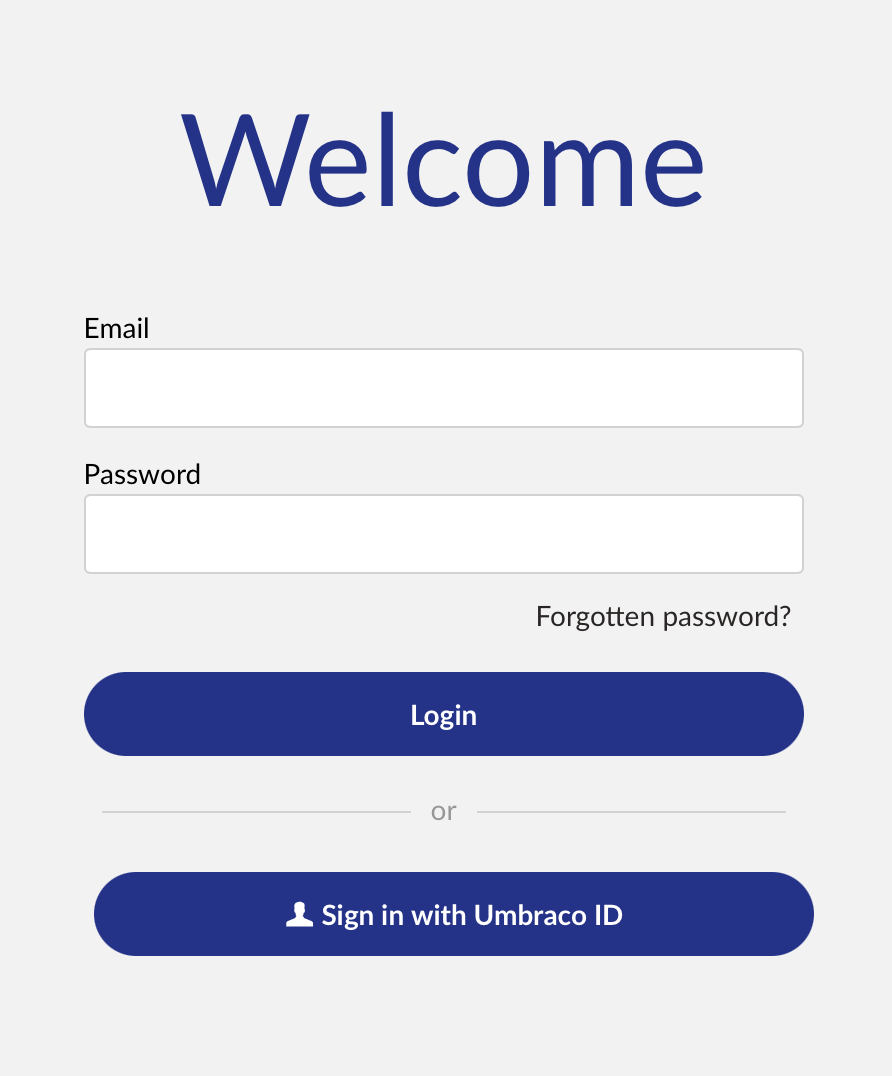
I can restore and see the DB in SQL Managment Studio, I can connect the test site to the DB but when I go to /umbraco and try and login I get a message saying that my username and or password are invalid.
I entered the same username and password I use to get in to Cloud and it not working on a Local Copy of the DB.
Can any one advise on a way to login.
I also tried creating a new version of the DB and using deploy (On Premis) and I keep getting data type errors.
Unhandled exception
An unhandled exception has occurred during the import.
This could result in a partially completed import operation, where data is persisted, but caches, indexes and other components that depend on the updated data are not refreshed.
Please inspect the error(s) below and the technical details to identify the root cause of the problem.
- Umbraco.Deploy.Core.Exceptions.ProcessArtifactException: Process pass #0 failed for artifact umb://relation-type/4954ce933bf93d1e9cd221bf9f9c2abf.
If the imported artifacts are persisted (shown in the backoffice), ensure Umbraco is in a consistent state by:
-
Restarting the site to ensure any in-memory caches are cleared.
-
Rebuilding the Examine indexes: go to the Settings section, Examine Management dashboard, Indexes panel and rebuild each index (or at least ExternalIndex and InternalIndex).
-
Rebuilding the published content/media cache (NuCache): go to the Settings section, Published Status dashboard, Caches panel and rebuild the Database Cache, followed by reloading the Memory Cache.
-
Generating the strongly typed Models Builder models (if using SourceCodeAuto or SourceCodeManual): go to the Settings section, Models Builder dashboard and generate the models.
-
Clearing the Deploy cached signatures: go to the Settings section, Deploy dashboard, Deploy Operations panel and clear the signatures (you can optionally re-create them again by setting the signatures).
Thanks
Darren