Hi,
Is there any way of changing the name/alias of a row/column or are there any plans on adding this as a feature in the future?
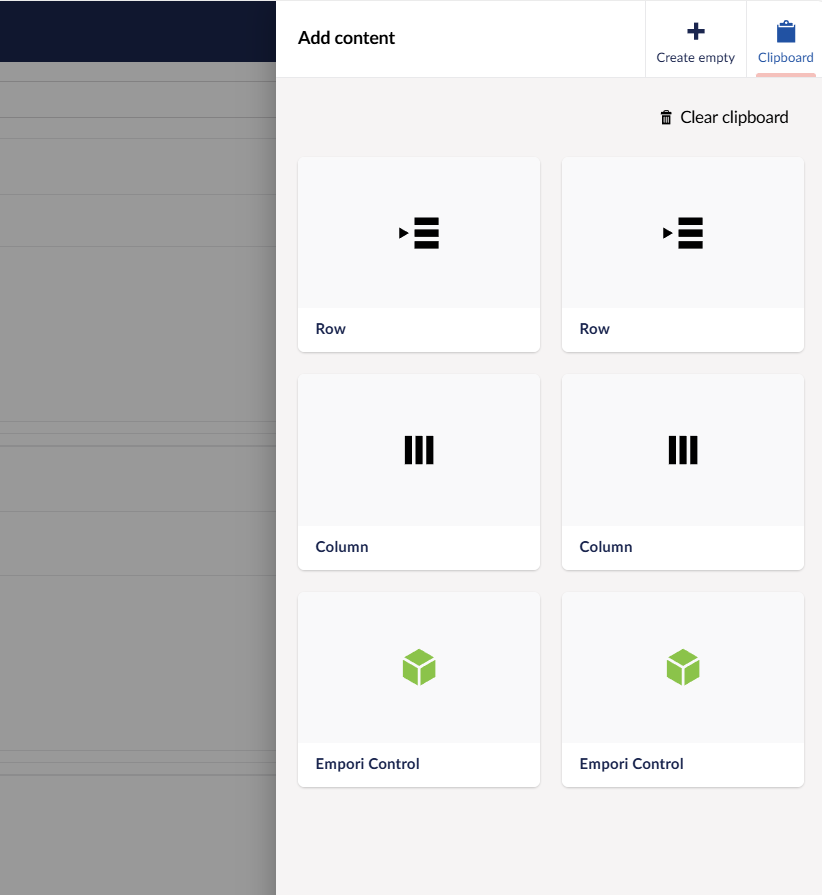
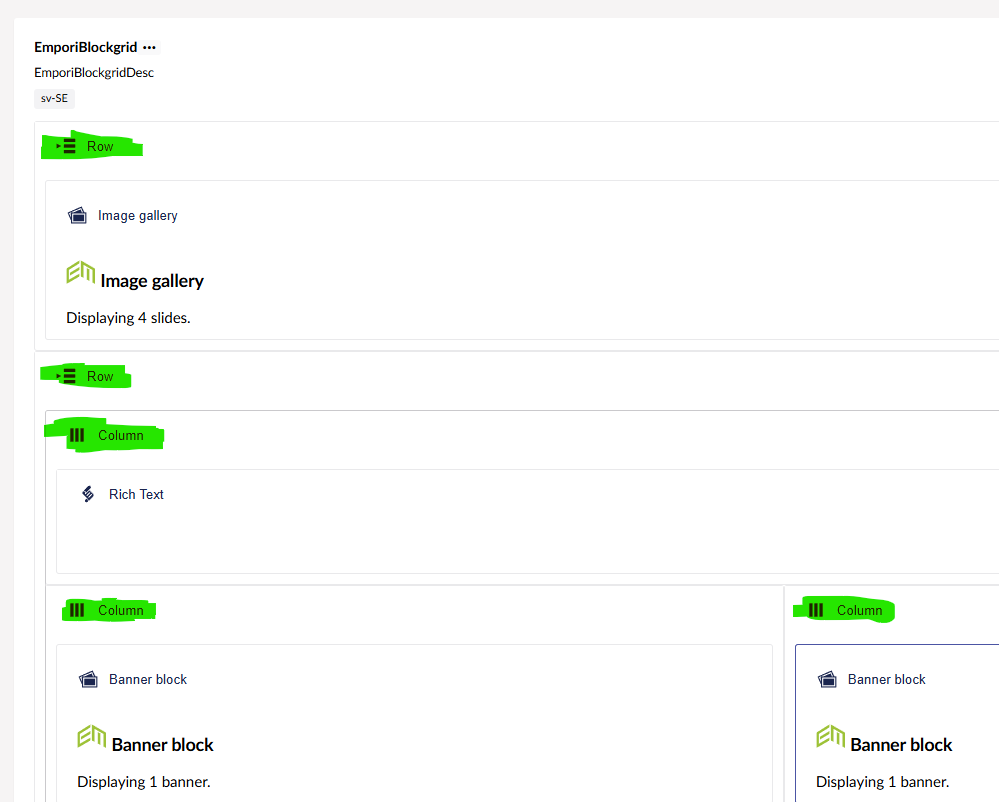
The reason i am asking is that right now it is quite difficult to distinguish rows and columns from one another when saved to the clipboard, this also applies to rows and columns in the content tab of an item (see attached pictures).
First I will say thanks for bringing such up, differentiating things is super important for Content Managers.
Currently its not an option on Clipboard level to rename Block instances — it is 1:1 using the name displayed on the Block.
But the name of the Block can be enhanced, from the screenshot, I spot this is a v.13 solution or older.
For v.13 or older, you can change the Block Types Label configuration to use one or more values from the Block, this is done with the Angular-JS template syntax, Read more here:
And for those working in v.14+ projects, then similar can be achieved with a new Label syntax called UFM, read about it here:
Please let me know how you see that working for you, and if not feel free to share how you like it to be resolved.
Row / Columns is a thing specific to your Project.
For me to see what a good general solution to that could be, I think I would like to know what you would expect.
Are you thinking about the ability to write a name as you copy?
Or later rename the clipboard entry?
Or have a name that is more contextual, providing some more information? And what could that be?
Yes that is of course the case, i did not consider that.
The guide you recommended earlier regarding configuring the block editor label props provided a sufficient solution to our problem. I believe we can consider this as solved.
Thanks for the support!
Thanks @PhilipAlderstig , just for the sake of the overview, could you mark it as the Solution? Then others can see that this thread holds a solution within
If you one day come up with a great idea on how to improve the Clipboard Overview then feel free to come back