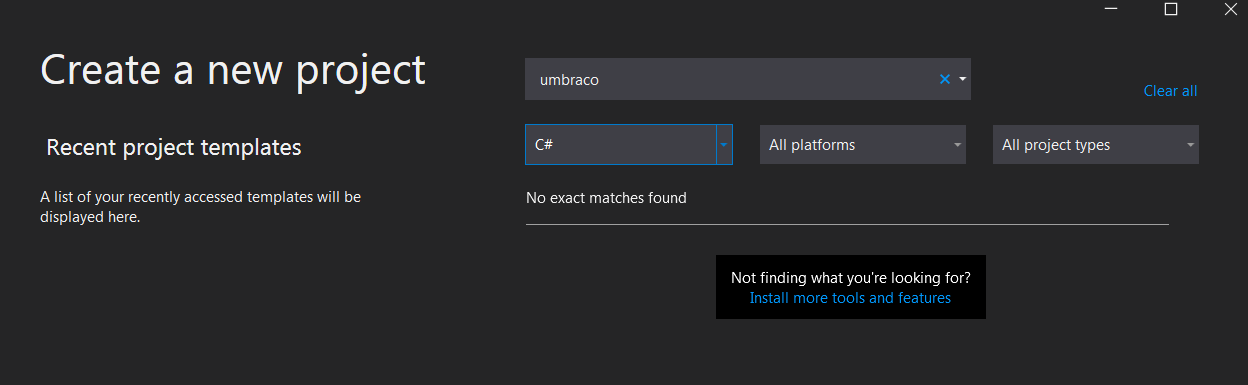
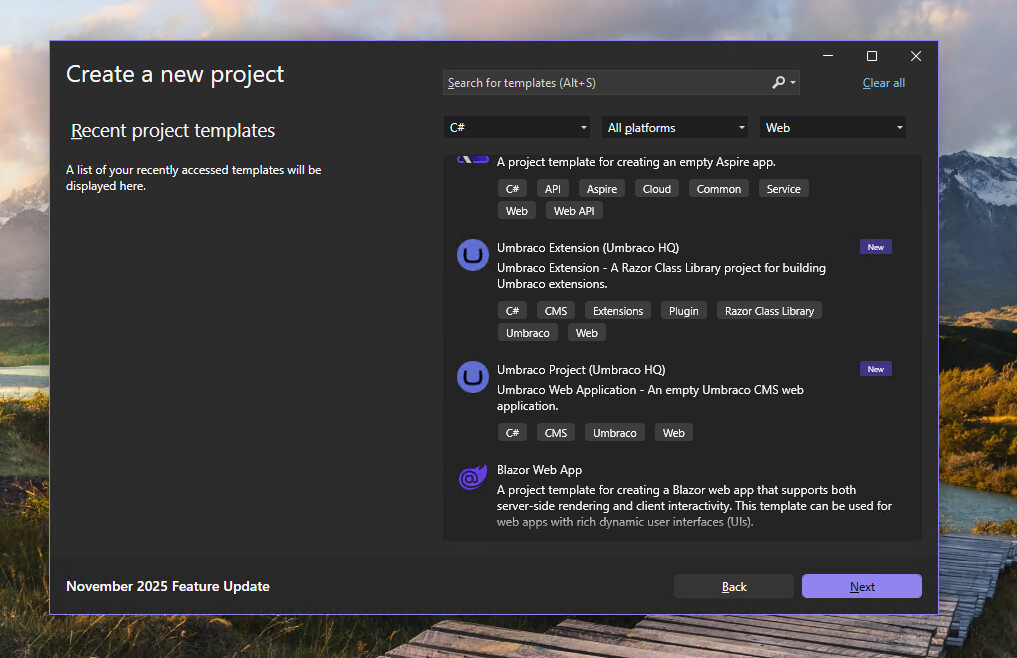
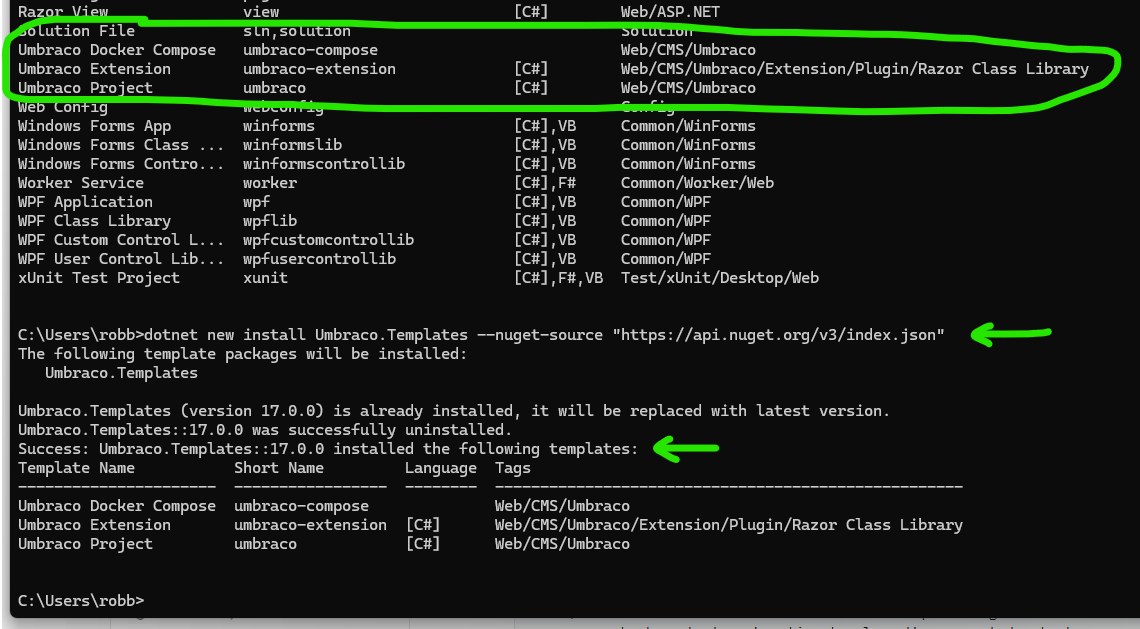
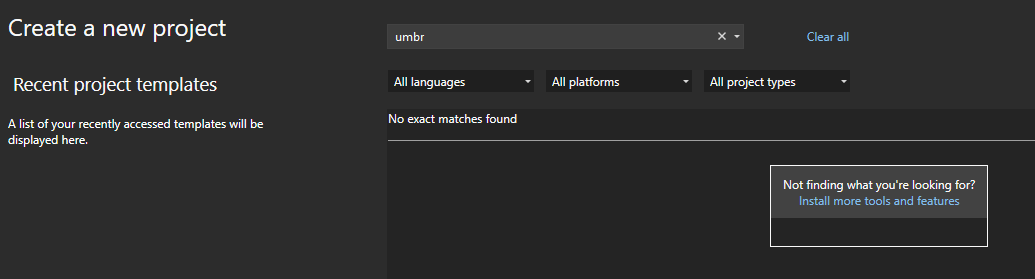
It is years later, Dec 2025, and I’m trying to install Umbraco 17 onto my local Windows 11 machine and after installing the Umbraco Templates using the command line and then verifying they were successful Visual Studio 2026 (.Net 10) will not acknowledge these templates in the “Create a new project” dialog of VS. Does anybody have any tips on this issue?
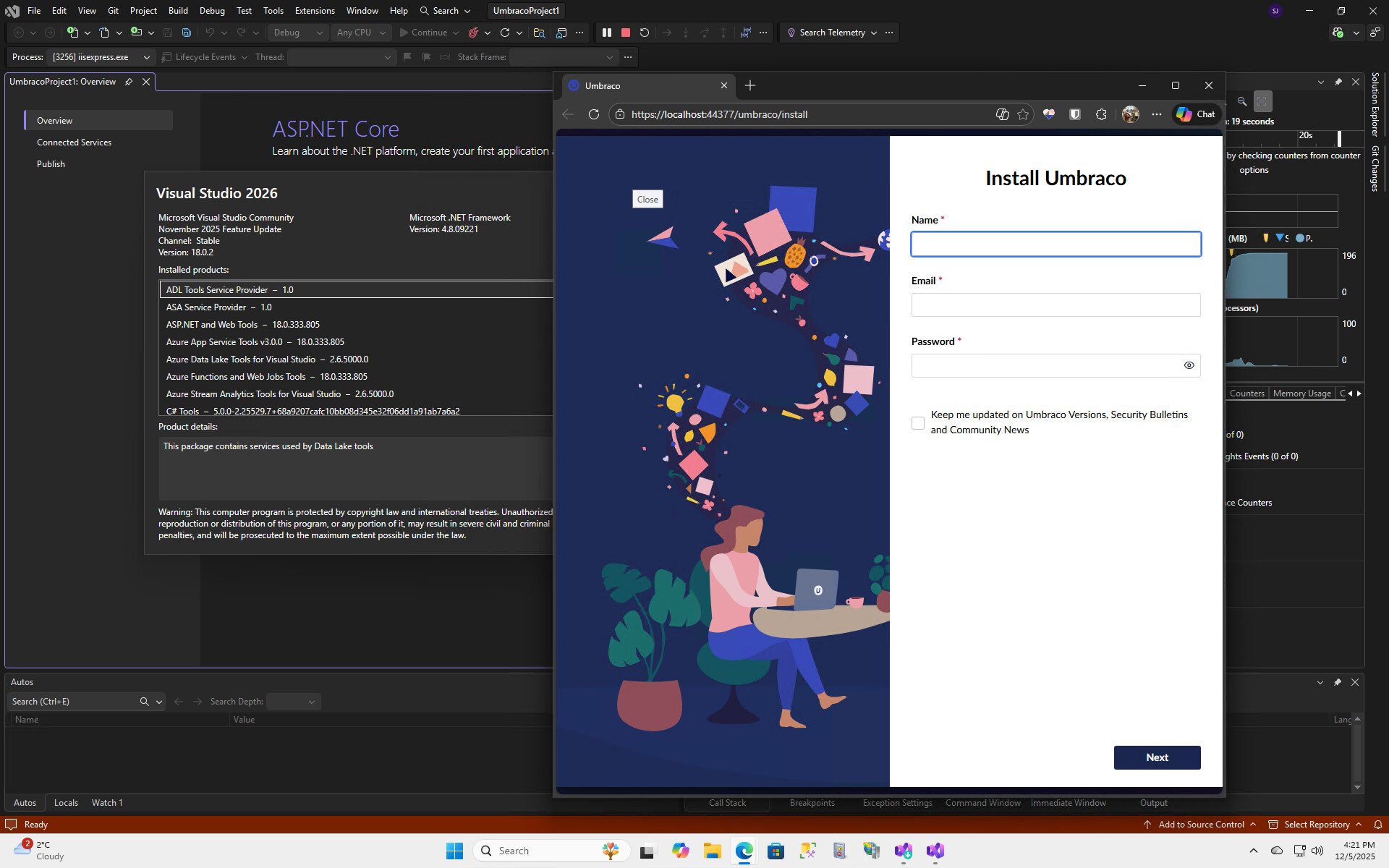
I’m trying to install Umbraco 17 onto my local Windows 11 machine and after installing the Umbraco Templates using the command line and then verifying they were successful Visual Studio 2026 (.Net 10) will not acknowledge these templates in the “Create a new project” dialog of VS. I have ensured that all the standard fixes to this problem were completed or checked and even after an AI deep dive it would not work. I have since gotten past this issue using a workaround but it sure seems to me that Microsoft does not want those templates showing up in VS 2026.
I’m not at a computer with VS 2026 so I can’t confirm what you’re seeing, but I know they appeared in VS 2022!
There’s a great tool that you can use to customise a script to run in the command line to install your Umbraco site. You can generate one script to copy that will set up your solution, your umbraco project and add any packages that you know you’re going to want. I’d recommend checking it out.
The tool was written by an excellent community member, Paul Seal, and it’s now the go to way to install Umbraco for lots of folks, and then open VS!
And let’s see if anyone else can shed some light on why you’re not seeing the templates via the ‘create new project’ dialog in VS 2026!
I don’t know if your terminal has messages that indicate something is wrong when you do dotnet new install Umbraco.Templates? Might not have succeeded, but other than that: they should install and create a v17 site for you!
Also strange is that you should be getting v17.0.1 which is what I got when I tried it on a VM..
Anyway, it may be that you need to install .NET 10? I am assuming that VS2026 did that for you though.
I assume you restarted VS after installing the templates (might need a full computer reboot if you also just installed VS, but I doubt that would help much).
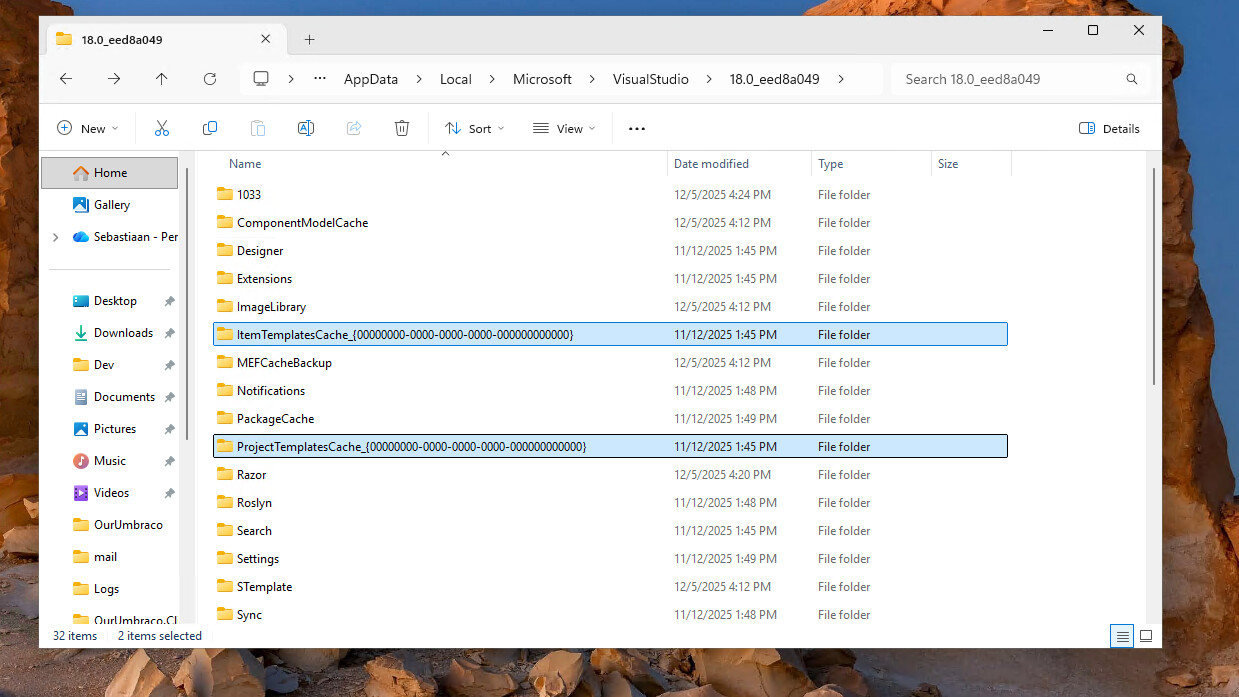
Apparently (ChatGPT tells me) you can delete the VS template cache and restart VS. To do that, delete these directories (I’d make a backup!).
FYI: .Net 10 was installed. And, yes, many restarts took place. I think the reason you had version 17.0.1 and I had 17.0.0 was that I attempted the install when 17.0.0 was the latest and literally a day later 17.0.1 was the latest.