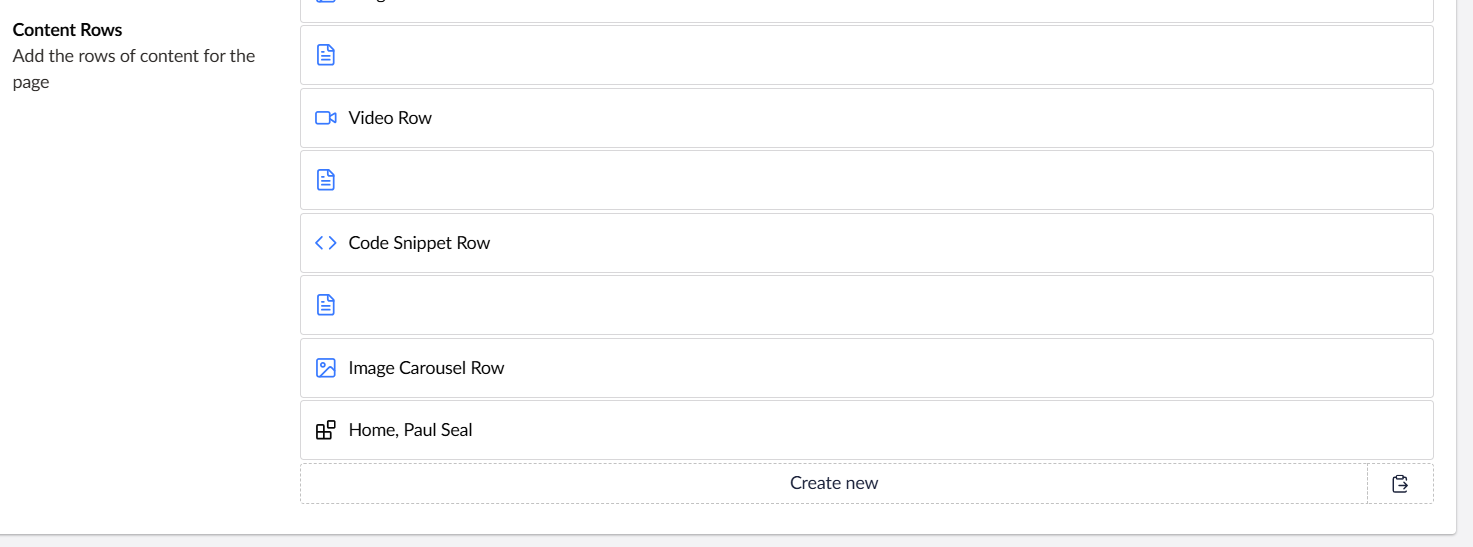
hey out there, we’re in the process of upgrading a v13 site to v16
we’ve run into a problem trying to convert this angular code that’s being used in a block list label:
{{link[0].nodeName || link[0].name ? link[0].name : link[0].url }} {{$settings.hide == '1' ? '(hidden)' : ''}}
the doctype property alias is link and it’s using the multi url picker datatype (in the use case, it has a max of 1 items so it’s effectively in single mode but we also have it in multi mode elsewhere in the site).
having found the post Block List Label from Multi Url Picker (Name not displaying) and our previous post How can you use a block list or block grid settings model property in a label in v16? we know we can do this:
{umbLink:link} ${$settings.hide ? '(hidden)' : ''}
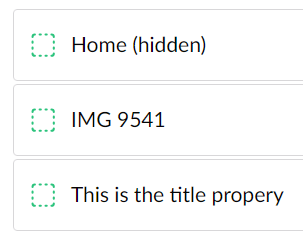
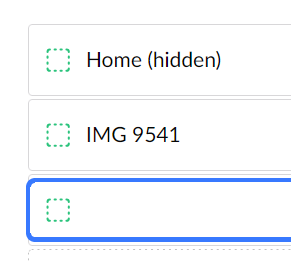
which is working:
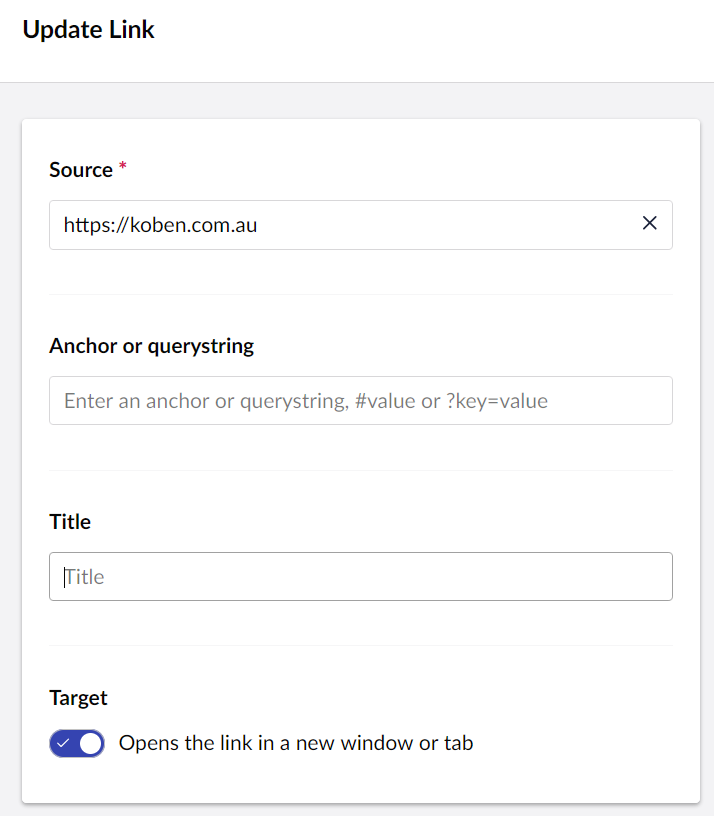
however we can’t seem to access the properties of the link? e.g if we add a link without a title:
we want to fallback to the url as no value comes out:
we’ve tried:
{umbLink:link.url}
{umbLink:link:url}
{umbLink:link[0].url}
{umbLink:link[0]:url}
interestingly, attempting the same but using umbValueresults in {object Object} being output:
{umbValue:link:url}
so far, no joy…
has anyone out there managed to do something like this?!?! would
1 Like
Hi @jakewilliamson
You can use in umbraco v16.2, support for Block Settings data has been added to UFM. Along with this, there is an advanced UFM syntax that can do JS-like expressions, (pretty much how AngularJS expressions worked).
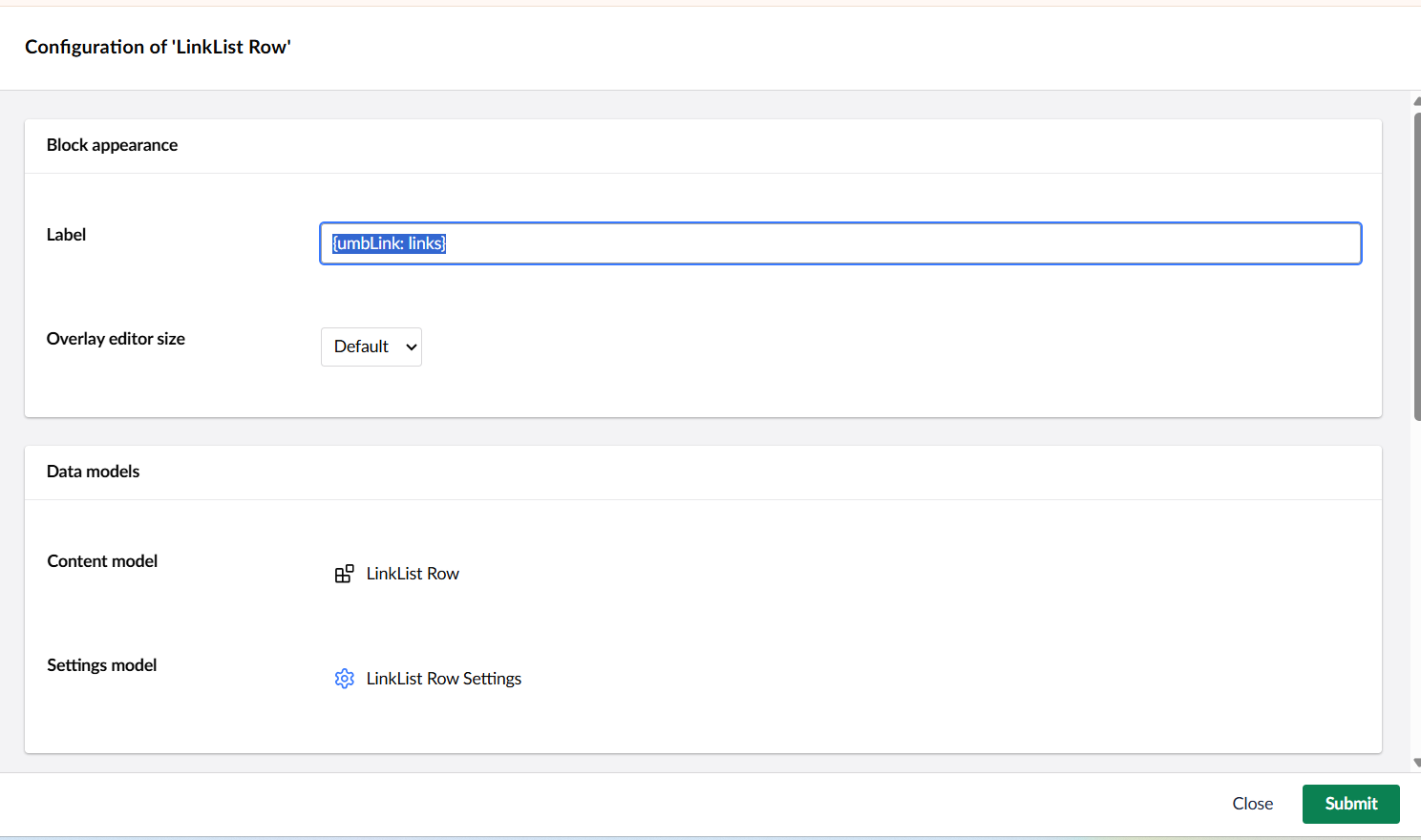
{umbLink: links}
1 Like
jacob
September 3, 2025, 6:52am
4
deepakaggrawal:
You can use in umbraco v16.2, support for Block Settings data has been added to UFM. Along with this, there is an advanced UFM syntax that can do JS-like expressions, (pretty much how AngularJS expressions worked).
{umbLink: links}
The {umbLink} is a regular UFM function and is available in 16.1 and earlier.
The new, more advanced syntax available in 16.2 enables you to output raw values, which could be suitable for the post here:
${link[0].name ? link[0].name : link[0].url}
You have to prefix it with a $sign to “turn on” the advanced JS-like syntax.
3 Likes
absolutely amazing
thank you @deepakaggrawal and @jacob for the replies, i have a feeling that using the $ prefix to ‘turn on’ the advanced js-like syntax is going to be the winning answer for a lot of our label based questions
1 Like
jacob
September 3, 2025, 7:25am
6
Give it a try on the Release Candidate if you’d like:
https://our.umbraco.com/download/releases/1620
1 Like
system
October 3, 2025, 7:25am
7
This topic was automatically closed 30 days after the last reply. New replies are no longer allowed.
 to hear from you if you have