Broken URL when inserting a link to a Text control

We have an issue with rendering tracking URLs in emails for some content pages.

The result is that a URL comes broken in the email body.

Replicating the issue

The content structure is as follows:

  1. First root is the main site, with a domain assigned, eg, mydomain.com

  2. The second root is a business site, with a domain, eg, mydomain.com/business

We have several email templates, both campaign and transactional, where we insert links to business site pages, eg, pages of the secondary root with a separate domain as above.
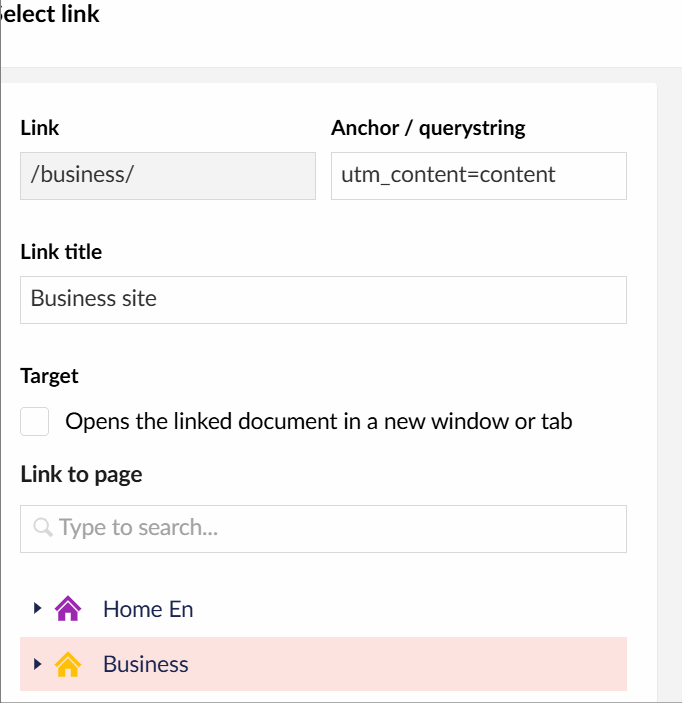
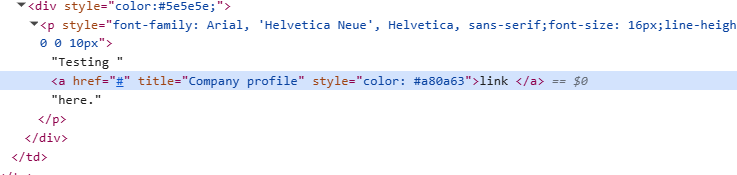
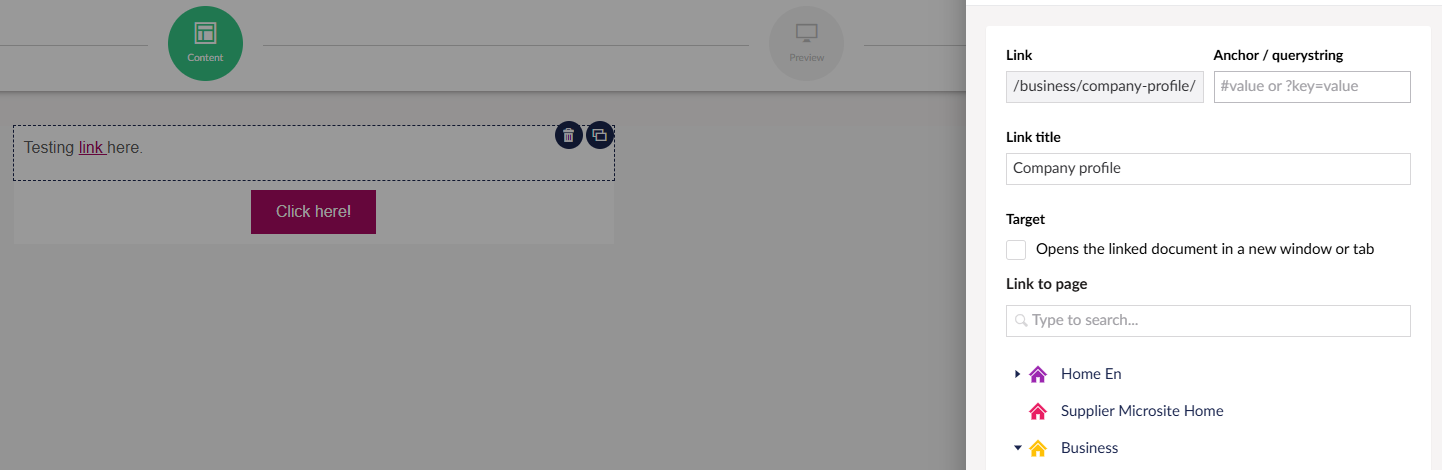
Each time we insert a content page URL in the email body (Content > Text control), it looks correct in the Text control’s code view:

/{localLink:umb://document/4dd37182719c478ea56b1e4fa72a59ff}

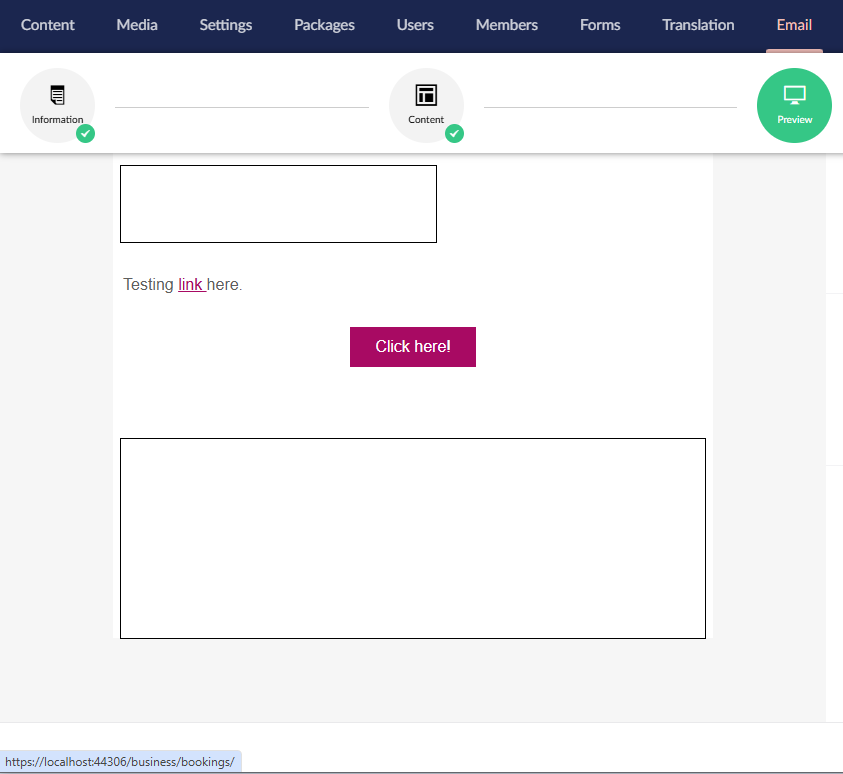
as the anchor’s href value. The URLs render correctly in the preview tab.

However, in the email, it comes as a broken link (anchor with empty href).

Hacking the issue

Since the beginning, we have gone around this by inserting URLs manually, which means, instead of selecting the relevant content node when inserting the link, we just fill in the Link field with the full page URL we want to link to. This can obviously lead to mistakes.

As we are getting more and more email templates, this becomes more difficult to control.

Solution?

Is there anything that could be done to fix it?

Versions

Umbraco version 13.2.1

Newsletter Studio version 13.0.16
This might not help but in the past I extracted the hyperlinks (using regex) from the content editor, obtaining the correct underlying link from the umb URL and then resave/publish the content.

Although this worked, I don’t know if it would satisfy all scenarios that you may have.

In Newsletter Studio’s text control?

Why haven’t you updated Umbraco to the latest 13? I don’t know all the changes and fixes from the top of my head, but if you are having issues, wouldn’t it make sense to at least have the latest minor version of Umbraco?

I don’t think it’s the problem with Umbraco, rather NS @markusjoha

Hi @ewuski !

Sounds like a frustrating issue! Thank you for reaching out to help me understand the issue.

I tried to reproduce this problem but I could not get the empty anchor that you’re referring to.

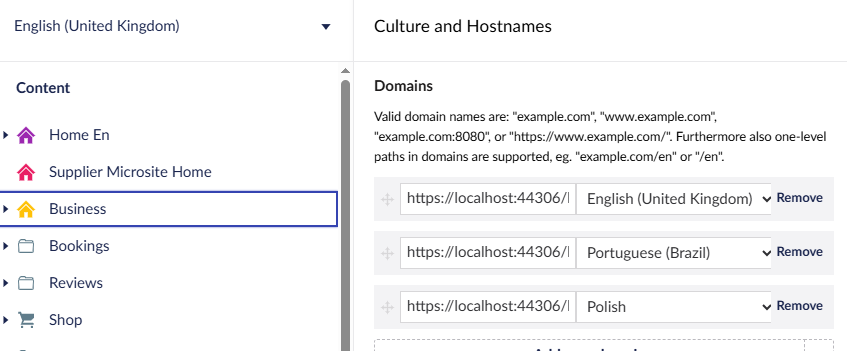
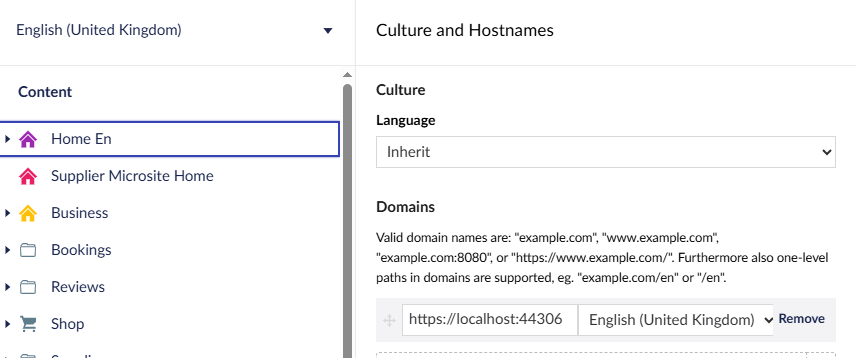
Did you configure the “Culture and Hostname” correctly for the root nodes in the Content-tree so that the resolved URLs are correct?

Would you mind trying to explain the problem in a little more detail so that I can understand what’s happening, since the preview rendering works it sounds like something is going wrong during the creation of the tracking liks (like you said).

Can you please also ensure to include:

  • Information about your culture and hostname setup
  • Step by step guide on the setup
  • Exact details about the links, are you adding any question string etc?
  • Detailed explanation of where/when the a href attribute becomes empty.

All the best!

// Markus

Hi Markus, thanks for answering.

All links that are supposed to lead to the secondary website become empty in the email body.

The setup is as follows:

It might be that because the domain is the same, the URL is not getting written correctly?

Also, we have variants on each website, not sure if they add to the problem. Their hostname pattern is as follows:

Root:

  • mydomain. com
  • mydomain. com/pt
  • mydomain. com/fr

etc.

Secondary:

  • mydomain. com/business
  • mydomain. com/business/pt
  • mydomain. com/business/fr

etc.

Yes, we add query strings to some, but even without them, the urls become empty in the email body.

Thank you!

In my testing, I never managed to get the href to be empty when having a “nested” root node like in your example.

But just to be clear, when you say it “works” does this mean that you get a link like thi in your email

<a href="http://mydomain.com/__ns/link......">

But then when it does not work, you get an empty attribute?

<a href="">

Do you see any errors in the Log Viewer? (Settings > Log Viewer)

// m

No, when it doesn’t work, I mean that the tracking URL does not appear in the anchor in the email body. The anchor is empty, with only the query string if there is any qs provided in the URL in the text control.

I’ll check the log.

There are no server log errors.

Hi @markusjoha

Is there a chance to take a look at it? Thanks

Hi!

I’ve spent quite some time trying to replicate the issue on Umbraco 13.2.1 and Newsletter Studio 13.0.6.

Here is a example of a full walk trough of the setup and the result, all the links in the sent emails include the path (not just the query string) in the URL:


Is this how you’re setup looks as well?

Do you have any kind of custom code around Newsletter Studio in your setup? I’m thinking things like custom [Render Tasks](Render Tasks | Documentation | Newsletter Studio) or any kind of custom views etc?

If we cannot figure this out over the forum we could maybe talk over email or schedule a Teams meeting or something so that we can try narrow down the issue togheter.

Cheers!

Just in case it’s related/similar there was this issue in UForms for absolute urls in razor email templates..

1 Like

Hi!

@ewuski, did you have any chance to look at this?

If you have any further insights it would be very interesting, or if you would like to schedule a teams meeting to try to look in to this.

Feel free to reach out over email: markus [ at sign goes here ] enkelmedia.se.

// Markus

Thanks for the link @mistyn8!

The package has a mechanism that will make any relative links or image references absolute, but it seems like the problem here is that the href-attribute becomes totally empty.

Hi, sorry, I have not seen your replies. Will take a look over the next few days and come back to you. Thanks for taking a look at it!