Block list label for dates in v17

I have created a block list which use a block element that has 2 date only fields: dateFrom and dateTo.
In the blocklist label i have set:
From ${dateFrom} to ${dateTo}

But i get:

From \[object Object\] to \[object Object\]

I have tried adding toString() ${dateFrom.toString()} and many other things but i cant get the value.
I would like to get the date and format it as from 1 january 2025 to 1 febrary 2025

You can do {umbValue:dateFrom} or shortHand {=dateFrom}

Umbraco Flavored Markdown | CMS | Umbraco Documentation

Though this will simply take the toString() representation of the object, so a date picker will give “2026-01-12 00:00:00” which we prob don’t want to see the timepart…

If you want more control then you might have to create a custom component or filter.

Umbraco Flavored Markdown | CMS | Umbraco Documentation > Component

Umbraco Flavored Markdown | CMS | Umbraco Documentation > Filter

There is also this great 24 days article from @glombek Umbraco Flavored Markdown: A ${template} for success - 24 Days In Umbraco

1 Like

I’d recommend the longhand format (in versions that support it - 16.2ish and above) as the shorthand is deprecated.

Thanks for the mention, there’s a sample date filter in that blog post.

Deprecated already :face_with_raised_eyebrow: … seemed to nicely fit with magic strings elsewhere..

but thanks for the info..

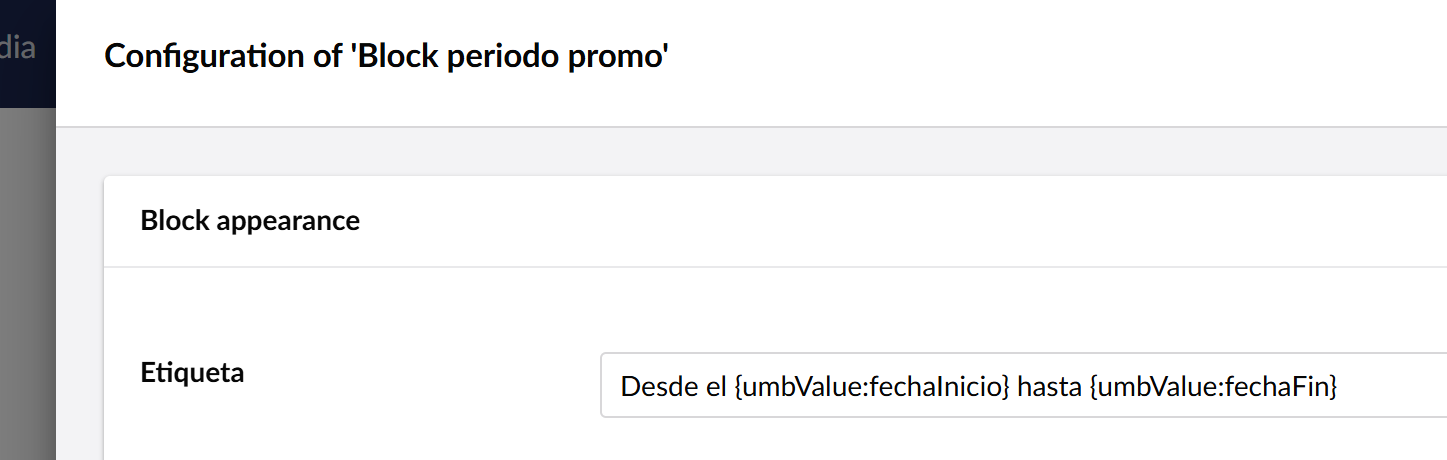
Thanks for your answers, but i had tried that too. This is it (in spanish):

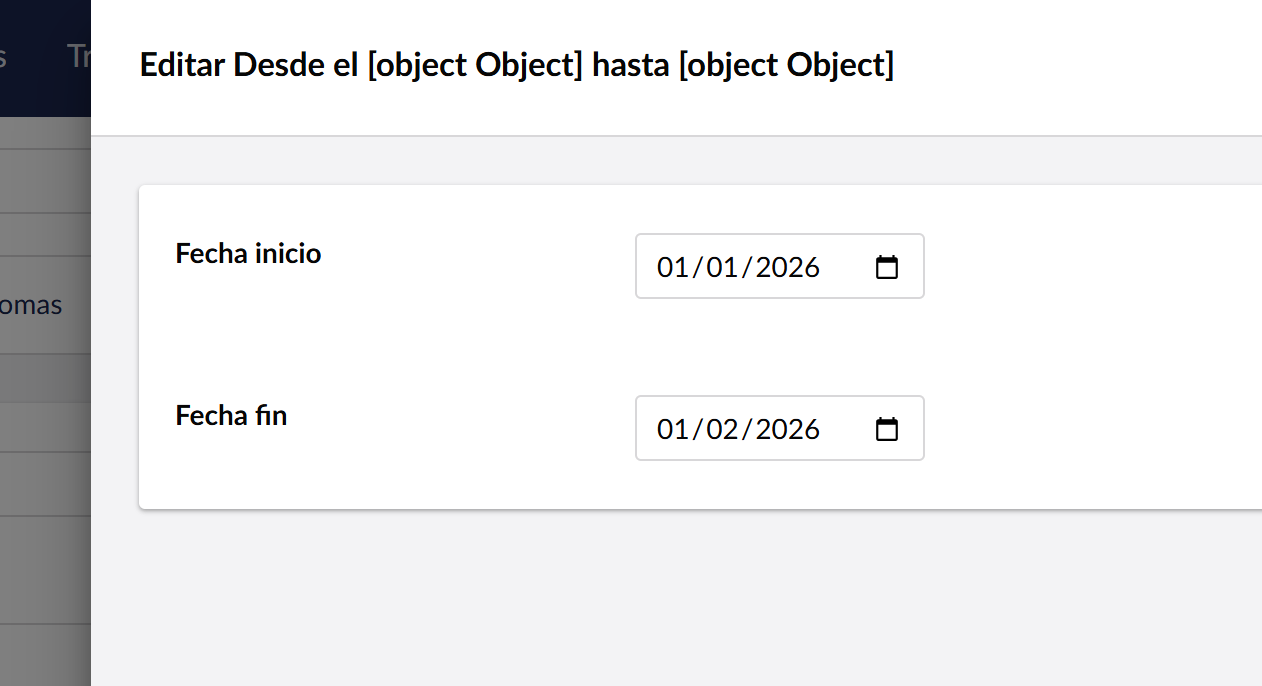
And this is the rendering:

It seems to be rendering an object, i have tried ${fechaInicio.value} and similar but not working.

This is what the values are in the date picker (it is a date only picker):

Im using v17.1.0.

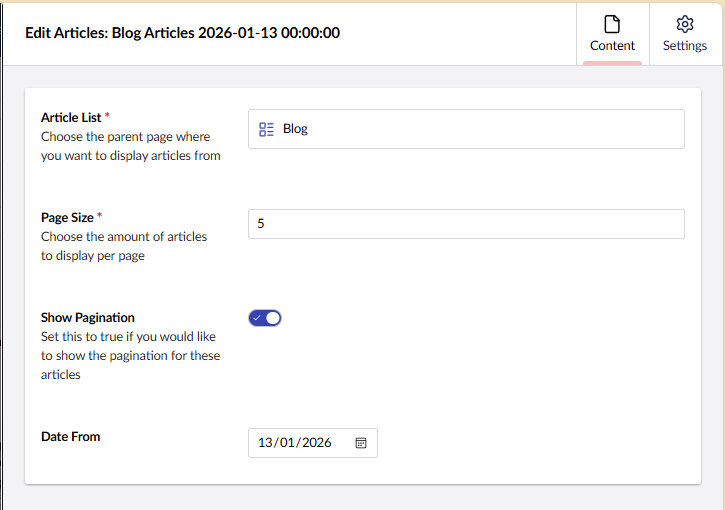
I was in 17.0.2 but just to sanity check for you same test in 17.1.0, seems to work

and in the blockedit header too..

I wonder if it’s anything to do with date formats and the conversion to UTC in 17 for storage in the DB? (if you’ve update to 17 rahter than started in 17?)

Not sure if your date 01/02/2026 is february or still intended to be January? though saying that 01/01/2026 should be valid either way…

Maybe the easiest way to trouble shoot is that custom ufm filter/component and then you can breakpoint to see what’s going on?

This project was initially v17.0.2 and upgraded to v17.1.0

I created the block list editor after upgrading.

01/02/2026 its february 1st.

I guess its something about the culture, my user es-ES and as it is date only no localzone should be involved

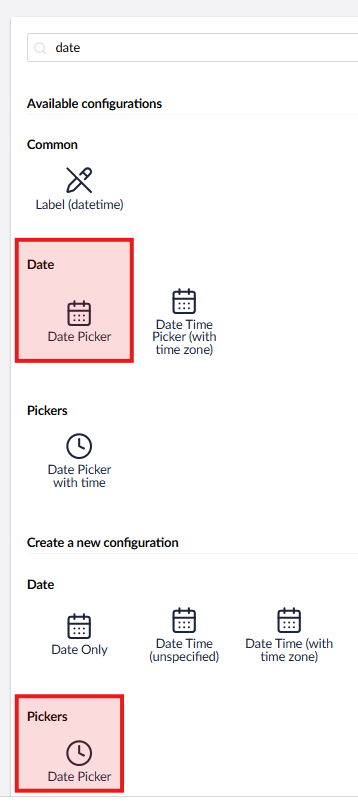
Seems there might be 2 date pickers here.. I’m using the Picker → DatePicker

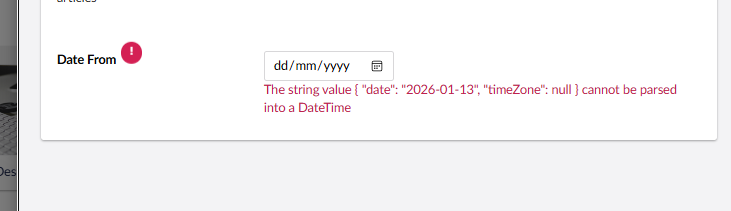
If I change over to the Date → Date Picker, I start to see [Object object], prob as this picker seems to store { "date": "2026-01-13", "timeZone": null }

And not just a UTC string representation of a date… which I think that what’s UFM is after for .toJSON() to work on a utc date?
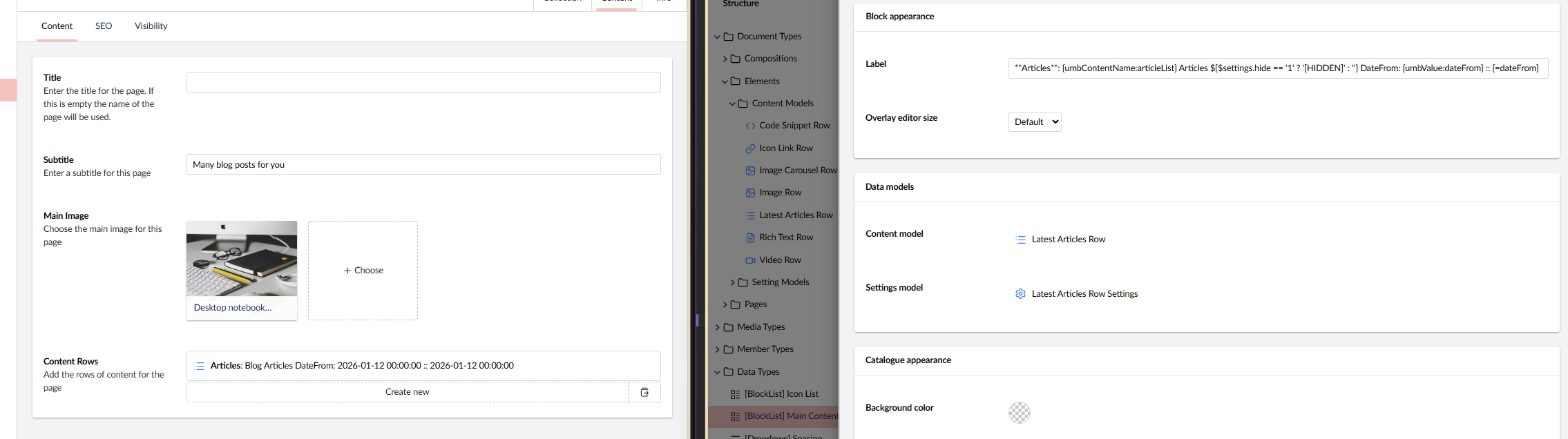
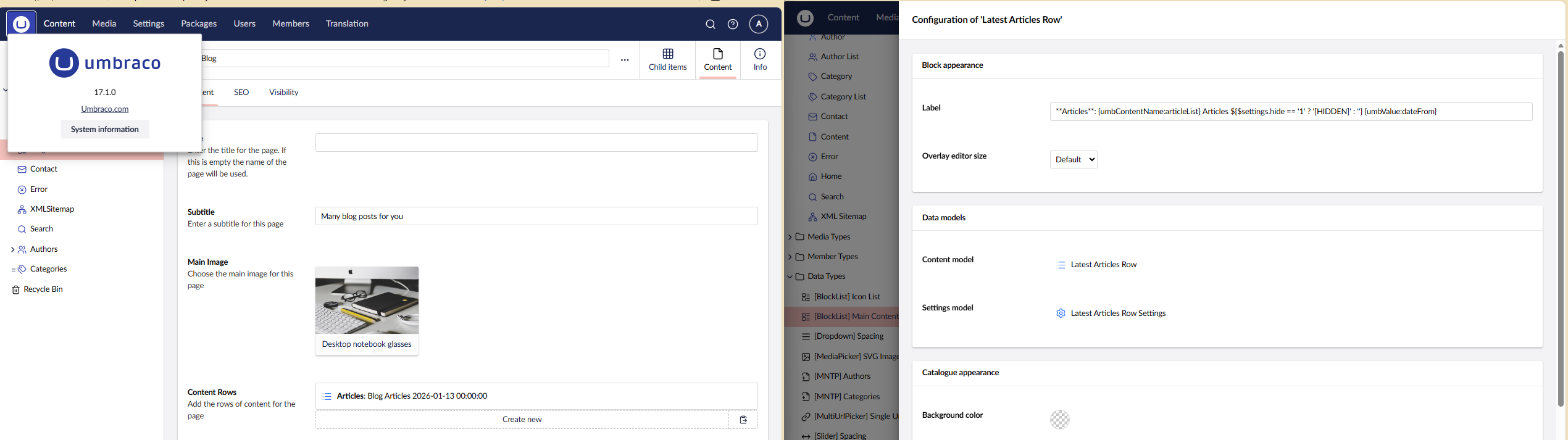
Indeed I managed to break the back office… :wink:

image
This setting works…

this one doesn’t..

Yes, changing to Date Picker works for me too, the date only stored this value:
{“date”:“2026-01-01T00:00:00+00:00”,“timeZone”:null}

Now using this:

Desde el ${fechaInicio} hasta el ${fechaFin}

Or this:

Desde el {umbValue:fechaInicio} hasta el {umbValue:fechaFin}

I get this:

Desde el 2026-01-01 00:00:00 hasta 2026-02-01 00:00:00

But i would like to format the dates to get this:

Desde el 1 de enero de 2026 hasta el 1 de febrero de 2026

How could i get that?

Most probably a custom ufm filter.. So I’d refer you back to

which as Joe mentioned above actually has a date parsing filter!